

From my experience with Cognito, I found it excels at providing educators with an intuitive platform to create interactive assessments quickly. The drag-and-drop builder and real-time analytics make it practical for monitoring student progress without technical hurdles. It’s particularly well-suited for teachers and trainers who need straightforward tools for remote or hybrid learning environments. However, the platform is limited to English and lacks a dedicated mobile app, which may restrict accessibility for some users. Overall, if you need a reliable, easy-to-use tool for educational quizzes and surveys, Cognito delivers solid functionality with a clear focus on engagement and assessment.
Cognito Education Platform for Interactive Learning and Assessment Tools
Cognito is an online education platform that allows educators to create interactive quizzes and surveys, track responses in real-time, and analyze student performance to support effective learning.
- Best for
- Creating Interactive Assessments
- Key capability
- Drag-and-Drop Form Builder
Your actions


Do you recommend this tool?
What is Cognito?
Cognito is an online education platform that enables educators to create interactive quizzes, surveys, and forms for assessment and engagement purposes. It is designed to support teaching and learning by providing easy-to-use tools for building custom assessments and collecting data efficiently.
Key features of Cognito
Cognito offers a user-friendly form builder with multiple question types, real-time response tracking, detailed analytics, and integration capabilities to enhance educational workflows.
Drag-and-Drop Form Builder
Easily create custom quizzes and surveys with various question types including multiple choice, text, and rating scales.
Real-Time Response Tracking
View student answers as they are submitted to monitor progress and engagement.
Detailed Analytics and Reporting
Access comprehensive reports to analyze results and identify learning trends.
Custom Branding
Add logos and customize the look of assessments to match institutional branding.
Integration Options
Connect with other educational tools and platforms to streamline workflows.
Pros and cons of Cognito
Pros
- Intuitive drag-and-drop interface
- Real-time analytics for immediate feedback
- Customizable branding options
- Supports multiple question types
- Free plan available for basic needs
Cons
- Limited language support (English only)
- No dedicated mobile app, web-only platform
- Advanced integrations require paid plans
Key use cases for Cognito
Creating Interactive Assessments
Teachers and educators can design quizzes, surveys, and forms to assess student knowledge and gather feedback.
Student Engagement
Engage students with interactive content that supports learning and retention through varied question types.
Data Collection and Analysis
Collect responses in real-time and analyze results to inform teaching strategies and measure learning outcomes.
Remote Learning Support
Facilitate online assessments and assignments for students learning remotely or in hybrid environments.
How Cognito works
- 1
Sign Up
Create a free account on the Cognito website to access the platform.
- 2
Build Assessments
Use the drag-and-drop form builder to create quizzes, surveys, or forms tailored to your educational needs.
- 3
Distribute to Students
Share the assessment link with students via email, LMS, or embed it on a website.
- 4
Collect and Analyze Responses
Monitor student submissions in real-time and use built-in analytics to evaluate performance.
Who is using Cognito
K-12 educators
Higher education instructors
Training and development professionals
Remote learning coordinators
Educational administrators
Cognito pricing
Free
$0/month
Basic access with limited forms and responses per month.
Pro
$15/month
Expanded features including unlimited forms, advanced analytics, and priority support.
Plans and prices are as published by the vendor and can change. Check the official site before you buy. Open the pricing page (opens in a new tab)
Frequently asked questions about Cognito
Yes, Cognito offers a free plan with limited features suitable for basic use.
Yes, you can add your own branding and customize colors and logos.
Yes, you can monitor responses as they come in.
Absolutely, it supports online assessments ideal for remote or hybrid education.
This tool is designed to help users accomplish its core tasks more efficiently. It is typically used by individuals or teams looking to improve productivity and workflow.
Yes, it can help with that use case depending on how you configure it and what features are available. You’ll get the best results with clear inputs and a defined goal.
Some tools offer a free plan or trial with limited features. Availability can vary, so confirm on the official website.
Yes, it can help with that use case depending on how you configure it and what features are available. You’ll get the best results with clear inputs and a defined goal.
Sign in to review this tool.
Sign In to ReviewNo reviews yet
Be the first to share how this tool worked for you.
Ask about pricing, limits, or how it compares — or answer someone else.
Sign In to AskNo questions yet
Have a question about using or paying for this tool? Be the first to ask.
Featured on TiorAI



Alternative Tools
Explore similar AI tools that might fit your needs
Free
Typeform
Typeform is an online platform that enables users to create interactive, conversational forms and surveys to collect data, feedback, and leads with customizable templates and logic jumps.
Free
SurveyMonkey
SurveyMonkey is an online survey platform that helps users create, distribute, and analyze surveys for collecting feedback, conducting market research, and measuring engagement.
More AI Education & Learning Tools tools
Other tools in the same category, for when this one is not quite the fit.

Free
bentolingo
BentoLingo is an AI-driven language learning platform that provides personalized speaking practice and real-time feedback to help users improve fluency in multiple languages.

Free Trial
Testnut
Testnut is an online exam platform that enables secure, scalable assessments with remote proctoring, automated grading, and detailed analytics, suitable for education and corporate use.

Freemium
Testbook.ai
Testbook.ai is an AI-driven platform offering personalized study plans, mock tests, and live classes to help students prepare effectively for competitive exams.

Free
AICamp
AICamp is an AI education platform offering project-based learning to teach AI, machine learning, and data science through hands-on projects and community mentorship.
Free
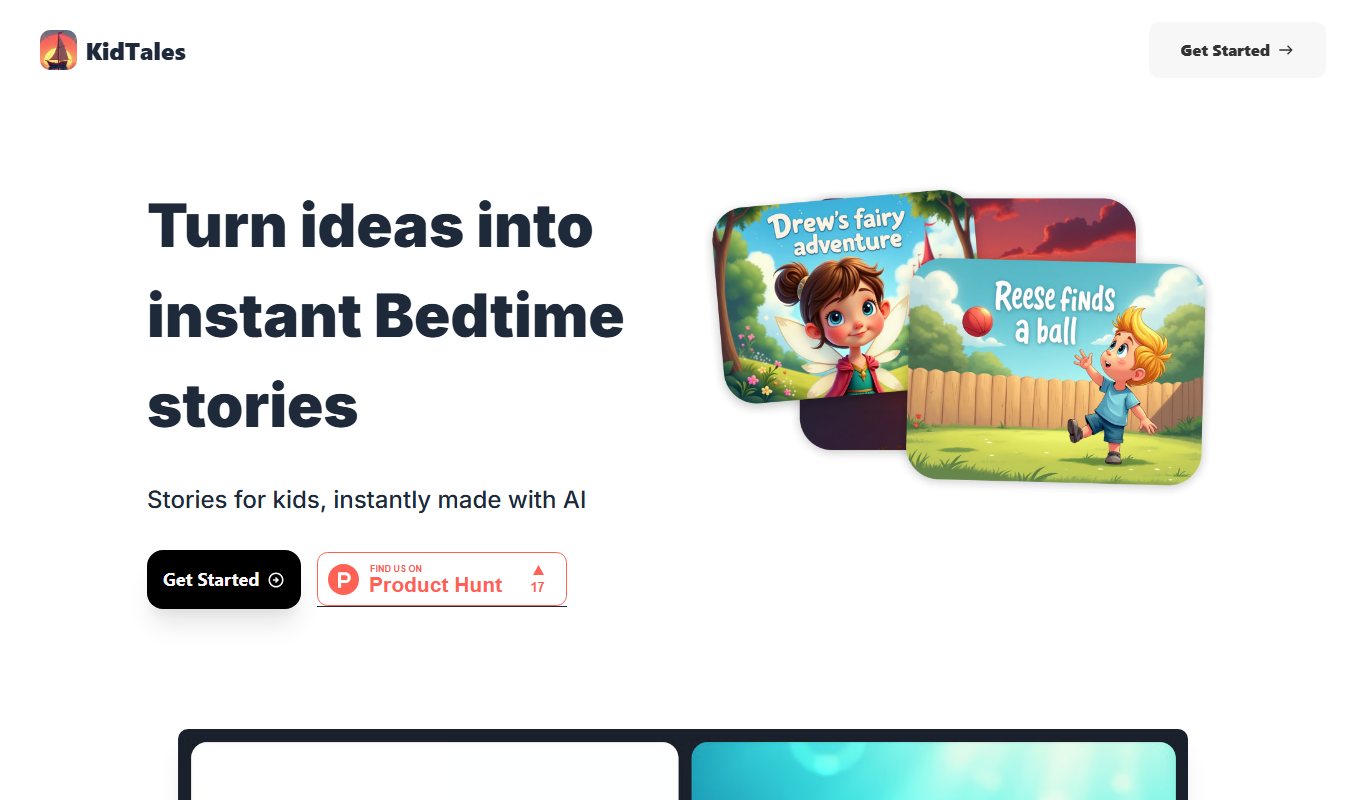
KidTales
KidTales AI is an online tool that generates personalized, age-appropriate stories for children to support creativity and learning.
Freemium
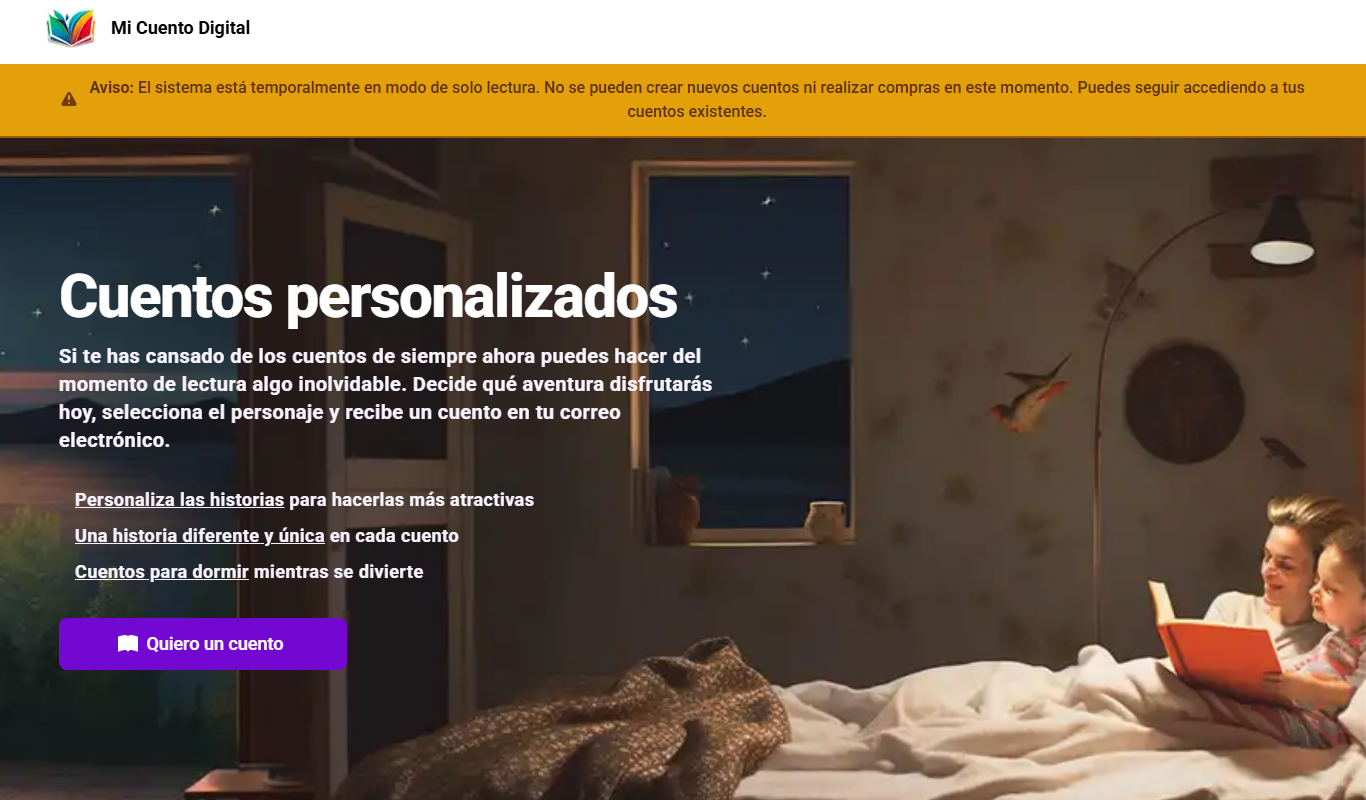
Mi Cuento Digital
Mi Cuento Digital is an online platform that lets you create personalized digital storybooks for children by adding names, photos, and custom details to engage young readers.

Free
Kidgeni
Kidgeni is an AI-powered tutoring platform designed to provide personalized learning and homework help for children, focusing on core subjects like math and reading through interactive sessions.

Freemium
flAI
flAI is an AI-driven language learning app that provides personalized speaking and writing practice with real-time feedback to help users improve fluency and confidence in multiple languages.