

From my experience with timeOS 2.0, I found it excels at automating time tracking through AI, which significantly reduces the need for manual input and helps maintain focus. The productivity insights it provides are practical for both individuals and teams aiming to optimize their workflows. While the lack of a mobile app is a limitation, the desktop and web platforms are robust and user-friendly. Overall, if you need an intelligent time tracking solution that integrates well with project management tools, timeOS 2.0 delivers reliable and actionable results.
timeOS 2.0 AI-Powered Time Tracking and Productivity Management Software
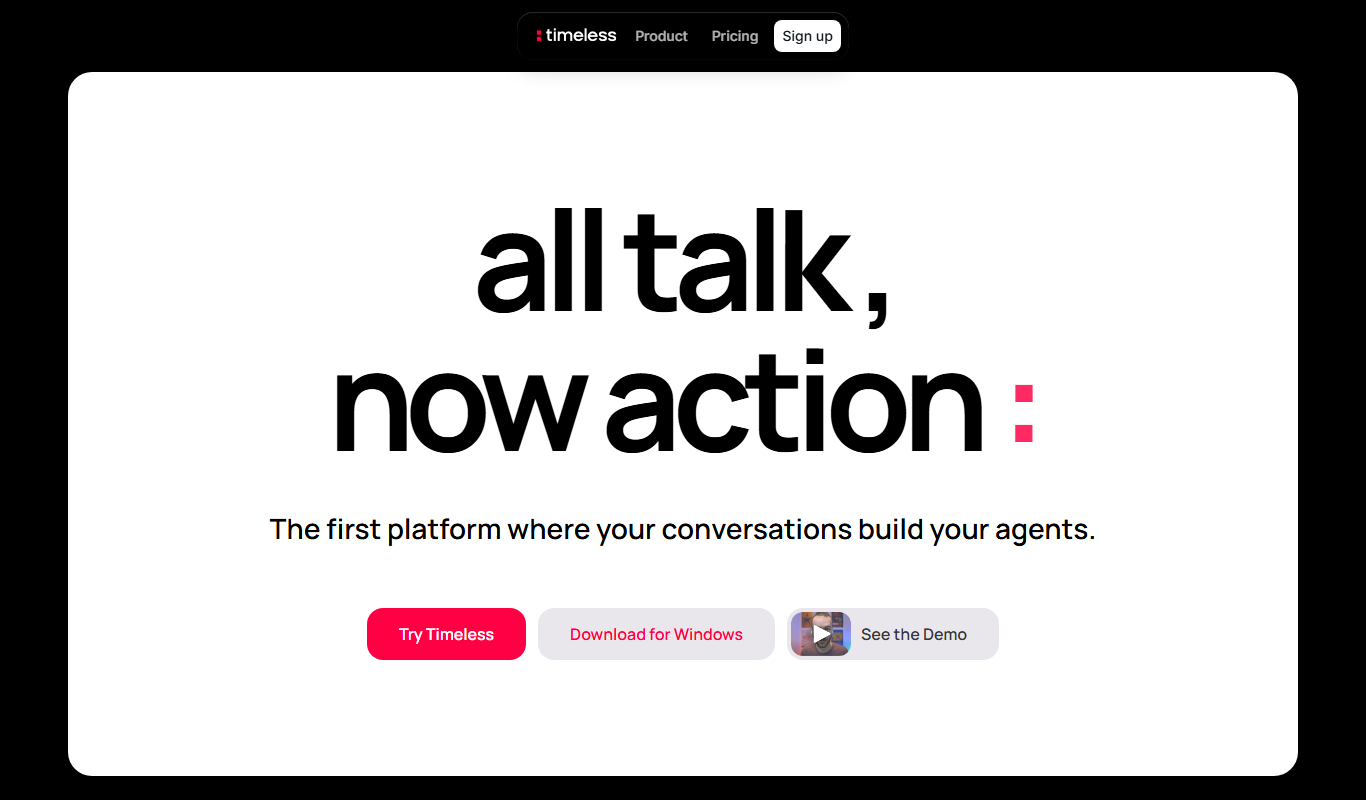
timeOS 2.0 is an AI-powered software that automates time tracking and productivity analysis to help individuals and teams optimize their work hours and project management.
- Best for
- Automated Time Tracking
- Key capability
- AI-Powered Time Tracking
Your actions
Do you recommend this tool?
What is timeOS 2.0?
timeOS 2.0 is an AI-driven time tracking and productivity management software designed to automate the process of monitoring work hours and activities. It helps individuals and teams gain insights into how time is spent, enabling better planning, efficiency, and project management. The tool leverages artificial intelligence to reduce manual input and provide actionable analytics.
Key features of timeOS 2.0
Key features include automatic time tracking, AI-powered productivity analysis, seamless integration with project management platforms, team monitoring capabilities, and comprehensive reporting tools to optimize work efficiency.
AI-Powered Time Tracking
Automatically detects and logs work activities without manual timers.
Detailed Productivity Reports
Visualize time allocation and productivity trends with easy-to-understand analytics.
Project and Task Categorization
Organize tracked time by projects and tasks for better management.
Team Monitoring and Collaboration
Track team members’ time usage to optimize resource allocation and collaboration.
Integration Capabilities
Connect with popular project management and communication tools to streamline workflows.
Pros and cons of timeOS 2.0
Pros
- Automates time tracking to reduce manual effort
- Provides insightful productivity analytics
- Supports team collaboration and monitoring
- Integrates with popular project management tools
- User-friendly interface with easy setup
Cons
- No mobile app currently available
- Limited free plan features
- Custom pricing may be expensive for small teams
Key use cases for timeOS 2.0
Automated Time Tracking
Automatically track work hours and activities without manual input to improve accuracy and reduce distractions.
Productivity Analysis
Analyze time spent on tasks and projects to identify productivity patterns and optimize workflows.
Project Management Integration
Integrate with project management tools to align time tracking with project goals and deadlines.
Team Collaboration
Monitor team time usage and productivity to enhance collaboration and resource allocation.
Reporting and Insights
Generate detailed reports on time usage, project progress, and employee productivity for informed decision-making.
How timeOS 2.0 works
- 1
Sign Up and Install
Create an account on the timeOS website and install the desktop or web application.
- 2
Configure Settings
Set up your work categories, projects, and integrate with other tools if needed.
- 3
Automatic Tracking
timeOS 2.0 runs in the background, automatically tracking your active work time and categorizing tasks.
- 4
Review Reports
Access detailed productivity reports and insights to understand your time usage and improve workflows.
Who is using timeOS 2.0
Freelancers and remote workers
Small to medium-sized businesses
Project managers and team leads
Productivity-focused professionals
Agencies and consulting firms
timeOS 2.0 pricing
Free
$0/month
Basic time tracking features with limited reports and single user support.
Pro
$9/month
Advanced features including team tracking, integrations, and detailed analytics.
Enterprise
Custom pricing
Tailored solutions with dedicated support and custom integrations for large teams.
Plans and prices are as published by the vendor and can change. Check the official site before you buy. Open the pricing page (opens in a new tab)
Frequently asked questions about timeOS 2.0
No, timeOS 2.0 uses AI to automatically track your work activities without manual input.
Yes, timeOS 2.0 supports integration with popular project management and communication platforms.
Currently, timeOS 2.0 is available on web and desktop platforms; mobile apps are planned for future releases.
timeOS 2.0 follows industry-standard security practices to protect your data and privacy.
It depends on your specific needs and how you plan to use the tool. The official website and documentation are the best sources for the latest details.
Integration support depends on the tool and its available connectors or API. Check the official documentation or integrations page to confirm what is supported.
It depends on your specific needs and how you plan to use the tool. The official website and documentation are the best sources for the latest details.
Some tools offer a free plan or trial with limited features. Availability can vary, so confirm on the official website.
Sign in to review this tool.
Sign In to ReviewNo reviews yet
Be the first to share how this tool worked for you.
Ask about pricing, limits, or how it compares — or answer someone else.
Sign In to AskNo questions yet
Have a question about using or paying for this tool? Be the first to ask.
Featured on TiorAI



Alternative Tools
Explore similar AI tools that might fit your needs
Free
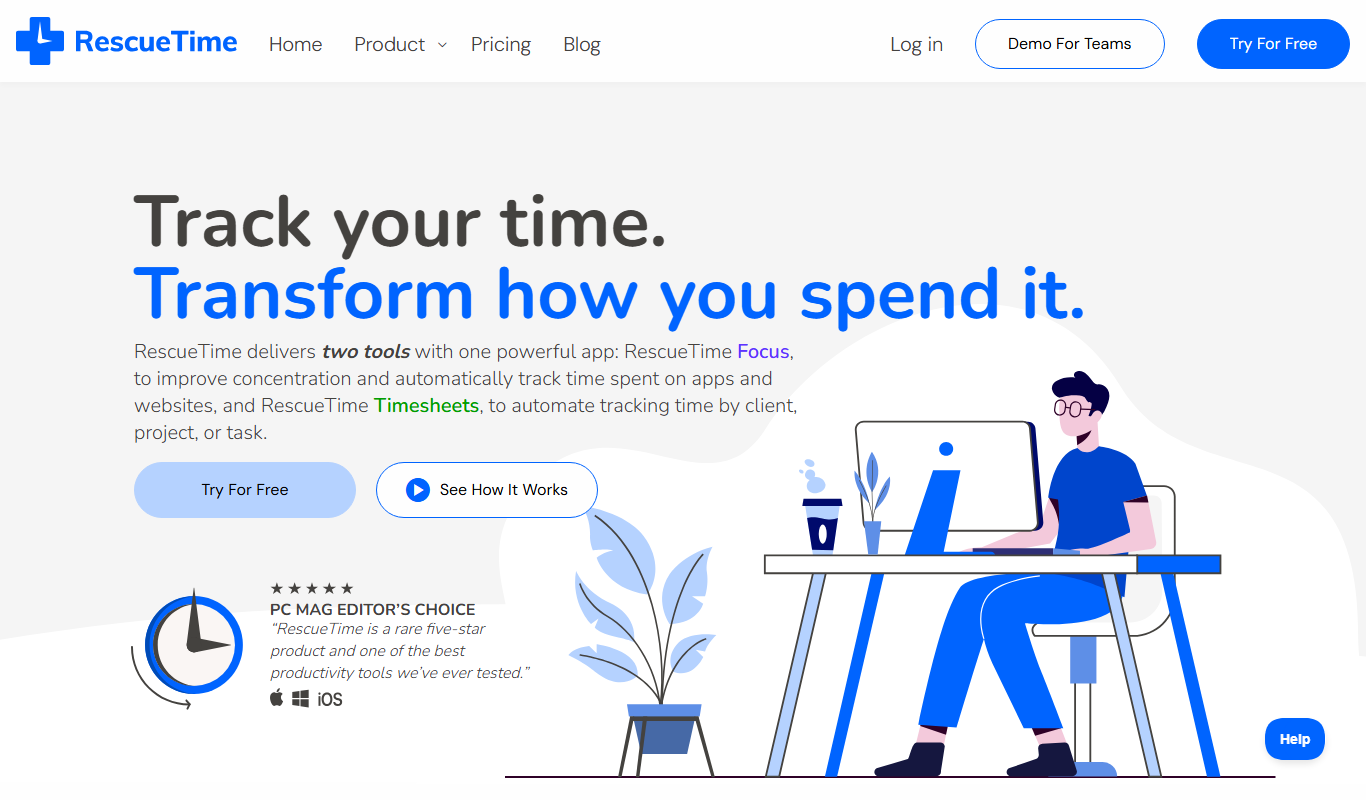
RescueTime
RescueTime is a productivity and time management tool that automatically tracks your digital activities, provides detailed reports, and helps you block distractions to improve focus.

Free
Clockify
Clockify is a free and easy-to-use time tracking software that helps teams and freelancers track work hours, manage projects, and generate reports across multiple platforms.
More AI Productivity Tools tools
Other tools in the same category, for when this one is not quite the fit.

Free
Merlin AI
Merlin AI is a GPT-4 powered AI chat assistant that integrates as a browser extension, enabling users to access AI-generated content and assistance directly on any website to improve productivity and content creation.

Freemium
EasyTrip AI
EasyTrip AI is an AI-driven travel planner that generates customized trip itineraries based on your travel dates, destinations, and preferences, helping you organize your trip efficiently.

Freemium
Wanderlust Browser Extension V2
Wanderlust Browser Extension V2 is a travel planning tool that integrates with Chrome and Firefox browsers, enabling users to save travel ideas, build itineraries, and collaborate on trip plans directly from their browsing experience.

Freemium
PlaninGo
PlaninGo is an AI travel planning tool that generates personalized trip itineraries and guides based on your preferences, helping you plan efficient and enjoyable trips.

Free
Travelwiz
Travelwiz is an AI-powered travel planning tool that creates personalized trip itineraries and offers tailored travel recommendations based on user preferences.

Freemium
Swifty
Swifty is an AI writing assistant that helps users create and edit English content quickly with AI-generated suggestions and grammar corrections.

Free
Momo
Momo is an AI-powered assistant that automates workflows, manages tasks, and enhances team collaboration by integrating with popular productivity tools.

Freemium
Travel Itinerary AI
Travel Itinerary AI is an AI-powered web tool that creates personalized travel itineraries based on your preferences, helping you plan and manage trips efficiently.