

Text Enhancer AI - Advanced Online Text Improvement and Rewriting Tool
Text Enhancer AI is an online tool that uses artificial intelligence to improve and rewrite text by correcting grammar, enhancing vocabulary, and restructuring sentences for better clarity and style.
- Best for
- Content Improvement
- Key capability
- Grammar and Spelling Correction
Save Text Enhancer AI, follow its updates and vote on it — everything stays in your account.
Sign in or create a free account
What is Text Enhancer AI?
Text Enhancer AI is an online AI-powered tool designed to improve and rewrite text for better clarity, grammar, and style. It helps users enhance their writing by suggesting improvements and generating alternative phrasing, making content more polished and professional.
Key features of Text Enhancer AI
The tool offers features such as grammar correction, sentence restructuring, vocabulary enhancement, and plagiarism avoidance through rewriting. It provides an easy-to-use interface where users input text and receive improved versions instantly.
Grammar and Spelling Correction
Automatically detects and corrects grammatical errors and typos.
Sentence Rewriting
Rephrases sentences to improve flow and avoid plagiarism.
Vocabulary Enhancement
Suggests stronger or more appropriate word choices to elevate writing.
User-Friendly Interface
Simple and intuitive web interface requiring no technical skills.
Instant Results
Provides quick text enhancement without long waiting times.
Pros and cons of Text Enhancer AI
Pros
- Easy to use with no learning curve
- Improves grammar and style effectively
- Quick text enhancement results
- Free plan available for casual users
Cons
- Multilingual content (French, German, Spanish and others) requires a paid plan
- Limited features on free plan
- No mobile app available
Key use cases for Text Enhancer AI
Content Improvement
Enhance existing text by improving grammar, style, and clarity to produce polished content.
Text Rewriting
Rewrite sentences or paragraphs to avoid plagiarism and create unique versions of the original text.
Academic Writing Support
Refine essays, reports, and research papers by improving sentence structure and vocabulary.
Business Communication
Improve emails, proposals, and presentations for clearer and more professional communication.
Creative Writing Enhancement
Polish stories, blogs, and creative content to enhance readability and engagement.
How Text Enhancer AI works
- 1
Input Text
Users paste or type the text they want to enhance into the provided text box.
- 2
Select Enhancement Level
Choose the desired level of rewriting or improvement, from light edits to full rephrasing.
- 3
Generate Enhanced Text
The AI processes the input and produces an improved version with better grammar, style, and clarity.
- 4
Review and Copy
Users review the enhanced text and copy it for use in their documents or projects.
Who is using Text Enhancer AI
Text Enhancer AI pricing
Demo plan
Free
Standard Text Enhancer with up to 700 characters per content.
Unlimited plan
$7/month
Premium Text Enhancer with unlimited characters per content, content length, multiple paragraphs, content tones, multilingual content and priority support.
Yearly plan
$54/year (regular $84)
Access to Premium Text Enhancer for 1 year with unlimited characters per content.
Plans and prices are as published by the vendor and can change. Check the official site before you buy. Open the pricing page (opens in a new tab)
Frequently asked questions about Text Enhancer AI
Yes, the main AI text enhancer is free to use as much as you want. Content tones, multiple paragraphs, specific content length, multilingual content and unlimited characters need a paid plan.
Yes, it helps improve grammar and style for academic writing.
Yes. Multilingual content in French, German, Spanish, English and other languages is available on the paid plans.
The service states that user data is not shared and is handled securely.
It depends on your specific needs and how you plan to use the tool. The official website and documentation are the best sources for the latest details.
Yes, it can help with that use case depending on how you configure it and what features are available. You’ll get the best results with clear inputs and a defined goal.
Yes, it can help with that use case depending on how you configure it and what features are available. You’ll get the best results with clear inputs and a defined goal.
Conclusion
A free account comes first, then text is typed or pasted into the enhancer page and one click on ‘Enhance your Text’ returns an improved version. The AI checks the input for grammar, style and clarity, then suggests enhancements or rewrites that keep the original meaning. Typical targets are essays and reports, business emails and proposals, and blogs or creative writing.
It is pitched at students, professionals and everyday writers. The developer also advises reviewing and editing the output, and notes that the tool is not a substitute for the writer’s own knowledge and research.
The free Demo plan handles up to 700 characters per content. Paid plans, billed monthly or yearly, remove that limit and add content tones, multiple paragraphs and multilingual output.
Sources
Sign in to review this tool.
Sign In to ReviewNo reviews yet
Be the first to share how this tool worked for you.
Ask about pricing, limits, or how it compares — or answer someone else.
Sign In to AskNo questions yet
Have a question about using or paying for this tool? Be the first to ask.
Featured on TiorAI



More AI Audio Enhancer tools
Other tools in the same category, for when this one is not quite the fit.

UniFab All In One
UniFab All-In-One is an AI video and audio enhancement suite for video upscaling, HDR conversion, denoising and subtitle generation.

Landr
Landr is an AI-driven platform that automates music mastering, enables global music distribution, and provides collaboration tools for musicians and producers.
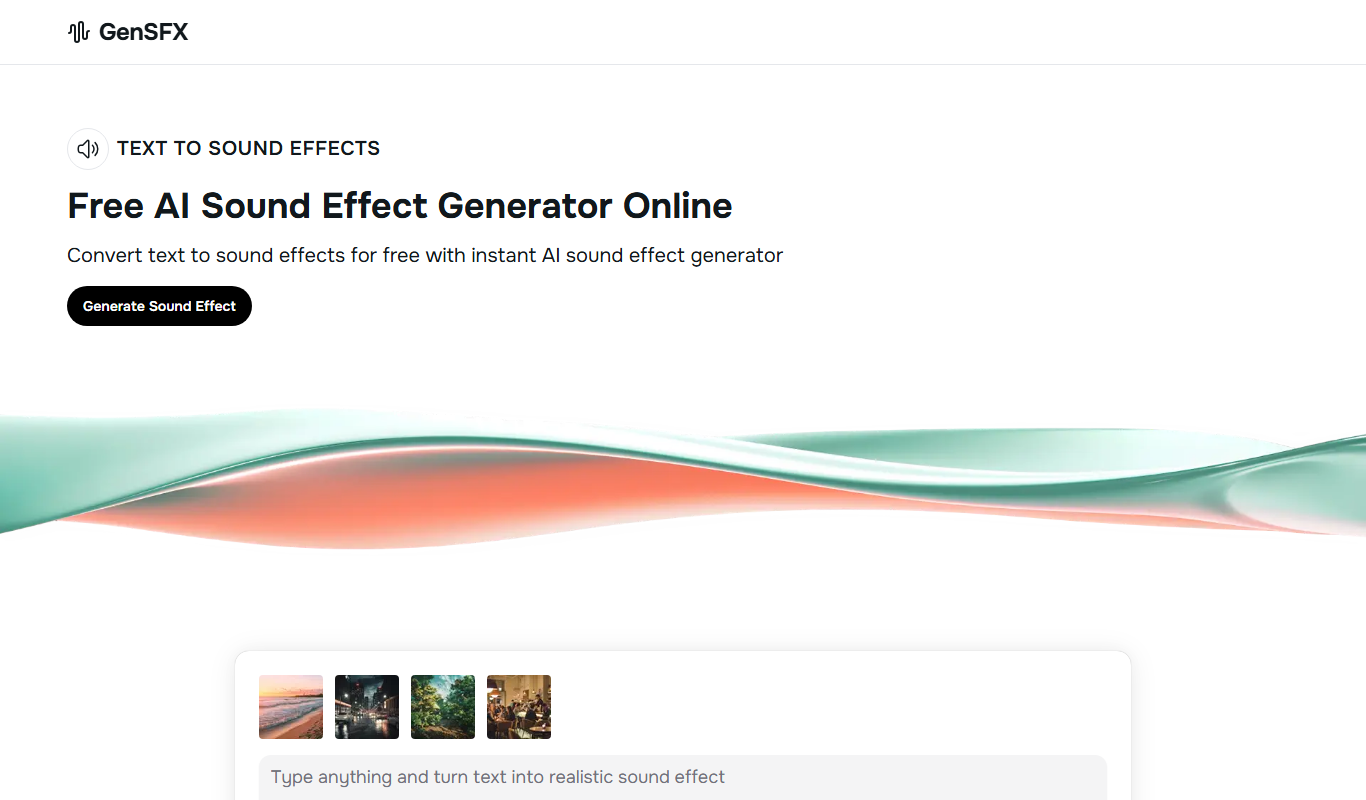
GenSFX
GenSFX is an AI-based sound effects generator that creates unique audio clips for various creative projects, offering instant previews and customizable parameters through a web platform.

Audioshake
Audioshake is an AI-powered web tool that separates mixed audio tracks into individual stems like vocals and instruments, enabling remixing and editing without original multitrack files.
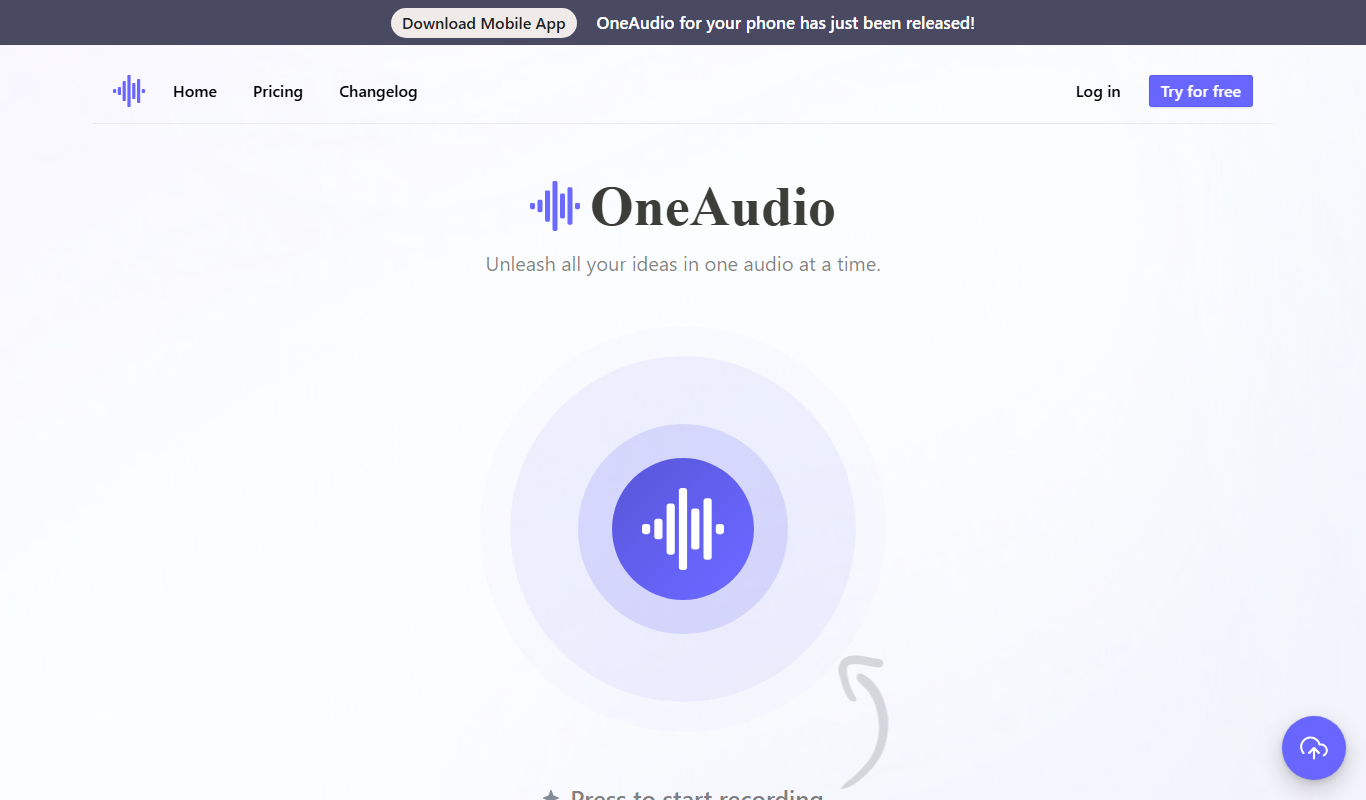
OneAudio AI
OneAudio summarizes, transcribes and converts your audio into notes: think out loud or upload a recording and get a clean, ready to share note.
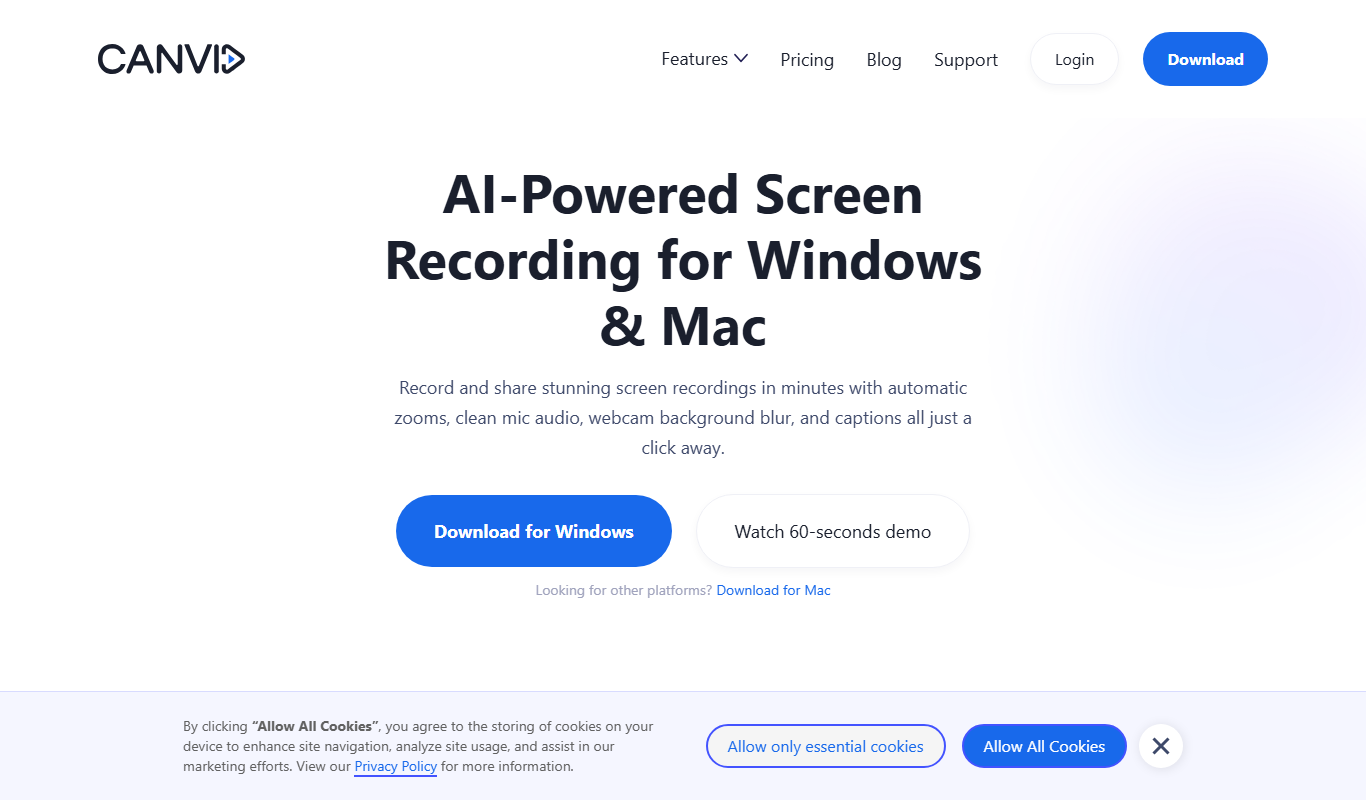
CANVID
CANVID is an AI-powered screen recorder for Windows and Mac that captures the screen, webcam, mic and system audio and polishes recordings in the same workflow.

RambleFix
RambleFix turns your rambling voice notes into clean emails, articles and summaries, on web, iPhone and Mac.

CloneDub
CloneDub is an AI powered, automated dubbing platform that helps podcasts and YouTube channels grow their audience with fast, high quality video dubbing.