

From my experience with Teameet, I found it excels at providing a straightforward, no-frills video conferencing solution that requires no account or software installation. This makes it especially useful for quick, ad-hoc meetings or for users who want to avoid the hassle of sign-ups. However, the trade-off is that it lacks some advanced features and dedicated apps found in larger platforms. Overall, if you need a free, browser-based tool for secure and easy online meetings, Teameet delivers solid, reliable performance.
Teameet Free Video Conferencing Platform for Secure Online Meetings
Teameet is a free, browser-based video conferencing tool that allows users to start or join secure online meetings instantly without account registration or software installation.
- Best for
- Remote Team Meetings
- Key capability
- No Sign-Up Required
Your actions
Save Teameet: Free Video Conferencing, follow its updates and vote on it — everything stays in your account.
Sign in or create a free account
What is Teameet: Free Video Conferencing?
Teameet is a free, browser-based video conferencing platform designed to facilitate quick and secure online meetings without the need for account registration or software installation. It offers a simple interface for users to create or join video calls instantly, making remote communication accessible and hassle-free.
Key features of Teameet: Free Video Conferencing
Teameet provides instant video conferencing with features such as screen sharing, chat, and the ability to host meetings without sign-ups. Its lightweight web-based design ensures ease of use and accessibility from any modern browser.
No Sign-Up Required
Start or join meetings instantly without creating an account or installing software.
Screen Sharing
Share your screen with participants to present documents, slides, or demonstrations.
Chat Functionality
Send text messages to meeting participants alongside video and audio communication.
Secure Connections
Meetings are protected with encryption to ensure privacy and security.
Browser-Based Access
Join meetings from any modern web browser without additional downloads.
Pros and cons of Teameet: Free Video Conferencing
Pros
- No account or software installation required
- Free to use with unlimited meetings
- Simple and intuitive user interface
- Supports screen sharing and chat
- Accessible from any modern browser
Cons
- Limited advanced meeting controls compared to paid platforms
- No dedicated mobile or desktop apps
- Primarily supports English language only
Key use cases for Teameet: Free Video Conferencing
Remote Team Meetings
Host secure and reliable video calls for teams working remotely to stay connected and collaborate effectively.
Online Interviews
Conduct video interviews with candidates without the need for additional software or account creation.
Client Consultations
Engage with clients through video calls to provide consultations, demos, or support in a seamless manner.
Virtual Events and Webinars
Organize small-scale virtual events or webinars with easy access and no sign-up requirements.
How Teameet: Free Video Conferencing works
- 1
Create a Meeting
Visit the Teameet website and generate a unique meeting link instantly without signing up.
- 2
Share the Link
Send the meeting link to participants via email, chat, or any communication channel.
- 3
Join the Meeting
Participants click the link to join the video call directly from their browser.
- 4
Collaborate
Use video, audio, chat, and screen sharing features to communicate and collaborate in real-time.
Who is using Teameet: Free Video Conferencing
Remote teams needing quick video calls
Freelancers and consultants
Small businesses
Educators and trainers
Event organizers hosting virtual sessions
Teameet: Free Video Conferencing pricing
Free
$0
Unlimited free video meetings with basic features and no account required.
Plans and prices are as published by the vendor and can change. Check the official site before you buy. Open the pricing page (opens in a new tab)
Frequently asked questions about Teameet: Free Video Conferencing
No, Teameet allows you to start or join meetings instantly without any account registration.
Yes, Teameet uses encryption to protect your meetings and ensure privacy.
Yes, Teameet supports screen sharing to help you present information effectively.
Teameet is accessible via any modern web browser on desktop and mobile devices.
Some tools offer a free plan or trial with limited features. Availability can vary, so confirm on the official website.
It depends on your specific needs and how you plan to use the tool. The official website and documentation are the best sources for the latest details.
Yes, it can help with that use case depending on how you configure it and what features are available. You’ll get the best results with clear inputs and a defined goal.
Data handling and security practices vary by provider. Review the official privacy policy to understand how your data is stored and used.
Sign in to review this tool.
Sign In to ReviewNo reviews yet
Be the first to share how this tool worked for you.
Ask about pricing, limits, or how it compares — or answer someone else.
Sign In to AskNo questions yet
Have a question about using or paying for this tool? Be the first to ask.
Featured on TiorAI



Alternative Tools
Explore similar AI tools that might fit your needs
Free
Zoom
Zoom is a cloud-based video conferencing platform that enables virtual meetings, webinars, and online collaboration with features like HD video, screen sharing, breakout rooms, and recording.

Free
Jitsi Meet
Jitsi Meet is a free, open source video conferencing platform that enables secure, high-quality online meetings without requiring user accounts.
More AI Scheduling Tools tools
Other tools in the same category, for when this one is not quite the fit.
Free
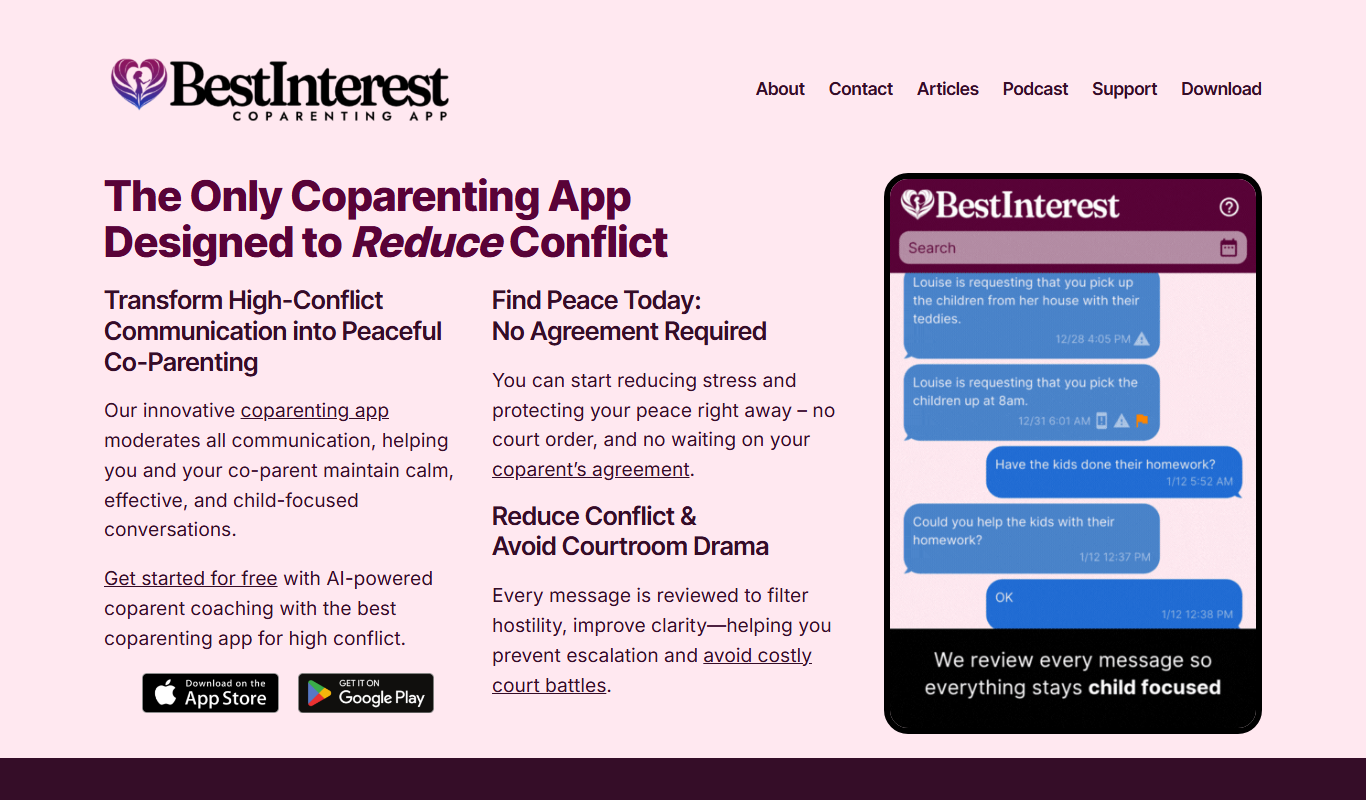
BestInterest for Coparents
BestInterest for Coparents is a co-parenting app that helps separated parents coordinate schedules, communicate securely, and manage expenses to reduce conflict and focus on their children's well-being.

Free
Text2Cron
Text2Cron is a free web tool that converts natural language schedule descriptions into cron expressions, simplifying task scheduling for users unfamiliar with cron syntax.

Free Trial
Etaprise Field Service Management
Etaprise is a cloud-based field service management software that streamlines workforce scheduling, dispatching, and mobile job management to improve operational efficiency and customer satisfaction.

Free Trial
myaifrontdesk.com
My AI Front Desk is an AI virtual receptionist platform that automates customer support and appointment scheduling using natural language processing.
Freemium
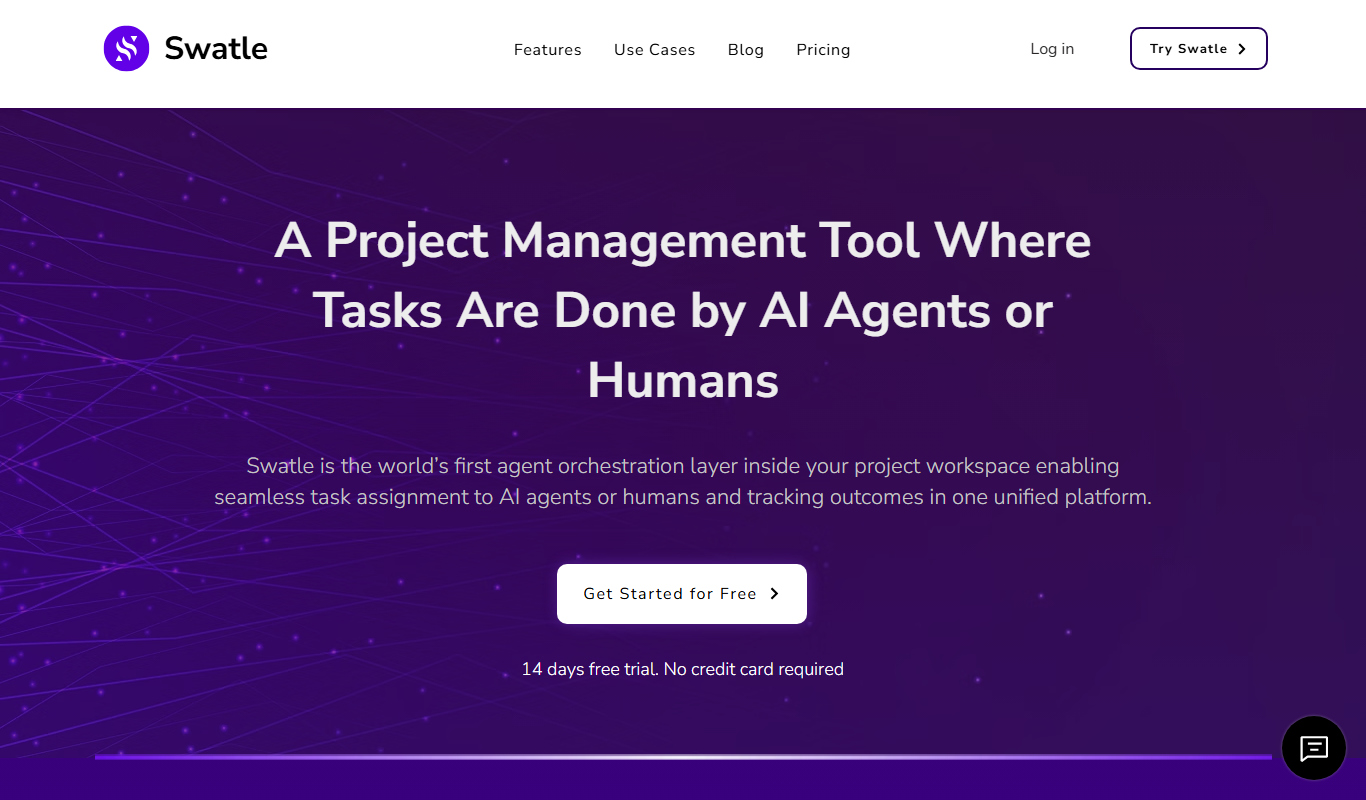
Swatle
Swatle is an AI chatbot platform designed to automate customer support and lead qualification by integrating with websites and helpdesk systems.

Freemium
Alice
Alice is an AI-powered assistant that helps teams automate workflows, manage tasks, and enhance collaboration by integrating with popular productivity tools and generating meeting summaries.

Custom Pricing
Perks
Perks is a customer loyalty platform from Sri Lanka that enables businesses to create and manage rewards programs to increase customer retention and engagement.

Free
Publer
Publer is a social media management platform that combines scheduling, AI content creation, and team collaboration to streamline social media marketing across multiple platforms.