

From my experience with Teach Catalyst AI, I found it excels at simplifying the lesson planning process by generating curriculum-aligned content quickly. The platform is particularly well-suited for K-12 educators and curriculum developers who want to save time on routine tasks while maintaining quality teaching materials. However, the tool currently lacks integrations with other educational platforms, which could limit workflow automation for some users. Overall, if you need an AI assistant to streamline lesson creation and improve classroom engagement, Teach Catalyst AI delivers practical and effective solutions.
Teach Catalyst AI Review – AI-Powered Teaching Assistant for Educators
Teach Catalyst AI is an AI-driven platform that assists educators by automating lesson planning, content creation, and assessment development to save time and improve teaching effectiveness.
- Best for
- Lesson Planning
- Key capability
- AI Lesson Plan Generator

Do you recommend this tool?
What is Teach Catalyst AI?
Teach Catalyst AI is an AI-powered teaching assistant designed to support educators by automating lesson planning, content creation, and assessment development. It leverages artificial intelligence to generate tailored educational materials that align with curriculum standards, helping teachers save time and enhance classroom engagement.
Key features of Teach Catalyst AI
The platform offers AI-driven lesson plan generation, interactive content creation, assessment tools, and productivity enhancements to streamline teaching workflows and improve educational outcomes.
AI Lesson Plan Generator
Automatically produces structured lesson plans aligned with educational standards.
Interactive Content Creation
Generates engaging activities and materials to boost student participation.
Assessment Builder
Creates quizzes and tests that match lesson objectives for effective evaluation.
Time-Saving Automation
Reduces manual workload by automating routine teaching tasks.
Pros and cons of Teach Catalyst AI
Pros
- Saves significant time on lesson planning
- Generates curriculum-aligned content
- User-friendly web interface
- Supports diverse educational needs
Cons
- Limited platform integrations
- Primarily English language support
Key use cases for Teach Catalyst AI
Lesson Planning
Automate and enhance lesson plan creation using AI-generated content tailored to curriculum standards.
Student Engagement
Generate interactive and personalized teaching materials to improve student participation and learning outcomes.
Assessment Creation
Create quizzes and assessments aligned with lesson objectives quickly and efficiently.
Teacher Productivity
Reduce administrative workload by automating routine teaching tasks and content generation.
Curriculum Development
Support curriculum designers with AI suggestions and content structuring for diverse educational needs.
How Teach Catalyst AI works
- 1
Sign Up
Create an account on Teach Catalyst AI’s web platform to access teaching tools.
- 2
Input Teaching Objectives
Provide curriculum goals or topics to guide AI-generated lesson plans and materials.
- 3
Generate Content
Use AI to create lesson plans, quizzes, and interactive activities tailored to your classroom needs.
- 4
Customize and Implement
Edit and adapt the AI-generated content before using it in your teaching sessions.
Who is using Teach Catalyst AI
K-12 teachers
Curriculum developers
Educational institutions
Homeschool educators
Teacher training programs
Teach Catalyst AI pricing
Free
$0/month
Basic access with limited lesson plan generations and features.
Pro
$19/month
Unlimited access to all features, including advanced content customization.
Plans and prices are as published by the vendor and can change. Check the official site before you buy. Open the pricing page (opens in a new tab)
Frequently asked questions about Teach Catalyst AI
Yes, the AI adapts content generation to various grade levels and subjects.
Absolutely, users can edit and tailor all generated materials to fit their specific needs.
Currently, Teach Catalyst AI operates as a standalone web platform without direct integrations.
It depends on your specific needs and how you plan to use the tool. The official website and documentation are the best sources for the latest details.
It depends on your specific needs and how you plan to use the tool. The official website and documentation are the best sources for the latest details.
Some tools offer a free plan or trial with limited features. Availability can vary, so confirm on the official website.
Sign in to review this tool.
Sign In to ReviewNo reviews yet
Be the first to share how this tool worked for you.
Ask about pricing, limits, or how it compares — or answer someone else.
Sign In to AskNo questions yet
Have a question about using or paying for this tool? Be the first to ask.
Featured on TiorAI



Alternative Tools
Explore similar AI tools that might fit your needs
Free
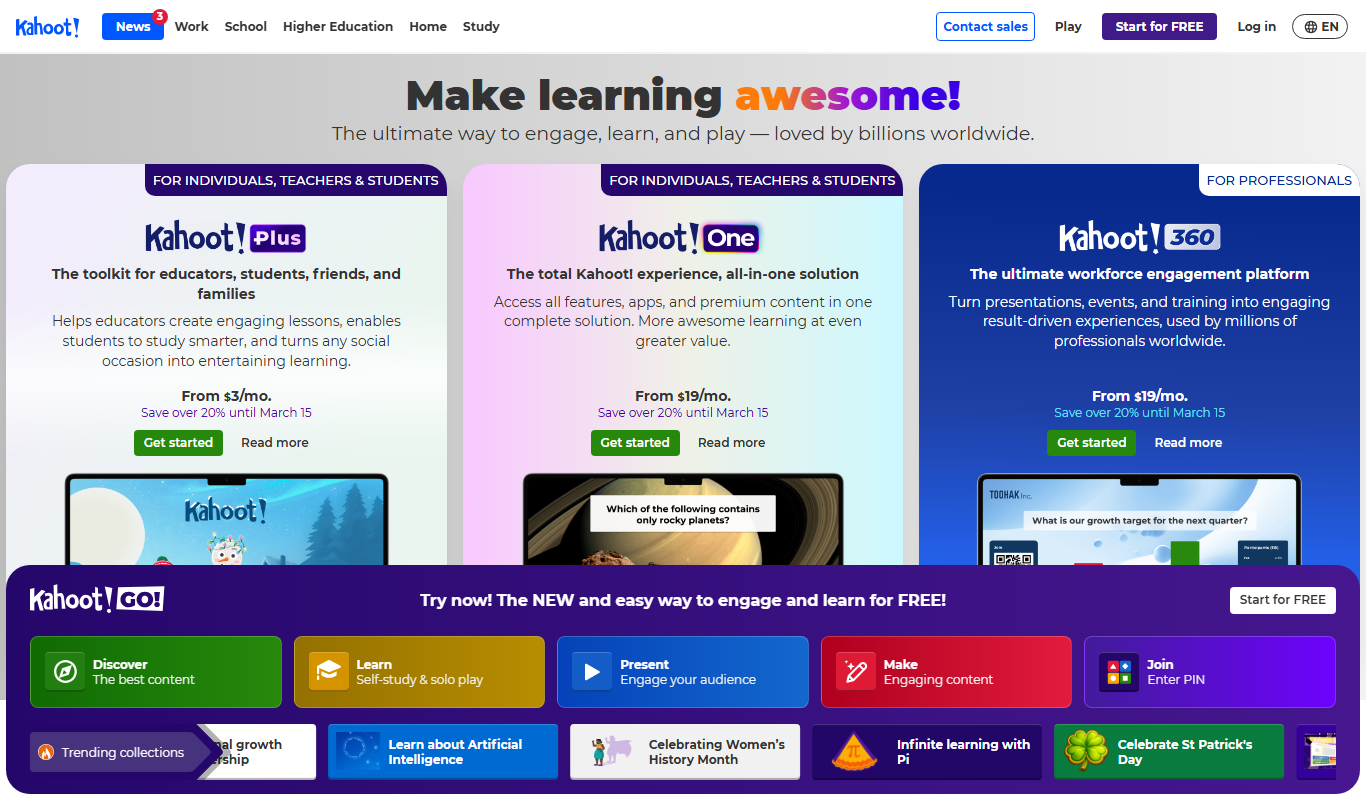
Kahoot
Kahoot is a game-based learning platform that enables users to create and play interactive quizzes and games to boost engagement in education, training, and events.
Freemium
Edmodo
Edmodo is a free and secure educational platform that enables teachers to manage classrooms, assign work, communicate with students and parents, and track academic progress through web and mobile apps.

Free
Nearpod
Nearpod is an interactive educational platform that allows teachers to create and deliver engaging lessons with real-time assessments, multimedia content, and virtual reality experiences for both in-person and remote learning.
More AI Artificial Intelligence Tools tools
Other tools in the same category, for when this one is not quite the fit.

Freemium
EasyTrip AI
EasyTrip AI is an AI-driven travel planner that generates customized trip itineraries based on your travel dates, destinations, and preferences, helping you organize your trip efficiently.

Freemium
Travel Itinerary AI
Travel Itinerary AI is an AI-powered web tool that creates personalized travel itineraries based on your preferences, helping you plan and manage trips efficiently.

Free
NilgAI Travel
NilgAI Travel is an AI-driven travel planning tool that creates personalized itineraries based on your preferences, travel dates, and budget, helping you efficiently plan trips worldwide.

Custom Pricing
sentiance.com
Sentiance is an AI-powered platform that transforms sensor and contextual data into actionable behavioral insights, enabling businesses to understand user behavior and deliver personalized experiences in real-time.

Contact for pricing
ODESIS
ODESIS is an AI-driven analytics platform that helps businesses transform data into actionable insights through machine learning, visualization, and predictive analytics.

Contact for pricing
QUINETICS
Quinetics is an AI platform that provides businesses with advanced data analytics, workflow automation, and custom machine learning model development to optimize operations and decision-making.

Free
aigclist
AIGCList is a free online directory that aggregates and categorizes AI tools, providing detailed information, user reviews, and AI industry news to help users discover and compare AI solutions.

Free
AI Tool Center
AI Tool Center is a free online directory that helps users discover, compare, and review AI tools across various categories and industries.