

Taja AI video repurposing for shorts, clips and social posts
Taja AI turns any video into shorts, clips, blog posts and scheduled social content, with thumbnails, SEO optimization and a content calendar.
- Best for
- Repurposing long-form video
- Key capability
- Shorts, clips and text outputs
Save Taja AI, follow its updates and vote on it — everything stays in your account.
Sign in or create a free account
What is Taja AI?
Taja AI is a video repurposing tool that turns long-form videos into shorts, clips, blog posts and social posts. You add a YouTube video or a file from your computer, Taja SEO optimizes it, generates shorts, clips and text outputs, and schedules them to your social platforms from one content calendar.
Key features of Taja AI
Taja AI SEO optimizes a long-form video, generates shorts, clips and text outputs from it, creates thumbnails, suggests the next video idea from keyword data, and schedules the results across social platforms.
Shorts, clips and text outputs
Generates shorts, clips and text outputs from a long-form video after SEO optimizing it.
Content calendar and scheduling
Schedule content to YouTube, X, Instagram, Facebook, TikTok and LinkedIn and view everything in one place.
Next video idea
Finds high volume, low competition keywords and matches them with outlier videos from your content niche.
Thumbnail generator
Create thumbnails with a click.
Backlog Boost
Revive videos you have already published.
Pros and cons of Taja AI
Pros
- Thumbnails and captions included and editable before posting
- Schedules to YouTube, X, Instagram, Facebook, TikTok and LinkedIn
- Supports YouTube videos and files from your computer
- Affordable pricing with a free plan
- Supports multiple content types
Cons
- No permanent free plan; the free trial lasts 7 days and covers up to 4 long form videos
- Starter and Professional plans are for a single user
- Some advanced features require Pro subscription
Key use cases for Taja AI
Repurposing long-form video
Turn long-form video content into ready-to-share clips, shorts and social posts.
Interviews, podcasts and tutorials
Repurpose interviews, podcasts or tutorials.
Reviving older videos
Revive already published videos with Backlog Boost.
Finding the next video topic
Get the next video idea from high volume, low competition keywords in your niche.
Idea Generation
Brainstorm content ideas and outlines to streamline your writing process.
How Taja AI works
- 1
Upload and optimize
Add a YouTube video or a file from your computer; Taja analyzes your channel information and brand voice.
- 2
Generate shorts, clips and text
Taja SEO optimizes the video and generates shorts, clips and text outputs.
- 3
Schedule content
Schedule the outputs to your platforms from Taja and view everything in one place.
- 4
Generate Content
Let the AI produce content based on your inputs, then review and edit as needed.
- 5
Export or Publish
Download your content or publish it directly to your platforms.
Who is using Taja AI
Taja AI pricing
Starter
$19.99/month
1 user, YouTube long-form optimization for 4 videos, up to 10 shorts per video with no watermark.
Professional
$49.99/month
1 user, YouTube long-form optimization for 10 videos, up to 20 shorts per video with no watermark.
Teams/Agency
$99.99/month
5 users, unlimited YouTube long-form optimization and unlimited shorts with no watermark.
Plans and prices are as published by the vendor and can change. Check the official site before you buy. Open the pricing page (opens in a new tab)
Frequently asked questions about Taja AI
No. Taja AI offers a free 7 day trial in which you can optimize and repurpose up to 4 long form videos.
Yes, and they are editable before posting.
Yes. Clips are vertical and under 60 seconds by default.
Starter and Professional are for a single user; Teams/Agency includes access for up to 5 users.
Yes. Annual billing gives a 20% discount.
Yes, it can help with that use case depending on how you configure it and what features are available. You’ll get the best results with clear inputs and a defined goal.
Conclusion
One long-form upload, either a YouTube video or a file from the computer, is the raw material here. Taja SEO optimizes that video and generates shorts, clips and text outputs such as blog posts, with thumbnails and captions that stay editable before posting. Clips come out vertical and under 60 seconds by default. The results can be scheduled to YouTube, X, Instagram, Facebook, TikTok and LinkedIn from one calendar.
The site names solopreneurs, realtors and congregations among its users, and it also suggests the next video topic from low competition keywords in a channel’s niche. There is no permanent free plan: a free 7 day trial covers up to 4 long form videos, after which paid subscriptions apply, and only the Teams/Agency tier allows more than one user.
Sources
Sign in to review this tool.
Sign In to ReviewNo reviews yet
Be the first to share how this tool worked for you.
Ask about pricing, limits, or how it compares — or answer someone else.
Sign In to AskNo questions yet
Have a question about using or paying for this tool? Be the first to ask.
Featured on TiorAI



More AI Video Creation Tools tools
Other tools in the same category, for when this one is not quite the fit.

A.V. Mapping
A.V. Mapping is an AI platform that analyzes your video or photo, recommends licensed music and sound effects from musicians, and handles the music license in one place.
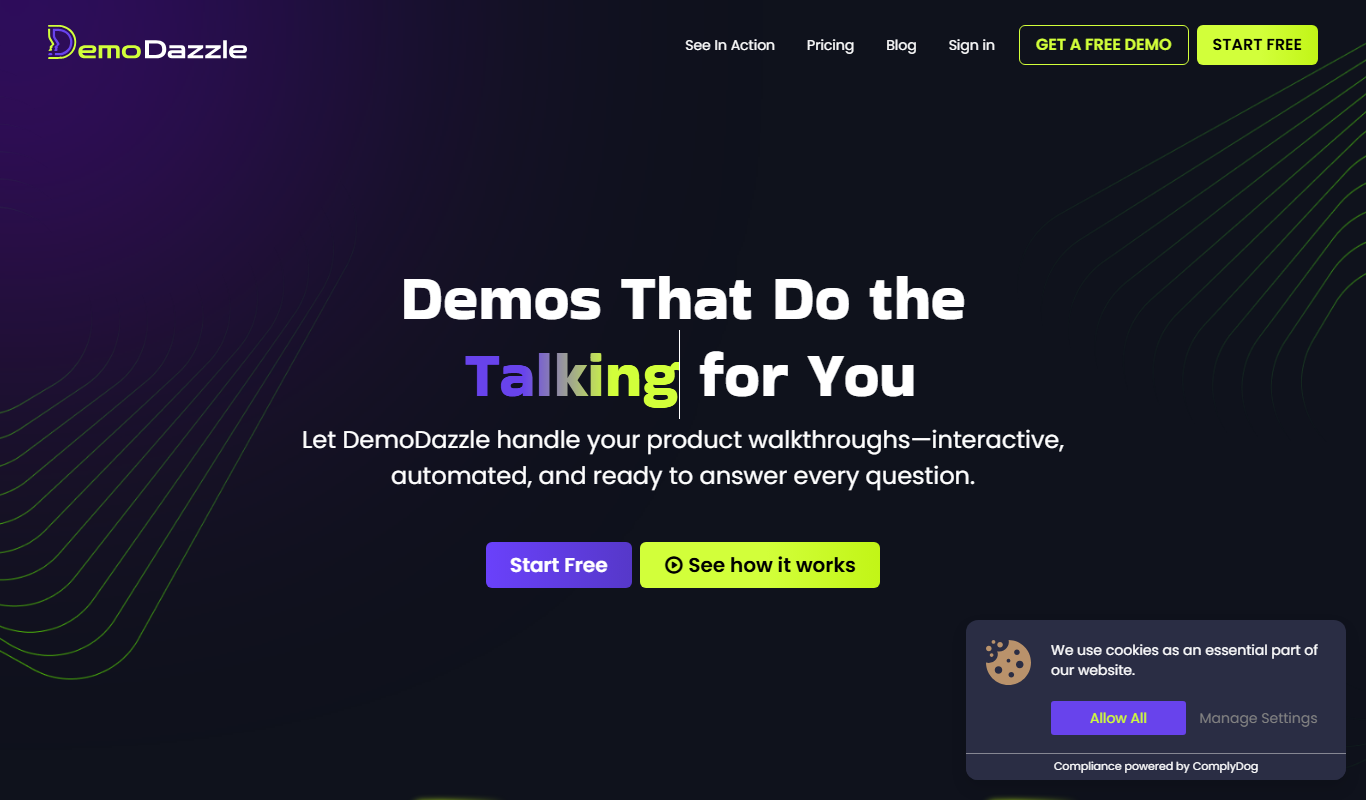
DemoDazzle
DemoDazzle is an AI-powered platform for interactive walkthroughs, featuring lifelike avatars and language models that guide users through product journeys.

Runecontent AI
RuneContent turns LinkedIn posts and articles into short educational videos for TikTok, YouTube Shorts and Instagram Reels, with no editing skills required.
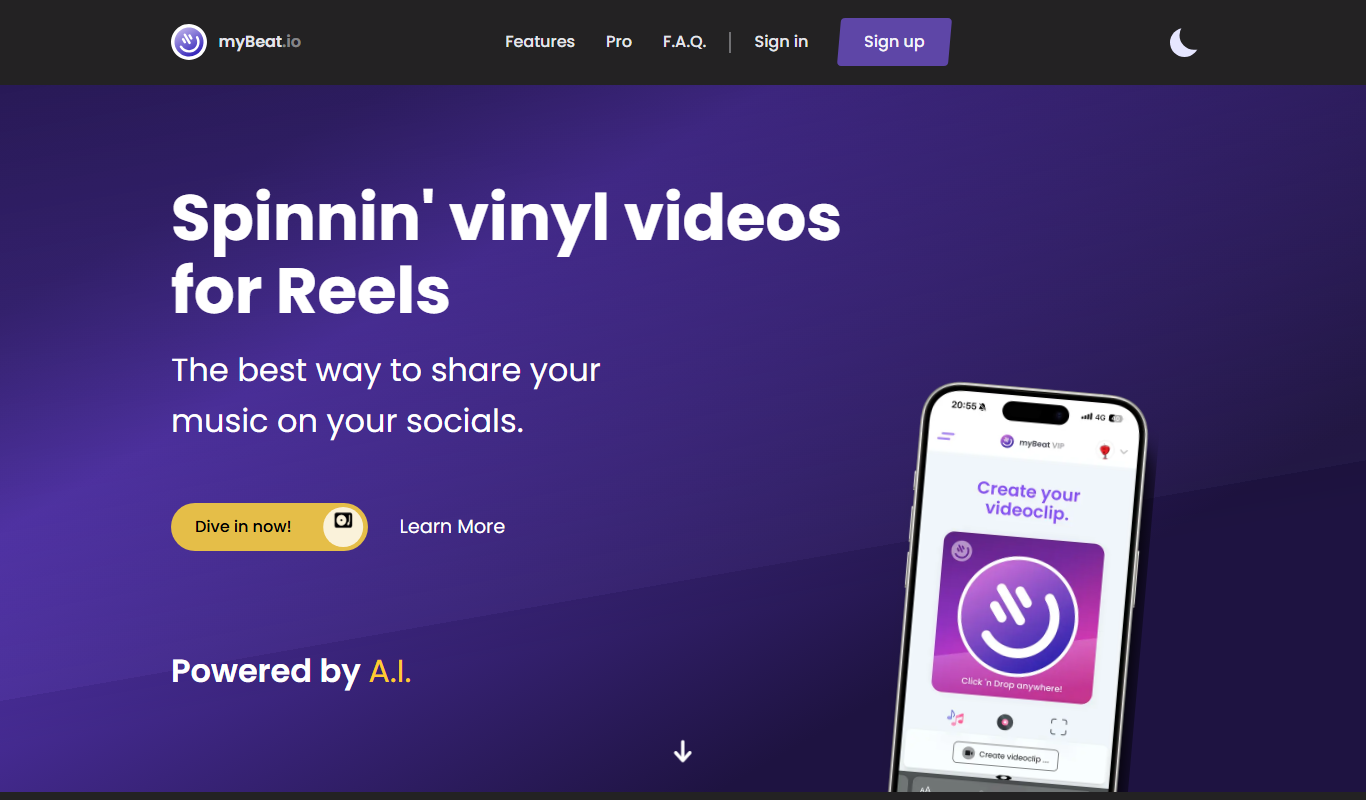
myBeat
myBeat.io makes the visual for a finished track, sends it to labels and artists through one Dropz link and adds a Spotlight artist profile; free to start.

MyKaraoke Video
MyKaraoke Video turns any song into a karaoke or lyric video: upload the track, paste the lyrics, and AI removes the vocals and syncs every word for a 1080p MP4 export.

Plump
Plump is an AI-powered referral network that connects job seekers with employees at tech companies they want to work at.

HyperClapper 2.0
HyperClapper is a LinkedIn engagement tool that brings real likes and comments from 5,000+ professionals to your post's first hour.

IACrea
IACrea is AI marketing for real estate agents: virtual staging, real estate photo editing, listing videos and 2D floor plans, all from a single photo.