

SunoAI AI Music Generator for Original Soundtracks and Audio Creation
SunoAI is a web-based AI music generation tool that creates original soundtracks and audio compositions quickly and easily, suitable for content creators and professionals.
- Best for
- Original Music Creation
- Key capability
- AI-Powered Composition
Save SunoAI, follow its updates and vote on it — everything stays in your account.
Sign in or create a free account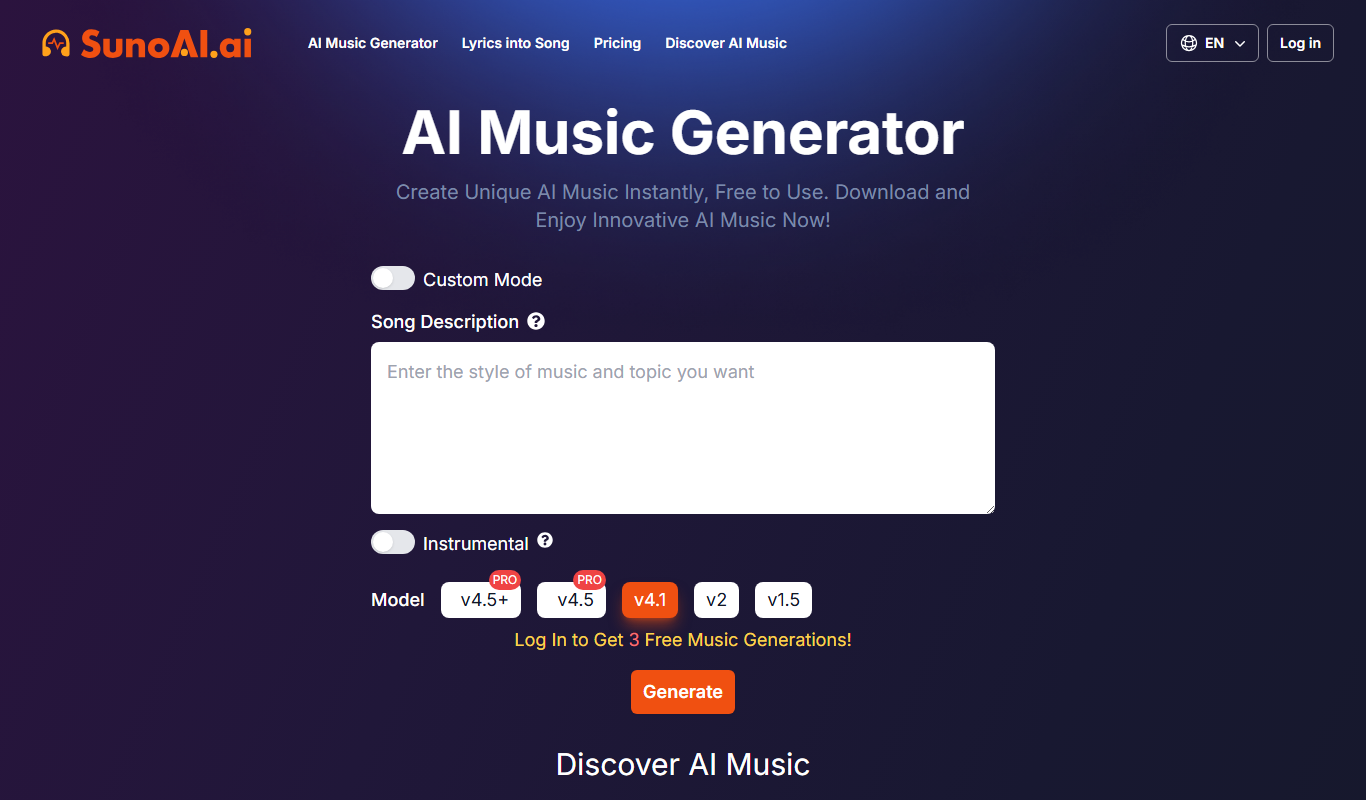

What is SunoAI?
SunoAI is an AI-powered music generation platform that enables users to create original soundtracks and audio compositions effortlessly. It leverages advanced machine learning models to compose music in various styles and moods, making music production accessible to creators without formal training. The tool is web-based and designed to streamline the creative process by providing instant, customizable music outputs.
Key features of SunoAI
SunoAI offers features such as AI-driven music composition, style and mood customization, instant audio generation, and easy export options. It supports multiple genres and allows users to fine-tune parameters to match their creative vision.
AI-Powered Composition
Generates unique music tracks using advanced machine learning algorithms.
Style and Mood Selection
Allows users to specify musical genres and emotional tones for tailored outputs.
Instant Music Generation
Produces audio tracks quickly to accelerate creative workflows.
Easy Export Options
Supports downloading generated music in common audio formats for immediate use.
User-Friendly Interface
Designed for creators of all skill levels with intuitive controls and minimal setup.
Pros and cons of SunoAI
Pros
- Generates original music quickly without needing musical skills
- Simple and intuitive web interface
- Supports multiple music styles and moods
- Affordable subscription with commercial licensing
- Instant export of royalty-free audio files
Cons
- Limited customization compared to professional DAWs
- Free plan has usage restrictions
Key use cases for SunoAI
Original Music Creation
Generate unique music tracks for videos, games, podcasts, and other media projects.
Soundtrack Production
Create custom soundtracks tailored to specific moods or themes without needing musical expertise.
Creative Experimentation
Explore new musical ideas and styles quickly using AI-powered composition tools.
Audio Branding
Develop distinctive audio logos and brand sounds for marketing and advertising.
Background Music for Content
Produce royalty-free background music for presentations, streams, and social media content.
How SunoAI works
- 1
Access the Platform
Visit the SunoAI website and create a free account to start generating music.
- 2
Select Music Style and Mood
Choose from various genres and moods to guide the AI in composing your track.
- 3
Generate Music
Use the AI engine to produce original music based on your selections.
- 4
Customize and Refine
Adjust parameters or regenerate tracks until satisfied with the output.
- 5
Download and Use
Export the final audio file for use in your projects with royalty-free licensing.
Who is using SunoAI
SunoAI pricing
Free
$0 /month
Access to the free models, 50 credits per day, standard features only, upload up to 8 min of audio, shared creation queue, no monthly song downloads, no commercial rights, no add-on credit purchases and no stem separation.
Pro
$8 /month (saves $24 by billing yearly)
Access to the best models, 2,500 credits per month, 20 song downloads per month, commercial use rights, Standard and Pro features, 2 stem separation types, priority queue with up to 10 songs at once, and the ability to create custom models.
Premier
$24 /month (saves $72 by billing yearly)
Access to Suno Studio with MIDI, effects and automation, 10,000 credits per month, 60 song downloads per month, commercial use rights, 3 stem separation types, upload up to 30 min of audio and adding new vocals or instrumentals to existing songs.
Plans and prices are as published by the vendor and can change. Check the official site before you buy. Open the pricing page (opens in a new tab)
Frequently asked questions about SunoAI
Yes, commercial use is allowed under the Pro subscription plan with appropriate licensing.
No, SunoAI is designed for users without musical training, providing easy-to-use AI tools.
Generated music can be downloaded in common formats such as MP3 and WAV.
The Free plan gives 50 credits per day; the paid Pro and Premier plans include larger monthly credit allowances, and additional credits can be purchased on them.
It depends on your specific needs and how you plan to use the tool. The official website and documentation are the best sources for the latest details.
Yes, it can help with that use case depending on how you configure it and what features are available. You’ll get the best results with clear inputs and a defined goal.
Some tools offer a free plan or trial with limited features. Availability can vary, so confirm on the official website.
Yes, it can help with that use case depending on how you configure it and what features are available. You’ll get the best results with clear inputs and a defined goal.
Conclusion
A plain-language prompt describing a genre, mood, theme or lyrics is enough to start, and a complete track with vocals, instrumentation and production comes back in under a minute. Style can also be steered with Voices, Inspo, exclusions and vocal gender, plus weirdness and style sliders. Suno Studio adds a web-based generative audio workstation, and up to 12 time-aligned WAV stems can be exported to Ableton, Logic or any DAW.
Content creators and YouTubers, game developers and podcasters are its intended users. Beyond the web, the Suno music app can be downloaded on iPhone and on Android. The Free plan gives 50 credits per day on free models with no song downloads or commercial rights, while the paid Pro and Premier plans add advanced models, monthly song downloads and commercial use rights.
Sources
Sign in to review this tool.
Sign In to ReviewNo reviews yet
Be the first to share how this tool worked for you.
Ask about pricing, limits, or how it compares — or answer someone else.
Sign In to AskNo questions yet
Have a question about using or paying for this tool? Be the first to ask.
Featured on TiorAI



More AI Design & Creative Tools tools
Other tools in the same category, for when this one is not quite the fit.

Guess The Prompt!
Guess The Prompt! is a free online game where players guess AI-generated prompts based on images or clues, promoting creative thinking and fun.
Logomark AI
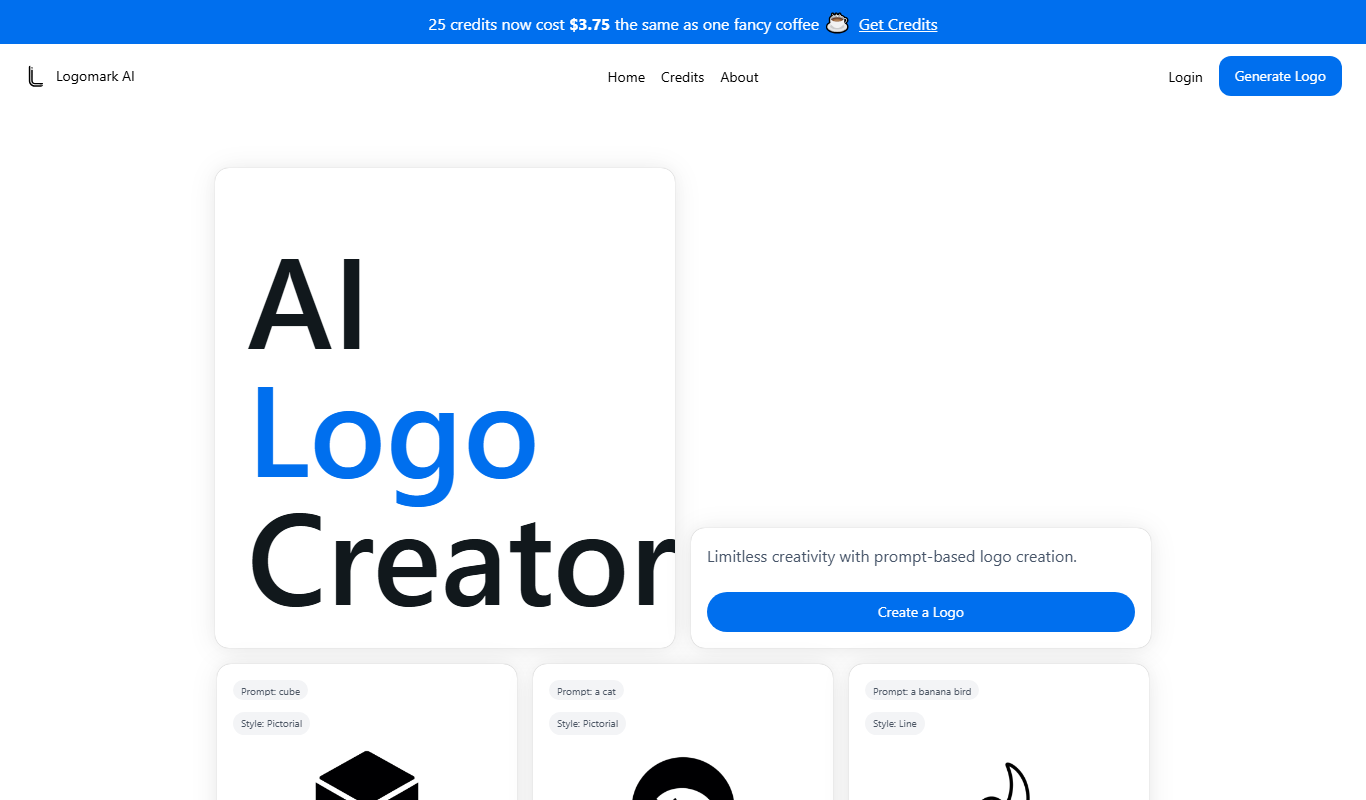
Logomark AI is a prompt-based logo creator that turns a text description into a pictorial, abstract or line mark logo exportable as PNG or SVG.

YouMusic.AI
YouMusic.AI turns text prompts or your own lyrics into complete songs, with free credits for new users and commercial rights on paid plans.

svgtrace.com
SVGTrace.com is an online tool that converts raster images such as PNG or JPG into scalable SVG vector graphics using image tracing algorithms, accessible directly from your browser without installation.

PuLID for FLUX
PuLID for FLUX is available free on 8PixLabs and generates images that keep facial features from a single photo.
NeoPrompt Pro
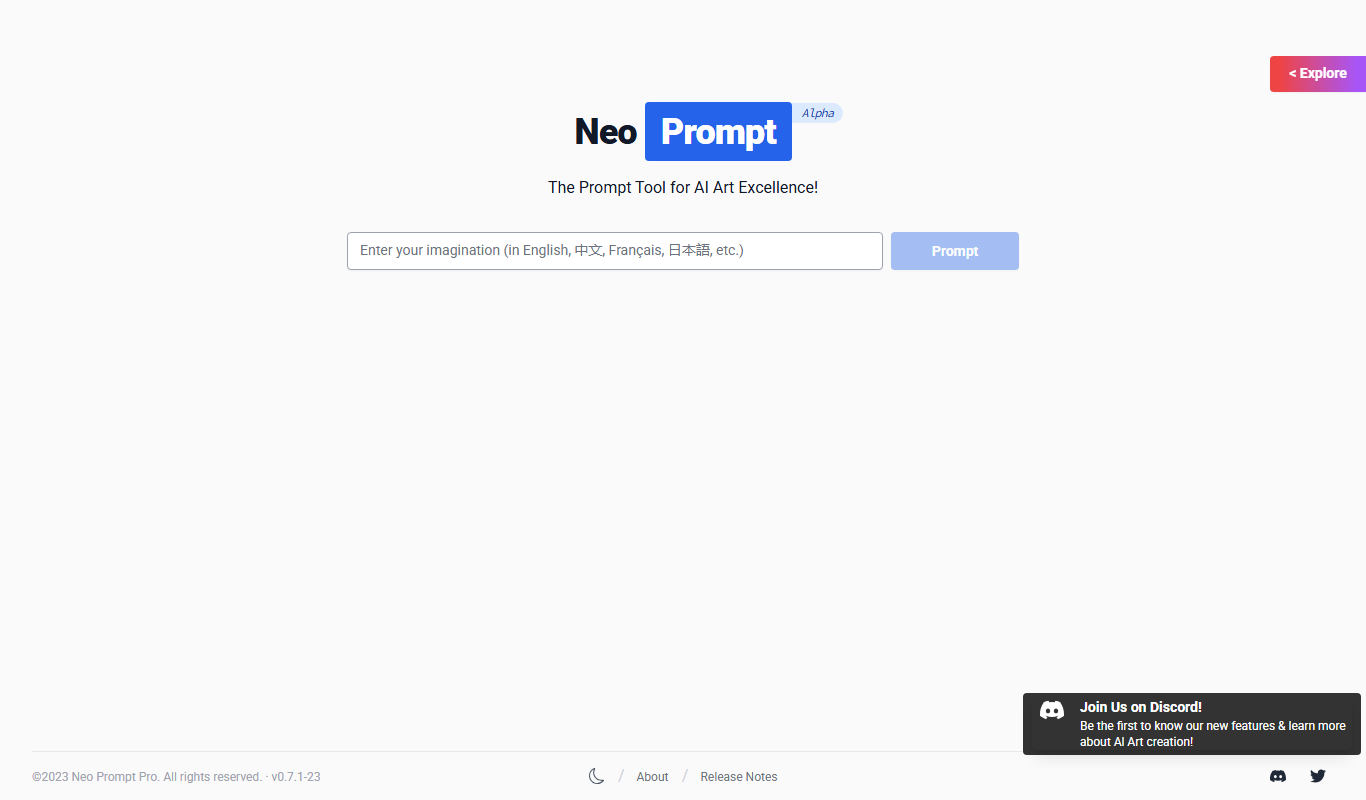
NeoPrompt Pro is a prompt tool for AI art such as Midjourney, with a freemium model.

Harmonai
Harmonai is the Stability AI lab for open-source audio, publishing tools for AI music generation.

Heurist Imagine
Heurist Imagine is an AI image and video generator that runs models such as FLUX, Stable Diffusion and Veo 3 on decentralized infrastructure, paid pay-as-you-go with crypto.