

SummarizeYT - YouTube Video Summarizer for Quick Content Insights
SummarizeYT is a free Chrome extension that summarizes YouTube videos as you browse.
- Best for
- Quick Video Content Review
- Key capability
- Transcript-Based Summarization
Save SummarizeYT, follow its updates and vote on it — everything stays in your account.
Sign in or create a free account

What is SummarizeYT?
SummarizeYT is a free Chrome extension that summarizes YouTube videos as you browse, creating concise summaries from the video transcript.
Key features of SummarizeYT
The tool offers instant text summaries of YouTube videos by analyzing transcripts, supports copy and share functionality, and requires no sign-up or installation.
Transcript-Based Summarization
Uses the video's transcript to extract and condense key information.
Instant Results
Generates summaries quickly without delays.
No Account Required
Accessible without registration or login.
Free to Use
Offers full functionality at no cost.
Pros and cons of SummarizeYT
Pros
- Simple and easy to use interface
- Free with no registration required
- Quickly generates concise summaries
- Helps save time on video content consumption
Cons
- Only supports videos with available transcripts
- Limited to English language videos
- No mobile app or browser extension
Key use cases for SummarizeYT
Quick Video Content Review
SummarizeYT helps users quickly grasp the main points of YouTube videos without watching them fully.
Research and Learning
Students and professionals can use SummarizeYT to extract key information from educational or tutorial videos efficiently.
Content Curation
Content creators and marketers can generate concise summaries to share insights or create derivative content.
Time Management
Busy users save time by reading summaries instead of watching lengthy videos.
How SummarizeYT works
- 1
Enter Video URL
Paste the YouTube video link into the SummarizeYT input field.
- 2
Generate Summary
The tool processes the video’s transcript and creates a concise summary.
- 3
Review and Use
Read, copy, or share the summary to quickly grasp the video’s main ideas.
Who is using SummarizeYT
SummarizeYT pricing
Free
$0
Unlimited access to video summarization features without fees.
Plans and prices are as published by the vendor and can change. Check the official site before you buy. Open the pricing page (opens in a new tab)
Frequently asked questions about SummarizeYT
No, you can use SummarizeYT without creating an account.
It works best with videos that have transcripts available.
Currently, there are no stated limits on usage.
It depends on your specific needs and how you plan to use the tool. The official website and documentation are the best sources for the latest details.
Some tools offer a free plan or trial with limited features. Availability can vary, so confirm on the official website.
Yes, it can help with that use case depending on how you configure it and what features are available. You’ll get the best results with clear inputs and a defined goal.
Conclusion
As a free Chrome extension, SummarizeYT summarizes YouTube videos as you browse. It reads the video’s transcript and condenses the key information into a concise summary that can be read, copied or shared. Only videos with available transcripts are supported. No account is required to use it.
For research and learning, the page mentions extracting key information from educational or tutorial videos. It is designed for students and educators, researchers and professionals, and busy individuals seeking quick video insights.
Sources
Sign in to review this tool.
Sign In to ReviewNo reviews yet
Be the first to share how this tool worked for you.
Ask about pricing, limits, or how it compares — or answer someone else.
Sign In to AskNo questions yet
Have a question about using or paying for this tool? Be the first to ask.
Featured on TiorAI



Alternative Tools
Explore similar AI tools that might fit your needs

VideoKen
VideoKen is an AI-driven platform that indexes and segments long videos into chapters, provides automatic transcription, and enables interactive navigation to enhance video learning and content accessibility.
More AI Ai Tools tools
Other tools in the same category, for when this one is not quite the fit.

VoiceChanger.im: AI Voice Cloner & Text to Speech Free Online
VoiceChanger.im is a free online AI tool that clones voices from short audio samples and converts text into natural-sounding speech with optional voice effects.

Free AI Image Upscaling
Free AI Image Upscaling is a web-based tool that uses artificial intelligence to increase image resolution and improve quality without losing detail, available for free without registration.
YouTube Summarizer for Slack
YouTube Summarizer for Slack is an AI-powered tool that automatically creates concise summaries of YouTube videos shared within Slack channels, helping teams save time and improve communication.
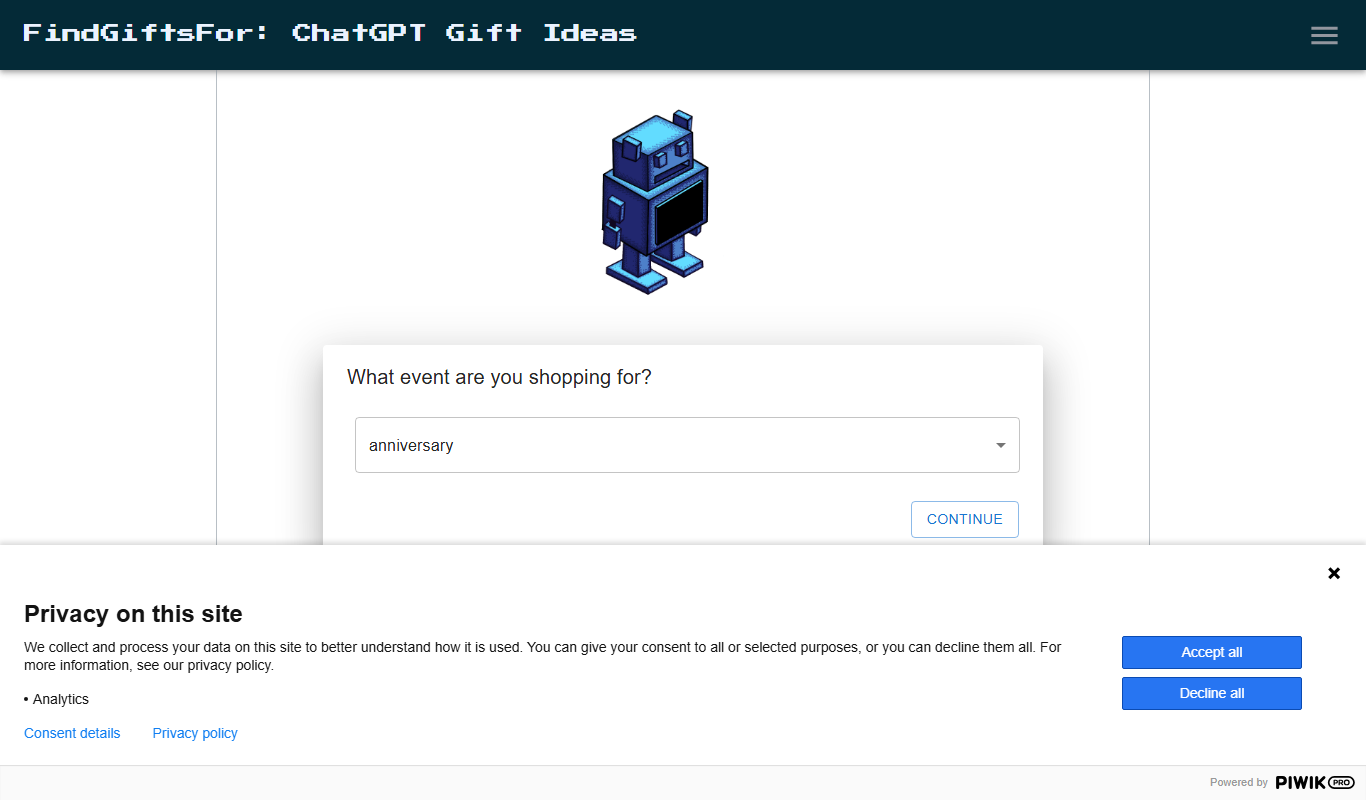
FindGiftsFor ChatGPT gift search
FindGiftsFor ChatGPT Gift Search is a free web tool that uses AI to generate personalized gift ideas based on recipient details and occasion.

AI Image to Video Online
AI Image to Video Online is a web-based tool that converts static images into animated videos using AI technology, offering easy video creation without editing skills.

MagiScan AI 3D Scanner app
MagiScan AI 3D Scanner app uses AI-enhanced photogrammetry on iOS devices to create detailed 3D models from photos, offering real-time previews and multiple export options.

aivideogenerator.me
aivideogenerator.me is a third-party website that presents itself as a Luma AI Video Generator powered by Dream Machine; it is not the official Luma Labs site.

KidsAIStory
KidsAIStory is a tool for parents to create personalized illustrated children's books, not a platform where children write their own stories.