

From my experience with Suki AI, I found it excels at reducing the time physicians spend on clinical documentation by leveraging voice recognition tailored for medical terminology. After using the platform, it’s clear that Suki AI is particularly well-suited for healthcare providers who want to streamline note-taking and improve workflow efficiency without sacrificing accuracy. However, the tool currently supports only English and requires integration with existing EHR systems, which might pose initial setup challenges. Overall, if you need a reliable medical voice assistant to ease documentation burdens, Suki AI delivers practical and effective results.
Suki AI Medical Voice Assistant for Efficient Clinical Documentation
Suki AI is an AI-powered voice assistant designed to help healthcare providers create clinical documentation efficiently by converting speech into structured medical notes integrated with EHR systems.
- Best for
- Clinical Documentation
- Key capability
- Voice-Activated Clinical Notes
Your actions
Save Suki AI, follow its updates and vote on it — everything stays in your account.
Sign in or create a free account
What is Suki AI?
Suki AI is an AI-powered voice assistant designed specifically for healthcare professionals to streamline clinical documentation. It uses advanced speech recognition and natural language processing to convert physician dictations into structured medical notes, integrated directly with electronic health record systems. This tool aims to reduce the administrative workload on doctors, allowing them to spend more time with patients and less on paperwork.
Key features of Suki AI
Suki AI offers voice-enabled clinical note creation, seamless EHR integration, customizable templates, and real-time transcription accuracy improvements. It supports hands-free documentation, enabling physicians to dictate notes during patient visits efficiently.
Voice-Activated Clinical Notes
Enables hands-free documentation through accurate speech recognition tailored for medical terminology.
EHR Integration
Works with major electronic health record systems to automatically populate patient charts.
Customizable Templates
Allows users to create and use templates for different specialties and visit types.
Real-Time Transcription
Provides immediate transcription feedback to ensure accuracy and completeness.
Mobile and Web Access
Accessible via mobile apps and web platforms for documentation flexibility.
Pros and cons of Suki AI
Pros
- Significantly reduces physician documentation time
- Accurate medical speech recognition
- Seamless integration with EHR systems
- Customizable for different medical specialties
Cons
- Limited to English language support
- Pricing details not publicly disclosed
- Requires EHR integration setup
Key use cases for Suki AI
Clinical Documentation
Assist physicians in creating accurate and efficient medical notes using voice commands.
Medical Transcription
Convert physician speech into structured electronic health records (EHR) documentation.
Workflow Optimization
Reduce administrative burden on healthcare providers by automating note-taking and data entry.
Patient Interaction Support
Enable doctors to focus more on patients by minimizing time spent on documentation.
How Suki AI works
- 1
Sign Up
Healthcare providers create an account and select a subscription plan.
- 2
Integrate with EHR
Connect Suki AI with the existing electronic health record system for seamless data flow.
- 3
Start Dictating
Use voice commands to dictate clinical notes during patient consultations.
- 4
Review and Edit
Review the transcribed notes and make any necessary edits before finalizing.
Who is using Suki AI
Physicians and clinicians
Medical practices and clinics
Hospitals and healthcare organizations
Medical transcriptionists
Healthcare IT administrators
Suki AI pricing
Basic
Contact for pricing
Entry-level plan with essential voice assistant features for small practices.
Enterprise
Custom pricing
Advanced features, integrations, and support tailored for large healthcare organizations.
Plans and prices are as published by the vendor and can change. Check the official site before you buy. Open the pricing page (opens in a new tab)
Frequently asked questions about Suki AI
Suki AI integrates with many major EHR platforms, but compatibility depends on the specific system. Contact support for details.
Yes, it is trained specifically on medical terminology to ensure accurate transcription.
Suki AI complies with healthcare data security standards, including HIPAA, to protect patient information.
Currently, Suki AI supports English only.
It depends on your specific needs and how you plan to use the tool. The official website and documentation are the best sources for the latest details.
Yes, it can help with that use case depending on how you configure it and what features are available. You’ll get the best results with clear inputs and a defined goal.
It depends on your specific needs and how you plan to use the tool. The official website and documentation are the best sources for the latest details.
Sign in to review this tool.
Sign In to ReviewNo reviews yet
Be the first to share how this tool worked for you.
Ask about pricing, limits, or how it compares — or answer someone else.
Sign In to AskNo questions yet
Have a question about using or paying for this tool? Be the first to ask.
Featured on TiorAI



Alternative Tools
Explore similar AI tools that might fit your needs

Custom Pricing
Augmedix
Augmedix is an AI-powered medical documentation platform that combines speech recognition and remote medical scribes to automate clinical note-taking for healthcare providers.
More AI Customer Service tools
Other tools in the same category, for when this one is not quite the fit.

Free
Buoy Health
Buoy Health is an AI-driven digital health assistant that helps users assess symptoms and receive personalized care recommendations through an interactive symptom checker.

Custom Pricing
Agiloft
Agiloft is an AI-driven contract management and business process automation platform that helps enterprises automate workflows, manage contracts, and ensure compliance using a customizable no-code environment.
Enterprise
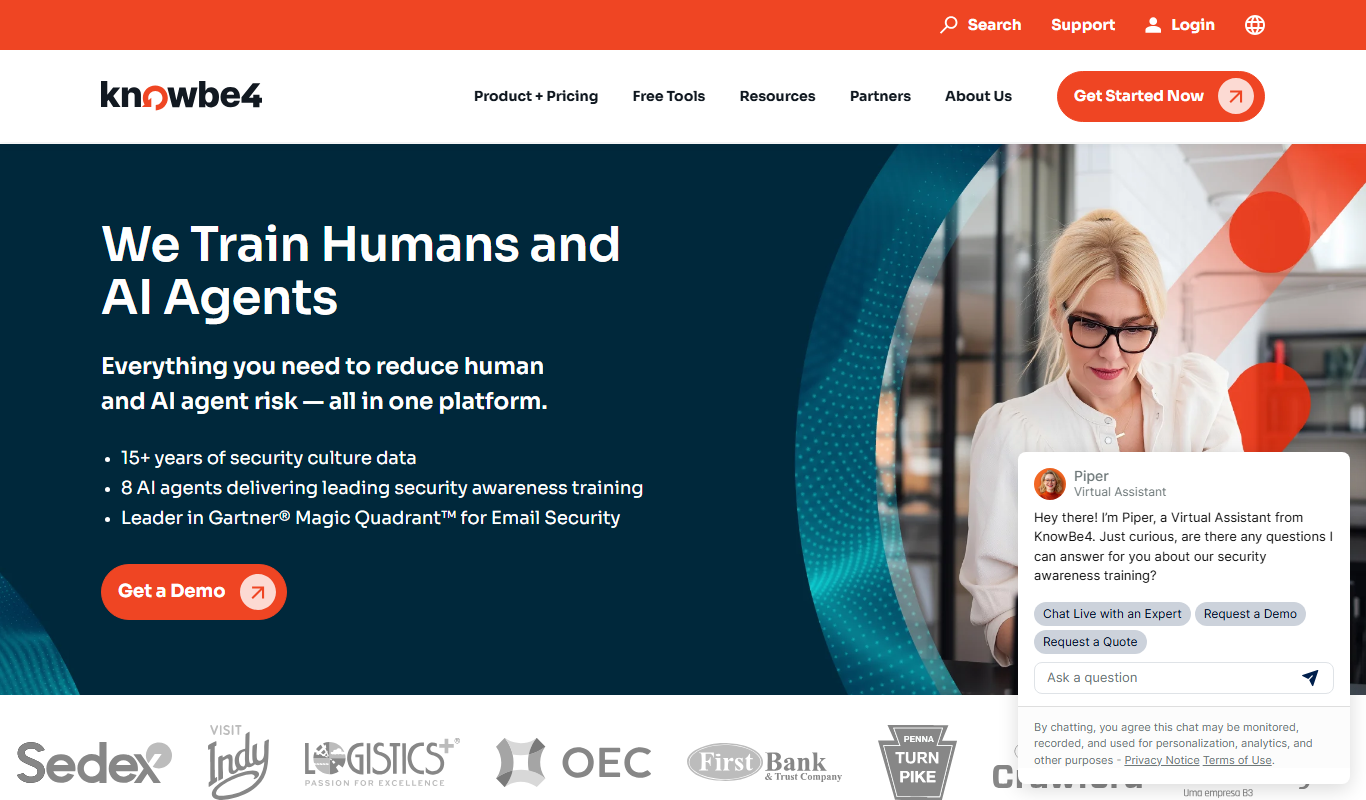
KnowBe4
KnowBe4 is a security awareness training platform that provides phishing simulations and interactive training to help organizations reduce cybersecurity risks by educating employees.

Free
Nexar AI Dashcam
Nexar AI Dashcam is a smart dashcam system that uses AI to detect accidents, provide real-time road hazard alerts, and securely store driving footage via a mobile app and cloud services.

Custom Pricing
Blueshift
Blueshift is an AI-driven customer data platform that helps marketers unify customer data, segment audiences with predictive analytics, and automate personalized campaigns across multiple channels.

Free Trial
SoliCall
SoliCall is a noise reduction and echo cancellation software that enhances voice call clarity by removing background noise and echo in real-time, ideal for call centers and VoIP communications.

Free Trial
UserVoice
UserVoice is a customer feedback management tool that collects and prioritizes user suggestions to help product teams make informed decisions and improve customer satisfaction.

Free Trial
RingCentral
RingCentral is a cloud-based unified communications platform that provides businesses with VoIP phone services, video conferencing, team messaging, and AI-enhanced contact center solutions accessible across multiple devices.