

Stems ST-02 AI Music Remix Tool for Creative Audio Production
Stems ST-02 is a downloadable audio separator that splits a song into vocals, drums, bass and other WAV files using the open source Demucs library.
- Best for
- Music Remixing
- Key capability
- AI-Powered Stem Isolation
Save Stems ST-02, follow its updates and vote on it — everything stays in your account.
Sign in or create a free account
What is Stems ST-02?
Stems ST-02 is a downloadable audio separator that isolates vocals and instruments from songs using Facebook’s open source Demucs library. A song is split into vocals, drums, bass and other files in WAV format, for DJs, producers and music learners.
Key features of Stems ST-02
The tool separates a song into vocals.wav, drums.wav, bass.wav and other.wav files using the Demucs library, and is installed from dmg or exe downloads.
AI-Powered Stem Isolation
Automatically separates songs into distinct stems with high accuracy.
Four separate stem files
A song is split into vocals.wav, drums.wav, bass.wav and other.wav.
High-Quality Audio Export
Exports stems in professional audio formats suitable for production.
Downloadable app
Stems ST-02 is downloaded and installed, with dmg and exe downloads offered.
Pros and cons of Stems ST-02
Pros
- Accurate AI stem separation
- Separates vocals, drums, bass and other parts into WAV files
- Built on Facebook's open source Demucs library
- Supports professional audio export
Cons
- Free plan is limited to 3 stems per month
- Subscription pricing details not publicly disclosed
Key use cases for Stems ST-02
Music Remixing
Create unique remixes by isolating and manipulating individual stems of songs using AI.
DJ Sets Preparation
Prepare stems for live DJ performances to mix and blend tracks creatively.
Music Production
Use isolated stems to build new tracks or enhance existing productions.
Audio Experimentation
Experiment with song components to explore new sounds and arrangements.
How Stems ST-02 works
- 1
Upload a Song
Users download and install Stems ST-02, then load a song for separation.
- 2
AI Stem Separation
The Demucs library isolates vocals, drums, bass and other instruments.
- 3
Get the stem files
The song is saved as vocals.wav, drums.wav, bass.wav and other.wav.
- 4
Export Stems
Final stems or remixed tracks can be exported for use in music production or performance.
Who is using Stems ST-02
Stems ST-02 pricing
Free
$0
3 stems per month.
Supporter
$5 per month
Unlimited stems per month and a history of your stems.
Plans and prices are as published by the vendor and can change. Check the official site before you buy. Open the pricing page (opens in a new tab)
Frequently asked questions about Stems ST-02
It supports common audio formats like MP3 and WAV for upload and export.
Yes, the tool is designed for professional and personal music production use.
The Free plan allows 3 stems per month; the Supporter plan allows unlimited stems per month.
It depends on your specific needs and how you plan to use the tool. The official website and documentation are the best sources for the latest details.
Yes, it can help with that use case depending on how you configure it and what features are available. You’ll get the best results with clear inputs and a defined goal.
Some tools offer a free plan or trial with limited features. Availability can vary, so confirm on the official website.
Conclusion
This audio separator is downloaded and installed, with dmg and exe downloads offered. A song goes in and comes out as four files: vocals.wav, drums.wav, bass.wav and other.wav. The separation itself runs on Facebook’s open source Demucs library.
The site presents it as a tool for DJs, producers and music learners. Isolated stems can serve DJ set preparation or the building of new tracks. The Free plan caps stems per month, while the paid Supporter plan allows unlimited stems per month and a history of your stems.
Sources
Sign in to review this tool.
Sign In to ReviewNo reviews yet
Be the first to share how this tool worked for you.
Ask about pricing, limits, or how it compares — or answer someone else.
Sign In to AskNo questions yet
Have a question about using or paying for this tool? Be the first to ask.
Featured on TiorAI



More AI Audio Enhancer tools
Other tools in the same category, for when this one is not quite the fit.

UniFab All In One
UniFab All-In-One is an AI video and audio enhancement suite for video upscaling, HDR conversion, denoising and subtitle generation.

Landr
Landr is an AI-driven platform that automates music mastering, enables global music distribution, and provides collaboration tools for musicians and producers.
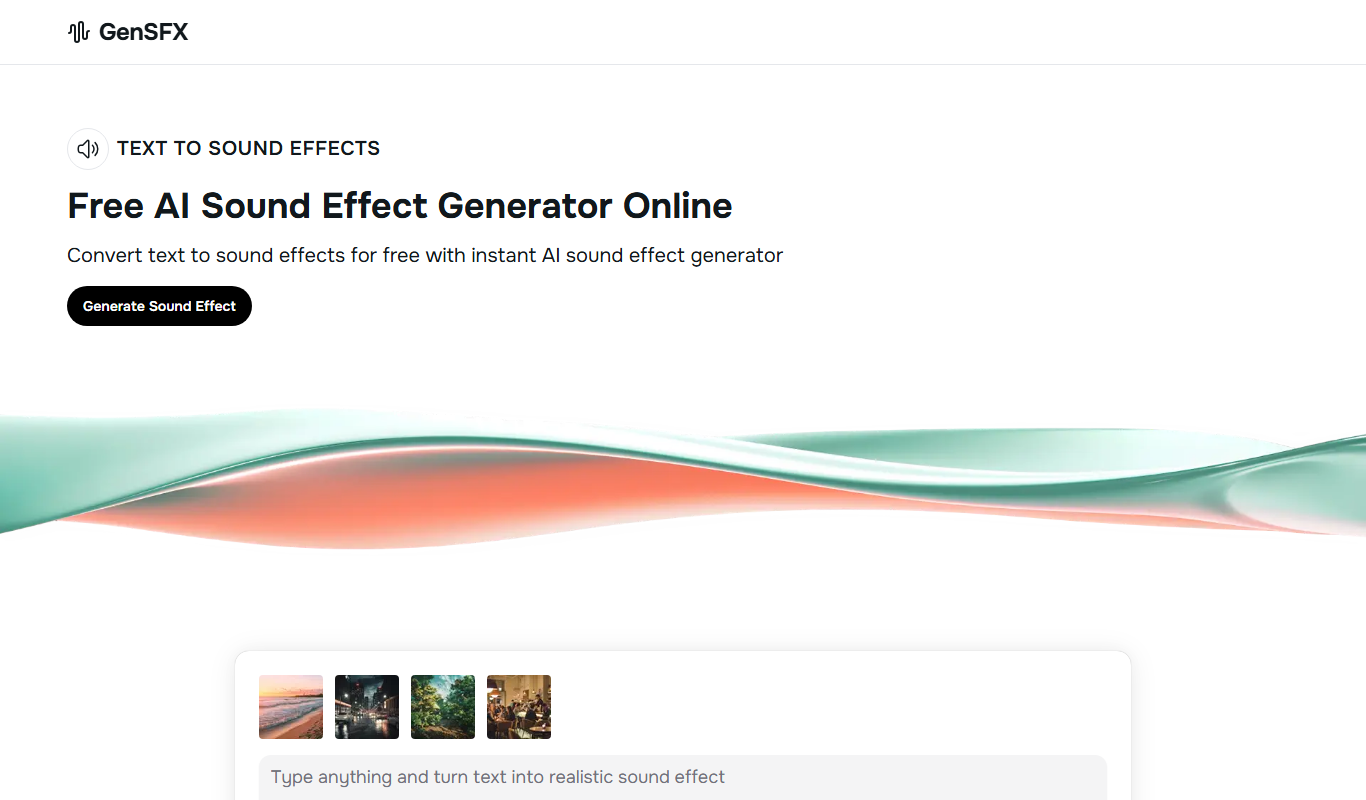
GenSFX
GenSFX is an AI-based sound effects generator that creates unique audio clips for various creative projects, offering instant previews and customizable parameters through a web platform.

Audioshake
Audioshake is an AI-powered web tool that separates mixed audio tracks into individual stems like vocals and instruments, enabling remixing and editing without original multitrack files.
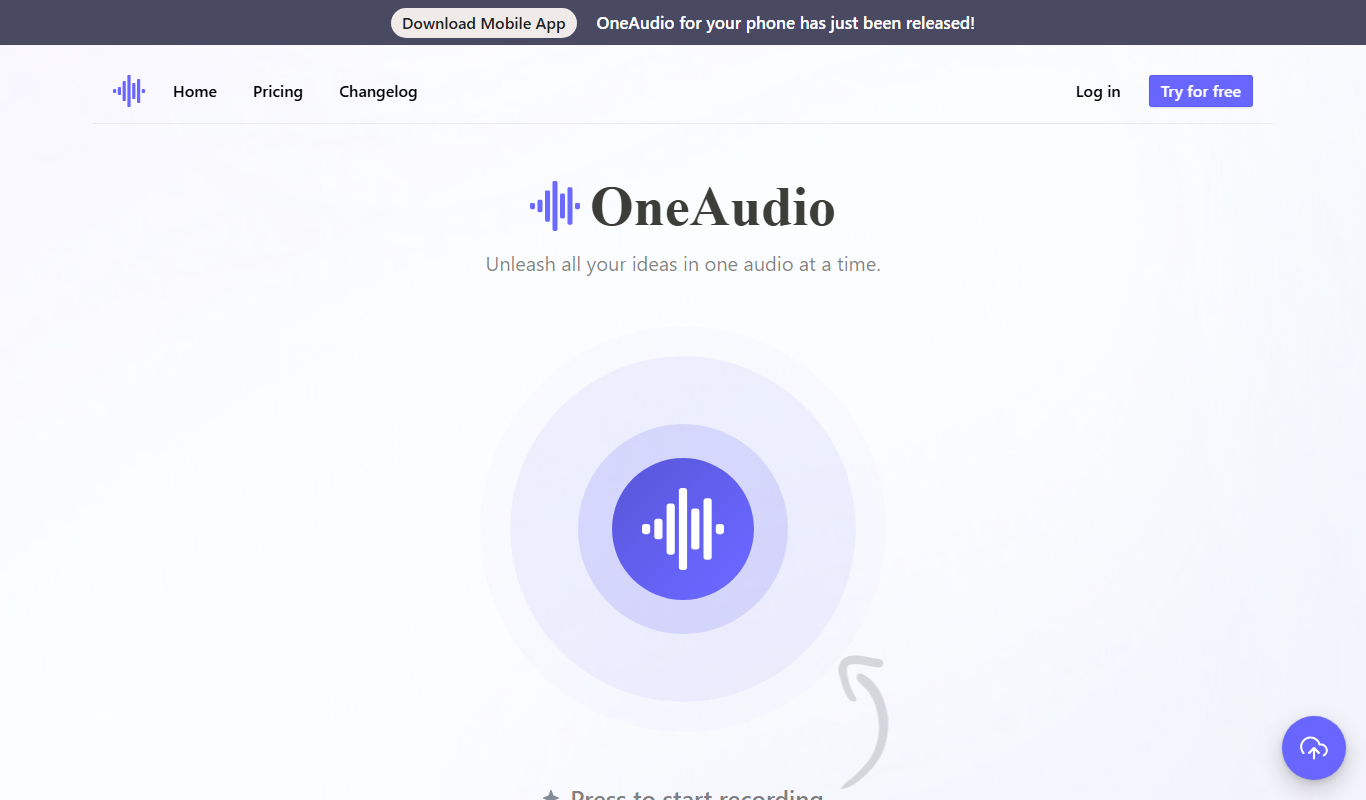
OneAudio AI
OneAudio summarizes, transcribes and converts your audio into notes: think out loud or upload a recording and get a clean, ready to share note.
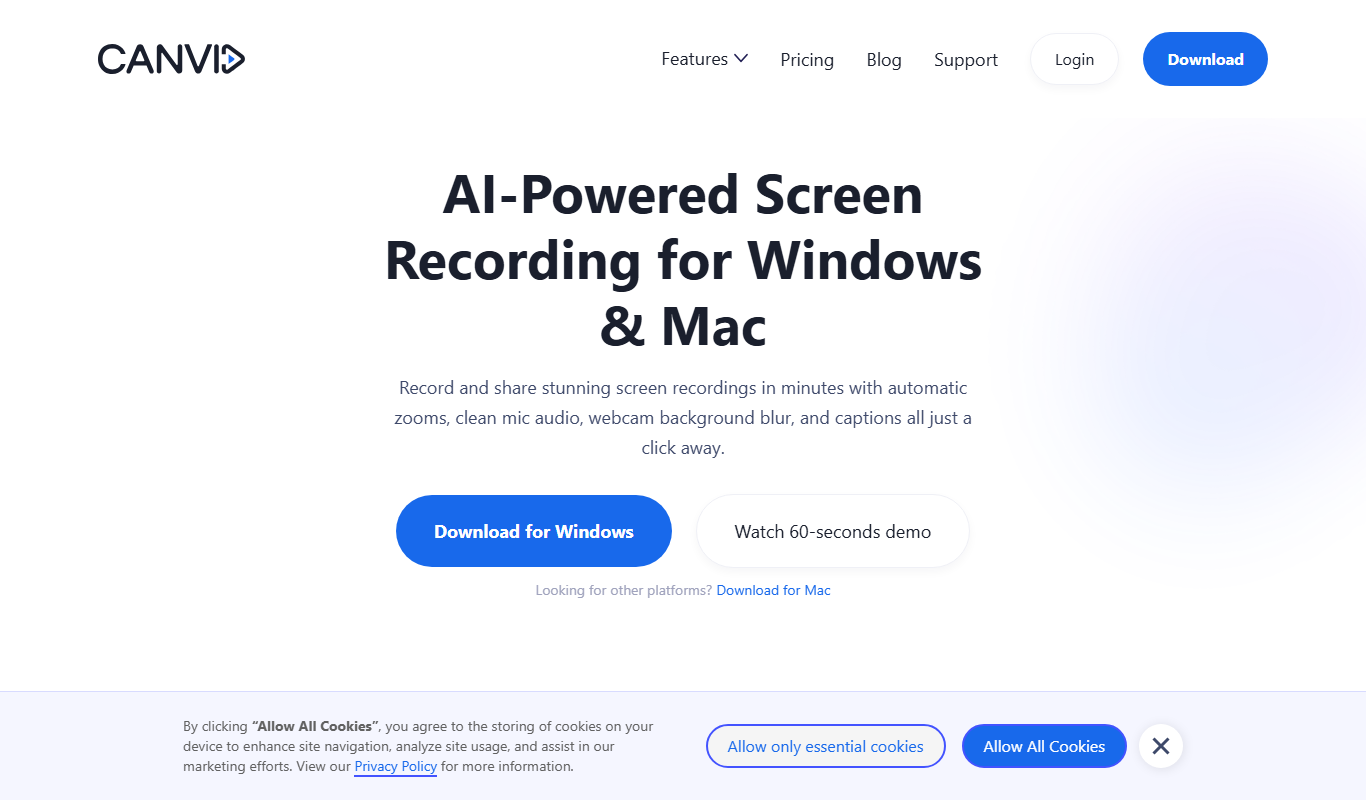
CANVID
CANVID is an AI-powered screen recorder for Windows and Mac that captures the screen, webcam, mic and system audio and polishes recordings in the same workflow.

RambleFix
RambleFix turns your rambling voice notes into clean emails, articles and summaries, on web, iPhone and Mac.

CloneDub
CloneDub is an AI powered, automated dubbing platform that helps podcasts and YouTube channels grow their audience with fast, high quality video dubbing.