

From my experience with Stable Diffusion API, it stands out for its straightforward REST API that makes integrating advanced AI image generation into projects accessible for developers. The quality of images produced is impressive, offering photorealistic and creative outputs that suit a wide range of applications from marketing to app development. However, it requires some programming knowledge to use effectively, and the free tier limits usage, which might be restrictive for heavy users. Overall, if you need reliable, scalable AI-generated images accessible via API, Stable Diffusion API is a solid choice.
Stable Diffusion API for AI Image Generation and Integration Services
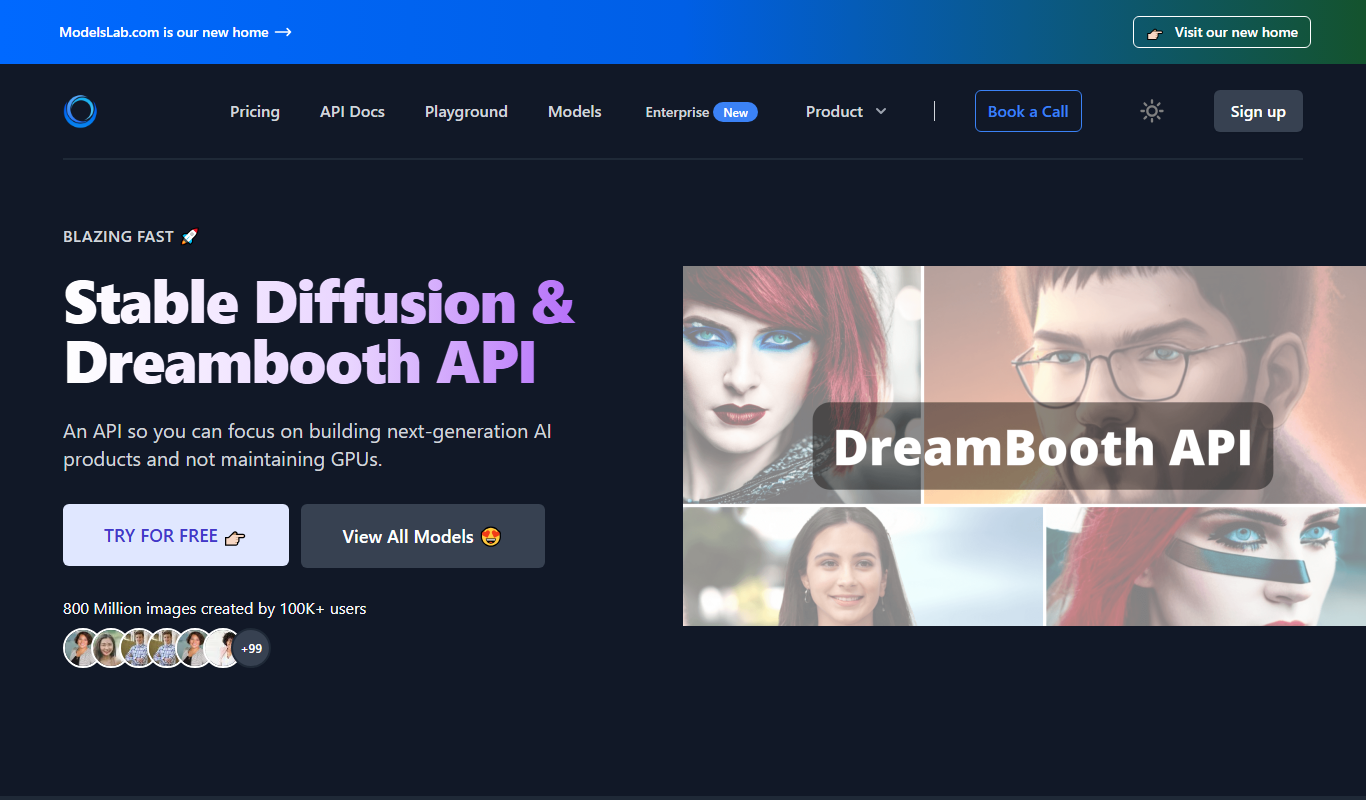
Stable Diffusion API is a RESTful service that allows developers to generate images from text prompts using the Stable Diffusion model, enabling integration of AI-generated visuals into applications.
- Best for
- Creative Content Generation
- Key capability
- Text-to-Image Generation

Do you recommend this tool?
What is stablediffusion api?
Stable Diffusion API is a cloud-based service that provides developers with programmatic access to Stable Diffusion, a state-of-the-art text-to-image generation model. It enables users to generate high-quality, photorealistic images from textual descriptions through a simple REST API, facilitating easy integration into various applications and workflows.
Key features of stablediffusion api
The API offers scalable image generation with customizable parameters, supports multiple image sizes, and provides fast response times. It includes features like prompt weighting, image-to-image generation, and style customization, making it versatile for creative and technical use cases.
Text-to-Image Generation
Convert descriptive text prompts into detailed, high-resolution images.
Image-to-Image Generation
Transform existing images based on new prompts or styles.
Customizable Parameters
Adjust image size, style, and prompt weighting to fine-tune outputs.
Scalable API Access
Handle varying workloads with scalable infrastructure and fast response times.
Secure Authentication
Use API keys to securely access the service and manage usage.
Pros and cons of stablediffusion api
Pros
- Easy integration with REST API
- High-quality, photorealistic image outputs
- Flexible customization options
- Scalable for different project sizes
Cons
- Requires programming knowledge to use
- Free tier has limited usage
- No dedicated desktop or mobile app
Key use cases for stablediffusion api
Creative Content Generation
Generate unique and high-quality images for marketing, advertising, and social media content.
App and Game Development
Integrate AI-generated visuals into applications and games to enhance user experience.
Design Prototyping
Rapidly prototype design concepts with AI-generated images to speed up creative workflows.
Research and Experimentation
Use the API for academic or commercial research in generative AI and computer vision.
Custom AI Solutions
Build tailored AI-powered image generation tools by leveraging the API’s flexibility.
How stablediffusion api works
- 1
Sign Up
Create an account on the Stable Diffusion API platform to obtain API credentials.
- 2
Get API Key
Receive your unique API key to authenticate requests.
- 3
Send Requests
Use the REST API to send text prompts and parameters for image generation.
- 4
Receive Images
The API returns generated images in your specified format for use in your projects.
Who is using stablediffusion api
Developers and software engineers
Creative agencies and designers
Game and app developers
Researchers in AI and computer vision
Marketing professionals
stablediffusion api pricing
Free
$0/month
Limited number of image generations per month for testing and development.
Pro
$15/month
Increased usage limits and priority support for professional developers.
Enterprise
Custom pricing
Tailored plans with dedicated support and higher usage quotas for businesses.
Plans and prices are as published by the vendor and can change. Check the official site before you buy. Open the pricing page (opens in a new tab)
Frequently asked questions about stablediffusion api
It is used to generate images from text prompts programmatically, enabling integration of AI-generated visuals into apps and services.
Basic programming knowledge is required to make API calls and integrate the service into your applications.
The API typically returns images in standard formats such as PNG or JPEG.
Yes, there is a free plan with limited monthly usage to test the API.
Integration support depends on the tool and its available connectors or API. Check the official documentation or integrations page to confirm what is supported.
Pricing depends on the plan and included features. For the most accurate and up-to-date details, check the official pricing page.
Integration support depends on the tool and its available connectors or API. Check the official documentation or integrations page to confirm what is supported.
Sign in to review this tool.
Sign In to ReviewNo reviews yet
Be the first to share how this tool worked for you.
Ask about pricing, limits, or how it compares — or answer someone else.
Sign In to AskNo questions yet
Have a question about using or paying for this tool? Be the first to ask.
Featured on TiorAI



More AI Education & Learning Tools tools
Other tools in the same category, for when this one is not quite the fit.

Free
bentolingo
BentoLingo is an AI-driven language learning platform that provides personalized speaking practice and real-time feedback to help users improve fluency in multiple languages.

Free Trial
Testnut
Testnut is an online exam platform that enables secure, scalable assessments with remote proctoring, automated grading, and detailed analytics, suitable for education and corporate use.

Freemium
Testbook.ai
Testbook.ai is an AI-driven platform offering personalized study plans, mock tests, and live classes to help students prepare effectively for competitive exams.

Free
AICamp
AICamp is an AI education platform offering project-based learning to teach AI, machine learning, and data science through hands-on projects and community mentorship.
Free
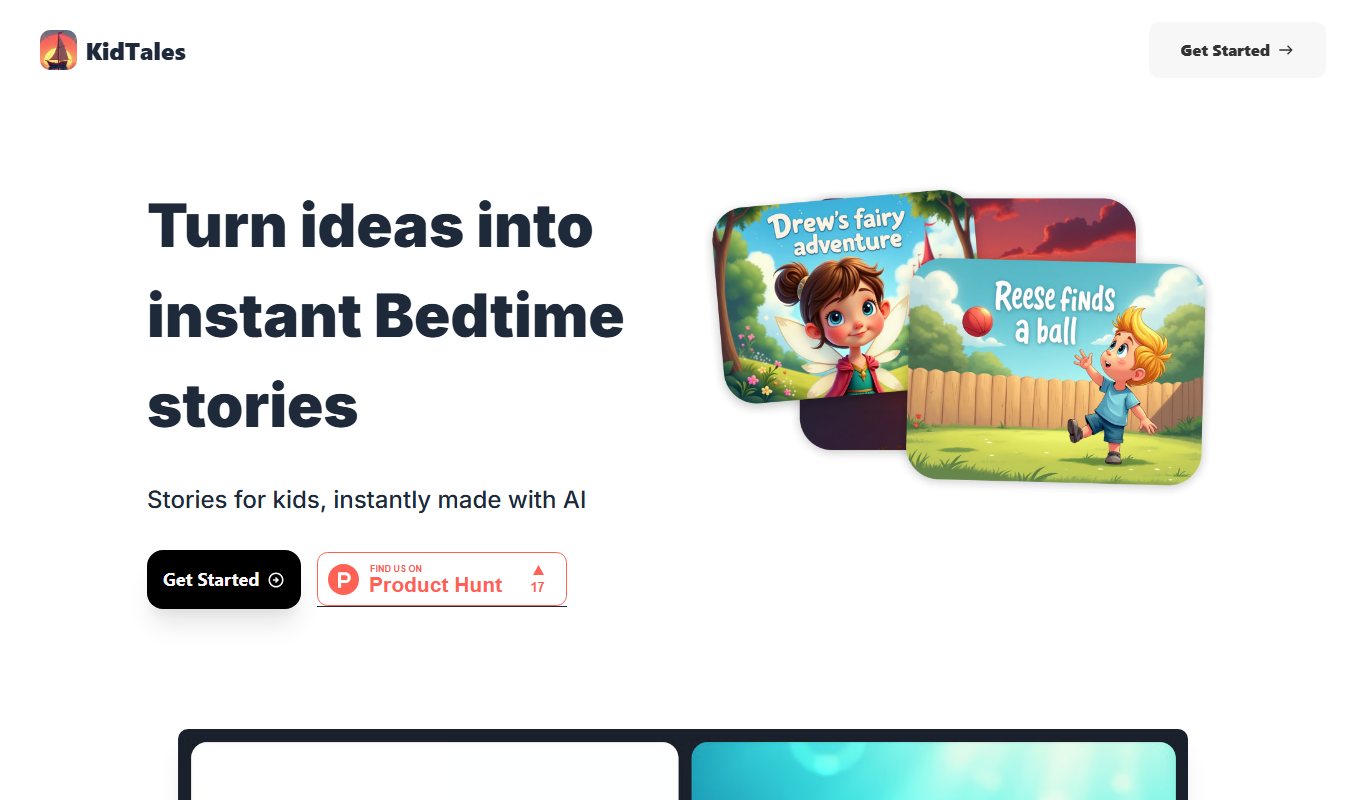
KidTales
KidTales AI is an online tool that generates personalized, age-appropriate stories for children to support creativity and learning.

Freemium
Mi Cuento Digital
Mi Cuento Digital is an online platform that lets you create personalized digital storybooks for children by adding names, photos, and custom details to engage young readers.

Free
Kidgeni
Kidgeni is an AI-powered tutoring platform designed to provide personalized learning and homework help for children, focusing on core subjects like math and reading through interactive sessions.

Freemium
flAI
flAI is an AI-driven language learning app that provides personalized speaking and writing practice with real-time feedback to help users improve fluency and confidence in multiple languages.