

From my experience with Ssemble, I found it excels at enabling marketers and trainers to create truly engaging interactive videos without needing technical skills. The drag-and-drop editor and rich interactive features like hotspots and branching paths make it straightforward to craft personalized viewer experiences. However, the platform is currently limited to English and lacks a dedicated mobile app, which may restrict accessibility for some users. Overall, if your goal is to boost customer engagement and capture leads directly through video content, Ssemble offers a solid, user-friendly solution.
Ssemble Interactive Video Platform for Engaging Customer Experiences
Ssemble is a web platform that enables businesses to create interactive videos with clickable elements, forms, and branching paths to enhance viewer engagement and capture leads.
- Best for
- Interactive Video Campaigns
- Key capability
- Interactive Hotspots
Your actions
Save Ssemble, follow its updates and vote on it — everything stays in your account.
Sign in or create a free account

What is Ssemble?
Ssemble is a web-based interactive video platform designed to help businesses create engaging and personalized video experiences. It enables users to add interactive elements such as clickable hotspots, forms, quizzes, and branching paths to videos, enhancing viewer engagement and providing actionable insights.
Key features of Ssemble
Ssemble offers tools to build interactive videos with customizable elements, real-time analytics, lead capture forms, and seamless integration options to boost marketing and training efforts.
Interactive Hotspots
Add clickable areas within videos to provide additional information or navigation.
Lead Capture Forms
Embed forms directly into videos to collect viewer information without interrupting the experience.
Branching Video Paths
Create multiple storylines or outcomes based on viewer choices for personalized experiences.
Real-Time Analytics
Monitor viewer engagement metrics to understand behavior and improve content effectiveness.
Easy Embedding and Sharing
Distribute interactive videos easily through embed codes or direct links compatible with various platforms.
Pros and cons of Ssemble
Pros
- User-friendly interface with drag-and-drop editing
- Robust interactive features like hotspots and branching
- Built-in analytics for detailed viewer insights
- Supports lead capture directly within videos
- Flexible sharing options including embedding
Cons
- Limited language support (English only)
- No dedicated mobile app; platform is web-based
- Pricing may be high for small businesses with limited budgets
Key use cases for Ssemble
Interactive Video Campaigns
Create engaging video campaigns that allow viewers to interact with content, increasing engagement and conversion rates.
Customer Engagement
Use interactive elements within videos to capture viewer attention and gather feedback or data in real-time.
Lead Generation
Incorporate forms and calls-to-action directly into videos to generate leads without redirecting users.
Training and Education
Develop interactive training videos that enhance learning through quizzes and clickable content.
Product Demonstrations
Showcase products with interactive hotspots and detailed information embedded within videos.
How Ssemble works
- 1
Upload Video
Start by uploading your video content to the Ssemble platform.
- 2
Add Interactive Elements
Use the intuitive editor to insert clickable hotspots, forms, quizzes, and branching scenarios.
- 3
Customize and Preview
Adjust the interactive features and preview the video to ensure a smooth user experience.
- 4
Publish and Share
Publish your interactive video and share it via links, embed codes, or social media.
- 5
Analyze Engagement
Track viewer interactions and gather data through built-in analytics to optimize future campaigns.
Who is using Ssemble
Marketing agencies
E-commerce businesses
Corporate trainers
Content creators
Sales teams
Ssemble pricing
Free Trial
$0 for 14 days
Access to core features to test the platform with limited video uploads.
Pro
$49/month
Full access to interactive features, increased video limits, and analytics.
Business
Custom pricing
Tailored solutions with advanced integrations, priority support, and team collaboration.
Plans and prices are as published by the vendor and can change. Check the official site before you buy. Open the pricing page (opens in a new tab)
Frequently asked questions about Ssemble
Yes, Ssemble features an intuitive drag-and-drop editor designed for users without coding experience.
Ssemble supports common video formats including MP4, MOV, and AVI.
Limits depend on your subscription plan, with higher tiers allowing more uploads.
Yes, Ssemble offers integrations with popular CRM platforms to streamline lead management.
This tool is designed to help users accomplish its core tasks more efficiently. It is typically used by individuals or teams looking to improve productivity and workflow.
It depends on your specific needs and how you plan to use the tool. The official website and documentation are the best sources for the latest details.
It depends on your specific needs and how you plan to use the tool. The official website and documentation are the best sources for the latest details.
Yes, it can help with that use case depending on how you configure it and what features are available. You’ll get the best results with clear inputs and a defined goal.
Sign in to review this tool.
Sign In to ReviewNo reviews yet
Be the first to share how this tool worked for you.
Ask about pricing, limits, or how it compares — or answer someone else.
Sign In to AskNo questions yet
Have a question about using or paying for this tool? Be the first to ask.
Featured on TiorAI



Alternative Tools
Explore similar AI tools that might fit your needs

Free
Vidyard
Vidyard is a video platform that helps businesses create, host, and share personalized videos for marketing, sales, and customer engagement with detailed analytics and CRM integrations.
More AI Customer Engagement Tools tools
Other tools in the same category, for when this one is not quite the fit.

Custom Pricing
trueaccord.com
TrueAccord is an AI-powered debt collection platform that automates customer outreach and payment management through digital channels, improving recovery rates while ensuring compliance.

Custom Pricing
yalo.ai
Yalo is a sales platform with AI agents on WhatsApp for large companies.

Contact for pricing
LEAFIO AI Retail Platform
LEAFIO AI Retail Platform is an AI-powered solution designed to enhance retail customer engagement, automate sales processes, and provide real-time analytics for better decision-making.

Custom Pricing
Perks
Perks is a customer loyalty platform from Sri Lanka that enables businesses to create and manage rewards programs to increase customer retention and engagement.

Custom Pricing
OmniChannel
OmniChannel is a unified customer engagement platform by Omni.us that integrates SMS, email, and voice communication to automate marketing, support sales, and enhance customer experience.

Free
Roast My Spot
Roast My Spot is a free web platform where customers can leave honest reviews about local businesses, helping communities share candid feedback and aiding business owners in reputation management.
Custom Pricing
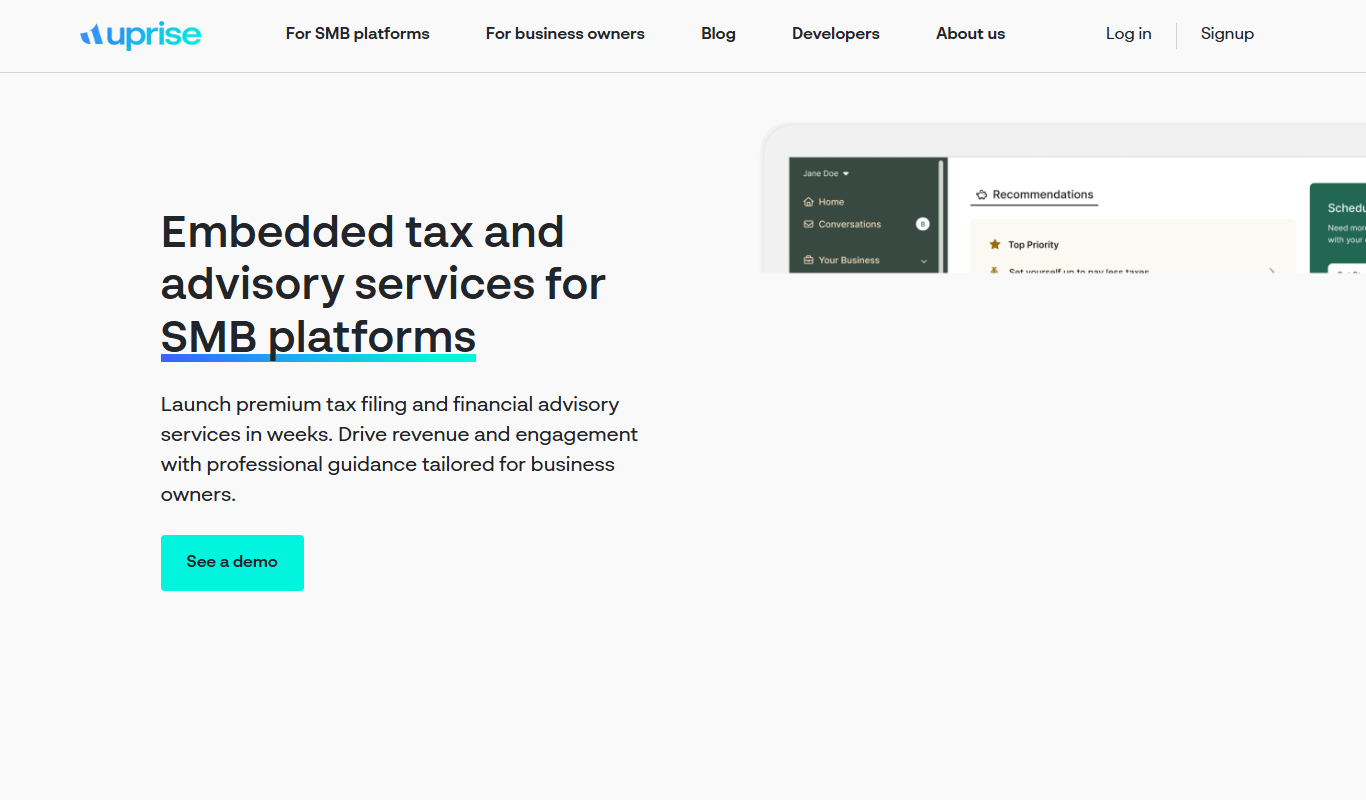
Uprise Embedded
Uprise Embedded is a platform that enables businesses to embed customizable live chat widgets into their websites or applications to provide real-time customer support and proactive engagement.

Custom Pricing
Romo AI
Romo AI is a conversational avatar platform that helps businesses engage customers through AI-powered digital characters capable of natural dialogue and lead capture.