

From my experience with Specgen, I found it excels at automating the tedious process of generating accurate OpenAPI specifications, which can otherwise be time-consuming and error-prone. The integrated testing and mocking features provide a seamless workflow for API development teams, improving both quality and speed. Specgen is particularly well-suited for development teams and QA engineers who want to streamline API documentation and validation. However, it currently focuses on RESTful APIs and OpenAPI specs, which may limit use cases for teams working with other API styles. Overall, if you need to automate API spec creation and testing, Specgen delivers solid, practical benefits.
Specgen AI for Automated API Specification Generation and Testing
Specgen is an AI-powered platform that automates the generation of OpenAPI specifications from existing APIs, enabling automated testing, mocking, and collaborative editing to improve API development efficiency.
- Best for
- Automated API Specification Generation
- Key capability
- AI-Powered Spec Generation
Your actions

Do you recommend this tool?
What is Specgen?
Specgen is an AI-powered platform designed to automate the generation of API specifications, particularly OpenAPI documents, from existing APIs or codebases. It helps developers and teams create accurate, standardized API documentation and testing artifacts quickly, reducing manual effort and errors. Specgen supports the entire API lifecycle from design and documentation to testing and mocking.
Key features of Specgen
Specgen offers automated OpenAPI specification generation, API testing and validation, mock server creation, and collaboration tools to streamline API development and maintenance.
AI-Powered Spec Generation
Automatically create accurate OpenAPI specs from live APIs or code, saving time and reducing manual errors.
Automated API Testing
Run tests to validate API behavior against the generated specification to catch inconsistencies early.
Mock Server Generation
Generate mock APIs from specs to simulate endpoints during frontend or integration development.
Collaborative Editing
Edit and annotate API specifications collaboratively within the platform.
Export and Integration
Export specifications in standard formats for use with other API tools and CI/CD pipelines.
Pros and cons of Specgen
Pros
- Automates tedious API spec creation saving developer time
- Integrated testing and mocking streamline API workflows
- Collaborative editing improves team productivity
- Supports standard OpenAPI format for broad compatibility
Cons
- Currently limited to RESTful APIs and OpenAPI specs
- Pricing may be high for small teams or individual developers
- No offline or desktop version available
Key use cases for Specgen
Automated API Specification Generation
Generate OpenAPI specifications automatically from existing APIs or codebases to streamline documentation and development.
API Testing and Validation
Automatically test APIs against generated or existing specifications to ensure compliance and identify issues early.
API Documentation
Create accurate and up-to-date API documentation based on generated specifications to improve developer experience.
API Mocking
Generate mock servers from API specs to simulate API behavior during development and testing.
API Design and Collaboration
Facilitate API design workflows by generating specs that can be shared and iterated on with teams.
How Specgen works
- 1
Connect Your API
Provide Specgen with access to your existing API endpoints or source code.
- 2
Generate Specification
Specgen analyzes the API and automatically generates an OpenAPI specification document.
- 3
Review and Edit
Review the generated spec, make any necessary edits or annotations within the platform.
- 4
Test and Mock
Use Specgen to run automated tests against your API and generate mock servers for development.
- 5
Collaborate and Export
Share the specification with your team or export it for integration with other tools.
Who is using Specgen
API developers
Software development teams
QA engineers
Technical writers
DevOps professionals
Specgen pricing
Free Trial
$0 for 14 days
Full access to Specgen features for two weeks to evaluate the platform.
Pro
$49/month
Includes unlimited API spec generations, testing, and collaboration features.
Enterprise
Custom pricing
Tailored solutions with dedicated support, advanced integrations, and SLAs.
Plans and prices are as published by the vendor and can change. Check the official site before you buy. Open the pricing page (opens in a new tab)
Frequently asked questions about Specgen
Specgen supports RESTful APIs and can generate OpenAPI specifications from live endpoints or source code.
Yes, Specgen provides an interface to review and edit the generated OpenAPI documents collaboratively.
Yes, you can generate mock servers from your API specifications to simulate API behavior during development.
Specgen offers a 14-day free trial with full access to all features.
Integration support depends on the tool and its available connectors or API. Check the official documentation or integrations page to confirm what is supported.
Integration support depends on the tool and its available connectors or API. Check the official documentation or integrations page to confirm what is supported.
It depends on your specific needs and how you plan to use the tool. The official website and documentation are the best sources for the latest details.
Integration support depends on the tool and its available connectors or API. Check the official documentation or integrations page to confirm what is supported.
Sign in to review this tool.
Sign In to ReviewNo reviews yet
Be the first to share how this tool worked for you.
Ask about pricing, limits, or how it compares — or answer someone else.
Sign In to AskNo questions yet
Have a question about using or paying for this tool? Be the first to ask.
Featured on TiorAI



Alternative Tools
Explore similar AI tools that might fit your needs
Free
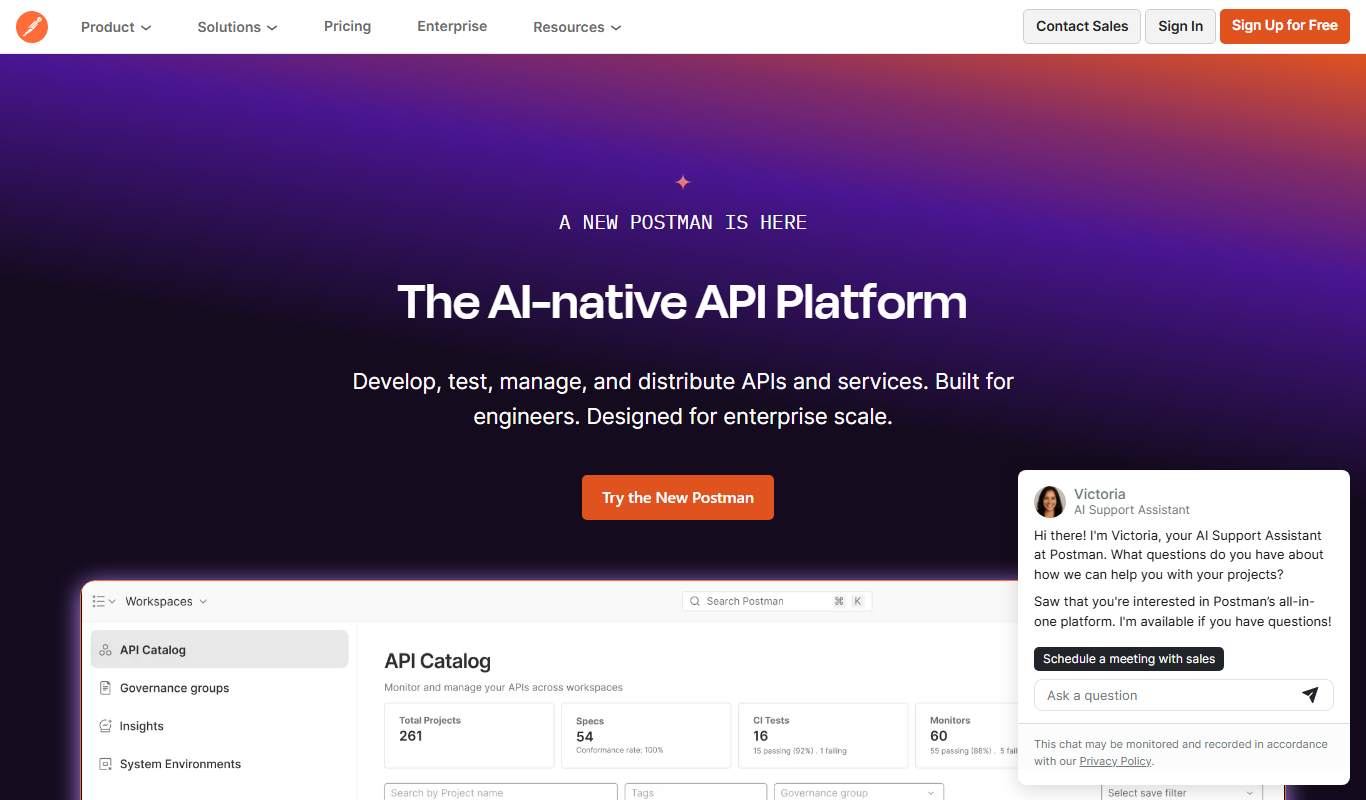
Postman
Postman is a comprehensive API platform that helps developers design, test, automate, document, and monitor APIs efficiently with collaboration tools.

Free
Stoplight
Stoplight is an API design and development platform that provides visual editing, interactive documentation, mocking, and governance tools to help teams build and manage APIs efficiently.
More API Development tools
Other tools in the same category, for when this one is not quite the fit.

Free
InstantAPI.ai
InstantAPI.ai is an AI-powered platform that generates RESTful APIs from natural language descriptions or data schemas, enabling rapid backend development with minimal coding.
Free
Boltic
Boltic is a no-code platform that allows users to create web applications and APIs quickly using a visual drag-and-drop interface, without needing programming skills.