

From my experience with Sonify, I found it excels at making complex data approachable by translating it into sound, which reveals patterns often missed in traditional charts. The platform’s interactive audio-visual interface is intuitive, making it accessible for beginners and valuable for researchers or educators looking to engage audiences differently. However, its limitation to a web-only platform and some advanced features locked behind a subscription might restrict power users. Overall, if you want to explore data through sound and gain fresh insights, Sonify offers a unique and effective approach.
Sonify Audio Data Visualization Tool for Interactive Sound Analysis
Sonify is a web-based tool that converts data into interactive sound and visualizations, helping users analyze data through audio patterns.
- Best for
- Audio Data Exploration
- Key capability
- Interactive Audio-Visual Mapping


Do you recommend this tool?
What is Sonify?
Sonify is a web-based platform that transforms data into interactive audio-visual experiences. It enables users to sonify data, turning numbers and datasets into sound to reveal patterns and insights that might be missed with traditional visualization methods.
Key features of Sonify
Sonify offers interactive sound mapping, customizable audio parameters, real-time data sonification, and intuitive visual interfaces that allow users to explore data through both sound and visuals simultaneously.
Interactive Audio-Visual Mapping
Simultaneously visualize and hear data patterns with synchronized sound and graphics.
Customizable Sonification Parameters
Adjust pitch, volume, tempo, and other sound properties to tailor the audio representation.
Real-Time Data Sonification
Experience immediate audio feedback as data is manipulated or updated.
User-Friendly Interface
Intuitive controls and clear visual cues make data sonification accessible to users of all skill levels.
Pros and cons of Sonify
Pros
- Unique approach combining sound and visuals for data analysis
- Easy to use with no technical expertise required
- Supports real-time interaction with data sonification
Cons
- Limited to web platform only
- Advanced features require paid subscription
Key use cases for Sonify
Audio Data Exploration
Users can convert complex data sets into interactive audio-visual representations to explore patterns and trends through sound.
Scientific Research
Researchers can sonify data to detect anomalies or patterns not easily visible in traditional visual graphs.
Educational Tools
Educators can use Sonify to teach concepts of data analysis and sound mapping by engaging students with interactive audio experiences.
Creative Projects
Artists and sound designers can transform data into unique soundscapes for multimedia projects.
How Sonify works
- 1
Upload Data
Users upload their datasets in supported formats to the Sonify platform.
- 2
Configure Sonification
Select audio parameters and mapping options to define how data points translate into sound.
- 3
Interact with Visualization
Explore the interactive audio-visual output to analyze data patterns through sound and visuals.
Who is using Sonify
Data scientists and analysts
Educators and students
Researchers in scientific fields
Creative professionals and artists
Sonify pricing
Free
$0/month
Basic access with limited data uploads and sonification features.
Pro
$15/month
Expanded data limits, advanced sonification options, and priority support.
Plans and prices are as published by the vendor and can change. Check the official site before you buy. Open the pricing page (opens in a new tab)
Frequently asked questions about Sonify
Sonify supports common data formats such as CSV and JSON for sonification.
Yes, Sonify offers an intuitive interface designed for users with no prior experience in data sonification.
Absolutely, you can adjust parameters like pitch, volume, and tempo to create personalized audio representations.
Data handling and security practices vary by provider. Review the official privacy policy to understand how your data is stored and used.
Data handling and security practices vary by provider. Review the official privacy policy to understand how your data is stored and used.
Some tools offer a free plan or trial with limited features. Availability can vary, so confirm on the official website.
Sign in to review this tool.
Sign In to ReviewNo reviews yet
Be the first to share how this tool worked for you.
Ask about pricing, limits, or how it compares — or answer someone else.
Sign In to AskNo questions yet
Have a question about using or paying for this tool? Be the first to ask.
Featured on TiorAI



Alternative Tools
Explore similar AI tools that might fit your needs

Free Trial
AudioCipher
AudioCipher is an AI-powered tool that transforms text input into unique music beats and melodies, enabling easy music creation without deep music theory knowledge.

Free
Sonic Visualiser
Sonic Visualiser is a free, open-source desktop application for viewing and analyzing audio files with detailed visualizations like spectrograms and waveforms, widely used in music research and education.
More AI Melody Generator tools
Other tools in the same category, for when this one is not quite the fit.
Free
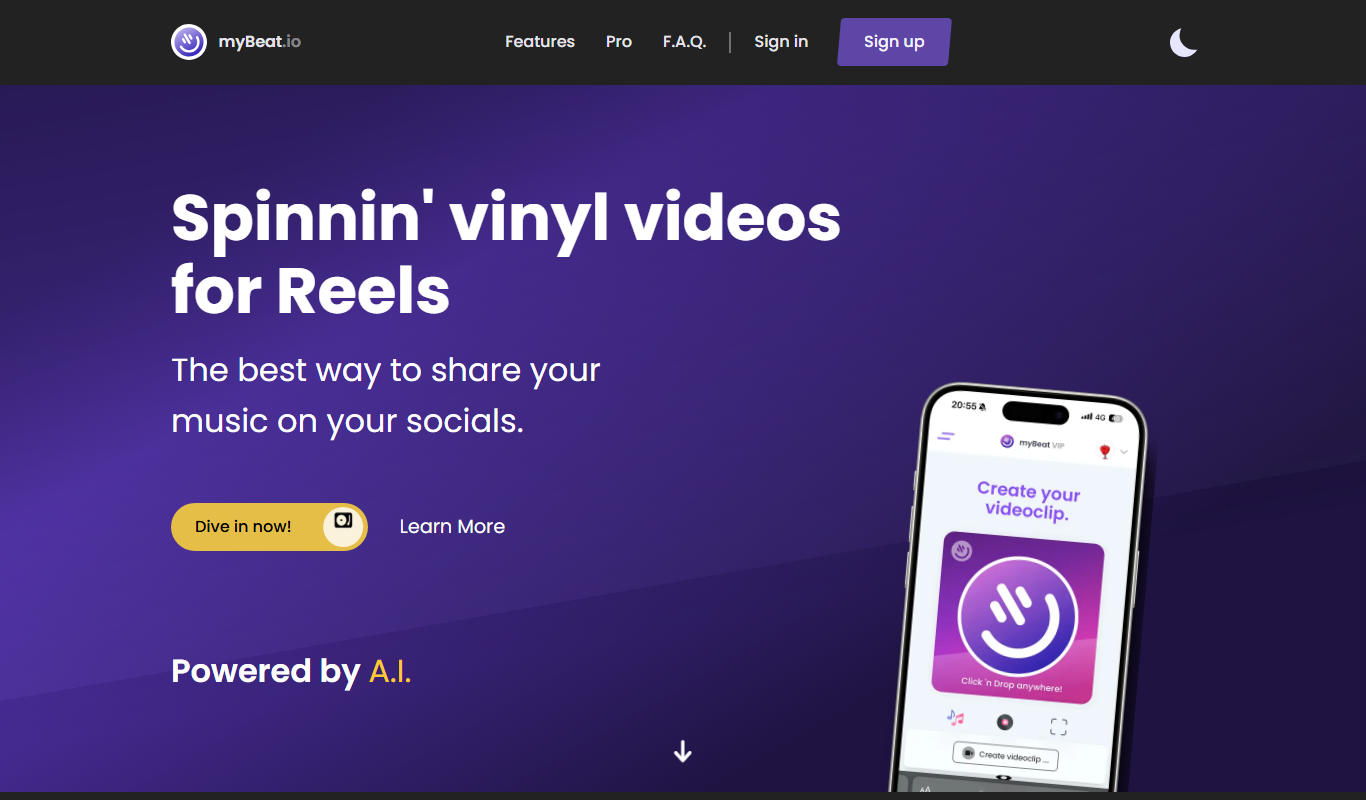
myBeat
myBeat is an AI-powered online tool that generates custom beats and soundtracks in various styles and moods, offering royalty-free music for commercial use.

Freemium
MagicSoul.ai
MagicSoul.ai is an AI art generator that transforms text prompts into unique digital images with customizable styles and high-resolution output.

Free
Suno all in one
Suno All-in-One is an AI audio platform that generates music and synthetic voices from text prompts, enabling creators to produce original audio content quickly and easily.

Free
Boomy
Boomy is an AI-powered platform that allows users to create, customize, and publish original music tracks quickly without needing music production skills.

Freemium
SONOTELLER
SONOTELLER is an AI-driven tool that transcribes voice conversations and generates meeting summaries to help professionals save time and improve communication.

Free
The best Suno AI Lyrics Generator
Suno AI Lyrics Generator is a web-based AI tool that helps users create original song lyrics by inputting themes or moods, enabling faster and creative songwriting.

Free
Suno-list
Suno-list is an AI-powered music generation tool that helps users create custom soundtracks and original music tracks easily through an intuitive web interface.

Free
AI Song Generator-Make Song
AI Song Generator-Make Song is an online tool that uses artificial intelligence to create original songs by generating melodies and lyrics based on user inputs such as themes or moods.