

From my experience with SNAPVID, I found it excels at simplifying video creation for marketers and content creators who lack advanced editing skills. The AI-driven automation and customizable templates make producing social media videos fast and accessible. After spending time with the platform, I can say it’s particularly well-suited for small businesses and digital marketers aiming to boost engagement without investing heavily in video production resources. However, the tool has limited advanced editing options, which might not satisfy professional editors seeking granular control. Overall, if you need quick, polished marketing videos with minimal effort, SNAPVID delivers solid results.
SNAPVID AI Video Generator for Marketing and Social Media Content
SNAPVID is an AI-powered video creation tool that automates video production for marketing and social media content, offering customizable templates and easy export options.
- Best for
- Social Media Marketing
- Key capability
- AI Video Generation
Your actions
Save SNAPVID, follow its updates and vote on it — everything stays in your account.
Sign in or create a free account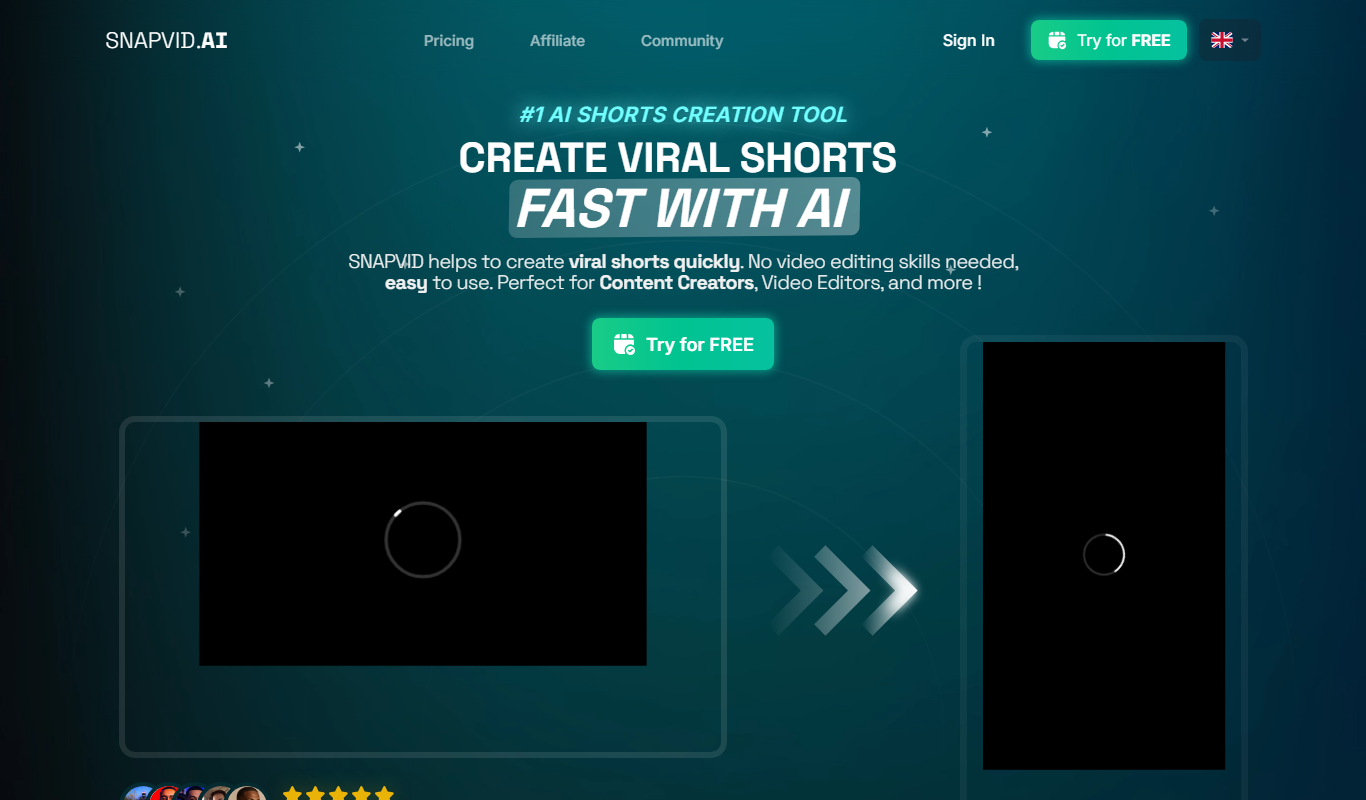
What is SNAPVID?
SNAPVID is an AI-powered video creation platform designed to simplify and accelerate the production of marketing and social media videos. It leverages artificial intelligence to automate video editing tasks, enabling users to create professional-quality videos quickly without prior video editing experience.
Key features of SNAPVID
SNAPVID offers AI-driven video generation, customizable templates, automatic scene selection, text-to-video capabilities, and seamless social media integration to streamline video marketing workflows.
AI Video Generation
Automatically create videos from text, images, or raw footage using AI algorithms.
Customizable Templates
Access a library of templates tailored for different marketing goals and social media formats.
Text-to-Video Conversion
Transform written content into engaging video stories with minimal effort.
Social Media Integration
Easily export and publish videos optimized for various social media channels.
Branding Tools
Add logos, colors, and fonts to maintain brand consistency across videos.
Pros and cons of SNAPVID
Pros
- User-friendly AI automation simplifies video creation
- Wide range of customizable templates for marketing
- Direct social media sharing options
- Affordable pricing with a free trial available
Cons
- Limited advanced editing features for professional editors
- Currently supports only English language interface
Key use cases for SNAPVID
Social Media Marketing
Create engaging short videos optimized for platforms like Instagram, TikTok, and Facebook to boost audience engagement.
Content Creation
Generate professional-looking videos quickly for blogs, websites, and promotional campaigns without needing advanced video editing skills.
Advertising
Produce compelling video ads that capture attention and drive conversions with AI-assisted editing and customization.
Brand Storytelling
Craft visually appealing narratives to communicate brand messages effectively through dynamic video content.
How SNAPVID works
- 1
Sign Up
Create an account on the SNAPVID platform to access video creation tools.
- 2
Choose a Template or Upload Content
Select from a variety of AI-powered templates or upload your own footage and images.
- 3
Customize Video
Use AI features to automatically generate scenes, add text, music, and branding elements.
- 4
Preview and Edit
Review the generated video and make manual adjustments if needed.
- 5
Export and Share
Download the final video or share it directly to social media platforms.
Who is using SNAPVID
Social media marketers
Small business owners
Content creators
Digital marketing agencies
Entrepreneurs
SNAPVID pricing
Free Trial
$0
Limited access to video creation features with watermark on videos.
Pro
$29/month
Full access to all features, unlimited video exports without watermark, and priority support.
Plans and prices are as published by the vendor and can change. Check the official site before you buy. Open the pricing page (opens in a new tab)
Frequently asked questions about SNAPVID
Yes, SNAPVID is designed for users with no prior video editing skills by automating much of the process with AI.
Videos can be exported in common formats such as MP4, optimized for social media platforms.
The free trial has limits on video exports, while the Pro plan offers unlimited video creation.
Yes, SNAPVID allows you to add logos, custom colors, and fonts to maintain brand consistency.
It depends on your specific needs and how you plan to use the tool. The official website and documentation are the best sources for the latest details.
It depends on your specific needs and how you plan to use the tool. The official website and documentation are the best sources for the latest details.
Pricing depends on the plan and included features. For the most accurate and up-to-date details, check the official pricing page.
Yes, it can help with that use case depending on how you configure it and what features are available. You’ll get the best results with clear inputs and a defined goal.
Sign in to review this tool.
Sign In to ReviewNo reviews yet
Be the first to share how this tool worked for you.
Ask about pricing, limits, or how it compares — or answer someone else.
Sign In to AskNo questions yet
Have a question about using or paying for this tool? Be the first to ask.
Featured on TiorAI



More AI Ai Tools tools
Other tools in the same category, for when this one is not quite the fit.
Free
InboxPro
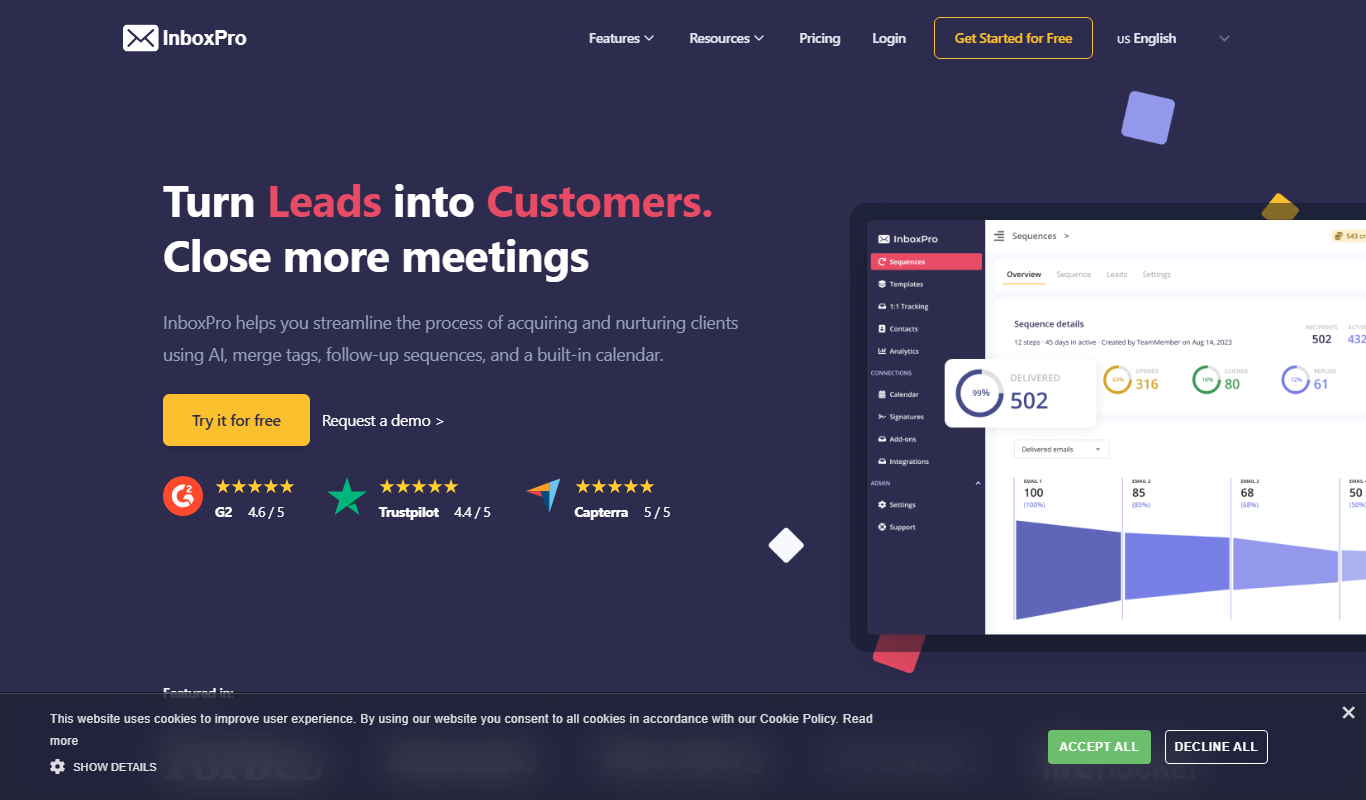
InboxPro is a Gmail email tool for turning leads into customers, with an AI email assistant, follow-up sequences, email tracking and a built-in calendar.

Free Trial
AIndLeads – AI finds Leads
AIndLeads is an AI-powered B2B database, outreach and CRM tool for finding business contacts and running email campaigns in one place.

Free Trial
Dealight
Dealight presents itself as a LinkedIn Expert AI for outreach.

Free
Vizzy
Vizzy is a free web-based AI tool that transforms CSV data into interactive charts and graphs, enabling easy data exploration without coding.
Free
Interviews by AI
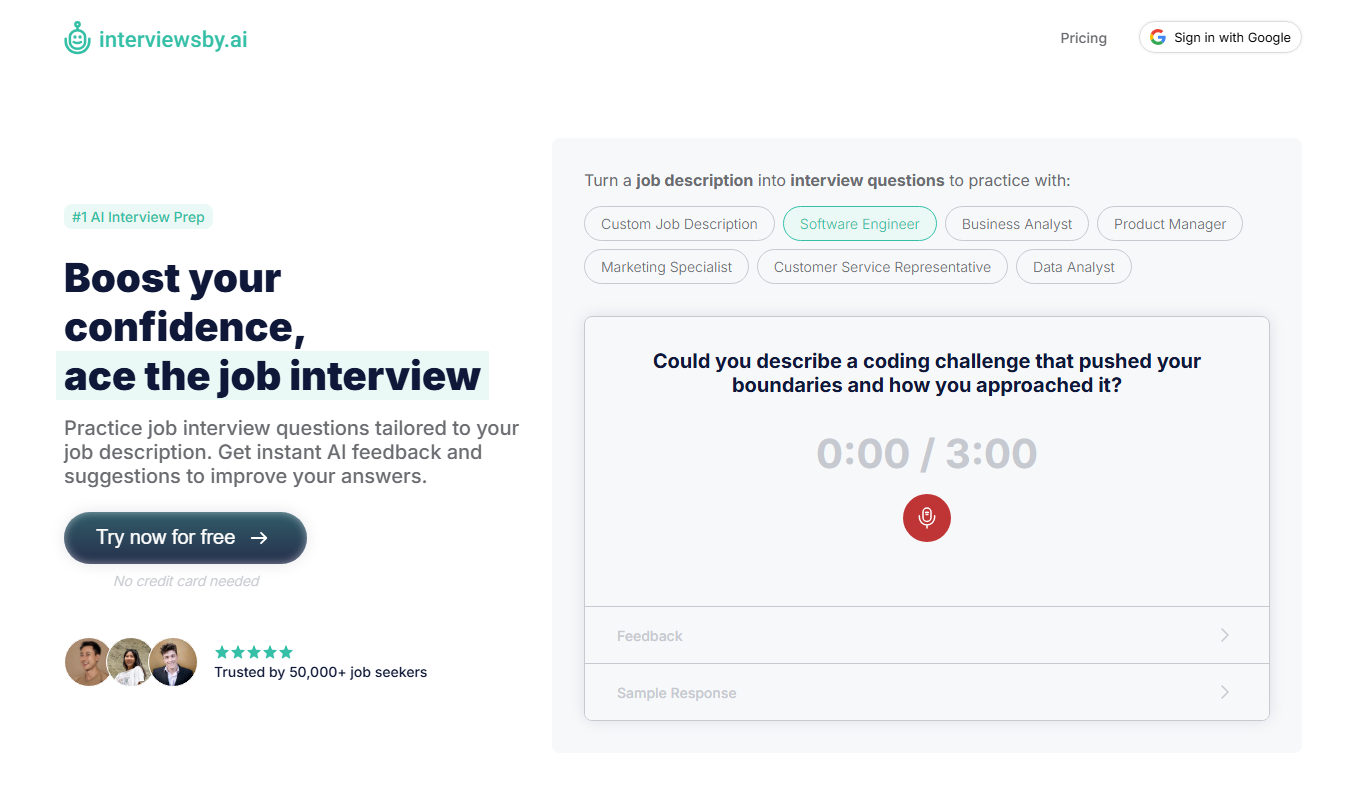
Interviews by AI is a web-based platform that uses artificial intelligence to simulate job interviews by generating tailored questions and providing personalized feedback to help users improve their interview skills.

Freemium
Wonderin Resume AI
Wonderin Resume AI is an AI-powered resume builder that helps job seekers create professional, ATS-optimized resumes quickly using customizable templates and intelligent content suggestions.

Free Trial
Recruitcrafts
Recruitcrafts is an AI-driven recruitment platform that automates candidate sourcing, resume screening, and interview scheduling to help recruiters hire faster and more efficiently.

Freemium
Sage Cooking
Sage Cooking is an AI-powered web tool that generates personalized recipes based on your dietary preferences, restrictions, and available ingredients to simplify meal planning and inspire cooking creativity.