

SmartThings Home Automation Platform for Smart Devices and IoT Control
SmartThings is Samsung’s free smart home platform that lets users connect, automate, and control a wide range of smart devices via an app or voice assistants, supporting remote monitoring and energy management.
- Best for
- Smart Home Device Management
- Key capability
- Wide Device Compatibility
Save SmartThings, follow its updates and vote on it — everything stays in your account.
Sign in or create a free account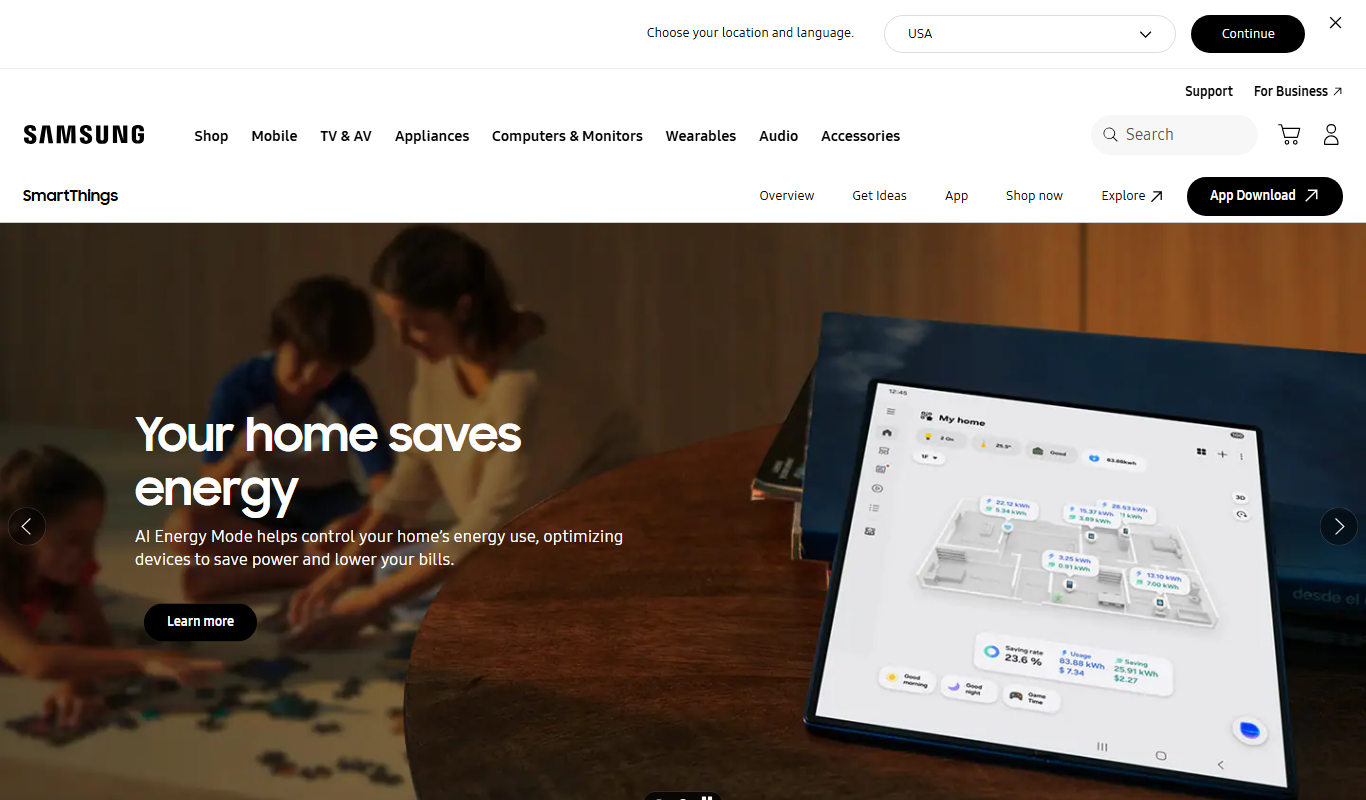
What is SmartThings?
SmartThings is a comprehensive smart home platform developed by Samsung that enables users to connect, automate, and control a wide variety of smart devices through a unified app. It supports numerous third-party devices and protocols, allowing seamless integration of lighting, security, appliances, and more. The platform empowers users to create personalized automation routines and manage their home environment remotely, enhancing convenience, security, and energy efficiency.
Key features of SmartThings
SmartThings offers device management, automation creation, voice assistant compatibility, remote monitoring, and energy usage tracking. Its open ecosystem supports a broad range of smart devices, making it a versatile hub for smart home control.
Wide Device Compatibility
Supports thousands of smart devices from various manufacturers and protocols including Zigbee and Z-Wave.
Custom Automation
Enables users to create complex automation rules using conditions like time, location, and device status.
Voice Assistant Integration
Works seamlessly with Bixby, Amazon Alexa, and Google Assistant for voice control.
Remote Access and Notifications
Allows users to monitor their home and receive real-time alerts from anywhere.
Energy Monitoring
Provides insights into energy consumption to help optimize usage and reduce costs.
Pros and cons of SmartThings
Pros
- Supports a vast ecosystem of smart devices
- User-friendly app with intuitive automation setup
- Strong integration with popular voice assistants
- No subscription fees for core features
Cons
- Some advanced features require a dedicated SmartThings Hub
- Occasional connectivity issues with certain third-party devices
- Limited customization for complex automation without technical knowledge
Key use cases for SmartThings
Smart Home Device Management
Control and monitor a wide range of smart home devices such as lights, thermostats, cameras, and sensors from a single app.
Automation and Scheduling
Create custom automation routines and schedules to have devices operate automatically based on time, location, or sensor triggers.
Voice Assistant Integration
Use voice commands through integrations with Bixby, Alexa, and Google Assistant to control smart devices hands-free.
Remote Monitoring and Alerts
Receive notifications and monitor your home remotely to enhance security and convenience.
Energy Management
Track and optimize energy usage of connected devices to reduce consumption and costs.
How SmartThings works
- 1
Download and Install
Install the SmartThings app on your iOS or Android device.
- 2
Create an Account
Sign up or log in with a Samsung account to access the platform.
- 3
Add Devices
Connect compatible smart devices by scanning QR codes or searching device types.
- 4
Set Up Automations
Create custom routines and schedules to automate device behavior based on triggers.
- 5
Control and Monitor
Use the app or voice assistants to control devices and receive alerts remotely.
Who is using SmartThings
SmartThings pricing
Free
$0/month
Full access to SmartThings platform features with no subscription fees.
Plans and prices are as published by the vendor and can change. Check the official site before you buy. Open the pricing page (opens in a new tab)
Frequently asked questions about SmartThings
Yes, SmartThings supports a wide range of third-party smart devices from various manufacturers.
While some devices require a SmartThings Hub for connectivity, many newer devices can connect directly via Wi-Fi.
Yes, SmartThings integrates with Bixby, Alexa, and Google Assistant for voice control.
No, SmartThings is free to use without any subscription fees.
It depends on your specific needs and how you plan to use the tool. The official website and documentation are the best sources for the latest details.
It depends on your specific needs and how you plan to use the tool. The official website and documentation are the best sources for the latest details.
Yes, it can help with that use case depending on how you configure it and what features are available. You’ll get the best results with clear inputs and a defined goal.
Some tools offer a free plan or trial with limited features. Availability can vary, so confirm on the official website.
Conclusion
Setup happens in the SmartThings app for iOS or Android, where compatible devices are added by scanning QR codes or searching device types. Many newer devices connect directly via Wi-Fi, while some require a SmartThings Hub. Custom routines and schedules then run devices automatically based on conditions like time, location and device status. Voice control works through Bixby, Amazon Alexa and Google Assistant.
Compatibility reaches thousands of devices from various manufacturers, including Zigbee and Z-Wave protocols, though the page notes occasional connectivity issues with certain third-party devices. It is aimed at homeowners automating their living spaces, tech enthusiasts building smart home ecosystems and energy-conscious users, who can monitor consumption through energy tracking. SmartThings is free to use without any subscription fees.
Sources
Sign in to review this tool.
Sign In to ReviewNo reviews yet
Be the first to share how this tool worked for you.
Ask about pricing, limits, or how it compares — or answer someone else.
Sign In to AskNo questions yet
Have a question about using or paying for this tool? Be the first to ask.
Featured on TiorAI



More AI Voice Assistants tools
Other tools in the same category, for when this one is not quite the fit.
Petralex Hearing Aid
Petralex Hearing Aid is a mobile app that amplifies sounds and customizes hearing settings based on a hearing test, providing personalized assistance for mild to moderate hearing loss.
Nest Cam
Nest Cam is a Google smart security camera providing HD video, AI-powered alerts, night vision, two-way audio, and cloud storage options for home monitoring.

Clarity.fm
Clarity.fm is a platform that connects users with business experts for paid one-on-one phone calls to receive personalized advice and mentorship.

SideChef
SideChef is a cooking app that provides step-by-step recipe guidance, meal planning tools, and smart kitchen integration to simplify home cooking.
Verbling
Verbling is an online platform that connects language learners with native-speaking tutors for live video lessons, offering personalized and flexible language education.
PromptSmart
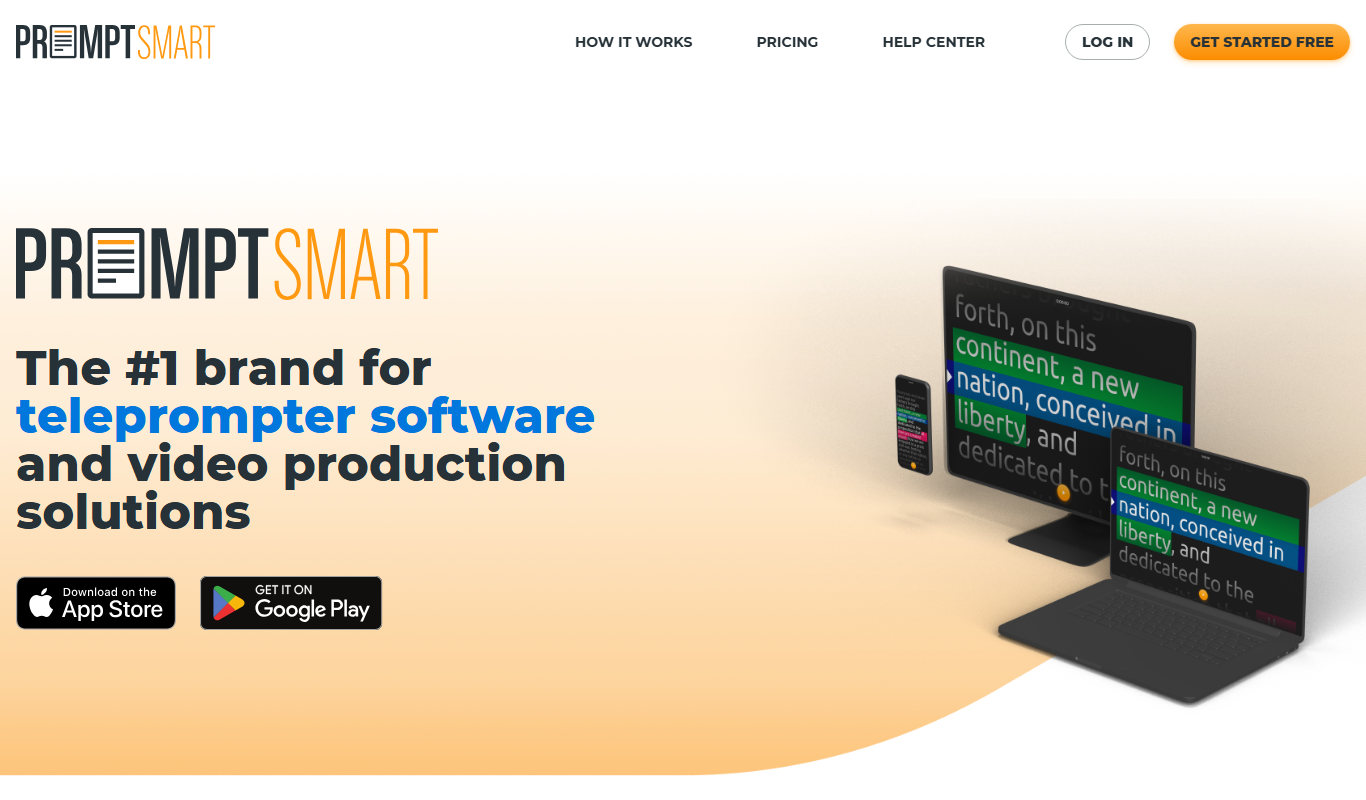
PromptSmart is a teleprompter app that uses voice recognition technology called VoiceTrack to scroll your script in real time as you speak, allowing for natural and flexible presentations.

Be My Eyes
Be My Eyes is a free app that connects blind and visually impaired users with sighted volunteers through live video calls to provide real-time visual assistance.
iQIYI
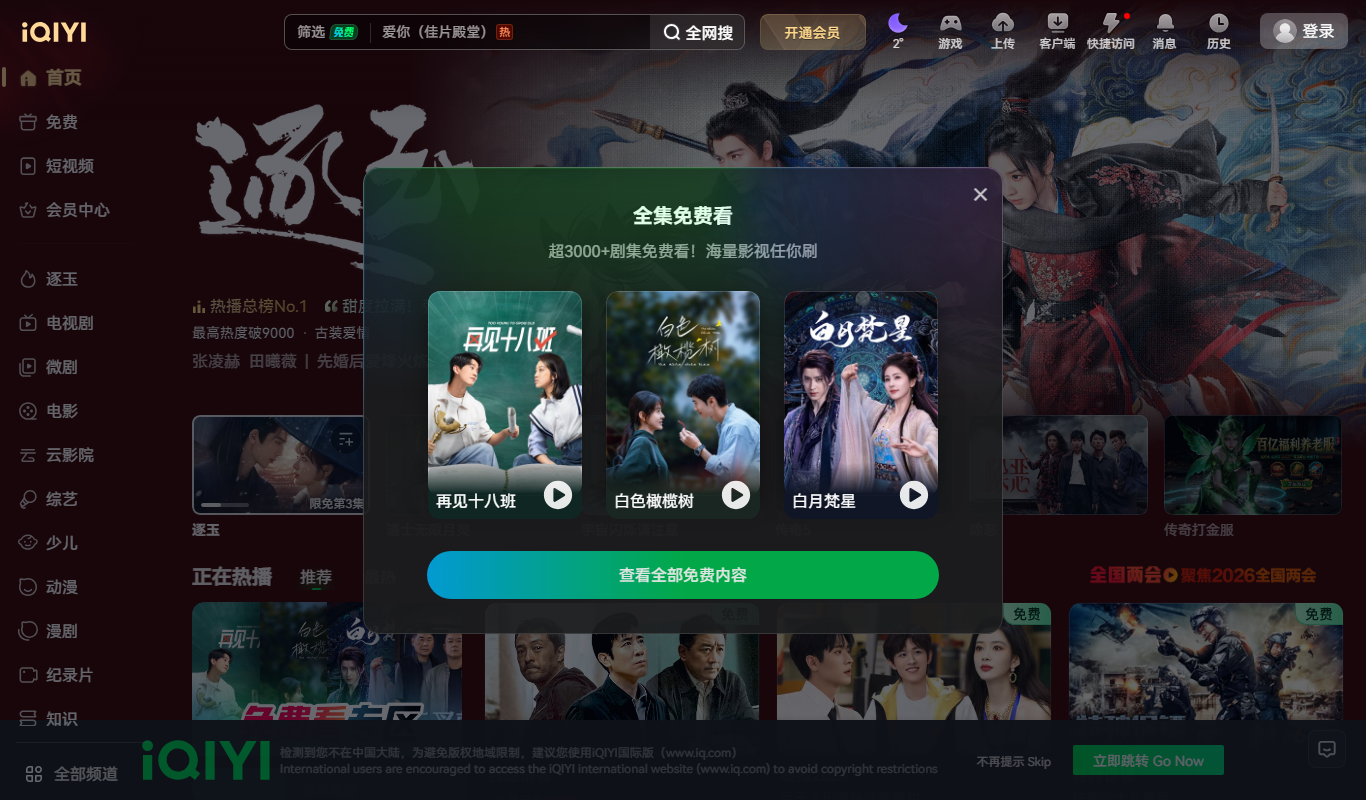
iQIYI is a Chinese online video streaming platform providing a wide range of movies, TV dramas, variety shows, and original content accessible via web and mobile apps with subscription plans for ad-free viewing and offline downloads.