

Slatebox Text-to-Mindmaps Tool for Visual Brainstorming and Collaboration
Slatebox creates editable infographics, mindmaps, timelines and pitch decks from a prompt and presents them with one click.
- Best for
- Idea Visualization
- Key capability
- Text-to-Mindmap Conversion
Save Slatebox: Text-To-Mindmaps and More, follow its updates and vote on it — everything stays in your account.
Sign in or create a free account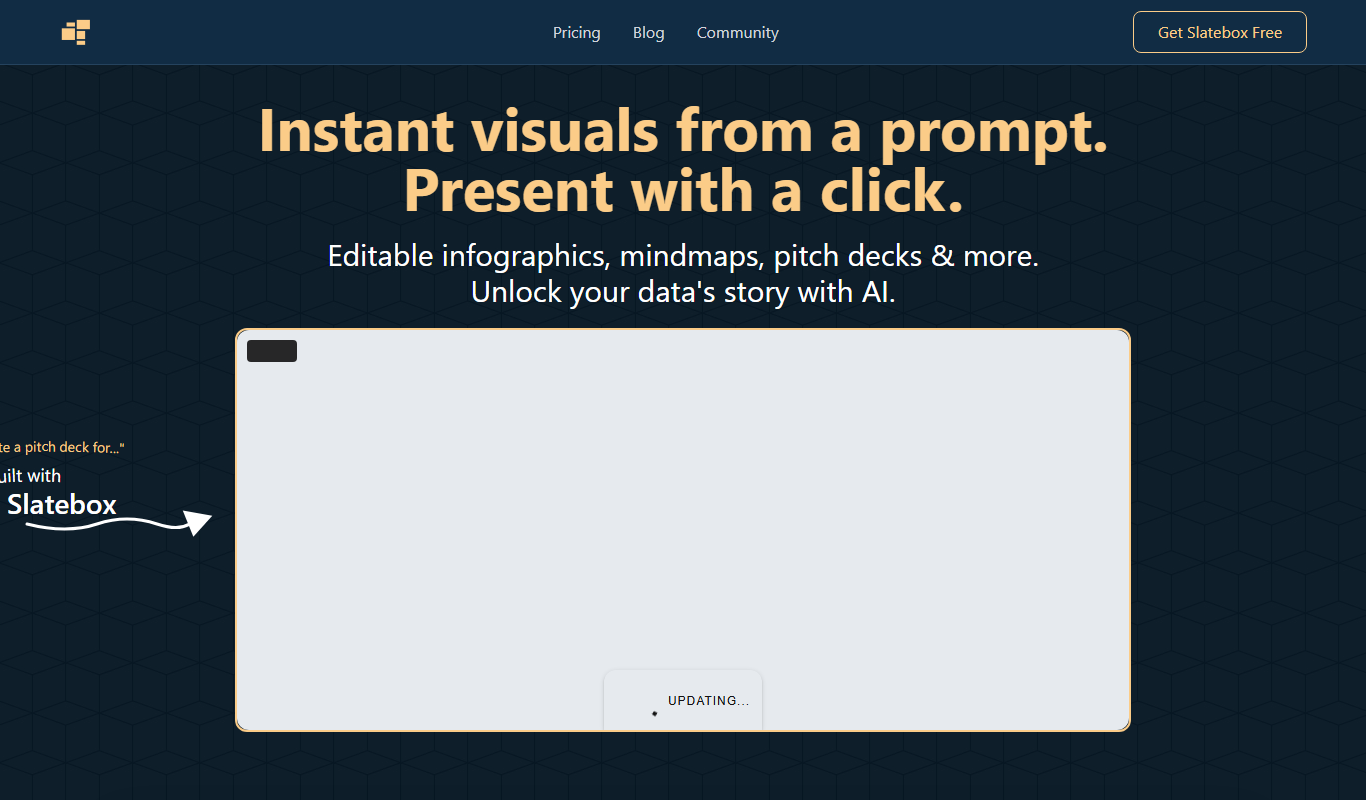
What is Slatebox: Text-To-Mindmaps and More?
Slatebox is a web tool that turns a prompt into instant, editable visuals such as infographics, mindmaps, timelines and pitch decks, which can be presented with one click.
Key features of Slatebox: Text-To-Mindmaps and More
Slatebox offers text-to-mindmap conversion, drag-and-drop diagram editing, real-time collaboration, export options, and a clean user interface designed for quick idea visualization and sharing.
Text-to-Mindmap Conversion
Automatically transforms plain text into structured mind maps to speed up idea visualization.
Real-Time Collaboration
Multiple users can edit and comment on mind maps simultaneously.
Drag-and-Drop Interface
Intuitive editing with easy node repositioning and connection adjustments.
Export Options
Export mind maps as PNG images or shareable links for easy distribution.
Clean and Minimal UI
Focus on content with a distraction-free interface optimized for quick brainstorming.
Pros and cons of Slatebox: Text-To-Mindmaps and More
Pros
- Easy text-to-mindmap conversion saves time
- Real-time collaboration enhances teamwork
- Clean and intuitive user interface
- Flexible export and sharing options
Cons
- No dedicated mobile app available
- Limited advanced features compared to some competitors
Key use cases for Slatebox: Text-To-Mindmaps and More
Idea Visualization
Convert textual ideas into structured mind maps to visualize concepts clearly.
Team Collaboration
Collaborate in real-time with team members on mind maps and diagrams.
Project Planning
Organize project tasks and workflows visually to improve planning and tracking.
Note Taking
Transform notes into interactive mind maps for better retention and review.
Brainstorming Sessions
Facilitate brainstorming by quickly generating mind maps from text inputs.
How Slatebox: Text-To-Mindmaps and More works
- 1
Input Text
Enter your ideas or notes as plain text into the Slatebox editor.
- 2
Generate Mindmap
Use Slatebox’s text-to-mindmap feature to automatically create a visual diagram.
- 3
Edit and Customize
Drag, drop, and modify nodes and connections to refine your mind map.
- 4
Collaborate
Invite team members to view or edit the mind map in real-time.
- 5
Export and Share
Export your mind map as an image or share a link to collaborate externally.
Who is using Slatebox: Text-To-Mindmaps and More
Slatebox: Text-To-Mindmaps and More pricing
Forever Free
Free
10 AI Slates per month, audio huddles, 3 private slates, 10 magic links per month and public collaboration.
Solo-Pro
$6 per month, billed annually
Everything in Free, plus 200 AI Slates per month, video huddles, unlimited private slates, Google Image Search and 25 guest passes per month.
Team-Pro
$8 per month per user, billed annually
Everything in Pro, plus 500 AI Slates per month, custom AI personas, API access and private team collaboration.
Plans and prices are as published by the vendor and can change. Check the official site before you buy. Open the pricing page (opens in a new tab)
Frequently asked questions about Slatebox: Text-To-Mindmaps and More
Yes, Slatebox offers a free plan with basic features and limited mind maps.
Yes, multiple users can collaborate on mind maps simultaneously.
Yes, mind maps can be exported as PNG images or shared via links.
Currently, Slatebox is only available as a web application.
It depends on your specific needs and how you plan to use the tool. The official website and documentation are the best sources for the latest details.
Some tools offer a free plan or trial with limited features. Availability can vary, so confirm on the official website.
Yes, it can help with that use case depending on how you configure it and what features are available. You’ll get the best results with clear inputs and a defined goal.
Conclusion
Typing a prompt creates a slate, and the result can be a mind map, infographic, timeline or pitch deck. Once it loads, a single click turns the slate into a dynamic, Prezi-style presentation that can zoom and pan. A PDF can also be dropped in and transformed into a presentation. Every slate stays fully editable, and templates such as SWOT analyses and Venn diagrams serve as starting points.
Collaboration happens with multi-cursor support on an infinite canvas. Educators and students, project managers and marketing teams are among the groups it is designed for. Prices are labelled as a beta offer: the free plan includes a monthly allowance of AI slates, while Solo-Pro and Team-Pro raise it and are billed annually, with API access reserved for Team-Pro.
Sources
Sign in to review this tool.
Sign In to ReviewNo reviews yet
Be the first to share how this tool worked for you.
Ask about pricing, limits, or how it compares — or answer someone else.
Sign In to AskNo questions yet
Have a question about using or paying for this tool? Be the first to ask.
Featured on TiorAI



Alternative Tools
Explore similar AI tools that might fit your needs

MindMeister
MindMeister is an online tool that enables users to create, collaborate on, and present mind maps for brainstorming, project planning, and knowledge management.

Coggle
Coggle is a web-based collaborative mind mapping tool that helps users visually organize ideas, brainstorm, and plan projects with real-time team collaboration.

XMind
XMind is a cross-platform mind mapping software designed to help users visually organize ideas, plan projects, and collaborate effectively with features like multiple diagram types, presentation mode, and export options.
More Research & Data Analysis tools
Other tools in the same category, for when this one is not quite the fit.

Road Trip Navigator
Road Trip Navigator is a web-based tool that helps travelers plan multi-stop road trips by optimizing routes, managing itineraries, and visualizing trips on interactive maps.

Competely
Competely is a web-based AI competitive analysis tool that analyses competitors across 100+ data points and sends regular email briefs with key competitor moves.

YouTube Thumbnail Checker
YouTube Thumbnail Checker is a free web tool that helps creators preview and validate their video thumbnails across devices to ensure they meet YouTube's size and quality standards, improving click-through rates.
BugBot
BugBot is an AI-driven testing assistant by BugRaptors that automates bug detection, test case generation, and bug reporting to enhance software quality assurance.
Level AI
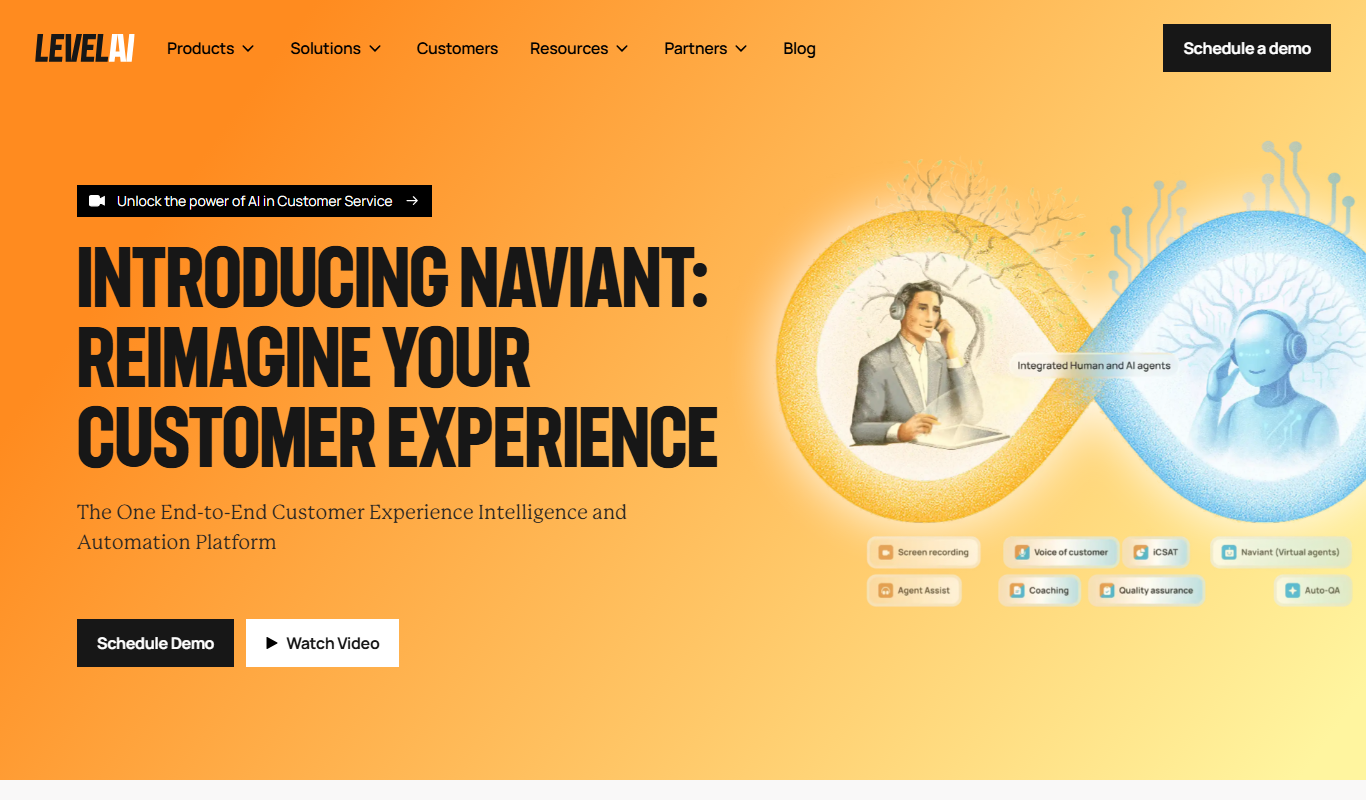
Level AI is an AI-powered platform that transcribes and analyzes customer calls in real-time, providing insights and coaching tools to improve sales and support team performance.

TestSprite
TestSprite is an agentic testing tool that writes end-to-end tests, runs them on your live app after every change, and tells you exactly what broke.

Tattoo Cook
Tattoo Cook is a web-based AI tool that generates custom tattoo designs from user text prompts, helping users create unique ink ideas quickly and easily.

TimeTK
TimeTK is an open-source R package designed to simplify time series analysis by providing tools for visualization, feature engineering, and data preprocessing, ideal for forecasting and modeling tasks.