

From my experience with Road Trip Navigator, I found it excels at simplifying complex multi-stop road trip planning with its intuitive route optimization and interactive map features. After spending time with the platform, I can say it’s particularly well-suited for travelers who want to save time and fuel by efficiently organizing their trips. However, there’s a trade-off: it lacks a dedicated mobile app, which might limit convenience for some users on the go. Overall, if you need a straightforward and effective tool to plan and share your road trips, Road Trip Navigator delivers solid results.
Road Trip Navigator - Best Route Planner and Travel Itinerary Tool
Road Trip Navigator is a web-based tool that helps travelers plan multi-stop road trips by optimizing routes, managing itineraries, and visualizing trips on interactive maps.
- Best for
- Route Planning
- Key capability
- Multi-Stop Route Optimization
Your actions
Save Road Trip Navigator and vote on it — everything stays in your account.
Sign in or create a free account
What is Road Trip Navigator?
Road Trip Navigator is an online travel planning tool designed to help users create, optimize, and manage road trip routes and itineraries. It allows travelers to input multiple destinations, optimize the order of stops for efficiency, and visualize the entire trip on an interactive map. The platform is ideal for anyone planning a multi-stop road trip who wants to save time and reduce driving distance while organizing their travel plans in one place.
Key features of Road Trip Navigator
The tool offers route optimization, multi-stop itinerary creation, interactive mapping, and sharing capabilities. Users can customize their trips by adding notes and adjusting stops, making it a comprehensive solution for road trip planning.
Multi-Stop Route Optimization
Automatically reorder stops to minimize driving time or distance.
Interactive Map Interface
Visualize routes and stops with zoom and drag features for easy planning.
Itinerary Notes and Scheduling
Add detailed notes and schedule times for each destination.
Trip Sharing
Easily share your planned route with others via link or export.
Pros and cons of Road Trip Navigator
Pros
- Easy to use interface for multi-stop route planning
- Interactive map visualization enhances trip understanding
- Route optimization saves time and fuel
- Affordable premium plan with expanded features
Cons
- No dedicated mobile app, only web-based
- Limited language support (English only)
Key use cases for Road Trip Navigator
Route Planning
Plan efficient driving routes with multiple stops optimized for shortest distance or time.
Travel Itinerary Management
Create detailed trip itineraries including stops, activities, and timing.
Trip Sharing
Share planned routes and itineraries with friends or travel companions.
Custom Map Creation
Visualize your trip on an interactive map with custom markers and notes.
How Road Trip Navigator works
- 1
Enter Destinations
Input all the locations you want to visit during your road trip.
- 2
Optimize Route
Use the built-in optimization feature to find the most efficient order of stops.
- 3
Customize Itinerary
Add notes, timings, and activities to each stop to build a detailed travel plan.
- 4
View Map
Visualize your entire route on an interactive map to get a clear overview.
- 5
Share or Export
Share your itinerary with travel companions or export it for offline use.
Who is using Road Trip Navigator
Road trip travelers
Travel planners
Families planning vacations
Travel bloggers
Small travel agencies
Road Trip Navigator pricing
Free
$0/month
Basic route planning with limited stops and standard features.
Premium
$9.99/month
Unlimited stops, advanced optimization, and priority support.
Plans and prices are as published by the vendor and can change. Check the official site before you buy. Open the pricing page (opens in a new tab)
Frequently asked questions about Road Trip Navigator
Yes, the web platform is mobile-friendly and accessible via mobile browsers.
The free plan limits the number of stops; the premium plan allows unlimited stops.
Yes, you can export your itinerary to formats like PDF or share via a link.
It depends on your specific needs and how you plan to use the tool. The official website and documentation are the best sources for the latest details.
Yes, it can help with that use case depending on how you configure it and what features are available. You’ll get the best results with clear inputs and a defined goal.
Some tools offer a free plan or trial with limited features. Availability can vary, so confirm on the official website.
Sign in to review this tool.
Sign In to ReviewNo reviews yet
Be the first to share how this tool worked for you.
Ask about pricing, limits, or how it compares — or answer someone else.
Sign In to AskNo questions yet
Have a question about using or paying for this tool? Be the first to ask.
Featured on TiorAI



Alternative Tools
Explore similar AI tools that might fit your needs

Free
Roadtrippers
Roadtrippers is a travel planning app that helps users create detailed road trip itineraries by mapping routes, discovering attractions, and optimizing travel plans.

Free
Furkot
Furkot is a web-based trip planner that helps users create multi-stop routes, optimize travel paths, schedule accommodations and activities, and share itineraries for efficient road trip planning.
More AI Trip Planner Lite tools
Other tools in the same category, for when this one is not quite the fit.

Freemium
Wanderlust Browser Extension V2
Wanderlust Browser Extension V2 is a travel planning tool that integrates with Chrome and Firefox browsers, enabling users to save travel ideas, build itineraries, and collaborate on trip plans directly from their browsing experience.

Freemium
EasyTrip AI
EasyTrip AI is an AI-driven travel planner that generates customized trip itineraries based on your travel dates, destinations, and preferences, helping you organize your trip efficiently.

Free Trial
Journeai
Journeai is an AI-powered software that automatically maps customer journeys across multiple marketing channels, providing real-time analytics and insights to optimize marketing strategies.

Freemium
Meoweler
Meoweler is an AI chatbot platform that helps businesses automate customer support and engagement through no-code chatbot creation and natural language processing.

Free
CraftUI
CraftUI Studio is a no-code UI design tool that lets you visually create responsive web and mobile app interfaces with drag-and-drop components and export clean code for development.
Free
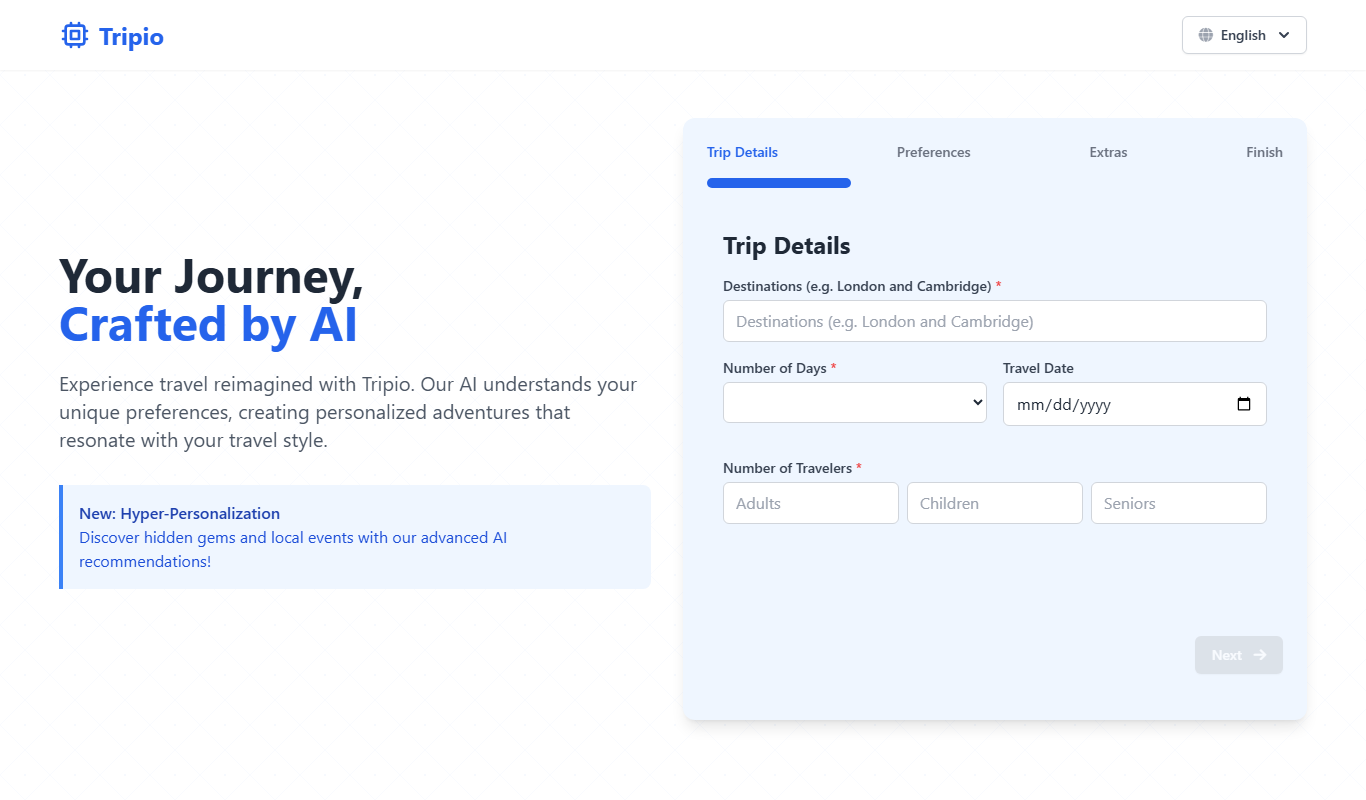
Tripio
Tripio is an online travel booking platform that allows users to search and book flights, hotels, and car rentals worldwide with competitive prices and a user-friendly interface.
Freemium
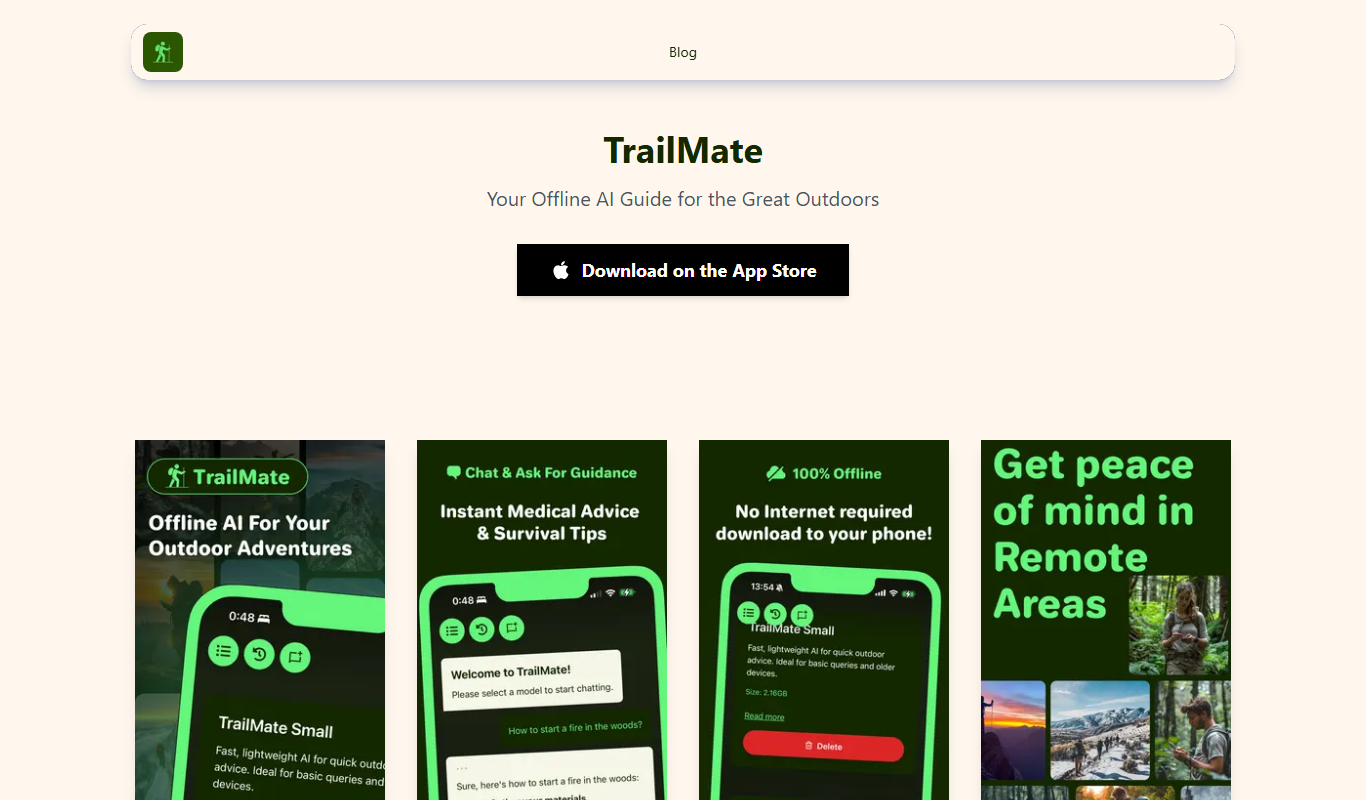
TrailMate
TrailMate AI is a hiking planner and navigation app that uses AI to recommend personalized trails, offers offline maps for navigation, and includes safety features like real-time GPS tracking and location sharing.
Freemium
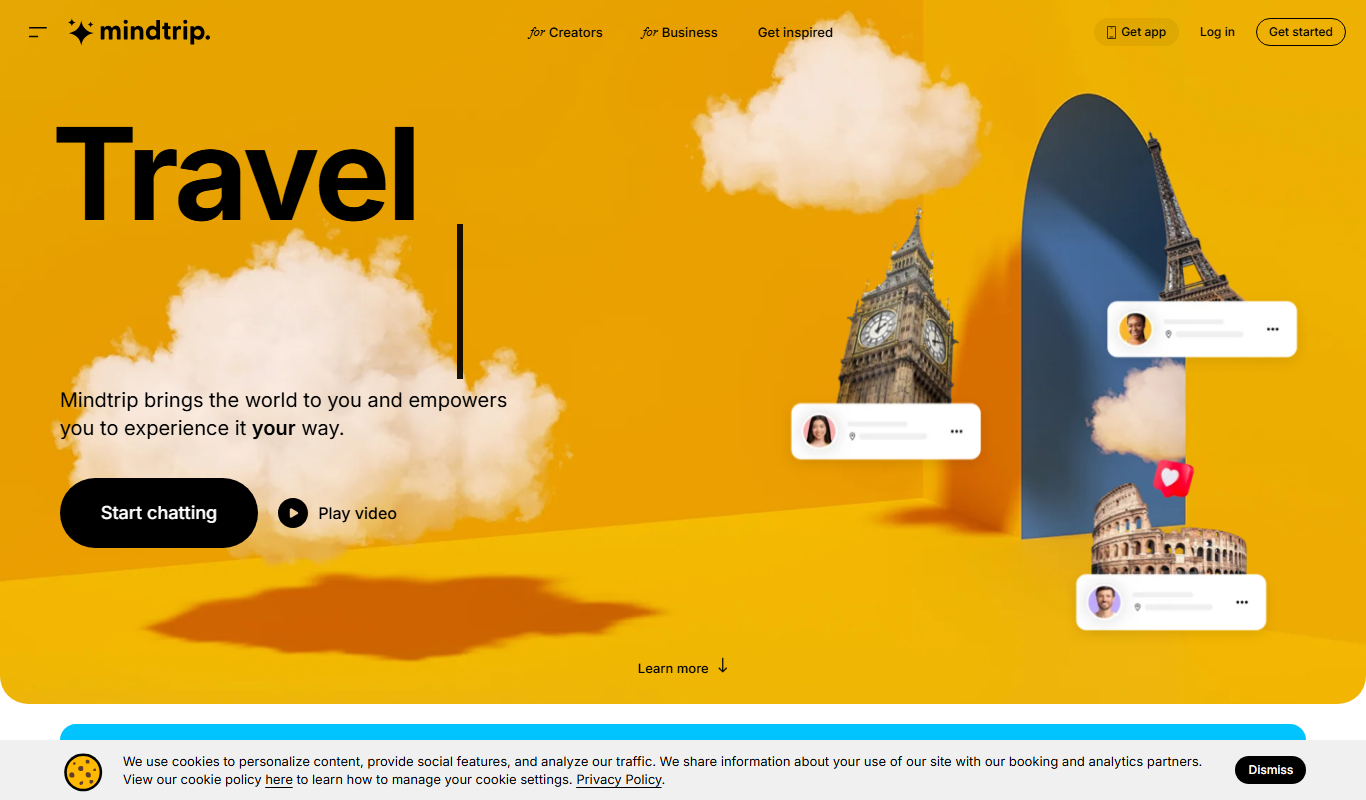
Mindtrip
Mindtrip is an AI-powered writing assistant designed to help users generate creative stories, content ideas, and improve writing flow through AI-driven prompts and text generation.