

Sigma Private AI Browser
Sigma is a free private AI browser with a built-in AI agent, local AI and an ad blocker for fast, secure browsing with no tracking.
- Best for
- Secure Web Browsing
- Key capability
- AI agent
Save Sigma Browser, follow its updates and vote on it — everything stays in your account.
Sign in or create a free account
What is Sigma Browser?
Sigma is a free private AI browser with a built-in AI agent, local AI and an ad blocker, offering fast, secure browsing with full privacy and no tracking.
Key features of Sigma Browser
The browser combines a built-in AI agent, local AI and an ad blocker with fast, secure browsing and no tracking.
AI agent
Takes actions on the user's behalf, such as navigating pages, filling forms and managing tasks.
Ad and Tracker Blocking
Automatically blocks ads and trackers to protect your privacy and improve page loading speed.
Local AI (Eclipse)
Eclipse, a local LLM built into the browser, keeps data on the device with no cloud processing and no prompts sent to servers.
Multi-Platform Support
Sigma is available for Mac, Windows and iPhone.
AI chat
Ask questions, run deep research, generate images and create text in one place.
Pros and cons of Sigma Browser
Pros
- Integrated VPN without extra cost or setup
- Strong privacy protections by default
- Blocks ads and trackers automatically
- Available on multiple platforms
- User-friendly and fast browsing experience
Cons
- Limited customization compared to some browsers
- VPN server locations may be fewer than dedicated VPN services
- No advanced developer tools for power users
Key use cases for Sigma Browser
Secure Web Browsing
Browse the internet with enhanced privacy protections and built-in security features to prevent tracking and data leaks.
Access Geo-Restricted Content
Use the integrated VPN to bypass geographic restrictions and access content from different regions securely.
Ad and Tracker Blocking
Block intrusive ads and trackers automatically to improve browsing speed and protect user data.
Privacy-Focused Research
Conduct online research without leaving digital footprints thanks to strong privacy controls and encrypted connections.
Multi-Platform Browsing
Seamlessly browse across desktop and mobile devices with synchronized settings and privacy features.
How Sigma Browser works
- 1
Download and Install
Get Sigma Browser from the official website or app stores and install it on your device.
- 2
Create your account
Sign in with Google, Apple or your seed phrase.
- 3
Browse Securely
Navigate websites with automatic ad and tracker blocking, ensuring faster load times and enhanced privacy.
- 4
Customize Settings
Adjust privacy and security preferences to fit your browsing needs.
Who is using Sigma Browser
Sigma Browser pricing
Free
$0/mo
Chat on all platforms and analyze text, images and files, with limited access to the AI Agent, Image Generation, Text Writer and Deep Research.
Plus
$10/mo, or $8/mo billed annually (-20%)
Unlimited prompts and Text Writer, 50x more file uploads, 10x more Web Searches, 20x more Image Generations and 12x more Deep Researches.
Pro Unlimited
$75/mo, or $60/mo billed annually (-20%)
Unlimited file uploads, Web Search, Image Generation, Deep Research, TG Search and AI Agent, plus early access to new features.
Plans and prices are as published by the vendor and can change. Check the official site before you buy. Open the pricing page (opens in a new tab)
Frequently asked questions about Sigma Browser
Yes, the browser and a Free plan are available at no cost; the paid Plus plan extends the limits on AI features.
No, the VPN is integrated and does not require additional sign-up or accounts.
Yes, Sigma Browser supports synchronization across desktop and mobile platforms.
It combines tracker protection, built-in ad blocking, encrypted profiles and local AI tools, giving users more control over their data.
It depends on your specific needs and how you plan to use the tool. The official website and documentation are the best sources for the latest details.
It depends on your specific needs and how you plan to use the tool. The official website and documentation are the best sources for the latest details.
It depends on your specific needs and how you plan to use the tool. The official website and documentation are the best sources for the latest details.
Yes, it can help with that use case depending on how you configure it and what features are available. You’ll get the best results with clear inputs and a defined goal.
Conclusion
Chromium is the engine underneath, and on top of it Sigma now centres on AI: a built-in AI agent, local AI and an ad blocker. Given a goal, the agent takes actions on the user’s behalf, such as navigating pages, filling forms and managing tasks. Local AI runs through Eclipse, an LLM built into the browser, so data stays on the device instead of being sent to servers.
For everyday privacy, a Private Mode toggle opens a window with tracker protection and ad blocking already on, and encrypted private profiles keep work and personal browsing apart. The site notes that Private Mode does not make anyone completely anonymous online. A VPN is not part of the browser; Atomic VPN appears as a separate service in the wider ecosystem. Downloads cover Mac, Windows and iPhone, while Android users can join a waitlist. The browser itself is free, and the paid Plus and Pro Unlimited plans raise the limits on AI features such as the agent, image generation and deep research.
Sources
Sign in to review this tool.
Sign In to ReviewNo reviews yet
Be the first to share how this tool worked for you.
Ask about pricing, limits, or how it compares — or answer someone else.
Sign In to AskNo questions yet
Have a question about using or paying for this tool? Be the first to ask.
Featured on TiorAI



More AI Web Design Tools tools
Other tools in the same category, for when this one is not quite the fit.
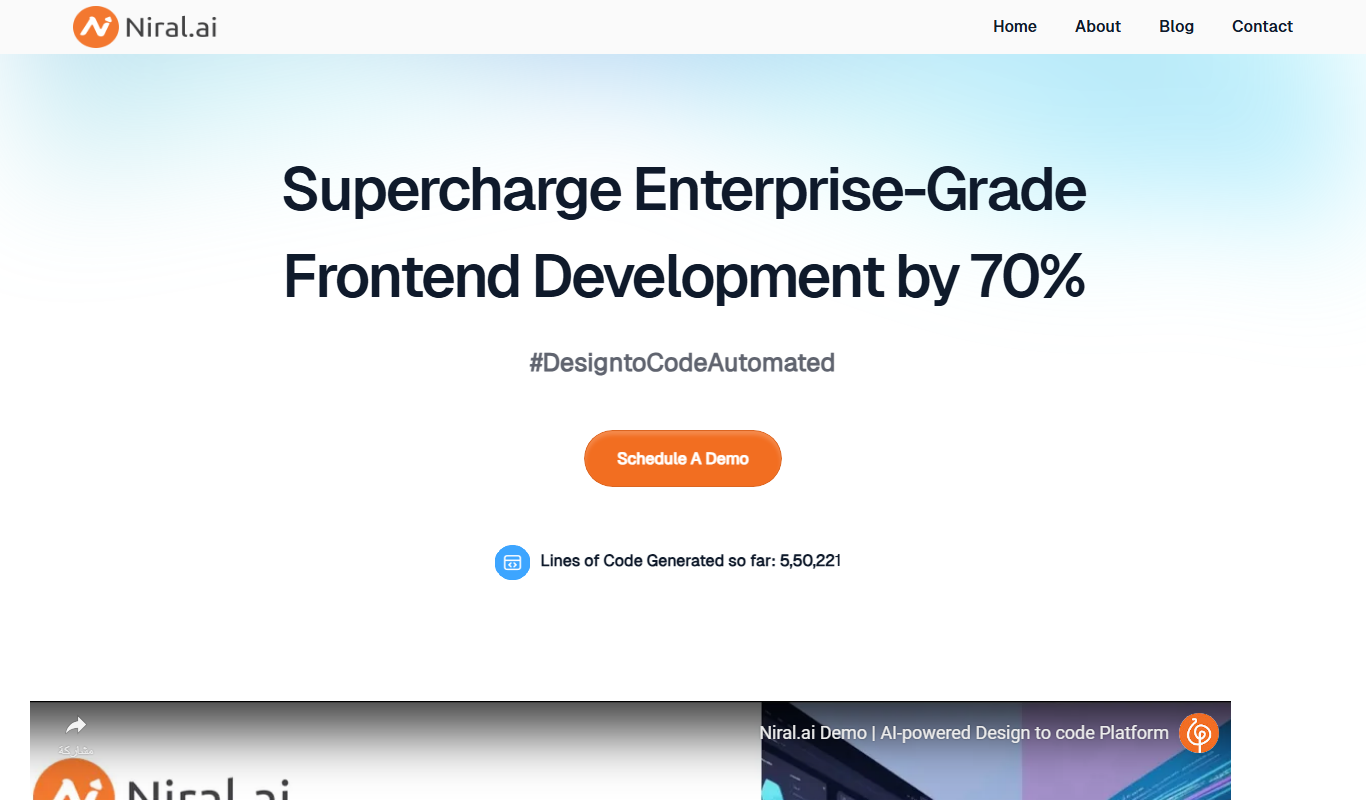
Niral.ai
Niral.ai is an enterprise design-to-code platform for application modernization that converts Figma designs into secure, standards-compliant, production-ready code.

PageOn.ai
PageOn.AI is an AI presentation and infographic maker where AI agents research your topic, plan the structure and design interactive pages beyond static slides.

Kites.Dev
Kites.Dev creates AI products and builds custom smart assistants, bots and websites to help businesses grow and save time.
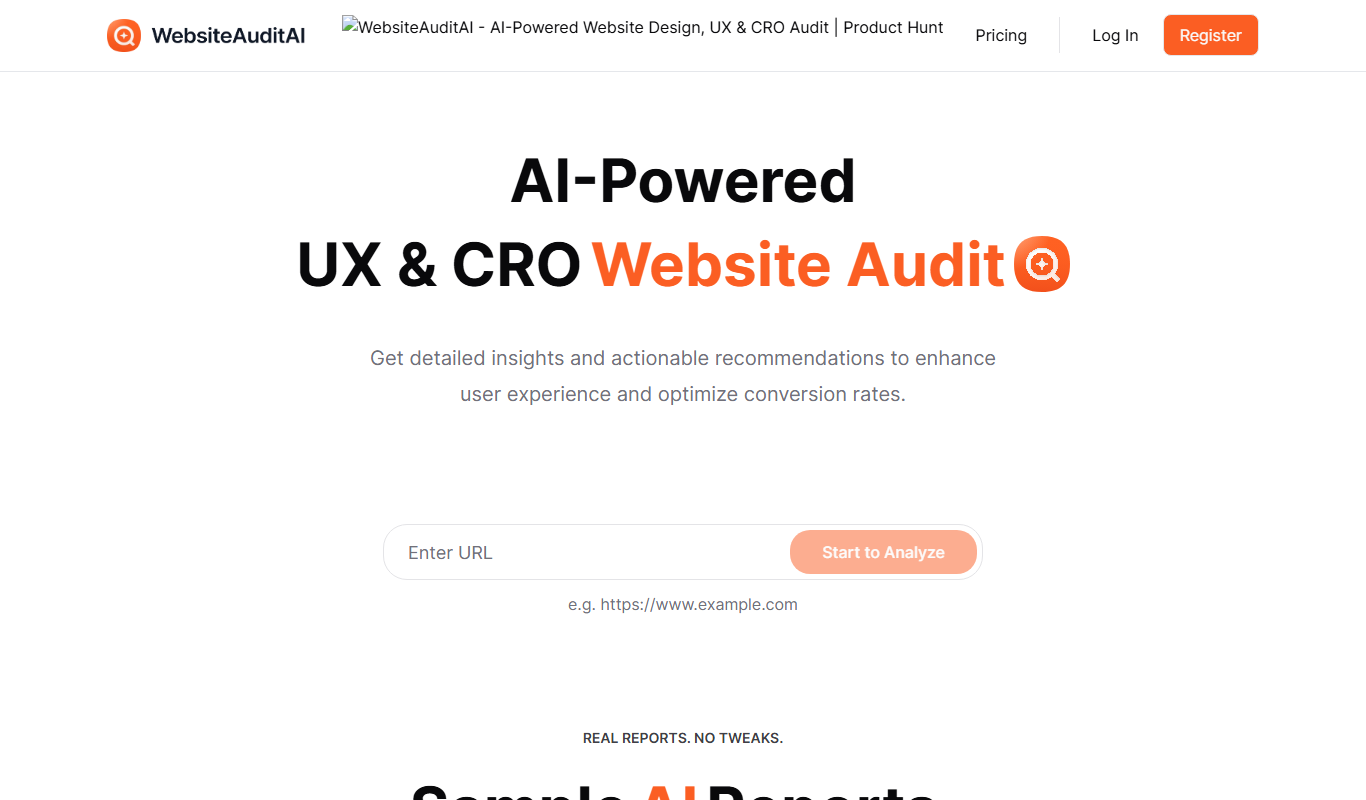
WebsiteAuditAI
WebsiteAuditAI runs AI-powered UX, CRO and copywriting audits of any web page and returns scored reports with actionable recommendations.

zarla.com
Zarla is an AI website builder for small businesses that writes the copy, designs the site and sets up SEO for you; building is free and you pay when you publish.
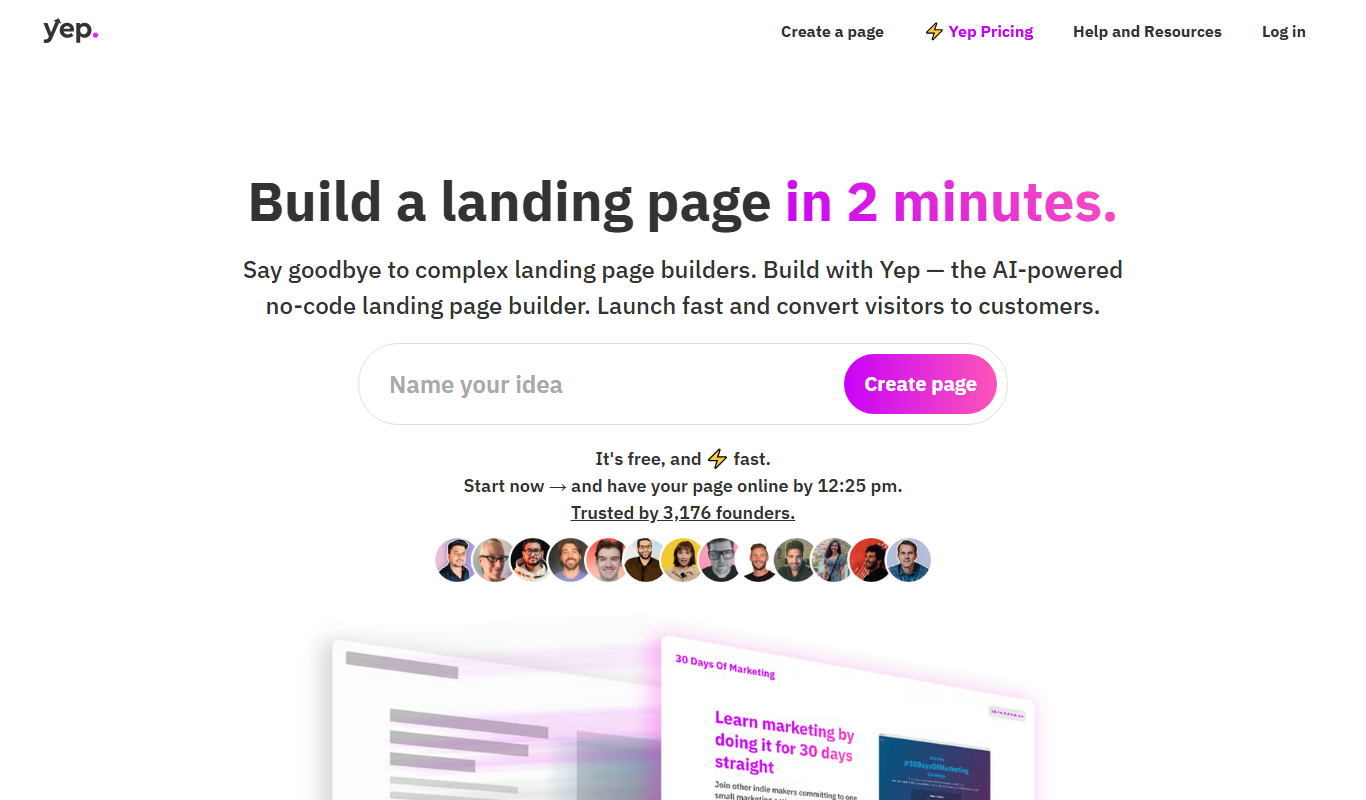
Yep.so – From idea to signups in 15 minutes
Yep.so is an AI-powered no-code landing page builder that generates pages to capture leads and validate ideas in minutes.

GenPage
GenPage is an AI landing page platform for marketing teams that creates dedicated landing pages for every ad, keyword and account.

60sec.site
60sec.site is a web tool that enables users to create and publish minimalist websites or landing pages in about 60 seconds without any coding skills.