

From my experience with SendBridge, I found it excels at providing an intuitive email marketing platform that balances ease of use with powerful automation and analytics features. The drag-and-drop builder and automation workflows make campaign creation straightforward, especially for small businesses and startups. However, the platform’s limited integrations and lack of mobile apps may restrict some users who rely on a broader marketing tech stack. Overall, if you need a cost-effective solution for managing email campaigns and transactional emails with reliable SMTP services, SendBridge delivers solid value.
SendBridge Email Marketing Platform with Automation and Analytics Features
SendBridge is a web-based email marketing platform that enables businesses to create, automate, and analyze email campaigns with features like drag-and-drop builders, automation workflows, SMTP relay, and detailed reporting.
- Best for
- Email Campaign Management
- Key capability
- Drag-and-Drop Email Builder
Your actions
Save SendBridge, follow its updates and vote on it — everything stays in your account.
Sign in or create a free account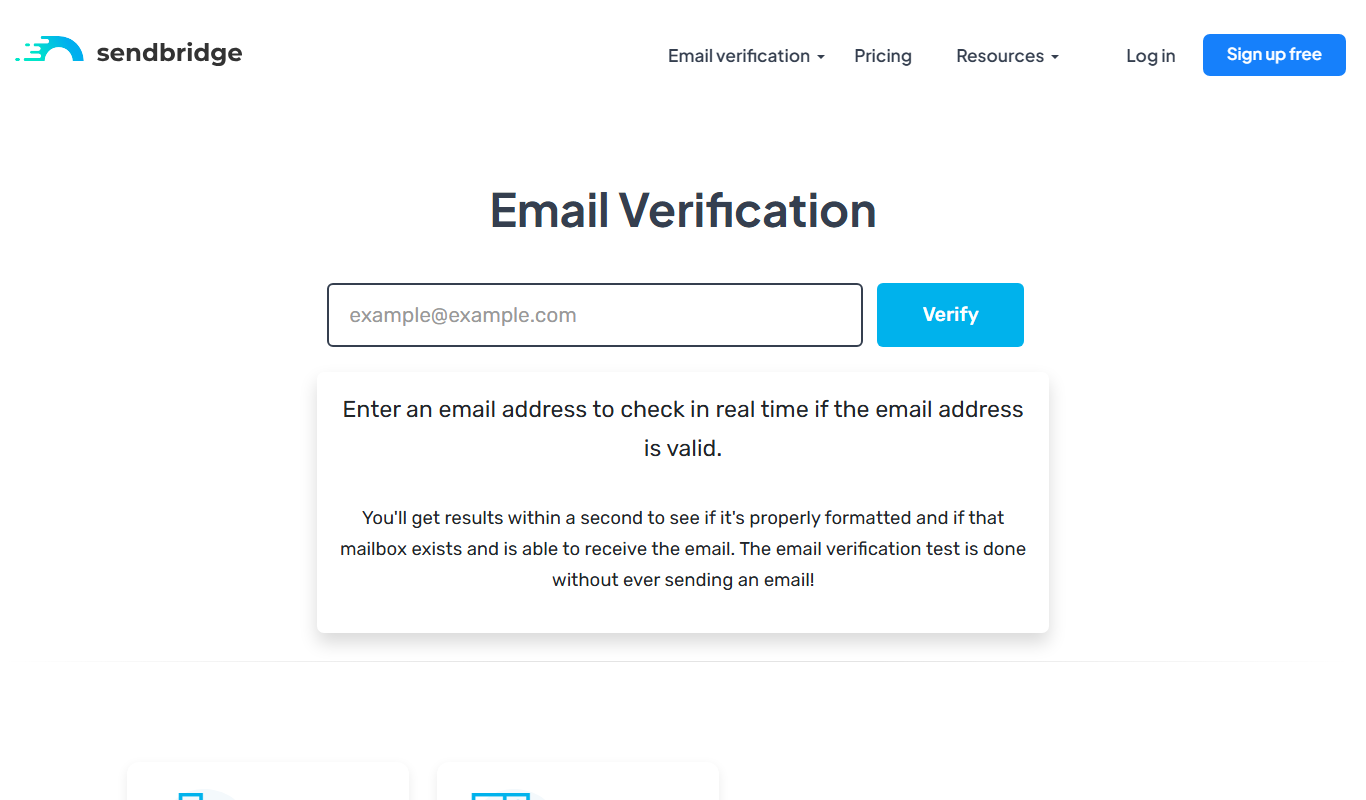
What is SendBridge?
SendBridge is a cloud-based email marketing platform designed to help businesses create, automate, and analyze email campaigns. It offers tools for managing subscriber lists, designing emails, setting up automated workflows, and tracking campaign performance, all through an intuitive web interface.
Key features of SendBridge
SendBridge provides a comprehensive suite of email marketing features including drag-and-drop email builders, automation workflows, detailed analytics, SMTP relay services, and subscriber management to streamline marketing efforts and improve engagement.
Drag-and-Drop Email Builder
Easily create responsive email templates without coding knowledge.
Automation Workflows
Set up multi-step automated email sequences triggered by subscriber actions.
Detailed Analytics
Access reports on opens, clicks, bounces, and unsubscribes to measure campaign success.
SMTP Relay
Send transactional and bulk emails reliably using SendBridge’s SMTP infrastructure.
Subscriber Segmentation
Segment your audience based on behavior, demographics, or custom tags for targeted messaging.
Pros and cons of SendBridge
Pros
- User-friendly drag-and-drop email builder
- Robust automation workflow capabilities
- Comprehensive analytics and reporting
- Includes SMTP relay for transactional emails
- Affordable pricing with a free tier
Cons
- Limited integrations with third-party apps
- No mobile app available
- Primarily English language support only
Key use cases for SendBridge
Email Campaign Management
Create, schedule, and send targeted email campaigns to segmented audiences.
Marketing Automation
Automate email sequences and workflows based on subscriber behavior and triggers.
Email List Management
Manage subscriber lists with segmentation, tagging, and import/export capabilities.
Analytics and Reporting
Track email open rates, click-through rates, and other engagement metrics to optimize campaigns.
SMTP Relay Service
Send transactional and bulk emails using SendBridge’s SMTP relay infrastructure.
How SendBridge works
- 1
Sign Up
Create a free account on SendBridge’s website to access the platform.
- 2
Import Contacts
Upload your email lists or add subscribers manually to build your audience.
- 3
Create Campaign
Use the email builder to design your message or select a template.
- 4
Set Automation
Configure automated email sequences based on triggers like sign-ups or clicks.
- 5
Send and Monitor
Launch your campaign and monitor performance through real-time analytics.
Who is using SendBridge
Small and medium businesses
Digital marketing agencies
E-commerce stores
Content creators and bloggers
Startups looking for affordable email marketing
SendBridge pricing
Free
$0/month
Limited emails per month with basic features and up to 500 subscribers.
Pro
$19/month
Increased email limits, advanced automation, and priority support.
Business
$49/month
Higher sending limits, dedicated IP, and advanced analytics.
Plans and prices are as published by the vendor and can change. Check the official site before you buy. Open the pricing page (opens in a new tab)
Frequently asked questions about SendBridge
Yes, SendBridge allows you to import contacts via CSV files or manual entry.
Yes, you can create multi-step automated email sequences triggered by subscriber actions.
Yes, SendBridge offers a free plan with limited features and sending capacity.
Yes, SendBridge provides SMTP relay services suitable for transactional email delivery.
It depends on your specific needs and how you plan to use the tool. The official website and documentation are the best sources for the latest details.
Some tools offer a free plan or trial with limited features. Availability can vary, so confirm on the official website.
Yes, it can help with that use case depending on how you configure it and what features are available. You’ll get the best results with clear inputs and a defined goal.
It depends on your specific needs and how you plan to use the tool. The official website and documentation are the best sources for the latest details.
Sign in to review this tool.
Sign In to ReviewNo reviews yet
Be the first to share how this tool worked for you.
Ask about pricing, limits, or how it compares — or answer someone else.
Sign In to AskNo questions yet
Have a question about using or paying for this tool? Be the first to ask.
Featured on TiorAI



More AI Automation & Workflow Tools tools
Other tools in the same category, for when this one is not quite the fit.

Free Trial
RADAAR
RADAAR is a social media management tool that helps businesses schedule posts, collaborate with teams, manage messages, and analyze social media performance from one platform.

Free Trial
Webs-Automation Job Application Bots
AI Jobs Automation is a web-based tool that automates filling and submitting job applications across multiple portals, helping job seekers save time and increase efficiency.

Custom Pricing
ocrolus.com
Ocrolus is an AI-driven platform that automates the extraction and validation of data from financial documents like bank statements and pay stubs, combining OCR technology with human review to ensure accuracy and compliance.

Freemium
DocumentPro
DocumentPro is an AI-driven document automation platform that extracts and processes data from documents to streamline business workflows.
Free Trial
Docsumo
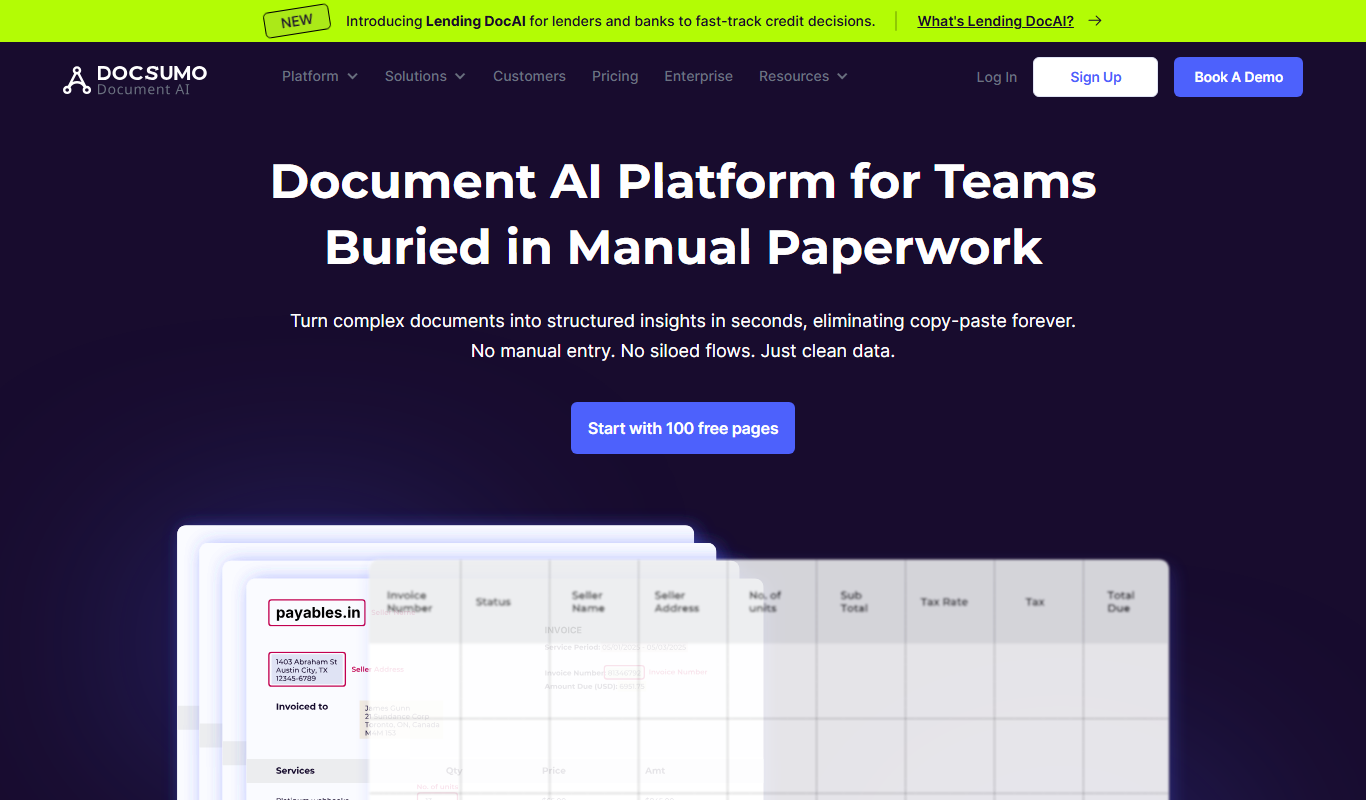
Docsumo is an AI-driven document processing platform that automates extraction of data from scanned documents, PDFs, and images using OCR and machine learning, helping businesses digitize workflows and reduce manual data entry.

Free Trial
Quiksbot
Quiksbot is an AI-powered no-code chatbot platform designed to automate customer support and lead generation on websites.

Free Trial
CryptoMatic Bot
CryptoMatic Bot is a web-based automated cryptocurrency trading platform that allows users to create, customize, and deploy trading bots with backtesting and multi-exchange support.
Enterprise Licensing
Pega Systems
Pega Systems is an enterprise software platform specializing in business process management, customer relationship management, and intelligent automation with AI-powered decisioning and low-code development.