

From my experience with ScreenML, I found it excels at simplifying the complex process of screenplay formatting and story development through AI assistance. The platform’s intuitive web interface and real-time collaboration features make it particularly well-suited for screenwriters working individually or in teams. However, the lack of mobile or desktop apps and support limited to English may restrict some users. Overall, if you need an AI-powered tool to streamline your scriptwriting workflow and enhance creativity, ScreenML delivers solid, practical support.
ScreenML AI Screenwriting Software for Scriptwriting and Story Development
ScreenML is an AI-driven screenwriting software that assists writers in creating, formatting, and editing screenplays with intelligent story and character development tools accessible via a web platform.
- Best for
- Screenplay Writing
- Key capability
- AI-Powered Script Formatting

Do you recommend this tool?
What is ScreenML?
ScreenML is an AI-powered screenwriting software designed to assist writers in creating, developing, and editing screenplays efficiently. It leverages machine learning to provide intelligent suggestions for story structure, dialogue, and formatting, streamlining the creative process for filmmakers, screenwriters, and storytellers.
Key features of ScreenML
ScreenML offers AI-driven screenplay formatting, story and character development tools, real-time collaboration, and script editing capabilities, all accessible through a user-friendly web interface.
AI-Powered Script Formatting
Automatically formats screenplays to industry standards, saving time and ensuring professional presentation.
Story and Character Development
Provides AI-driven suggestions to enhance plot structure, character arcs, and dialogue.
Real-Time Collaboration
Allows multiple users to work on the same script simultaneously with AI feedback.
Script Editing and Polishing
Offers grammar, style, and pacing improvements tailored for screenwriting.
Cloud-Based Access
Access your scripts anytime from any device with internet connectivity.
Pros and cons of ScreenML
Pros
- AI assistance streamlines screenplay formatting and writing
- Supports real-time collaboration for teams
- User-friendly web interface accessible from any device
Cons
- Currently supports only English language
- No desktop or mobile app versions available yet
- Subscription pricing may be high for casual users
Key use cases for ScreenML
Screenplay Writing
Create professional-quality screenplays using AI-assisted writing tools that help format and structure scripts.
Story Development
Develop story arcs, character dialogues, and plot points with AI suggestions to enhance creativity and coherence.
Script Editing
Refine and polish existing scripts with AI-powered editing features that improve flow, grammar, and formatting.
Collaboration
Collaborate with writing partners or teams by sharing scripts and receiving AI feedback in real-time.
How ScreenML works
- 1
Create an Account
Sign up on the ScreenML website to access the AI screenwriting platform.
- 2
Start a New Script
Begin writing your screenplay with AI assistance for formatting and story suggestions.
- 3
Use AI Tools
Leverage AI features to develop characters, plot, and dialogue, or to edit and improve your script.
- 4
Collaborate and Share
Invite collaborators to review and co-write scripts with real-time AI feedback.
- 5
Export and Finalize
Export your finished screenplay in industry-standard formats for production or submission.
Who is using ScreenML
Screenwriters and filmmakers
Creative writing students
Film production teams
Content creators focusing on video scripts
Writing coaches and educators
ScreenML pricing
Free Trial
$0 for 7 days
Full access to all features for a limited trial period.
Monthly Subscription
$19/month
Continued access to all features with monthly billing.
Annual Subscription
$180/year
Discounted yearly plan with full feature access.
Plans and prices are as published by the vendor and can change. Check the official site before you buy. Open the pricing page (opens in a new tab)
Frequently asked questions about ScreenML
Yes, ScreenML is designed to be user-friendly and supports writers at all experience levels.
Yes, ScreenML supports real-time collaboration with multiple users.
You can export scripts in standard formats such as PDF and Final Draft (.fdx).
Yes, there is a 7-day free trial with full access to all features.
This tool is designed to help users accomplish its core tasks more efficiently. It is typically used by individuals or teams looking to improve productivity and workflow.
Yes, it can help with that use case depending on how you configure it and what features are available. You’ll get the best results with clear inputs and a defined goal.
Yes, it can help with that use case depending on how you configure it and what features are available. You’ll get the best results with clear inputs and a defined goal.
Sign in to review this tool.
Sign In to ReviewNo reviews yet
Be the first to share how this tool worked for you.
Ask about pricing, limits, or how it compares — or answer someone else.
Sign In to AskNo questions yet
Have a question about using or paying for this tool? Be the first to ask.
Featured on TiorAI



Alternative Tools
Explore similar AI tools that might fit your needs

Free
Celtx
Celtx is a cloud-based software platform designed for scriptwriting and media pre-production, providing tools for writing scripts, creating storyboards, scheduling production, and collaborating with teams.
Free
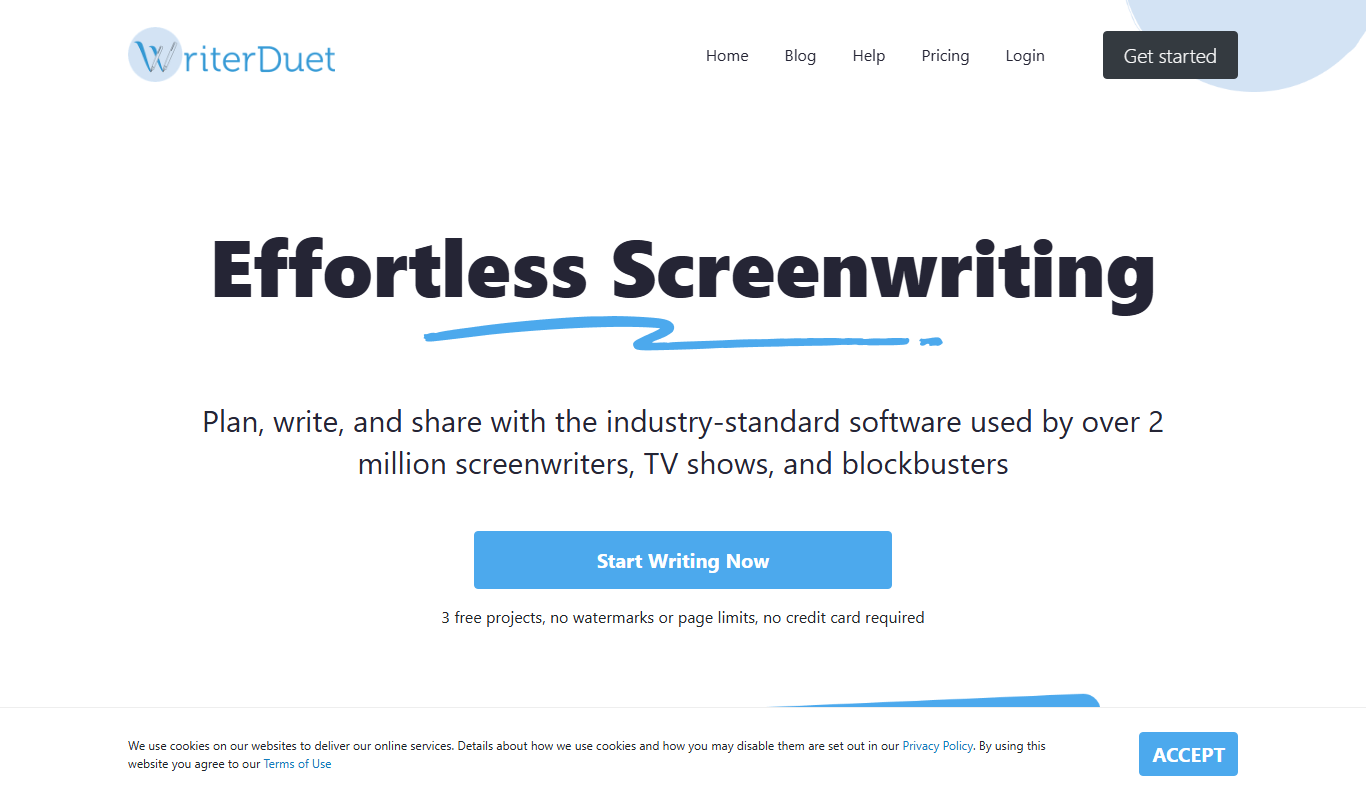
WriterDuet
WriterDuet is a cloud-based screenwriting software that enables multiple writers to collaborate in real time with automatic script formatting and offline capabilities.
More AI Large Language Models Tools tools
Other tools in the same category, for when this one is not quite the fit.

Free
LLM Playground
LLM Playground is a free, web-based tool that lets users interactively test and compare outputs from multiple large language models such as OpenAI GPT and Hugging Face models without coding.

Free
Online Llama 3.1 405B Chat
Online Llama 3.1 405B Chat is a free web-based chatbot powered by a 405 billion parameter LLaMA 3.1 language model, enabling advanced conversational AI interactions.

Contact Sales
Featherless LLM
Featherless LLM is a platform that enables businesses to fine-tune, deploy, and manage custom large language models via scalable infrastructure and API access.
Contact for pricing
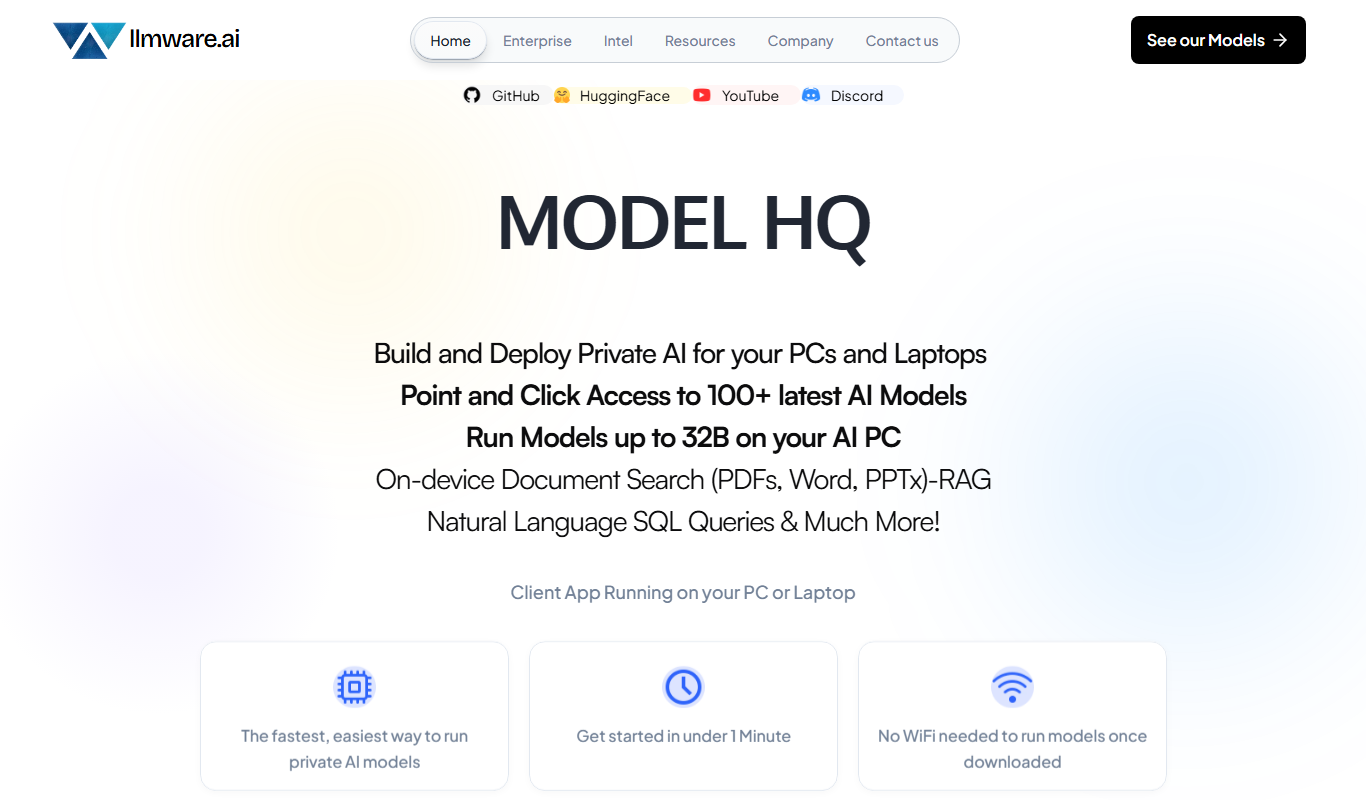
LLMWare
LLMWare is an AI platform that enables enterprises to deploy, manage, and scale large language models securely with flexible infrastructure and integration options.

Free
LLMArena
LLMArena is a free web platform that benchmarks and compares large language models on various tasks to help researchers and developers evaluate AI capabilities.
Free
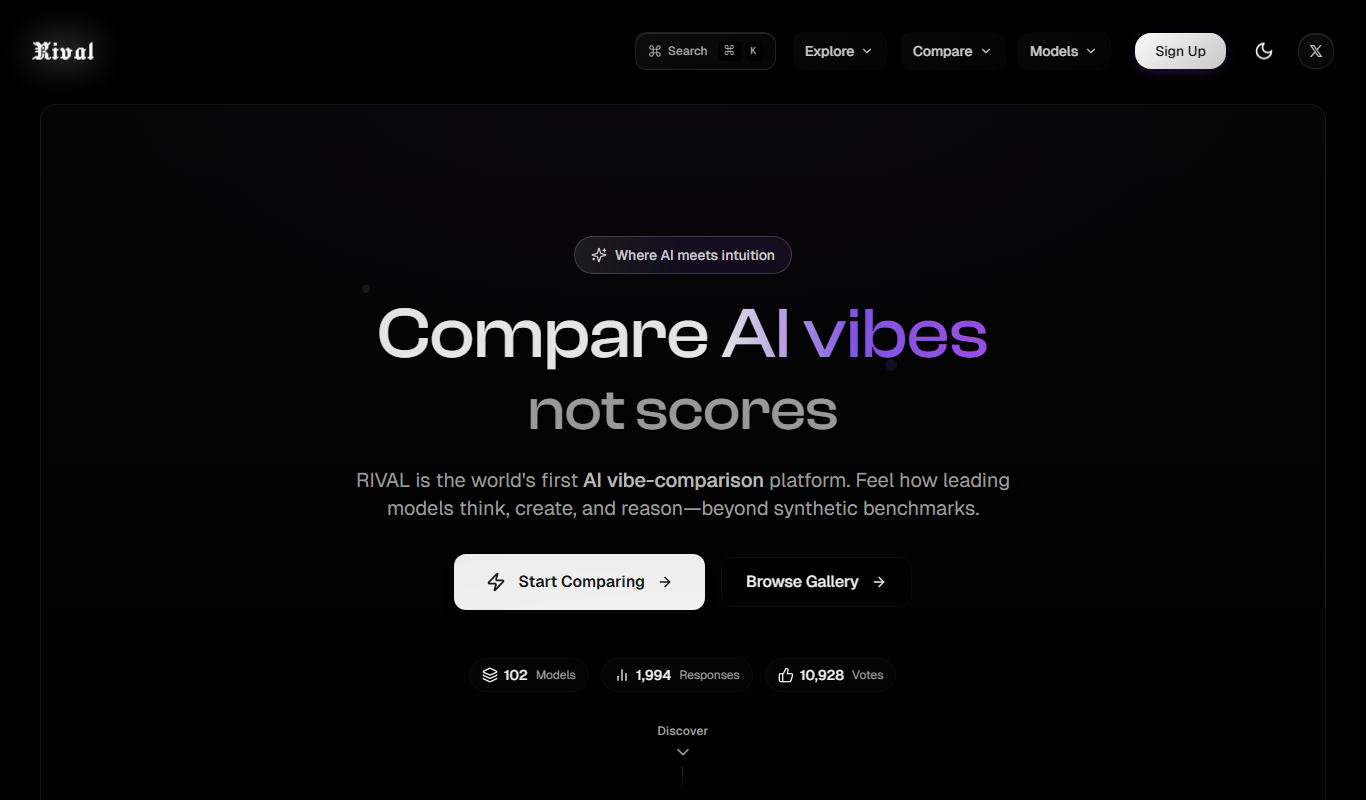
Rival
Rival is a web platform offering real-time esports statistics, analytics, and betting tips to support informed decisions in esports betting and competitive gaming.
Free Trial
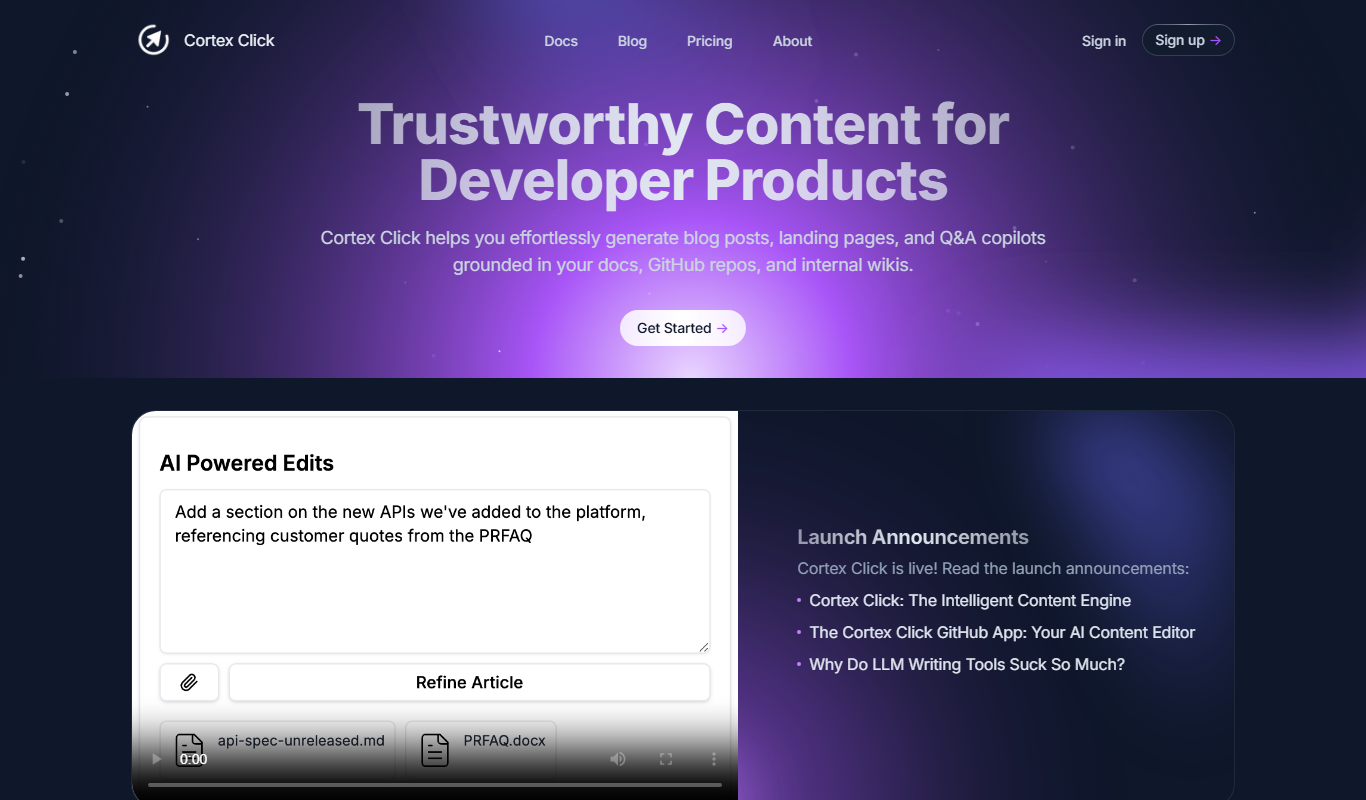
Cortex Click
Cortex Click is an AI-driven content optimization tool that helps marketers improve SEO by analyzing content and providing keyword and structural recommendations.
Freemium
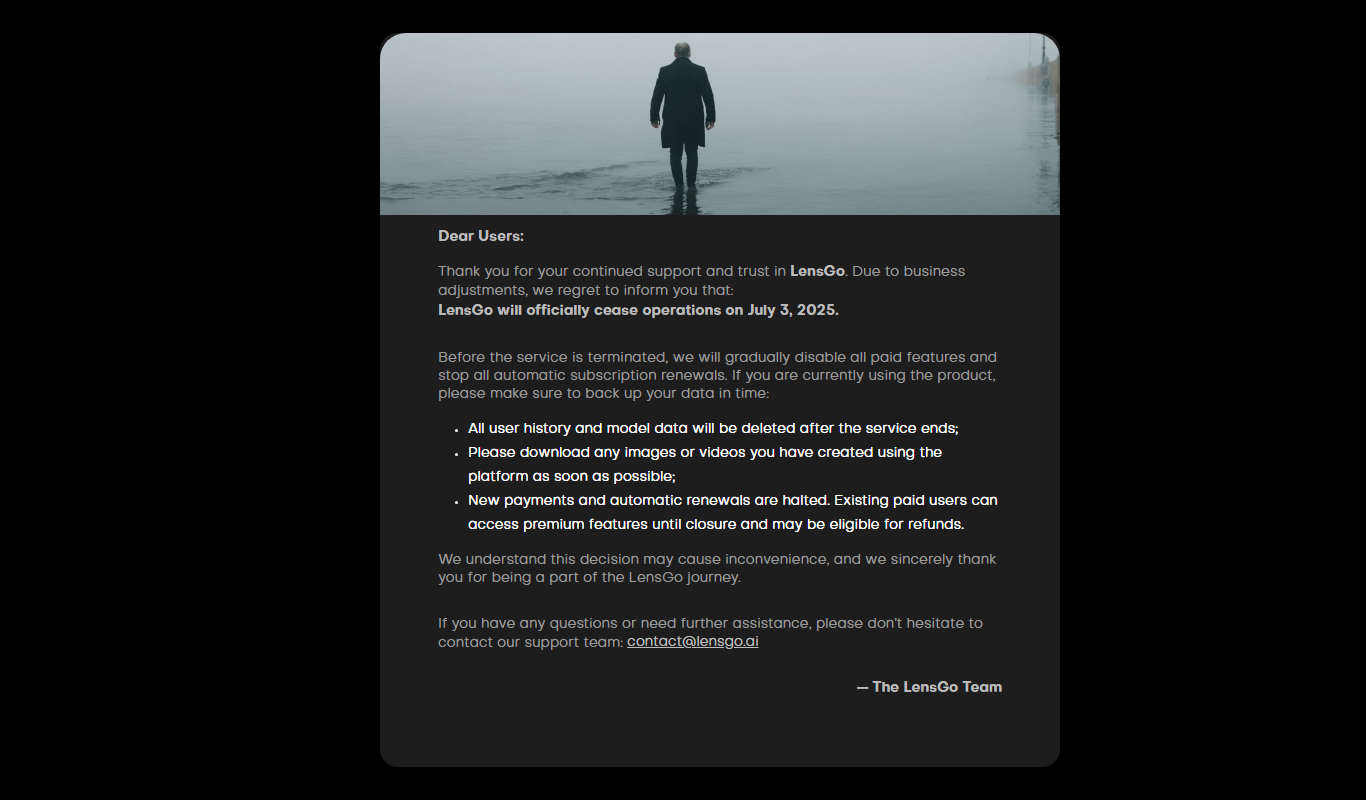
Lensgo
Lensgo is an AI-driven video creation tool that automates script writing, voiceover generation, and video editing to help marketers and content creators produce videos efficiently.