

Scrabble Word Finder Tool for Word Games and Puzzle Solving Online
Scrabble Word Finder is a free online tool that helps players find valid words from their letter tiles, supporting wildcards and filters to improve gameplay and puzzle solving.
- Best for
- Scrabble Game Assistance
- Key capability
- Wildcard Support
Save Scrabble Word Finder, follow its updates and vote on it — everything stays in your account.
Sign in or create a free account
What is Scrabble Word Finder?
Scrabble Word Finder is a free online tool designed to help users find valid words from a set of letters. It is primarily used by Scrabble players and word game enthusiasts to discover possible word combinations, check word validity, and improve their gameplay or puzzle-solving skills.
Key features of Scrabble Word Finder
The tool offers a simple interface where users input their letters and receive a list of valid words sorted by length or score. It supports wildcards and blank tiles, provides definitions, and can filter words by length or starting/ending letters.
Wildcard Support
Allows use of blank tiles or wildcards to represent any letter.
Word Filtering
Filter results by word length or specific starting/ending letters.
Definition Lookup
Provides dictionary definitions for generated words to aid vocabulary.
Score Calculation
Calculates Scrabble point values for each word to help strategize gameplay.
Pros and cons of Scrabble Word Finder
Pros
- Completely free with no sign-up required
- Simple and intuitive user interface
- Supports wildcards and filters for precise results
- Includes word definitions and scoring
Cons
- Limited to English language words
- No mobile app version available
- No advanced AI or personalized suggestions
Key use cases for Scrabble Word Finder
Scrabble Game Assistance
Helps players find valid words from their letter tiles to improve their Scrabble gameplay.
Word Puzzle Solving
Assists in solving crossword puzzles, anagrams, and other word-based games by generating possible word matches.
Vocabulary Building
Users can discover new words and expand their vocabulary through exploring word options generated by the tool.
Educational Tool
Supports learning and teaching English spelling and word formation in an interactive manner.
How Scrabble Word Finder works
- 1
Enter Letters
Input your available letters, including any blank tiles or wildcards.
- 2
Set Filters
Optionally specify word length or letters to start/end with to narrow down results.
- 3
Generate Words
The tool processes the input and displays all valid word combinations.
- 4
Use Results
Select words to use in your game or puzzle, with optional definitions for learning.
Who is using Scrabble Word Finder
Scrabble Word Finder pricing
Free
$0
Full access to all features without any cost or subscription.
Plans and prices are as published by the vendor and can change. Check the official site before you buy. Open the pricing page (opens in a new tab)
Frequently asked questions about Scrabble Word Finder
Yes, the tool is completely free and accessible online without registration.
Yes, the tool supports wildcards or blank tiles to represent any letter.
Yes, you can view dictionary definitions for the words generated.
While designed for Scrabble, it can be used for other word games and puzzles.
It depends on your specific needs and how you plan to use the tool. The official website and documentation are the best sources for the latest details.
Yes, it can help with that use case depending on how you configure it and what features are available. You’ll get the best results with clear inputs and a defined goal.
Some tools offer a free plan or trial with limited features. Availability can vary, so confirm on the official website.
Yes, it can help with that use case depending on how you configure it and what features are available. You’ll get the best results with clear inputs and a defined goal.
Conclusion
Given a set of letters, including blank tiles or wildcards, Scrabble Word Finder displays all the valid word combinations they can form. Results can be narrowed by word length or by starting and ending letters, and each word shows its Scrabble point value. Dictionary definitions are available for the generated words, which gives the tool a vocabulary-building use as well. While designed for Scrabble, it can also be used for crosswords, anagrams and other word puzzles.
It can help Scrabble players and puzzle solvers, as well as students and educators working on English vocabulary and spelling. Access is free and needs no registration. Its word lists come from the TWL, SOWPODS and ENABLE dictionaries, all English, so results are limited to English words.
Sources
Sign in to review this tool.
Sign In to ReviewNo reviews yet
Be the first to share how this tool worked for you.
Ask about pricing, limits, or how it compares — or answer someone else.
Sign In to AskNo questions yet
Have a question about using or paying for this tool? Be the first to ask.
Featured on TiorAI


Alternative Tools
Explore similar AI tools that might fit your needs

WordFinder
WordFinder is an online tool that helps users find valid words from given letters for games like Scrabble and crossword puzzles, including anagram generation and word definitions.
More AI Content Generator tools
Other tools in the same category, for when this one is not quite the fit.
Ion Interactive
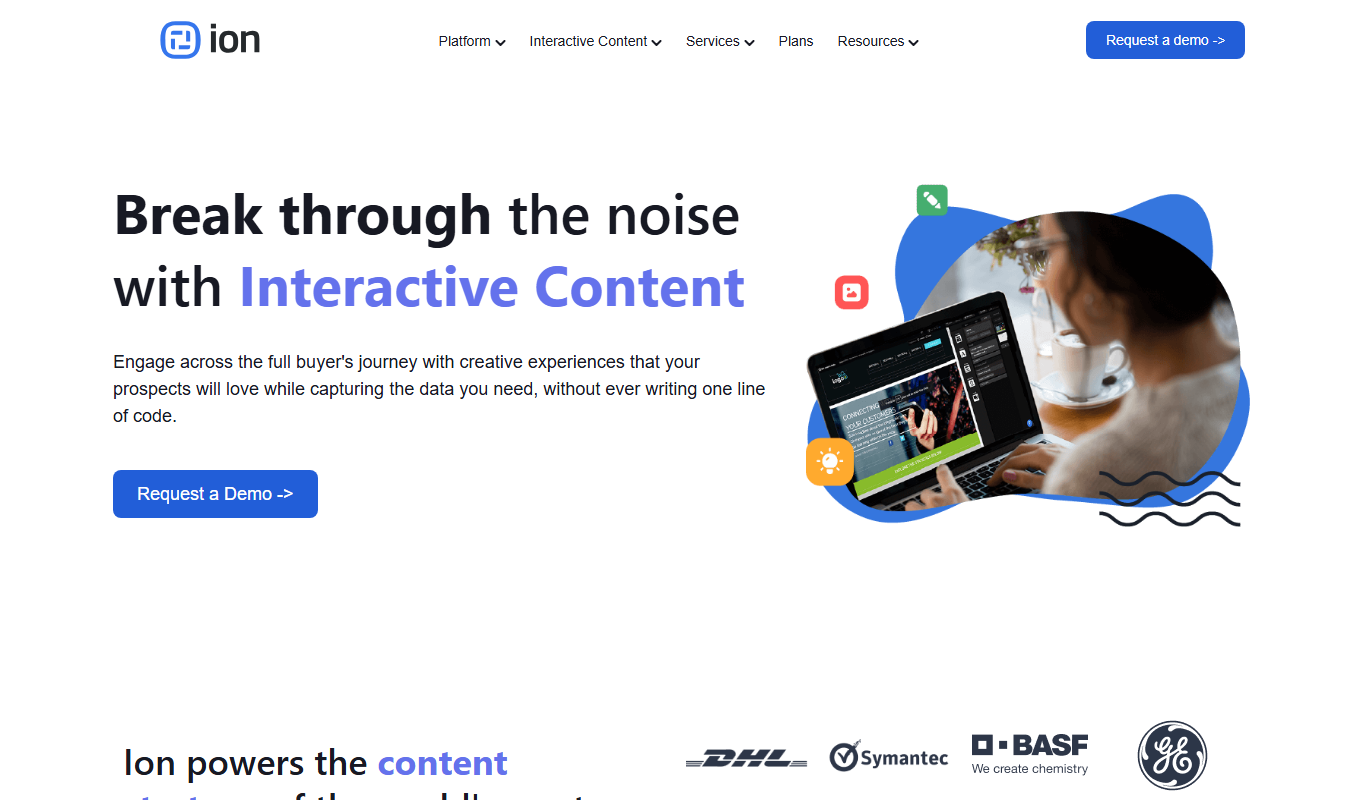
Ion Interactive is a web-based platform that enables marketers to create interactive content like quizzes and assessments to engage audiences and generate leads without coding.

写作猫AI
写作猫AI is a Chinese-language AI writing assistant that supports content generation, creative writing, and text refinement through a web platform.

Calmly Writer
Calmly Writer is a minimalist writing app designed to help users focus by providing a distraction-free interface, Markdown support, autosave, and export options. It is available as a free web app and a paid desktop app for offline use.

750 Words
750 Words is a web-based platform that encourages users to write 750 words daily to build a consistent writing habit, offering a distraction-free interface and progress tracking.

Bewerbung2Go
Bewerbung2Go is an AI-driven platform that helps German-speaking users generate customized cover letters and optimize job applications efficiently.

Gengo
Gengo is a professional human translation platform that provides accurate, culturally relevant translations for businesses via web and API, supporting over 70 language pairs.
Skyword
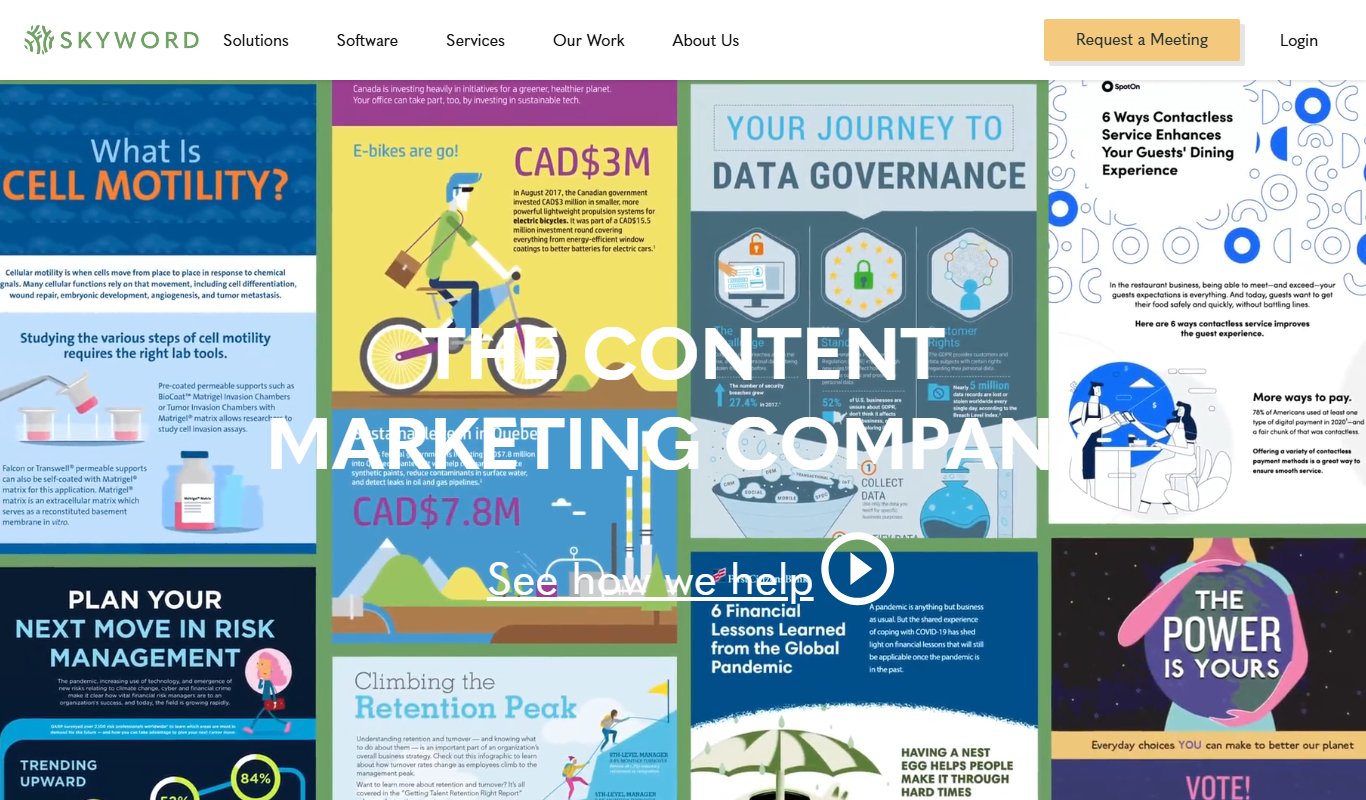
Skyword is an enterprise content marketing platform that helps organizations plan, create, manage, and analyze content marketing campaigns with collaboration tools and a freelance network.

Archive.org
Archive.org is a free digital library and internet archive providing access to billions of archived web pages, books, audio, video, and software for research, education, and creative projects.