

SciSummary AI Tool for Scientific Paper Summaries and Research Insights
SciSummary uses AI to summarize and understand scientific articles and research papers, and works as an AI powered reference and document manager.
- Best for
- Scientific Paper Summarization
- Key capability
- Structured summaries
Save SciSummary, follow its updates and vote on it — everything stays in your account.
Sign in or create a free account
What is SciSummary?
SciSummary is an AI research tool for researchers and students that summarizes and helps users understand scientific articles and research papers. It also works as an AI powered reference and document manager.
Key features of SciSummary
SciSummary offers automatic summarization of scientific papers, highlighting key findings, methodologies, and conclusions. It supports quick comprehension of academic content, making literature reviews and research more efficient. The tool is accessible via a user-friendly web interface.
Structured summaries
Breaks down dense academic papers into clearly labeled sections: abstract, methods, results and conclusion.
Bulk paper summarization
Synthesizes multiple papers into a single summary and compares papers using AI.
Reference and document manager
Organize research with folders and tags in a structured repository.
Chat with figures
Interprets figures such as p-values, confidence intervals and effect sizes.
MCP server for Claude Desktop and ChatGPT
Search, summarize and analyze scientific documents directly within Claude Desktop and ChatGPT.
Pros and cons of SciSummary
Pros
- Saves significant time reading lengthy scientific papers
- Clear and concise summaries highlight key research points
- Easy to use with a straightforward web interface
Cons
- Limited to English-language papers
- Free trial is limited to 7 days and 30,000 words of summaries
- May not capture all nuances of complex research
Key use cases for SciSummary
Scientific Paper Summarization
Automatically generate concise summaries of lengthy scientific papers to save reading time.
Research Insight Extraction
Extract key findings and insights from academic articles for quick understanding.
Literature Review Assistance
Help researchers and students efficiently review multiple papers by providing clear summaries.
Academic Productivity
Enhance productivity by reducing the time spent on reading and comprehending complex research documents.
How SciSummary works
- 1
Input Paper URL or Text
Users provide the URL of a scientific paper or paste the text directly into SciSummary.
- 2
AI Processes Content
The AI analyzes the document to identify important sections and extract key points.
- 3
Generate Summary
A concise summary highlighting the main findings and insights is produced.
- 4
Review and Use
Users can read the summary to quickly understand the paper or use it for further research.
Who is using SciSummary
SciSummary pricing
Free Trial
$0 first 7 days
30,000 words of summaries, 5 figures analyzed and 100 chat messages during the 7-day trial.
Pro Plan
$4/mo billed as $48/yr
Unlimited summaries, figures analyzed and chat messages.
Student
$0 first month
Promo code STUDENT26: unlimited summaries, figures analyzed and chat messages for 1 month.
Plans and prices are as published by the vendor and can change. Check the official site before you buy. Open the pricing page (opens in a new tab)
Frequently asked questions about SciSummary
SciSummary works best with scientific research papers across various disciplines such as biology, chemistry, physics, and medicine.
The 7-day free trial includes 30,000 words of summaries, while the Pro Plan offers unlimited summaries.
Currently, SciSummary supports only English-language papers.
It depends on your specific needs and how you plan to use the tool. The official website and documentation are the best sources for the latest details.
Some tools offer a free plan or trial with limited features. Availability can vary, so confirm on the official website.
Yes, it can help with that use case depending on how you configure it and what features are available. You’ll get the best results with clear inputs and a defined goal.
Conclusion
Dense academic papers come back as clearly labeled sections for the abstract, methods, results and conclusion. Several papers can also be synthesized into a single summary or compared with each other. A chat with figures interprets p-values, confidence intervals and effect sizes. Folders and tags turn the saved papers into a reference and document manager, and an MCP server brings search and summaries into Claude Desktop and ChatGPT.
Researchers and students are the users it is built for, and it is the official AI provider for the ACM Digital Library. A 7-day free trial caps summaries, figures and chat messages, while the paid Pro Plan makes them unlimited. Students can use a promo code for a free first month.
Sources
Sign in to review this tool.
Sign In to ReviewNo reviews yet
Be the first to share how this tool worked for you.
Ask about pricing, limits, or how it compares — or answer someone else.
Sign In to AskNo questions yet
Have a question about using or paying for this tool? Be the first to ask.
Featured on TiorAI



Alternative Tools
Explore similar AI tools that might fit your needs

Paperpile
Paperpile is a cloud-based reference management tool designed for researchers and academics to organize references, annotate PDFs, and generate citations within Google Docs.
More AI Article Summarizer tools
Other tools in the same category, for when this one is not quite the fit.

Chapterize
Chapterize.ai summarizes any book, video, paper or article with AI and gets you to the key message in minutes.
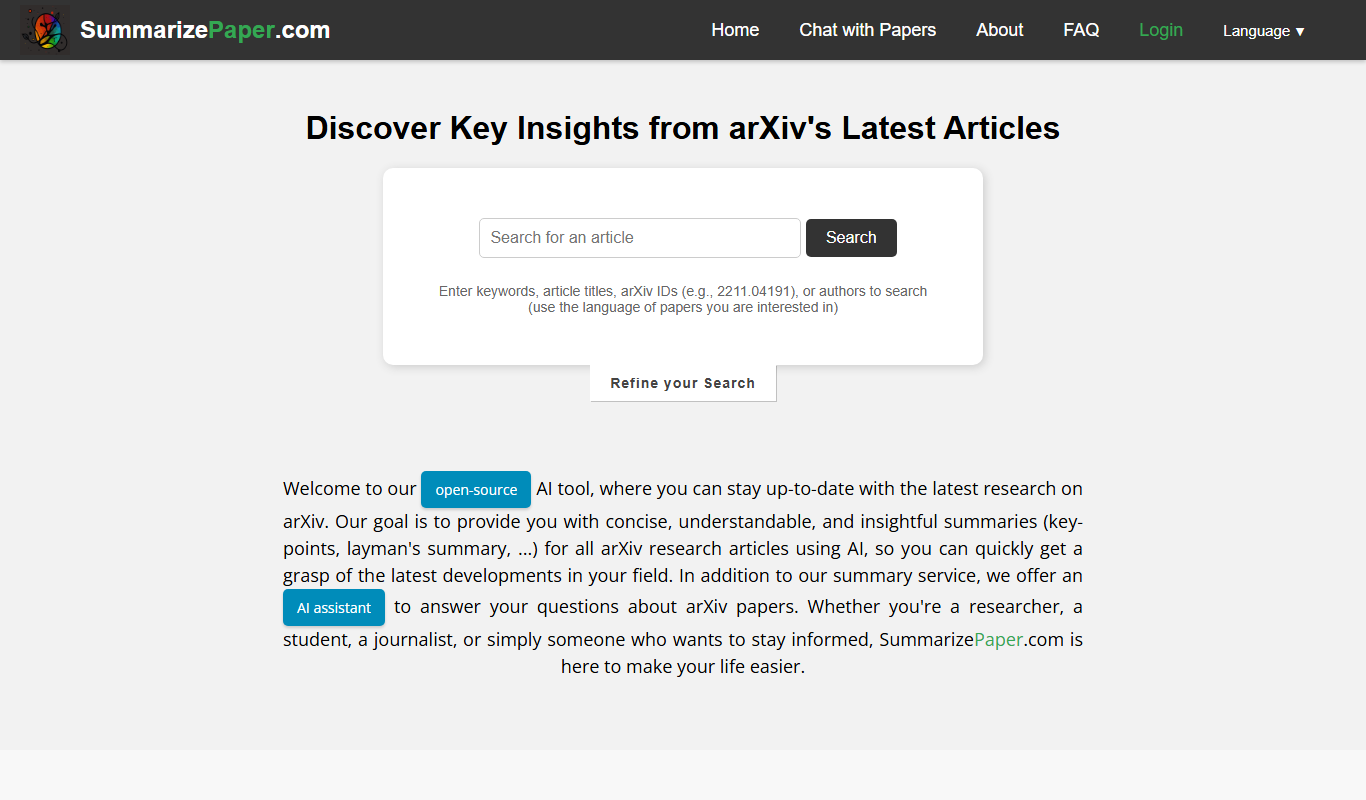
SummarizePaper
SummarizePaper is a free, open-source AI tool that summarizes scientific papers from arXiv and answers questions about them through a virtual assistant.
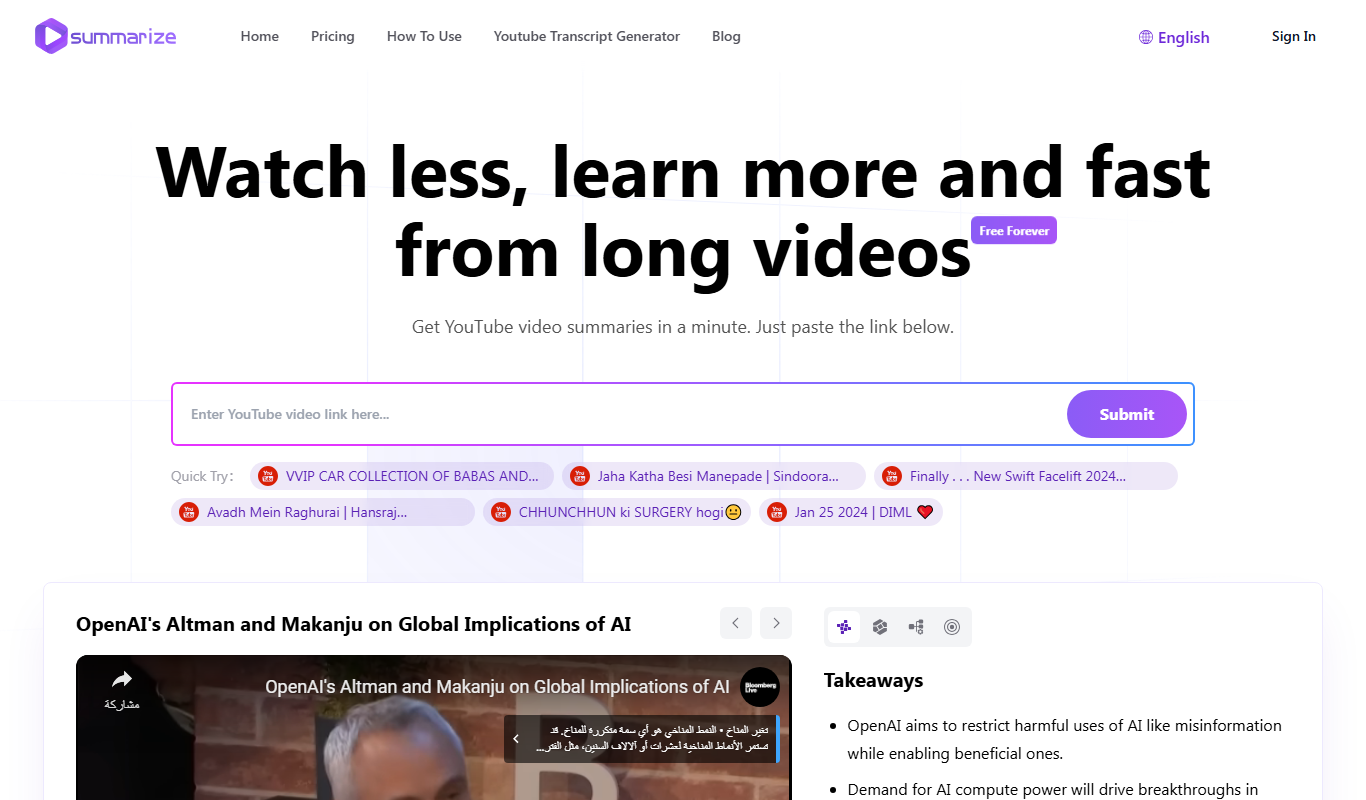
Summarize.ing
Summarize.ing provides instant, AI-powered summaries of YouTube videos, with highlights, mind maps and segmented summaries.

Notamify
Notamify transforms complex NOTAMs into clear, actionable briefings tailored to your flights, delivered in seconds and by email.
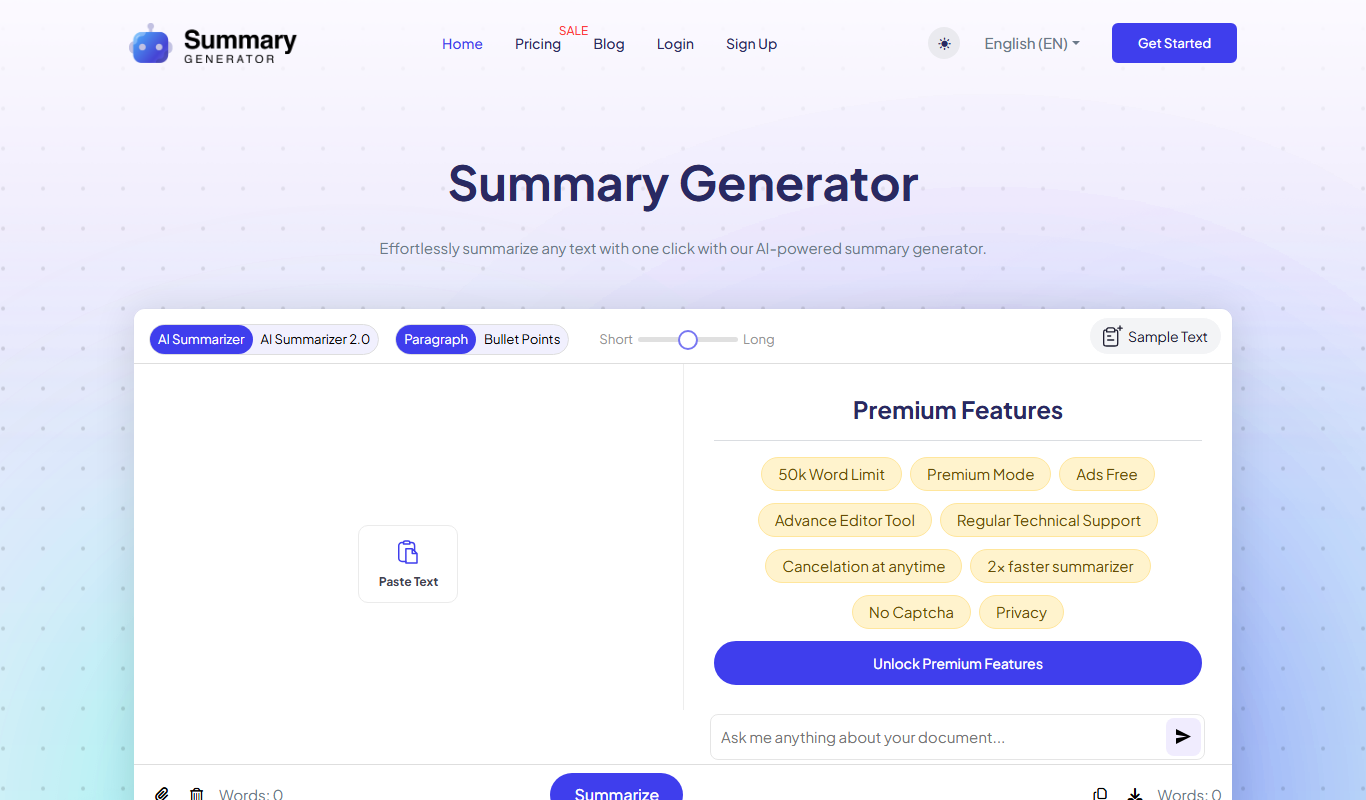
AI Summary Generator
AI Summary Generator is an online AI summarizer for pasted text and Doc or PDF files, with adjustable summary length, paragraph or bullet point output, a free plan and paid plans.

Too long; didn’t watch AI
TL;DW AI summarizes local video files and online videos into concise, easy to digest content.

tl;dr AI Summarizer
tl;dr AI Summarizer is an AI-driven tool that condenses lengthy text into brief, clear summaries to save reading time and improve comprehension.
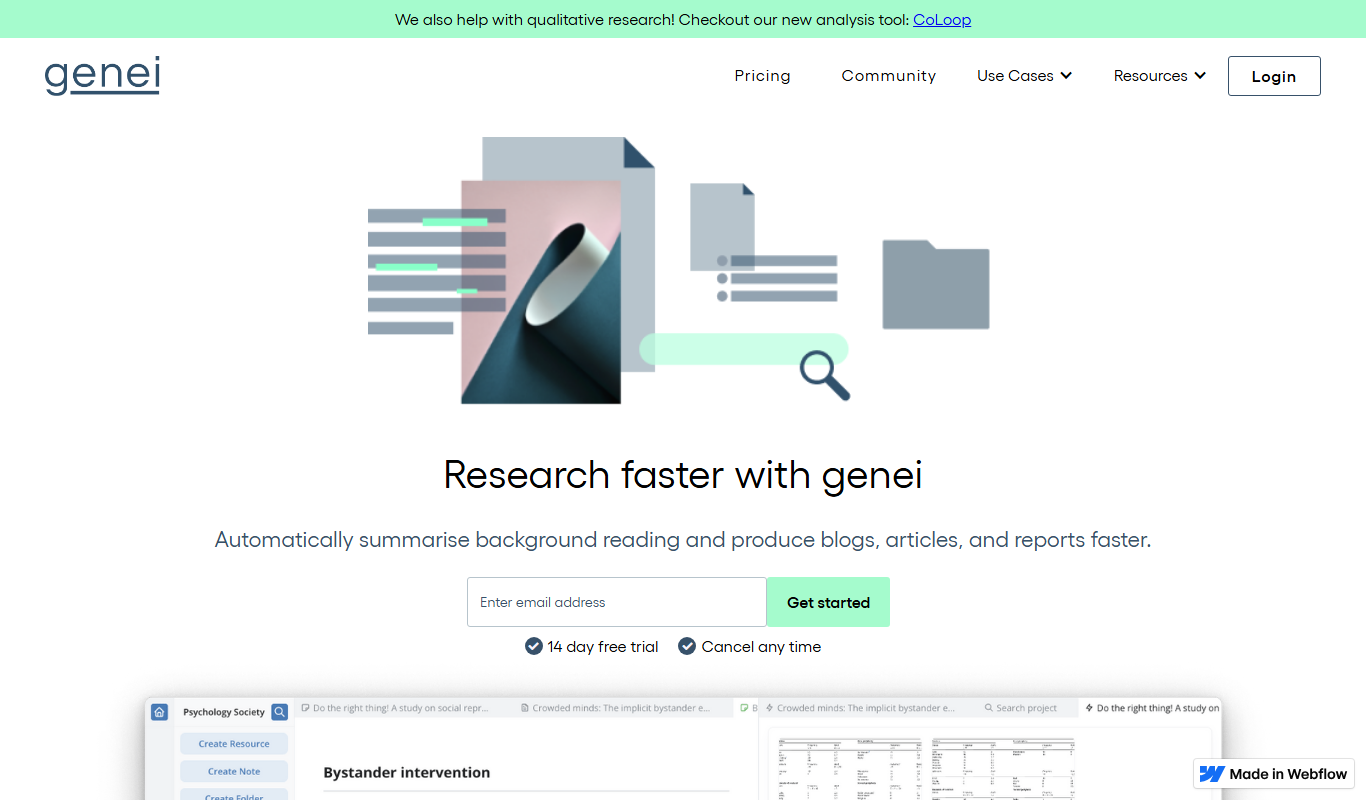
Genei
Genei is an AI-driven research summarization tool that quickly condenses lengthy documents into concise summaries, helping users save time and extract key insights efficiently.