

From my experience with SaveDay, I found it excels at simplifying the savings process by automating transfers based on real spending habits. The AI-driven insights make budgeting less intimidating, especially for those new to personal finance management. However, the lack of a dedicated mobile app and English-only support might limit accessibility for some users. Overall, if you want a straightforward, secure way to automate savings and get personalized financial advice, SaveDay offers a practical and user-friendly solution.
SaveDay - AI-Powered Personal Finance and Savings Assistant Online
SaveDay is an AI-driven personal finance assistant that helps automate savings, track budgets, and provide personalized financial insights to improve your money management.
- Best for
- Automated Savings
- Key capability
- AI-Driven Savings Automation
Your actions


Do you recommend this tool?
What is SaveDay?
SaveDay is an AI-powered personal finance assistant designed to help users manage their savings and budgets efficiently. It leverages artificial intelligence to analyze spending habits, automate savings, and provide actionable financial advice tailored to individual goals.
Key features of SaveDay
SaveDay offers automated savings plans, real-time budget tracking, personalized financial insights, and expense categorization to empower users to take control of their finances with minimal manual effort.
AI-Driven Savings Automation
Automatically adjusts savings amounts based on your spending and income patterns.
Real-Time Budget Monitoring
Tracks your expenses and alerts you when you approach budget limits.
Personalized Financial Insights
Provides tailored recommendations to improve your financial health.
Secure Account Integration
Uses bank-level security protocols to safely connect and monitor your financial accounts.
Pros and cons of SaveDay
Pros
- Automates savings based on real spending data
- Provides clear, actionable financial advice
- Easy to use with intuitive interface
- Strong security measures for account data
Cons
- Premium features require subscription
- Limited language support (English only)
- Mobile app not yet available, only mobile web
Key use cases for SaveDay
Automated Savings
Helps users set and achieve savings goals through AI-driven recommendations and automatic transfers.
Budget Tracking
Monitors spending habits and provides insights to optimize budgets and reduce unnecessary expenses.
Financial Planning
Offers personalized financial advice to improve money management and plan for future expenses.
Expense Categorization
Automatically categorizes expenses to give users a clear overview of their spending patterns.
How SaveDay works
- 1
Connect Your Accounts
Securely link your bank and credit accounts to allow SaveDay to analyze your transactions.
- 2
Set Savings Goals
Define your financial goals such as emergency funds, vacations, or debt repayment.
- 3
Receive AI Recommendations
Get personalized advice on how much to save and where to cut expenses.
- 4
Automate Savings
Enable automatic transfers to your savings based on AI-driven plans.
Who is using SaveDay
Young professionals
Budget-conscious individuals
People new to personal finance management
Small business owners managing personal finances
SaveDay pricing
Free
$0/month
Basic features including account linking and manual savings tracking.
Premium
$9.99/month
Includes AI-driven savings automation, personalized insights, and priority support.
Plans and prices are as published by the vendor and can change. Check the official site before you buy. Open the pricing page (opens in a new tab)
Frequently asked questions about SaveDay
Yes, SaveDay uses bank-level encryption and security protocols to protect your data.
You can use limited manual features, but full automation requires account linking.
No, SaveDay does not charge fees for savings transfers; however, your bank may have its own fees.
It depends on your specific needs and how you plan to use the tool. The official website and documentation are the best sources for the latest details.
It depends on your specific needs and how you plan to use the tool. The official website and documentation are the best sources for the latest details.
It depends on your specific needs and how you plan to use the tool. The official website and documentation are the best sources for the latest details.
Sign in to review this tool.
Sign In to ReviewNo reviews yet
Be the first to share how this tool worked for you.
Ask about pricing, limits, or how it compares — or answer someone else.
Sign In to AskNo questions yet
Have a question about using or paying for this tool? Be the first to ask.
Featured on TiorAI



Alternative Tools
Explore similar AI tools that might fit your needs

Subscription
YNAB
YNAB is a personal budgeting tool that uses zero-based budgeting to help users assign every dollar a job, track expenses, and achieve financial goals with real-time bank syncing and mobile apps.

Free
Mint
Mint is a free personal finance app by Intuit that helps users manage budgets, track expenses, monitor credit scores, and receive bill reminders through web and mobile platforms.
More AI Article Summarizer tools
Other tools in the same category, for when this one is not quite the fit.

Free Trial
Chapterize
Chapterize is an AI-driven web tool that automatically segments videos into chapters, enhancing viewer experience and video SEO by creating navigable timestamps and titles.

Custom Pricing
Kome AI
Kome AI is a conversational intelligence platform that transcribes and analyzes sales and customer calls to provide actionable insights, improve coaching, and enhance customer experience.
Free
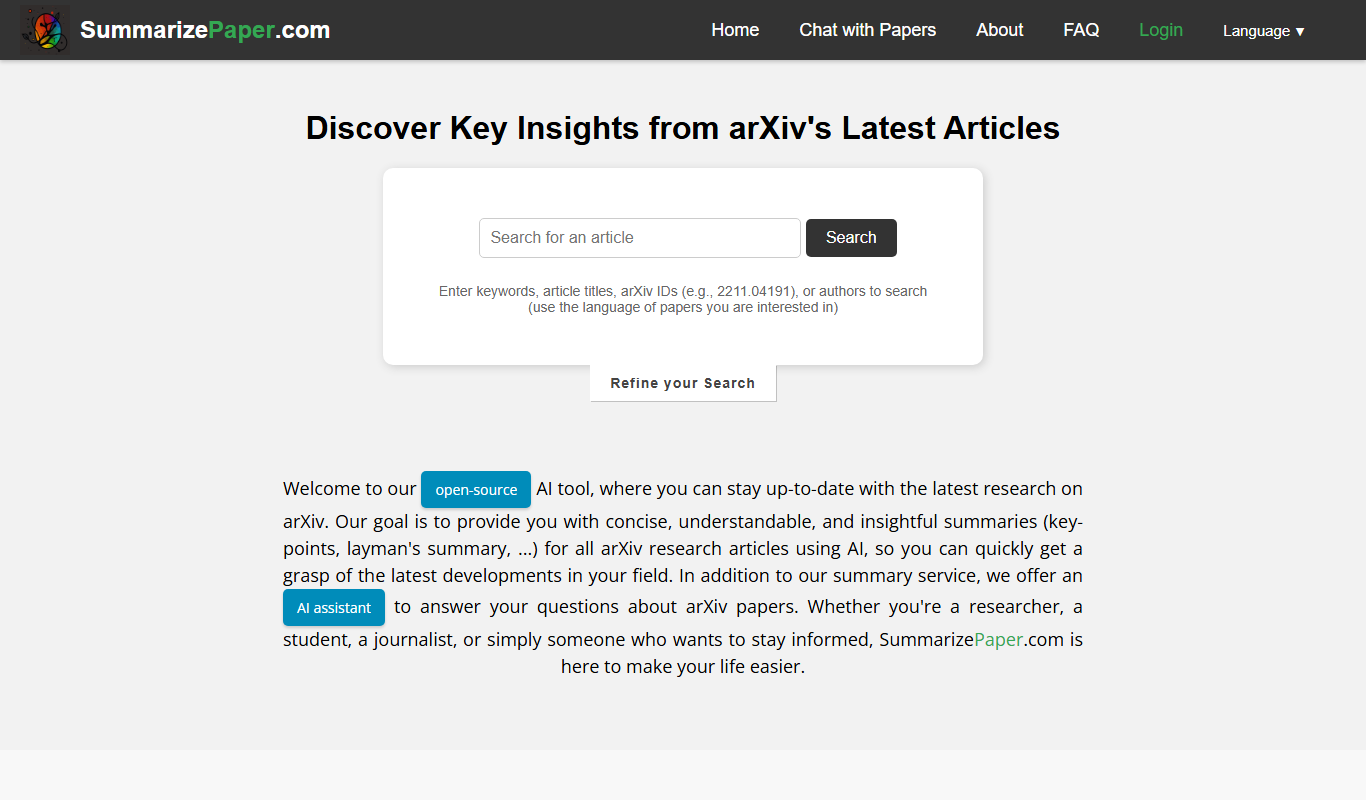
SummarizePaper
SummarizePaper is an AI-driven web tool that generates clear, concise summaries of academic papers to help users quickly understand research content.
Free
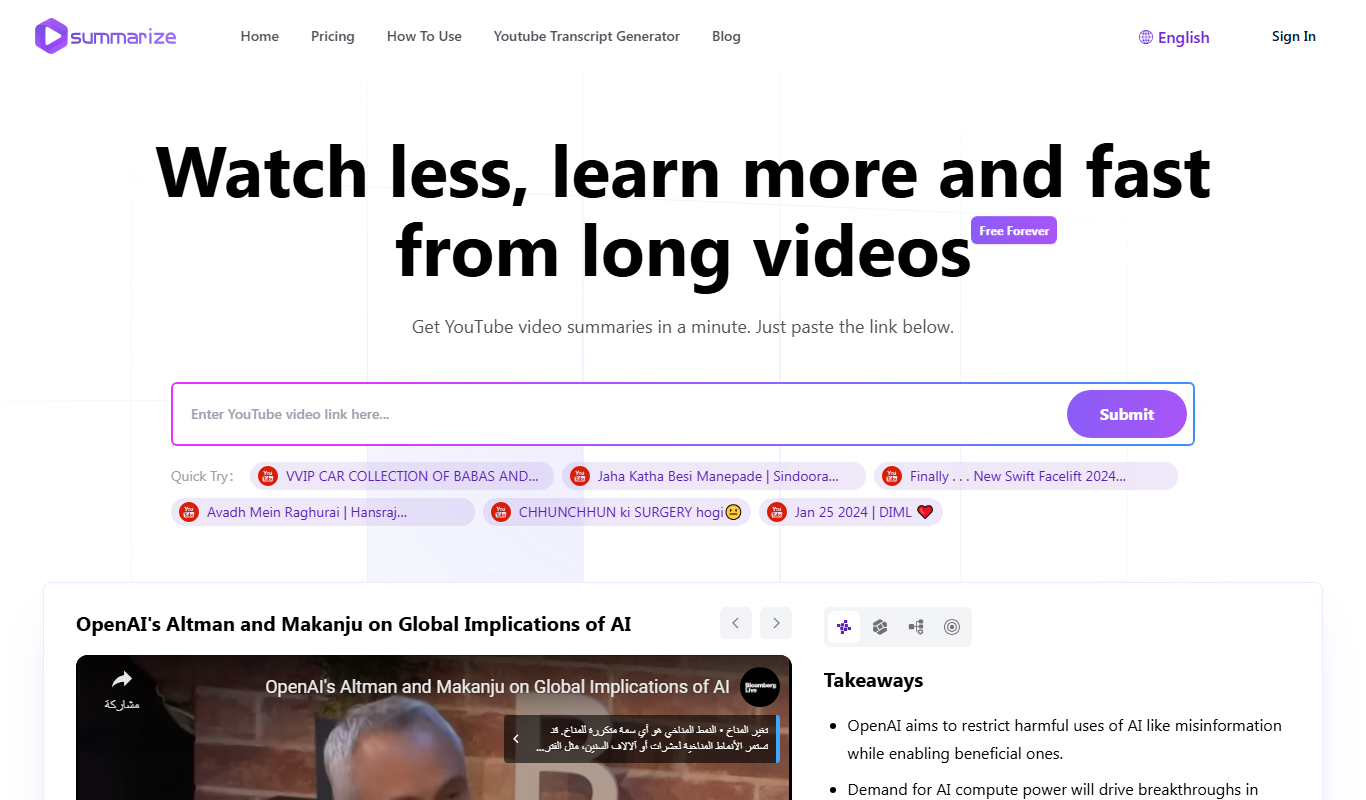
Summarize-Youtube Video Summarizer
Summarize YouTube Video Summarizer is a web tool that uses AI to extract and condense YouTube video transcripts into brief summaries, helping users quickly understand video content without watching the full length.

Free
Free AI Article Summarizer
Free AI Article Summarizer is a web tool that quickly condenses articles into brief summaries using AI, requiring no registration and supporting English text and URLs.

Free
Notamify
Notamify is an AI-powered tool that automatically transcribes and summarizes virtual meetings, extracting key points and action items to improve team productivity.
Freemium
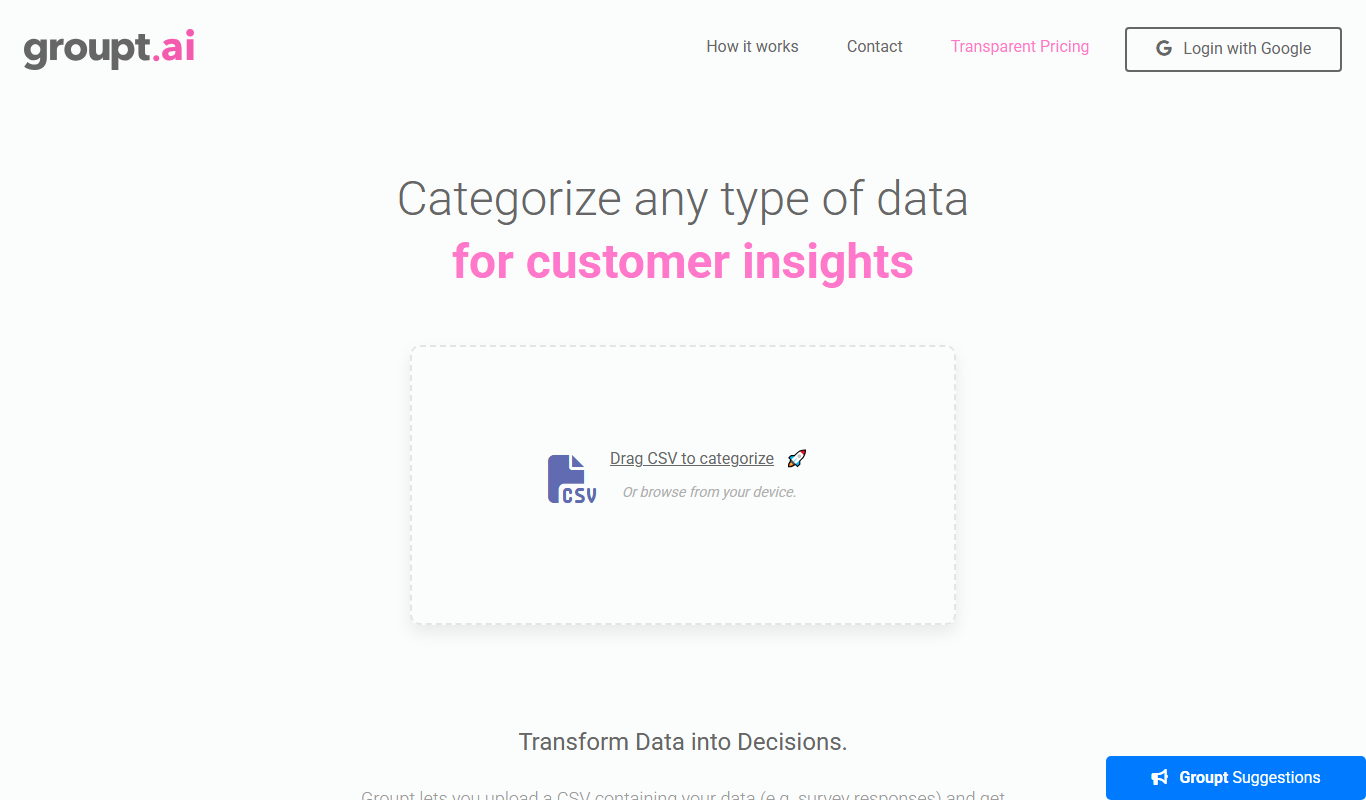
Groupt
Groupt is an AI-powered collaboration platform that combines real-time messaging, task management, and AI automation to improve team productivity and communication.

Freemium
Samurai
Samurai AI is an AI writing assistant designed to help marketers and content creators generate SEO-optimized marketing content, blog posts, and product descriptions efficiently through an easy-to-use web platform.