

From my experience with Brevity, I found it excels at helping users produce clear and concise writing by intelligently suggesting edits that remove unnecessary words and improve readability. The real-time feedback and tone adjustment features make it particularly well-suited for professionals and content creators who want to communicate more effectively without overcomplicating their message. However, its limitation to English and lack of mobile apps may restrict accessibility for some users. Overall, if you need a straightforward tool to sharpen your writing and enhance clarity, Brevity delivers solid results.
Brevity AI Writing Assistant for Clear and Concise Content Creation
Brevity is an AI-powered writing assistant that improves clarity and conciseness by suggesting edits to simplify and shorten text in real time.
- Best for
- Clear Business Communication
- Key capability
- Conciseness Enhancement

Do you recommend this tool?
What is Brevity?
Brevity is an AI-powered writing assistant designed to help users create clear, concise, and effective written content. It focuses on eliminating verbosity and enhancing readability by suggesting edits that simplify and sharpen text. The tool is ideal for professionals, students, marketers, and anyone looking to improve the clarity of their writing.
Key features of Brevity
Brevity offers AI-driven suggestions to shorten and clarify text, real-time editing assistance, tone adjustment options, and integration with common writing workflows. It emphasizes simplicity and precision to help users communicate more effectively.
Conciseness Enhancement
Automatically detects and suggests removal of redundant or unnecessary words.
Tone Adjustment
Allows users to modify the tone of their writing to be more formal, casual, or neutral.
Real-Time Editing
Offers instant feedback and suggestions as users write or paste text.
User-Friendly Interface
Clean, intuitive web platform that simplifies the editing process.
Pros and cons of Brevity
Pros
- Helps improve clarity and conciseness effectively
- User-friendly and intuitive interface
- Real-time editing suggestions
- Tone adjustment feature
Cons
- Limited to English language support
- No dedicated mobile or desktop apps
- Pricing may be restrictive for casual users
Key use cases for Brevity
Clear Business Communication
Helps professionals write concise emails, reports, and proposals that get straight to the point.
Content Editing and Refinement
Assists writers in refining drafts by removing unnecessary words and improving readability.
Academic and Research Writing
Supports students and researchers in creating clear, succinct papers and abstracts.
Marketing Copy Optimization
Enables marketers to craft compelling, concise copy that resonates with audiences.
How Brevity works
- 1
Input Text
Users paste or type their text into Brevity’s web interface.
- 2
AI Analysis
The AI analyzes the text to identify verbosity, complex phrasing, and unclear sentences.
- 3
Receive Suggestions
Brevity provides real-time suggestions to shorten, simplify, and clarify the content.
- 4
Apply Edits
Users review and apply the recommended edits to improve their writing.
Who is using Brevity
Business professionals
Content writers and editors
Students and researchers
Marketing teams
Small to medium enterprises
Brevity pricing
Free Trial
$0
Limited access to features for new users to test the platform.
Pro
$15/month
Full access to all features with higher usage limits and priority support.
Plans and prices are as published by the vendor and can change. Check the official site before you buy. Open the pricing page (opens in a new tab)
Frequently asked questions about Brevity
Brevity is best suited for professional, academic, and marketing writing where clarity and conciseness are important.
Currently, Brevity is optimized for web browsers and does not have dedicated mobile apps.
At this time, Brevity supports English only.
It depends on your specific needs and how you plan to use the tool. The official website and documentation are the best sources for the latest details.
Some tools offer a free plan or trial with limited features. Availability can vary, so confirm on the official website.
Yes, it can help with that use case depending on how you configure it and what features are available. You’ll get the best results with clear inputs and a defined goal.
Sign in to review this tool.
Sign In to ReviewNo reviews yet
Be the first to share how this tool worked for you.
Ask about pricing, limits, or how it compares — or answer someone else.
Sign In to AskNo questions yet
Have a question about using or paying for this tool? Be the first to ask.
Featured on TiorAI



More AI Article Summarizer tools
Other tools in the same category, for when this one is not quite the fit.
Free Trial
Chapterize
Chapterize is an AI-driven web tool that automatically segments videos into chapters, enhancing viewer experience and video SEO by creating navigable timestamps and titles.

Custom Pricing
Kome AI
Kome AI is a conversational intelligence platform that transcribes and analyzes sales and customer calls to provide actionable insights, improve coaching, and enhance customer experience.
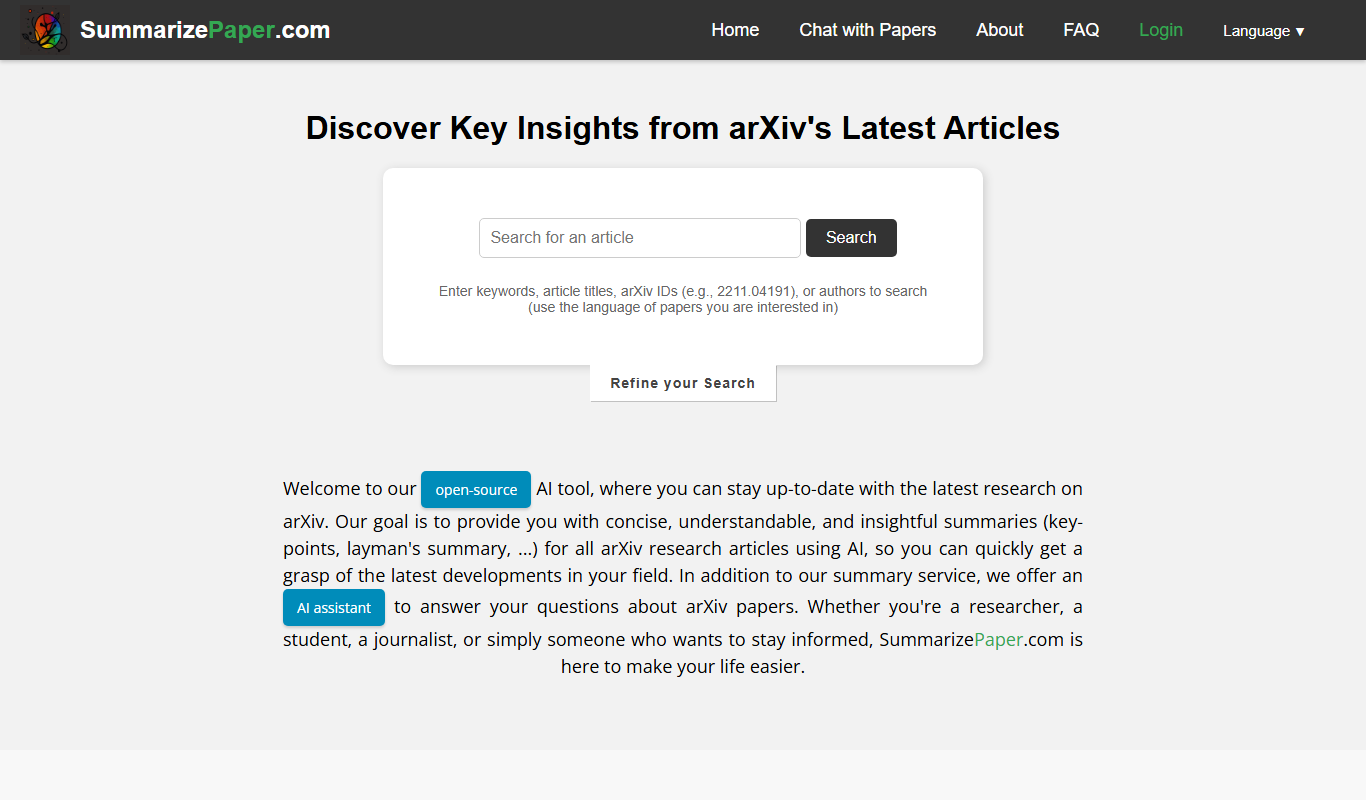
Free
SummarizePaper
SummarizePaper is an AI-driven web tool that generates clear, concise summaries of academic papers to help users quickly understand research content.
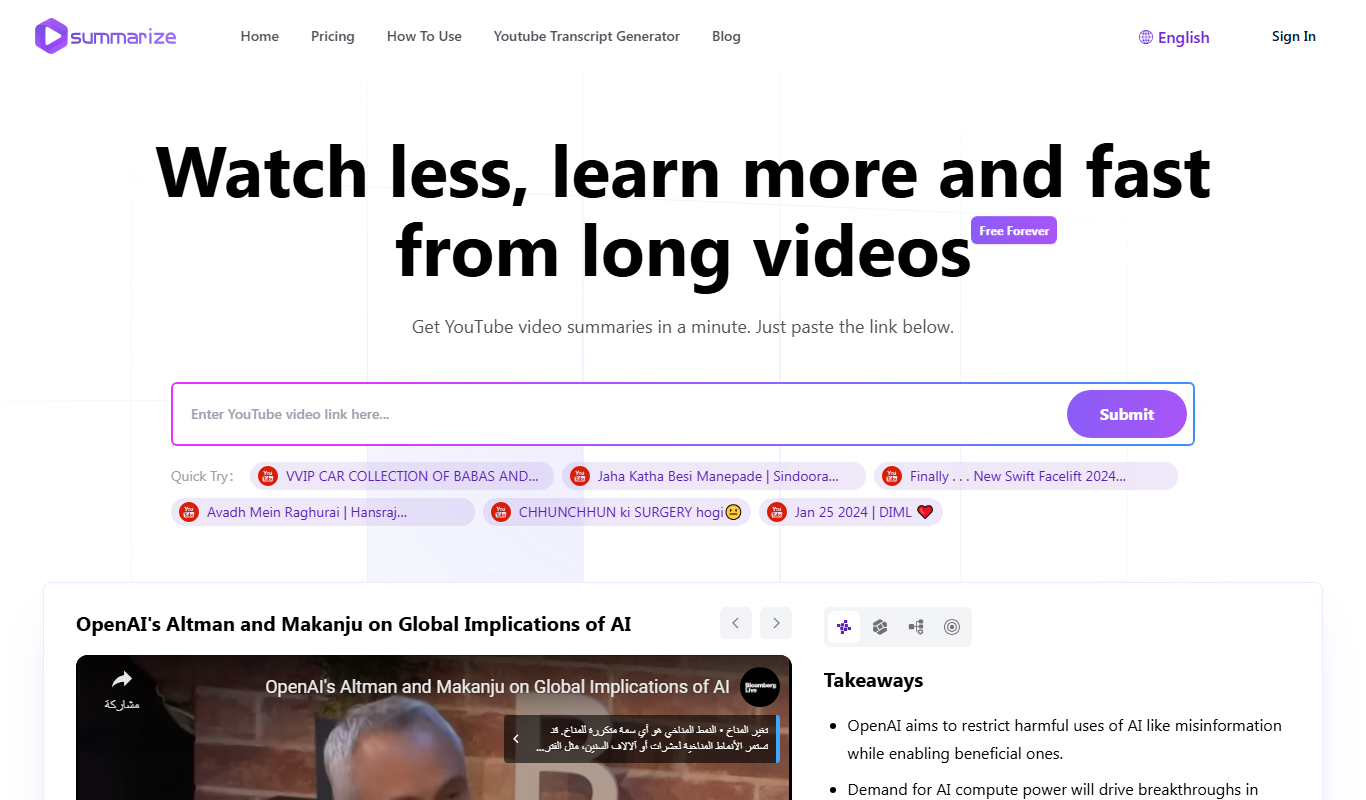
Free
Summarize-Youtube Video Summarizer
Summarize YouTube Video Summarizer is a web tool that uses AI to extract and condense YouTube video transcripts into brief summaries, helping users quickly understand video content without watching the full length.

Free
Free AI Article Summarizer
Free AI Article Summarizer is a web tool that quickly condenses articles into brief summaries using AI, requiring no registration and supporting English text and URLs.

Free
Notamify
Notamify is an AI-powered tool that automatically transcribes and summarizes virtual meetings, extracting key points and action items to improve team productivity.
Freemium
Groupt
Groupt is an AI-powered collaboration platform that combines real-time messaging, task management, and AI automation to improve team productivity and communication.

Freemium
Samurai
Samurai AI is an AI writing assistant designed to help marketers and content creators generate SEO-optimized marketing content, blog posts, and product descriptions efficiently through an easy-to-use web platform.