

From my experience with Sanchay.ai, I found it excels at providing robust multilingual NLP tools tailored for Indian languages, a niche often underserved by global platforms. The platform’s combination of machine translation, text annotation, and custom model training makes it a versatile choice for developers and businesses targeting diverse language needs. However, the limited public details on the technology stack and enterprise pricing require direct engagement for deeper insights. Overall, if your work involves Indian language processing or multilingual NLP, Sanchay.ai offers a focused and practical solution.
Sanchay.ai AI Platform for Multilingual NLP and Language Processing Tools
Sanchay.ai is an AI-driven platform providing multilingual natural language processing tools such as machine translation, text annotation, and custom NLP model training, primarily focused on Indian languages.
- Best for
- Machine Translation
- Key capability
- Multilingual Support
Your actions

Do you recommend this tool?
What is Sanchay.ai?
Sanchay.ai is an AI-driven platform specializing in multilingual natural language processing (NLP) tools, primarily focused on Indian languages. It offers a suite of NLP services including machine translation, text annotation, named entity recognition, and sentiment analysis. The platform enables developers and businesses to build, train, and deploy custom language models to handle complex language processing tasks across diverse languages.
Key features of Sanchay.ai
Sanchay.ai provides a comprehensive set of NLP tools designed to support multiple Indian and global languages. Key features include automated machine translation, data annotation tools for creating training datasets, pre-built and customizable NLP models, and APIs for seamless integration into applications.
Multilingual Support
Supports over a dozen Indian languages along with English, enabling broad language coverage.
Machine Translation
AI-powered translation between Indian languages and English with contextual accuracy.
Text Annotation Tools
User-friendly interfaces for labeling text data to create high-quality training datasets.
Custom NLP Model Training
Build and fine-tune models tailored to specific domains or languages.
API Access
Robust APIs allow easy integration of NLP functionalities into third-party applications.
Pros and cons of Sanchay.ai
Pros
- Strong focus on Indian languages with broad multilingual support
- Comprehensive suite of NLP tools including annotation and translation
- API access for easy integration
- Custom model training capabilities
- Free tier available for initial use
Cons
- Limited information on underlying tech stack publicly available
- Pricing details for enterprise plans require direct contact
Key use cases for Sanchay.ai
Machine Translation
Translate text between multiple Indian and global languages with AI-powered accuracy.
Text Annotation
Label and annotate text data for training custom NLP models efficiently.
Named Entity Recognition
Automatically identify and classify entities like names, locations, and organizations in text.
Sentiment Analysis
Analyze customer feedback and social media content to gauge sentiment in multiple languages.
Custom NLP Model Training
Build and deploy tailored natural language processing models for specific business needs.
How Sanchay.ai works
- 1
Create an Account
Sign up on the Sanchay.ai platform to access the suite of NLP tools.
- 2
Select NLP Services
Choose from machine translation, text annotation, or other NLP services based on your project needs.
- 3
Upload or Input Data
Provide text data for processing, annotation, or model training.
- 4
Configure and Train Models
Customize NLP models or use pre-trained ones to analyze or translate your data.
- 5
Integrate via API
Use Sanchay.ai APIs to embed language processing capabilities into your applications.
Who is using Sanchay.ai
Developers building multilingual applications
Businesses targeting Indian language markets
Researchers working on Indian language NLP
Content creators needing translation and annotation
AI startups focusing on language technologies
Sanchay.ai pricing
Free
$0/month
Access to basic NLP tools with limited usage and features.
Pro
$49/month
Extended usage limits, advanced features, and priority support.
Enterprise
Custom pricing
Tailored solutions with dedicated support and SLA for large-scale needs.
Plans and prices are as published by the vendor and can change. Check the official site before you buy. Open the pricing page (opens in a new tab)
Frequently asked questions about Sanchay.ai
Sanchay.ai supports multiple Indian languages including Hindi, Bengali, Tamil, Telugu, Marathi, Gujarati, Kannada, Malayalam, Punjabi, Odia, Assamese, and English.
Yes, Sanchay.ai provides APIs that allow seamless integration of its NLP services into your applications.
Yes, Sanchay.ai offers a free plan with limited access so you can try out the platform before upgrading.
Yes, the platform supports custom model training to tailor NLP solutions to your specific requirements.
Yes, it can help with that use case depending on how you configure it and what features are available. You’ll get the best results with clear inputs and a defined goal.
Integration support depends on the tool and its available connectors or API. Check the official documentation or integrations page to confirm what is supported.
It depends on your specific needs and how you plan to use the tool. The official website and documentation are the best sources for the latest details.
Some tools offer a free plan or trial with limited features. Availability can vary, so confirm on the official website.
Sign in to review this tool.
Sign In to ReviewNo reviews yet
Be the first to share how this tool worked for you.
Ask about pricing, limits, or how it compares — or answer someone else.
Sign In to AskNo questions yet
Have a question about using or paying for this tool? Be the first to ask.
Featured on TiorAI



More AI Education & Learning Tools tools
Other tools in the same category, for when this one is not quite the fit.

Free
bentolingo
BentoLingo is an AI-driven language learning platform that provides personalized speaking practice and real-time feedback to help users improve fluency in multiple languages.

Free Trial
Testnut
Testnut is an online exam platform that enables secure, scalable assessments with remote proctoring, automated grading, and detailed analytics, suitable for education and corporate use.

Freemium
Testbook.ai
Testbook.ai is an AI-driven platform offering personalized study plans, mock tests, and live classes to help students prepare effectively for competitive exams.

Free
AICamp
AICamp is an AI education platform offering project-based learning to teach AI, machine learning, and data science through hands-on projects and community mentorship.
Free
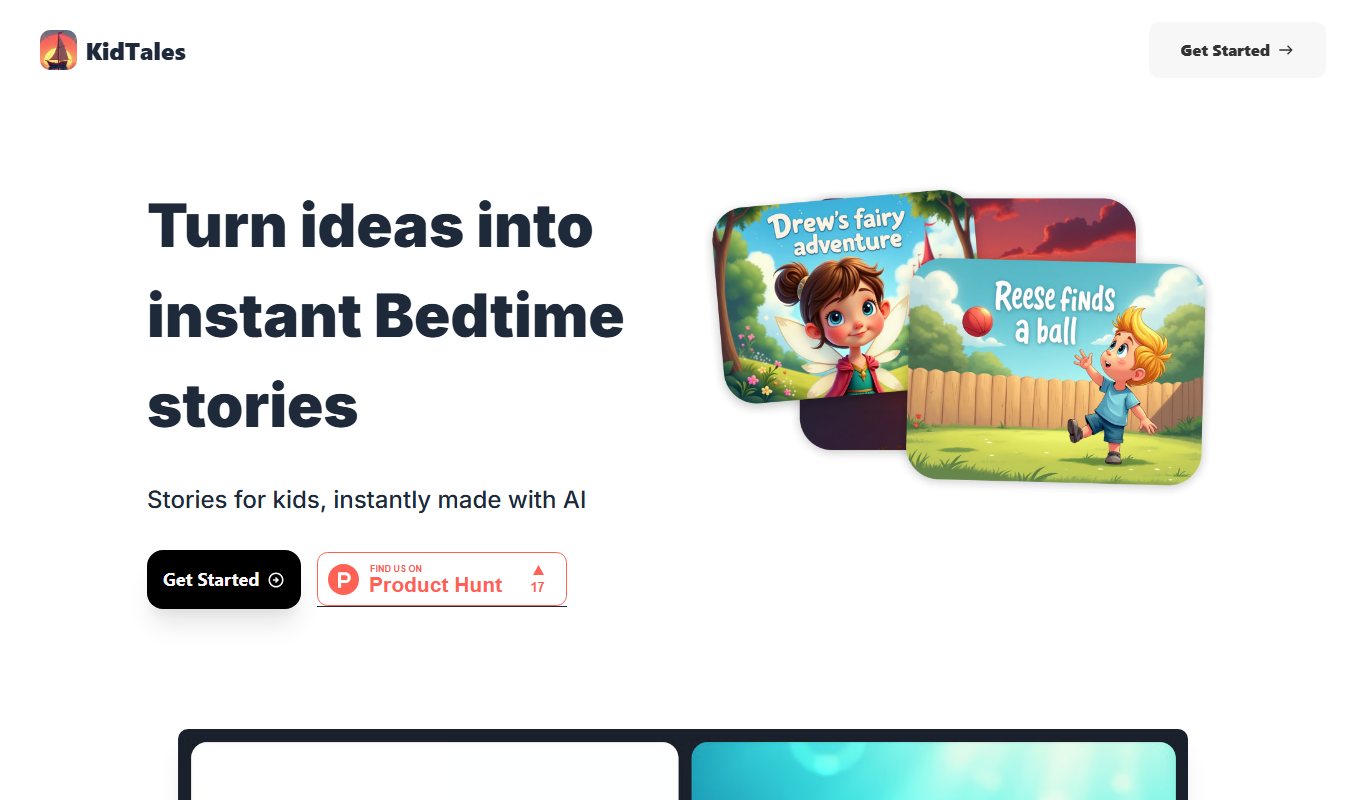
KidTales
KidTales AI is an online tool that generates personalized, age-appropriate stories for children to support creativity and learning.

Freemium
Mi Cuento Digital
Mi Cuento Digital is an online platform that lets you create personalized digital storybooks for children by adding names, photos, and custom details to engage young readers.

Free
Kidgeni
Kidgeni is an AI-powered tutoring platform designed to provide personalized learning and homework help for children, focusing on core subjects like math and reading through interactive sessions.

Freemium
flAI
flAI is an AI-driven language learning app that provides personalized speaking and writing practice with real-time feedback to help users improve fluency and confidence in multiple languages.