

From my experience with RightHair, I found it excels at providing realistic and easy-to-use virtual hair color try-ons that help users visualize new looks without commitment. The platform is particularly well-suited for individuals considering hair color changes, as well as salons wanting to enhance client consultations with visual aids. However, the tool is primarily web-based and less optimized for mobile devices, which can limit accessibility on the go. Overall, if you want a straightforward AI-powered hair color preview tool with professional integration options, RightHair delivers solid and practical results.
RightHair AI Hair Color Try-On Tool for Virtual Hair Makeovers
RightHair is an AI-driven virtual hair color try-on tool that allows users to upload photos and preview different hair colors realistically before making a change.
- Best for
- Virtual Hair Color Try-On
- Key capability
- AI-Powered Hair Color Simulation
Your actions
Save RightHair, follow its updates and vote on it — everything stays in your account.
Sign in or create a free account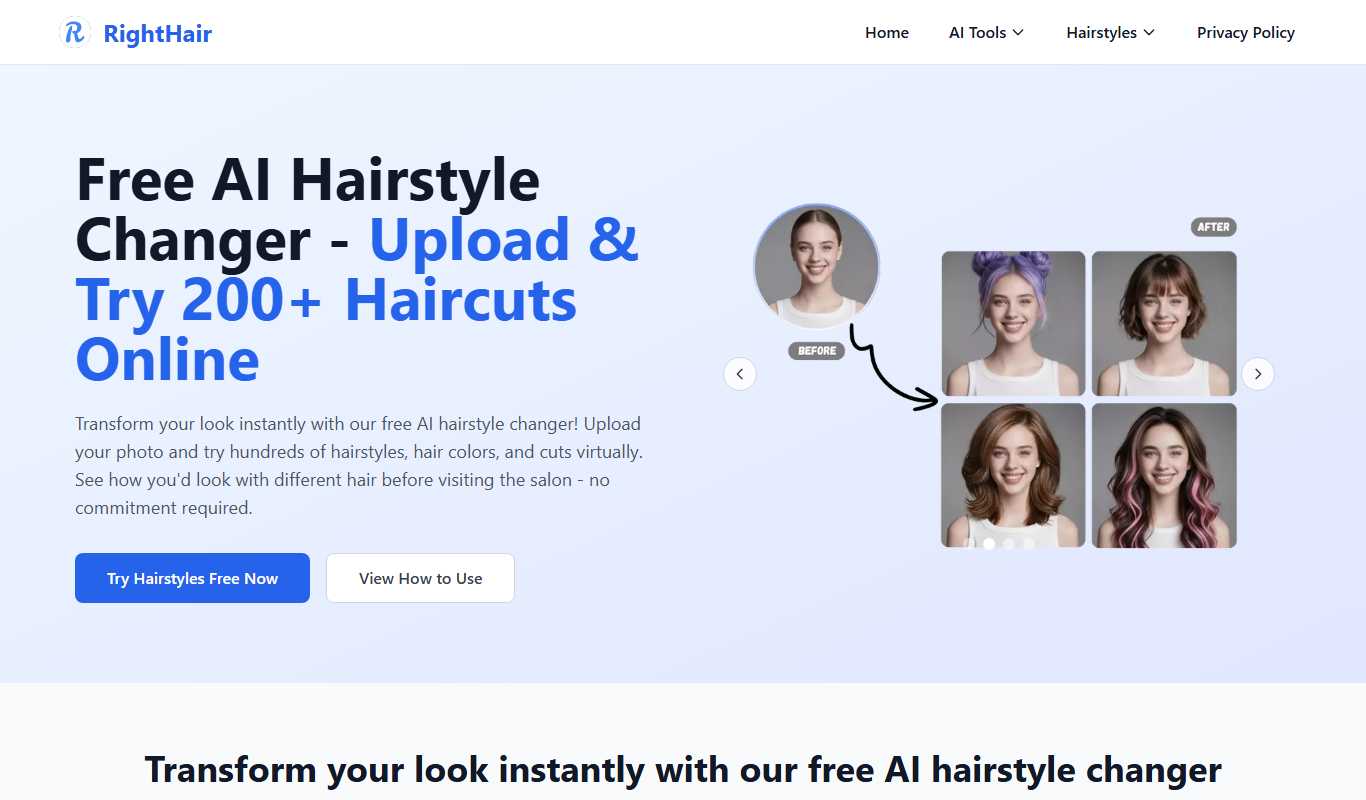
What is RightHair?
RightHair is an AI-powered virtual hair color try-on tool that allows users to experiment with different hair colors on their own photos. It leverages artificial intelligence and augmented reality to create realistic hair color transformations, helping users make confident decisions about hair color changes without physical trials.
Key features of RightHair
RightHair offers realistic hair color simulation, easy photo upload, multiple color options, and seamless integration for salons and brands. It provides an intuitive interface for users to preview hair color changes instantly.
AI-Powered Hair Color Simulation
Uses advanced AI to accurately simulate hair color changes on user photos.
Wide Color Palette
Offers a diverse selection of hair colors including natural and vibrant shades.
User-Friendly Interface
Simple and intuitive design for easy photo upload and color selection.
Integration for Salons and Brands
Can be embedded into salon websites or brand platforms to enhance customer experience.
Pros and cons of RightHair
Pros
- Realistic and diverse hair color simulations
- Easy to use with quick photo upload
- Useful for both consumers and professionals
- Supports brand and salon integrations
Cons
- Limited mobile optimization
- Premium pricing details not publicly listed
Key use cases for RightHair
Virtual Hair Color Try-On
Users can upload their photo and try different hair colors virtually to see how they look before making a decision.
Salon Consultation Aid
Hair salons can use RightHair to show clients potential hair color results, improving consultation and customer satisfaction.
Haircare Product Marketing
Brands can integrate RightHair to allow customers to visualize hair color products on themselves, boosting engagement and sales.
How RightHair works
- 1
Upload Your Photo
Users upload a clear photo of themselves to the platform.
- 2
Select Hair Colors
Choose from a wide range of hair colors to virtually apply to your photo.
- 3
View Realistic Results
The AI processes the image and displays a realistic preview of the new hair color.
- 4
Save or Share
Users can save their favorite looks or share them with friends or stylists.
Who is using RightHair
Individual consumers exploring hair color changes
Hair salons seeking consultation tools
Haircare brands promoting color products
Beauty influencers and stylists
RightHair pricing
Free
$0
Basic access with limited color options and features.
Premium
Contact for pricing
Full access with advanced features, integrations, and unlimited color options.
Plans and prices are as published by the vendor and can change. Check the official site before you buy. Open the pricing page (opens in a new tab)
Frequently asked questions about RightHair
RightHair offers a free version with limited features and a premium plan for full access.
RightHair is primarily a web-based tool optimized for desktop browsers.
The AI technology provides realistic previews, but actual results may vary depending on hair type and lighting.
Yes, RightHair offers integration options for salons and haircare brands.
It depends on your specific needs and how you plan to use the tool. The official website and documentation are the best sources for the latest details.
Yes, it can help with that use case depending on how you configure it and what features are available. You’ll get the best results with clear inputs and a defined goal.
Sign in to review this tool.
Sign In to ReviewNo reviews yet
Be the first to share how this tool worked for you.
Ask about pricing, limits, or how it compares — or answer someone else.
Sign In to AskNo questions yet
Have a question about using or paying for this tool? Be the first to ask.
Featured on TiorAI



Alternative Tools
Explore similar AI tools that might fit your needs

Custom Pricing
ModiFace
ModiFace is an augmented reality platform that enables realistic virtual makeup try-on and beauty simulations using advanced face tracking and 3D modeling technology.

Free
YouCam Makeup
YouCam Makeup is an AI-powered beauty app by Perfect Corp. that enables virtual makeup try-on, skin analysis, hair color simulation, and photo enhancements using augmented reality technology.
More Research & Data Analysis tools
Other tools in the same category, for when this one is not quite the fit.

Free
Befunky
Befunky is an online photo editing and graphic design tool that allows users to edit photos, create collages, and design graphics easily through web and mobile apps.
Custom Pricing
2020 Background Screening
2020 Background Screening provides pre-employment screening, compliance and drug testing.
Custom Pricing
Appen
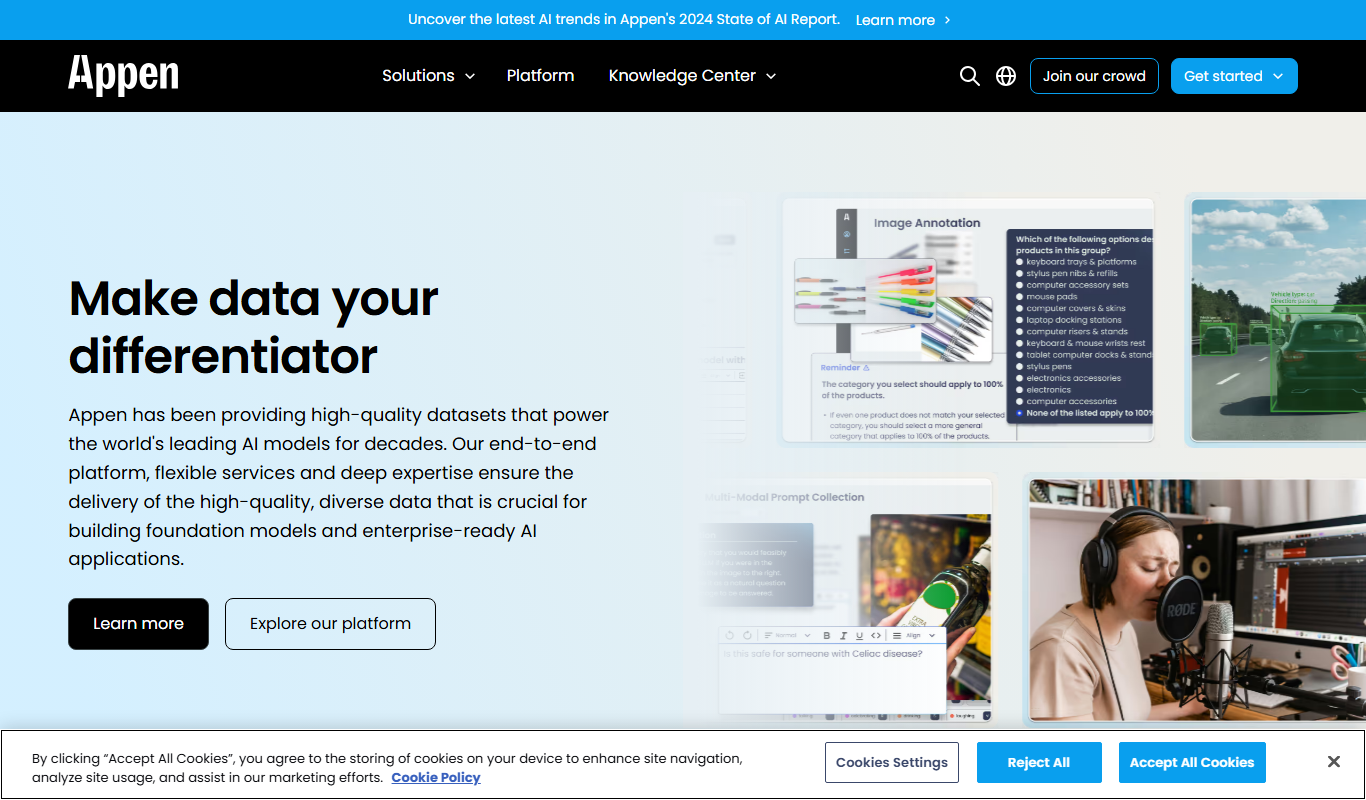
Appen is a platform offering scalable data annotation and collection services through a global crowd workforce to support AI and machine learning model training.
Free Trial
CommentScope
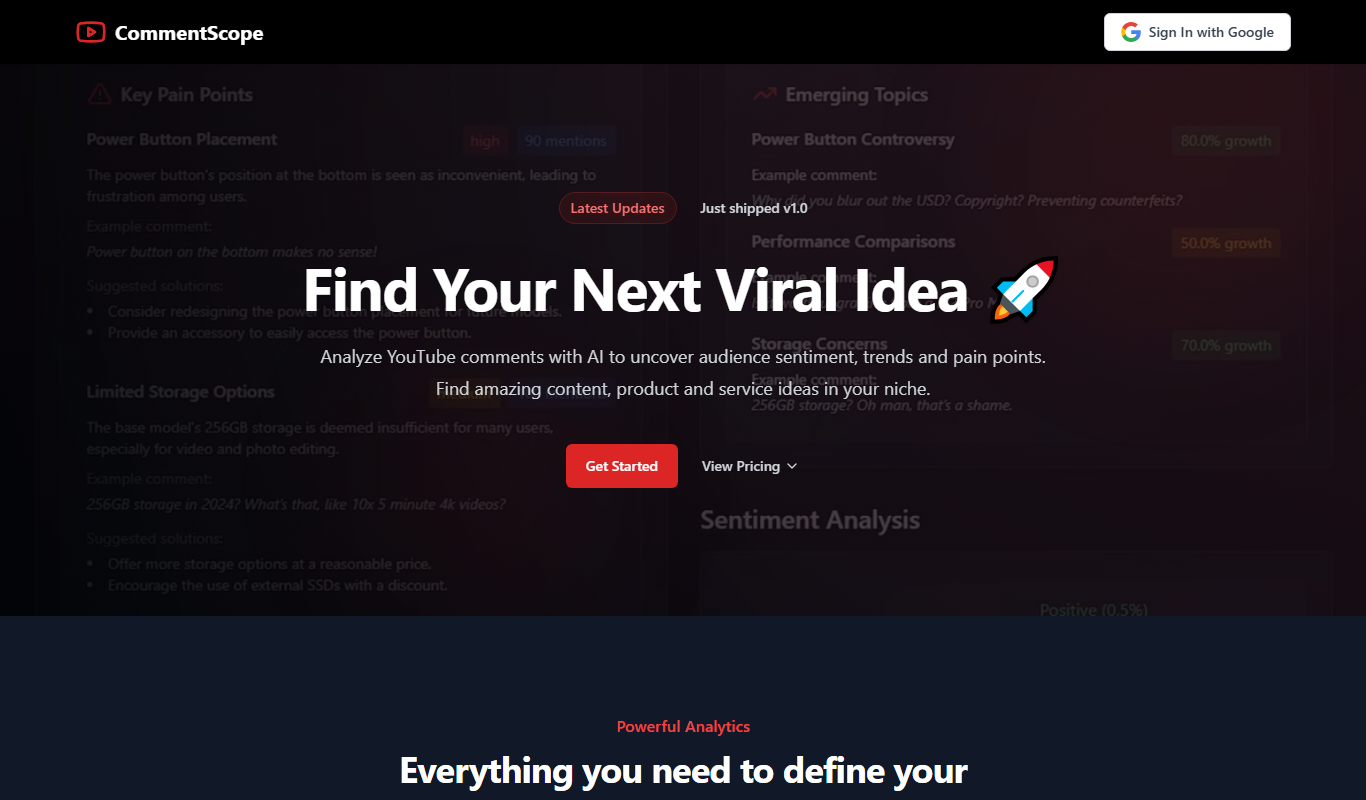
CommentScope is an AI tool that analyzes YouTube comments to provide sentiment insights, summaries, and trending topics, helping creators understand their audience better.

Free
Pl@ntNet
PlantNet is a free AI-powered app and website that identifies plants from photos by comparing them to a large collaborative database, helping users recognize plant species worldwide.

Pay As You Go
Vast ai
Vast.ai is a cloud platform providing affordable, on-demand GPU and AI compute rentals through a marketplace model, ideal for machine learning, AI development, and GPU-accelerated workloads.

Free
Top AI Site
Top AI Site is a free online directory that helps users discover, compare, and select artificial intelligence software across various industries and applications.

Custom Pricing
apex.ai
Apex.AI builds software for vehicles and robotics, and its products now also serve defense, agriculture and medical sectors.