

From my experience with Revrite, I found it excels at quickly generating unique paraphrased content that maintains the original meaning. The tool’s multiple rewriting modes and tone adjustment features provide flexibility for different writing needs, making it a practical choice for content creators and SEO professionals. However, its limitation to English and the absence of a mobile app might restrict some users. Overall, if you need an efficient AI paraphrasing tool to improve content uniqueness and SEO, Revrite delivers solid results with an easy-to-use web interface.
Revrite AI Paraphrasing Tool for Content Rewriting and SEO Optimization
Revrite is an AI-powered paraphrasing tool that helps users rewrite text to create unique, SEO-friendly content while preserving the original meaning.
- Best for
- Content Rewriting
- Key capability
- Multiple Paraphrasing Modes
Do you recommend this tool?
What is Revrite?
Revrite is an AI-powered paraphrasing tool designed to help users rewrite text efficiently. It uses advanced natural language processing to generate alternative versions of input content, preserving the original meaning while improving readability and uniqueness.
Key features of Revrite
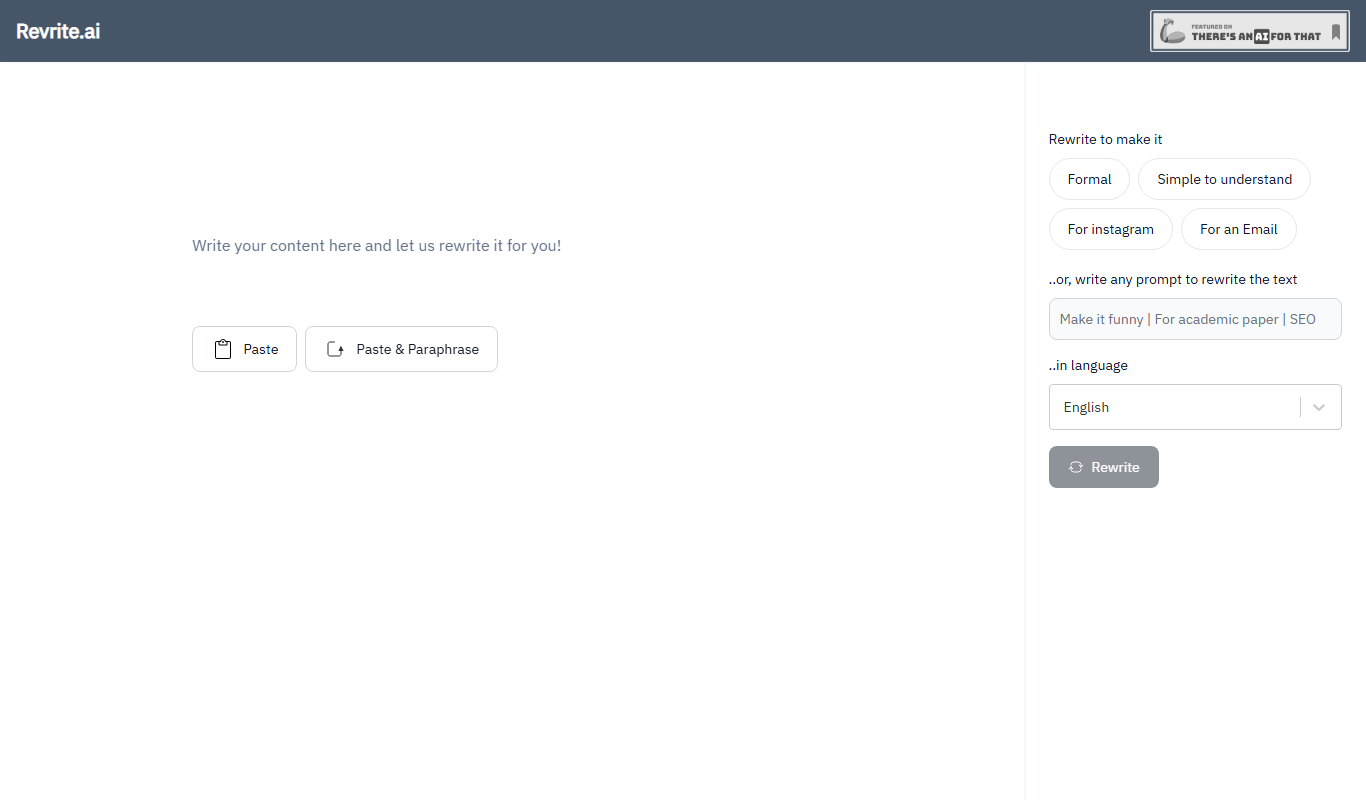
Key features include multiple rewriting modes, tone adjustment, plagiarism avoidance, and a user-friendly web interface that requires no installation.
Multiple Paraphrasing Modes
Offers various rewriting styles to suit different content needs, such as formal, creative, or simple.
Tone Adjustment
Allows users to modify the tone of the rewritten text to match the target audience.
Plagiarism Reduction
Generates unique content to help avoid duplicate content issues.
User-Friendly Interface
Clean and intuitive web platform that is easy to navigate without technical skills.
Fast Processing
Delivers rewritten content quickly, enabling efficient workflow.
Pros and cons of Revrite
Pros
- Easy to use with a clean interface
- Multiple rewriting modes for flexibility
- Affordable premium plan
- Fast and accurate paraphrasing
- Helps improve content uniqueness
Cons
- Supports only English language
- Limited free usage per day
- No mobile app available
Key use cases for Revrite
Content Rewriting
Revrite helps users rewrite existing text to create unique versions while maintaining the original meaning.
SEO Optimization
By generating paraphrased content, Revrite assists in creating SEO-friendly articles that avoid duplicate content penalties.
Academic Writing
Students and researchers can use Revrite to rephrase sentences and paragraphs to improve clarity and originality.
Creative Writing
Writers can explore alternative phrasings and styles to enhance their creative projects.
Social Media Content
Marketers can quickly generate varied social media posts from a single source text.
How Revrite works
- 1
Input Text
Users paste or type the text they want to rewrite into the input field.
- 2
Select Rewriting Mode
Choose from different paraphrasing styles or tones depending on the desired output.
- 3
Generate Paraphrase
The AI processes the input and produces a rewritten version that maintains the original meaning.
- 4
Review and Edit
Users can review the output and make manual adjustments if needed.
- 5
Copy or Export
Finalized text can be copied or exported for use in articles, assignments, or marketing materials.
Who is using Revrite
Content writers and bloggers
SEO professionals
Students and academics
Digital marketers
Social media managers
Revrite pricing
Free
$0/month
Limited daily usage with basic paraphrasing features.
Premium
$9.99/month
Unlimited paraphrasing, access to all rewriting modes, and priority support.
Plans and prices are as published by the vendor and can change. Check the official site before you buy. Open the pricing page (opens in a new tab)
Frequently asked questions about Revrite
Yes, Revrite offers a free plan with limited daily usage and basic features.
Yes, by generating unique paraphrased content, it helps reduce the risk of plagiarism.
Currently, Revrite supports English language paraphrasing.
No, Revrite is a web-based tool accessible through any modern browser.
It depends on your specific needs and how you plan to use the tool. The official website and documentation are the best sources for the latest details.
Yes, it can help with that use case depending on how you configure it and what features are available. You’ll get the best results with clear inputs and a defined goal.
Sign in to review this tool.
Sign In to ReviewNo reviews yet
Be the first to share how this tool worked for you.
Ask about pricing, limits, or how it compares — or answer someone else.
Sign In to AskNo questions yet
Have a question about using or paying for this tool? Be the first to ask.
Featured on TiorAI



More AI Grammar Checker Tools tools
Other tools in the same category, for when this one is not quite the fit.
Free
EssayChecker.io
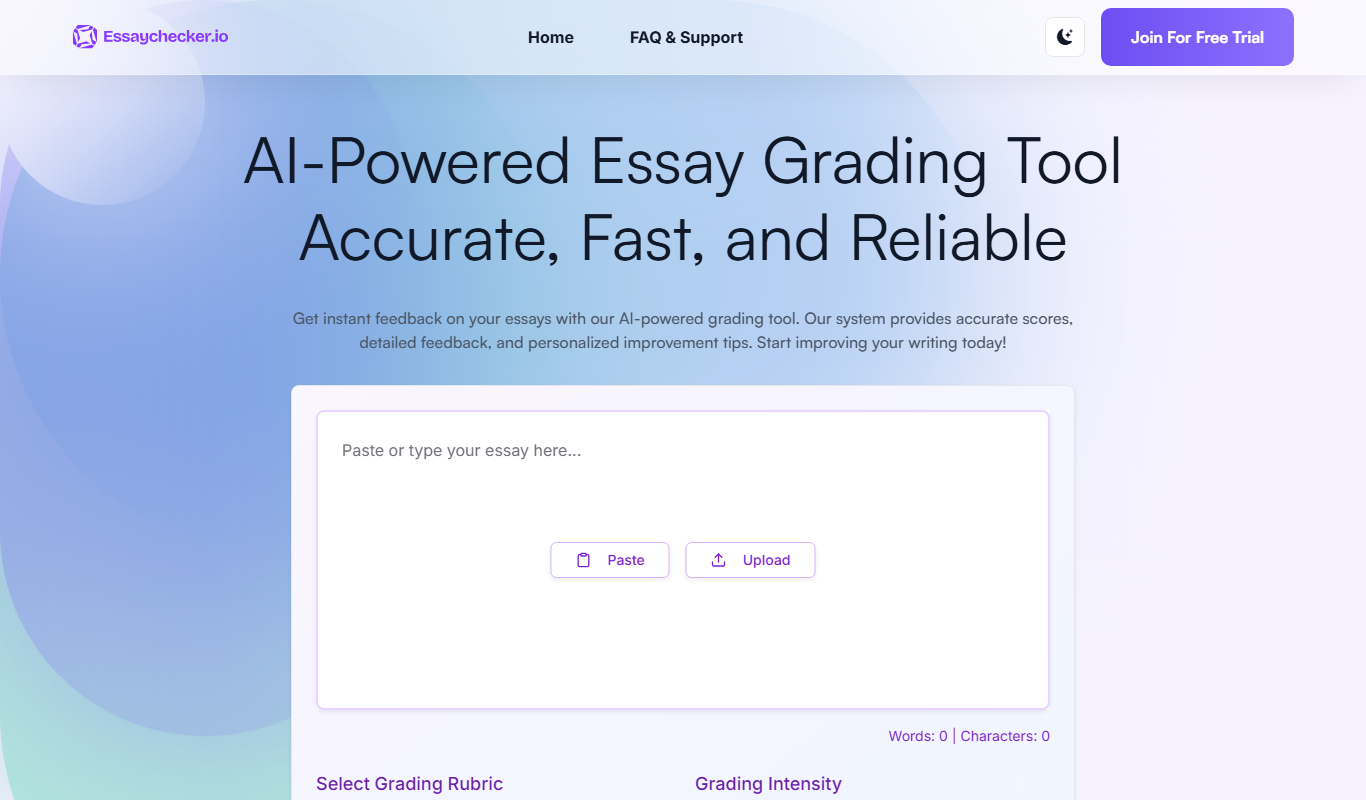
EssayChecker.io is an online tool that helps students and writers detect plagiarism and correct grammar mistakes in academic essays through a simple web interface.

Free
Fixkey
Fixkey is an AI writing assistant that provides real-time grammar, spelling, and style corrections to help users create clear and error-free written content.

Free
Correctify
Correctify is an AI-based online tool that provides real-time grammar, spelling, and punctuation corrections to help users improve their English writing.

Free
Revisely
Revisely is an online writing assistant that provides grammar, spelling, style corrections, and plagiarism detection primarily for English and Dutch texts through a web-based editor.
Free
WordfixerBot
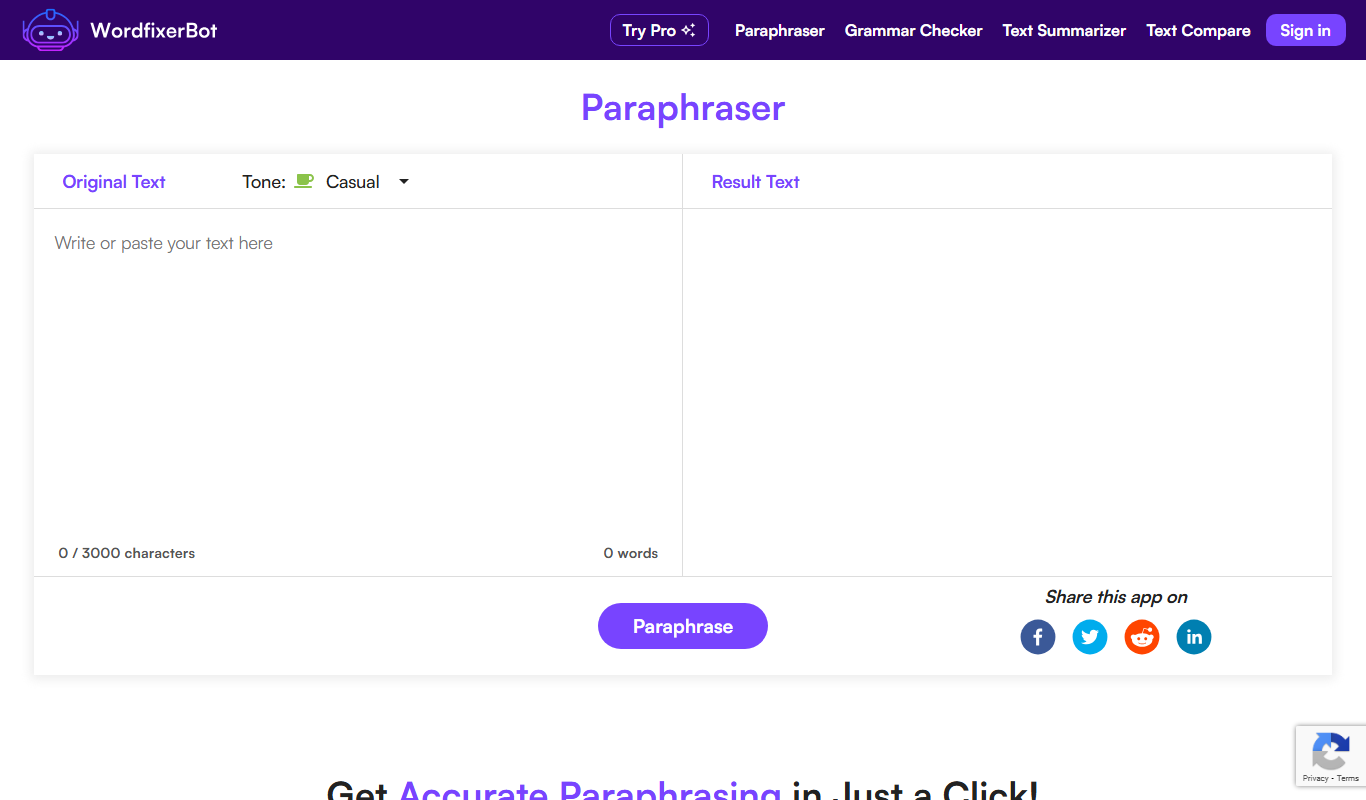
WordfixerBot is an AI writing assistant that helps users correct grammar, spelling, and improve writing style in English through a web-based interface.

Free
BulkCorrector
BulkCorrector is a free web-based tool that allows users to correct grammar and spelling errors in multiple texts simultaneously without registration.

Freemium
Trinka AI – Grammar Checker Tool
Trinka AI is an AI-powered grammar checker specialized for academic and professional writing, offering advanced grammar, style, and plagiarism checks with detailed explanations.

Free
Linguix
Linguix is an AI-based writing assistant that provides real-time grammar, spelling, punctuation, and style corrections to improve English writing via browser extensions, web editor, and API.