

Fixkey AI Writing Assistant for Error-Free Content and Grammar Checks
Fixkey is a native Mac writing assistant that turns typed or spoken text into polished writing in any app, with AI rewrites, speech-to-text and translation.
- Best for
- Grammar and Spelling Correction
- Key capability
- Real-Time Grammar Checking
Save Fixkey, follow its updates and vote on it — everything stays in your account.
Sign in or create a free account

What is Fixkey?
Fixkey is a native AI-powered writing assistant for Mac. You type or speak, and Fixkey transforms it into polished writing instantly, in any app on your Mac, with AI rewrites, speech-to-text, translation and custom prompts.
Key features of Fixkey
Fixkey offers real-time grammar and spelling checks, style and tone suggestions, and an intuitive interface that helps users polish their writing efficiently.
Real-Time Grammar Checking
Instantly identifies and suggests corrections for grammar mistakes.
Spelling and Punctuation Correction
Detects typos and punctuation errors to improve text accuracy.
Style and Tone Suggestions
Offers recommendations to enhance clarity and readability.
User-Friendly Interface
Clean and intuitive design for easy text input and editing.
Pros and cons of Fixkey
Pros
- Easy to use with a clean interface
- Provides real-time grammar and spelling corrections
- Offers style and tone improvement suggestions
Cons
- Limited advanced features compared to some competitors
Key use cases for Fixkey
Grammar and Spelling Correction
Automatically detect and correct grammar, spelling, and punctuation errors to improve writing accuracy.
Content Polishing
Enhance clarity, style, and tone of written content for professional and polished output.
Proofreading for Writers
Assist writers in reviewing and refining drafts to ensure error-free and high-quality text.
Academic and Business Writing
Support students and professionals in producing clear, concise, and grammatically correct documents.
How Fixkey works
- 1
Input Text
Type or speak in any app on your Mac.
- 2
Automatic Analysis
The AI engine analyzes the text for grammatical errors, spelling mistakes, and style improvements.
- 3
Review Suggestions
Users receive highlighted corrections and suggestions to review and apply.
- 4
Apply Corrections
Users accept or reject suggested changes to finalize their polished content.
Who is using Fixkey
Fixkey pricing
Fixkey Pro
$48 per year
Unlimited AI rewrites, unlimited speech-to-text in 180+ languages, ultra-fast AI edits, add words to dictionary, custom AI prompts.
Plans and prices are as published by the vendor and can change. Check the official site before you buy. Open the pricing page (opens in a new tab)
Frequently asked questions about Fixkey
The official pricing page shows Fixkey Pro at $48 per year; no free plan is listed.
Yes, Fixkey provides style and tone suggestions to enhance clarity and readability.
Yes. Fixkey can translate to 180+ languages instantly, and speech-to-text works in 180+ languages.
It depends on your specific needs and how you plan to use the tool. The official website and documentation are the best sources for the latest details.
Yes, it can help with that use case depending on how you configure it and what features are available. You’ll get the best results with clear inputs and a defined goal.
Conclusion
Users type or speak, and the app transforms it into polished writing instantly, anywhere on the Mac. One click polishes a text, AI rewrites a message, and speech is converted to text in real time with formatting controlled by voice. To sound sharp in a language that is not their native one, users can translate texts to 180+ languages instantly.
Custom prompts and fully customizable shortcuts let users shape the output to their own style. Students, content writers and business professionals are among its intended users. The app is natively written for macOS, and Fixkey Pro, billed per year, includes unlimited AI rewrites and unlimited speech-to-text.
Sources
Sign in to review this tool.
Sign In to ReviewNo reviews yet
Be the first to share how this tool worked for you.
Ask about pricing, limits, or how it compares — or answer someone else.
Sign In to AskNo questions yet
Have a question about using or paying for this tool? Be the first to ask.
Featured on TiorAI



More AI Content Editing Tools tools
Other tools in the same category, for when this one is not quite the fit.
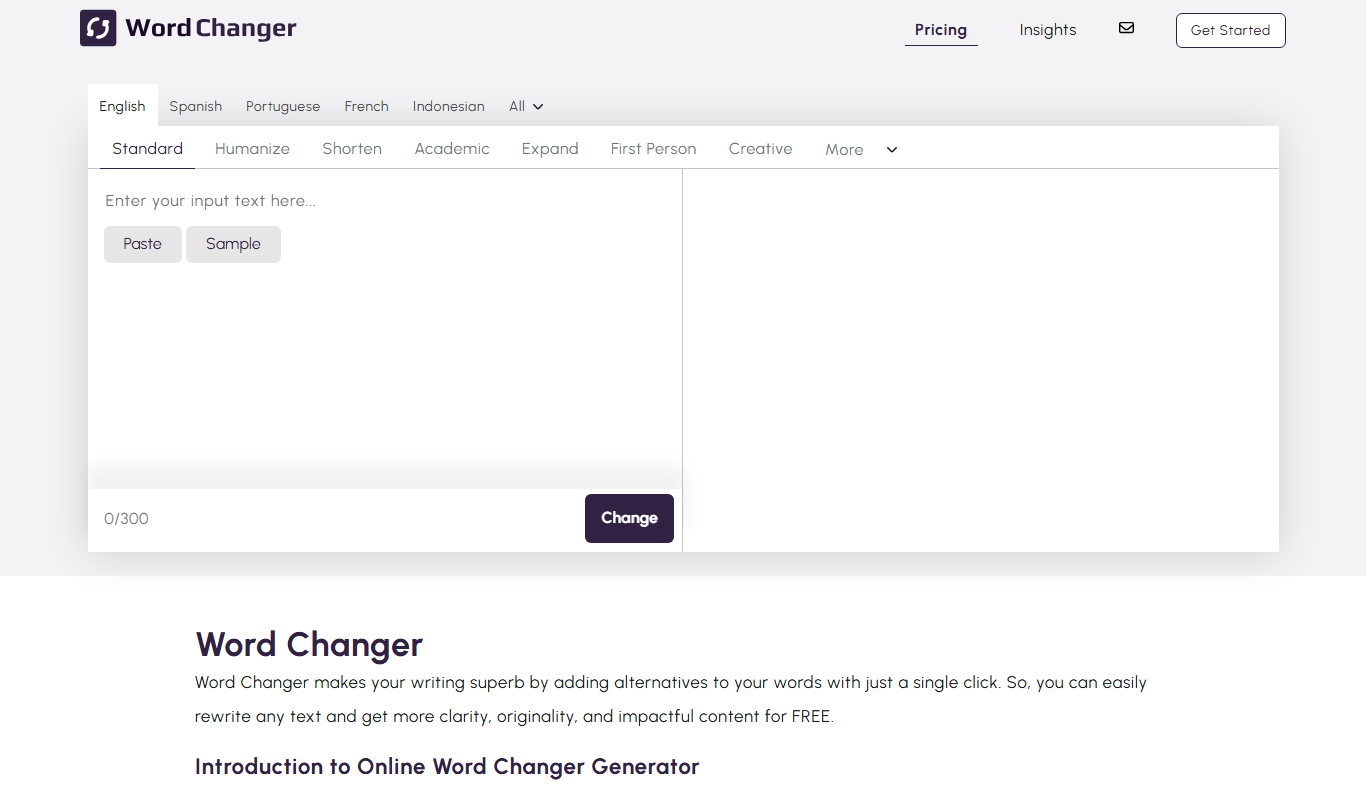
Word Changer
Word Changer is an AI word changer that rewrites essays, emails and articles in different words with 12 tones, with a free plan and paid plans.