

From my experience with ReRoom AI, it stands out for its ability to quickly transform empty room photos into beautifully staged interiors without the need for physical furniture. The platform’s intuitive web interface makes it accessible even for users without design backgrounds, which is a major advantage for real estate agents and homeowners alike. While it doesn’t offer interactive 3D walkthroughs, its photorealistic 2D renderings are impressive and practical for marketing and renovation planning. Overall, if you need efficient virtual staging to enhance property listings or visualize interior designs, ReRoom delivers reliable and visually appealing results.
ReRoom AI Room Design Tool for Virtual Staging and Interior Visualization
ReRoom AI is a web-based tool that uses artificial intelligence to virtually stage and furnish room photos with photorealistic furniture and decor, helping real estate professionals and designers visualize interiors without physical staging.
- Best for
- Virtual Home Staging
- Key capability
- AI-Powered Virtual Staging

Do you recommend this tool?
What is ReRoom?
ReRoom AI is a web-based virtual staging and interior design tool that uses artificial intelligence to transform empty or plain room photos into beautifully furnished and styled spaces. It enables real estate professionals, interior designers, and homeowners to visualize room designs and furniture layouts without the need for physical staging, saving time and costs.
Key features of ReRoom
ReRoom offers AI-powered virtual staging, customizable furniture and decor styles, photorealistic rendering, and easy-to-use web interface designed for quick room transformations to support real estate marketing and interior design projects.
AI-Powered Virtual Staging
Automatically furnish and decorate room photos with realistic furniture and decor using AI.
Multiple Design Styles
Choose from a variety of interior design themes to match different tastes and property types.
Photorealistic Rendering
High-quality, realistic images that look like professionally staged rooms.
User-Friendly Web Interface
No technical skills required; intuitive platform accessible via web browser.
Pros and cons of ReRoom
Pros
- Quick and easy virtual staging without physical furniture
- High-quality photorealistic images
- Multiple design styles to choose from
- Web-based with no software installation required
Cons
- Limited to 2D photo staging, no interactive 3D walkthroughs
- Customization options may be limited compared to professional interior design software
Key use cases for ReRoom
Virtual Home Staging
Create photorealistic virtual staging for real estate listings to showcase potential home designs without physical furniture.
Interior Design Visualization
Visualize different interior design styles and furniture layouts quickly to aid decision-making for homeowners and designers.
Real Estate Marketing
Enhance property listings with AI-generated room designs to attract buyers and increase engagement.
Renovation Planning
Preview renovation ideas and furniture arrangements before committing to physical changes.
How ReRoom works
- 1
Upload Room Photo
Users upload a clear photo of an empty or plain room to the ReRoom platform.
- 2
Select Design Style
Choose from various interior design styles and furniture options to apply to the room.
- 3
AI Virtual Staging
ReRoom’s AI processes the image and generates a photorealistic staged room with selected furniture and decor.
- 4
Download and Share
Download the staged images for marketing, presentations, or renovation planning.
Who is using ReRoom
Real estate agents and brokers
Interior designers
Homeowners planning renovations
Property marketers
Home staging professionals
ReRoom pricing
Free
$0/month
Limited number of virtual staging images per month with basic design options.
Pro
$29/month
Unlimited staging images, access to premium design styles, and higher resolution downloads.
Plans and prices are as published by the vendor and can change. Check the official site before you buy. Open the pricing page (opens in a new tab)
Frequently asked questions about ReRoom
You can stage most indoor rooms such as living rooms, bedrooms, kitchens, and offices as long as you provide a clear photo.
No, ReRoom is designed to be user-friendly and does not require any prior design or technical skills.
Yes, you can select from different design styles and furniture options to customize the staging.
Yes, ReRoom can be used to stage commercial spaces as well, depending on the photo and design style.
It depends on your specific needs and how you plan to use the tool. The official website and documentation are the best sources for the latest details.
Yes, it can help with that use case depending on how you configure it and what features are available. You’ll get the best results with clear inputs and a defined goal.
Some tools offer a free plan or trial with limited features. Availability can vary, so confirm on the official website.
Yes, it can help with that use case depending on how you configure it and what features are available. You’ll get the best results with clear inputs and a defined goal.
Sign in to review this tool.
Sign In to ReviewNo reviews yet
Be the first to share how this tool worked for you.
Ask about pricing, limits, or how it compares — or answer someone else.
Sign In to AskNo questions yet
Have a question about using or paying for this tool? Be the first to ask.
Featured on TiorAI



Alternative Tools
Explore similar AI tools that might fit your needs

Pay As You Go
Virtual Staging AI
Virtual Staging AI is a web-based tool that uses artificial intelligence to add realistic virtual furniture and decor to empty property photos, helping real estate professionals enhance listings quickly and cost-effectively.

Pay As You Go
BoxBrownie
BoxBrownie is a professional online service specializing in real estate photo editing, virtual staging, and floor plan redraw to improve property marketing images.
Free
VisualStager
VisualStager is a web-based drag-and-drop mockup generator that enables users to create realistic product visuals for e-commerce and marketing without design skills.
More AI Design & Creative Tools tools
Other tools in the same category, for when this one is not quite the fit.
Free
FreePlanTour
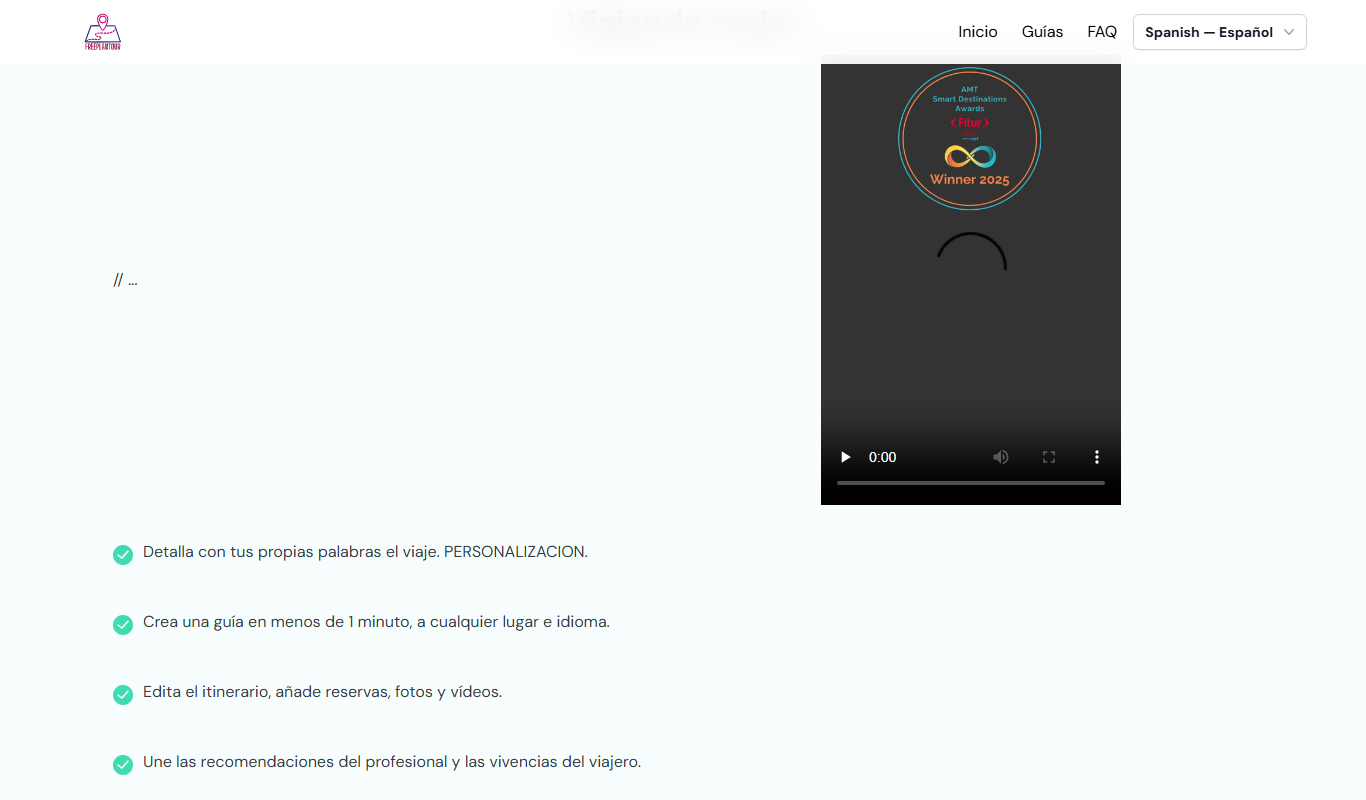
FreePlanTour is a free, browser-based floor plan design tool that allows users to create and save detailed home and office layouts without any software installation.

Freemium
Morphlin
Morphlin is an AI-powered art generation tool that enables users to create unique digital images through image morphing and style transfer techniques on a user-friendly web platform.

Free
AI YouTube Thumbnails
AI YouTube Thumbnails is an AI-driven web tool that helps YouTube creators generate custom, optimized thumbnails quickly without design skills.
Freemium
TileMaker
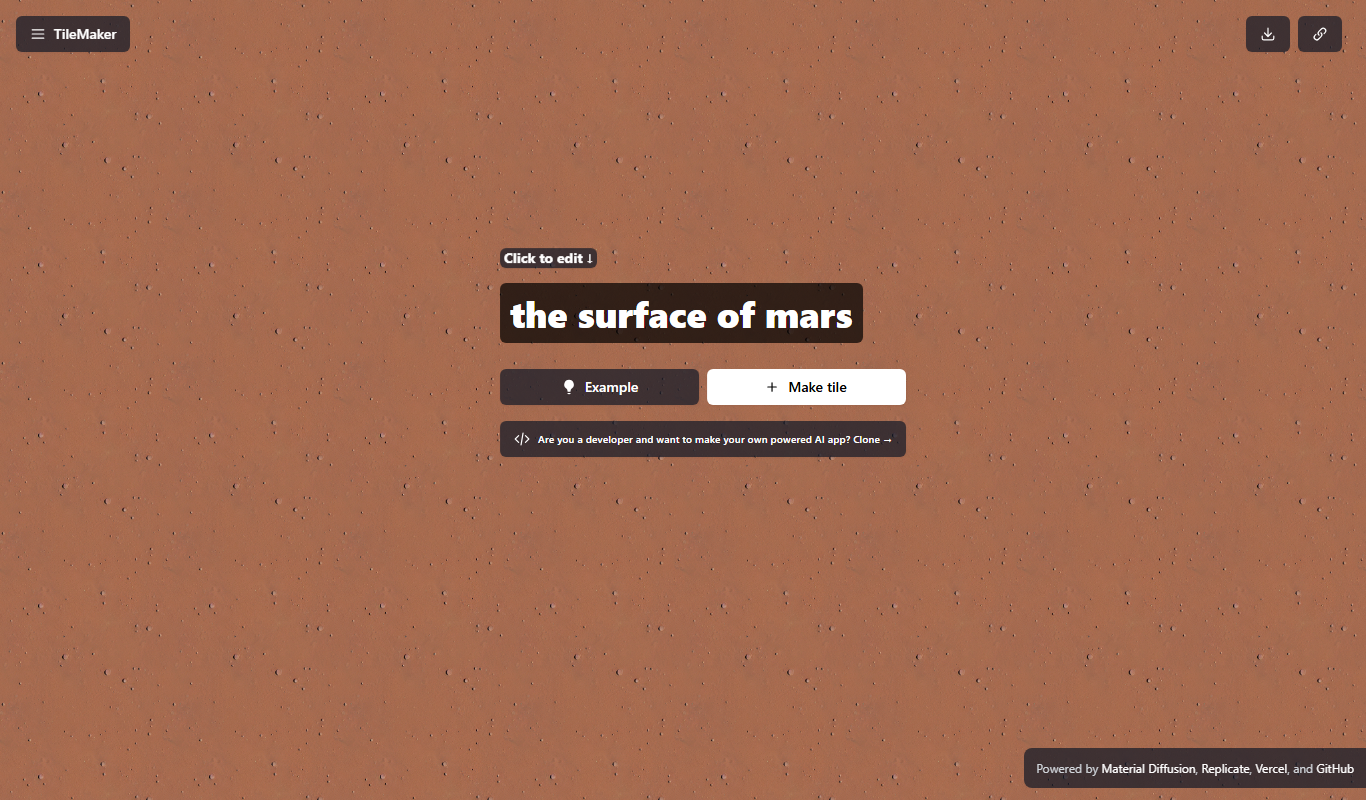
TileMaker is a design app that helps users create and visualize custom tile layouts with accurate measurements and export options for project planning.

Freemium
Sloyd
Sloyd is a web-based AI-assisted 3D modeling tool designed to help game developers and designers quickly create customizable low-poly 3D assets with ease.

Free
ai-dog.net
AI-Dog.net is a web-based AI image generator specialized in creating unique dog images from text prompts, offering multiple artistic styles and easy sharing options.

Free Trial
Tattoo Canvas
Tattoo Canvas is a web-based digital tattoo design software that provides tattoo artists with vector-based tools, customizable brushes, and stencil creation features to create and present professional tattoo artwork.

Free
svgtrace.com
svgtrace.com is a free web-based tool that converts raster images like PNG or JPG into scalable SVG vector graphics using automatic tracing algorithms.