

From my experience with RefineBase, it stands out for accelerating the development of internal tools through its intuitive low-code interface and strong data integration capabilities. The platform is particularly well-suited for developers and small to medium businesses looking to build custom admin panels without starting from scratch. However, non-developers might face a slight learning curve, and the pricing could be a consideration for very small teams. Overall, if you need to streamline internal workflows and manage backend data efficiently, RefineBase offers a practical and flexible solution.
RefineBase Low-Code Platform for Building Internal Tools and Admin Panels
RefineBase is a low-code platform designed to help developers and businesses quickly create internal tools and admin panels by connecting to databases and APIs with minimal coding.
- Best for
- Internal Tool Development
- Key capability
- Low-Code UI Builder

Do you recommend this tool?
What is RefineBase?
RefineBase is a low-code platform designed to help developers and businesses rapidly build internal tools and admin panels. It provides a framework that simplifies connecting to data sources, designing UI components, and managing workflows, reducing the need for extensive manual coding. The platform emphasizes flexibility and speed, enabling teams to create tailored solutions for data management and operational efficiency.
Key features of RefineBase
RefineBase offers a drag-and-drop interface builder, seamless integration with databases and APIs, customizable UI components, role-based access control, and real-time data updates. It supports extensibility through custom code and provides templates to accelerate development.
Low-Code UI Builder
Drag-and-drop interface creation with customizable components for fast development.
Data Integration
Connect to various databases and REST APIs to fetch and update data seamlessly.
Role-Based Access Control
Manage user permissions to secure sensitive data and control tool access.
Real-Time Data Updates
Keep your internal tools synchronized with live data changes.
Extensibility
Add custom code snippets to extend functionality beyond the low-code environment.
Pros and cons of RefineBase
Pros
- Speeds up internal tool development with low-code interface
- Flexible data integrations with databases and APIs
- Supports role-based access for security
- Allows custom code for advanced customization
- User-friendly drag-and-drop editor
Cons
- Limited to web platform only
- Pricing may be high for very small teams
- Some learning curve for non-developers
Key use cases for RefineBase
Internal Tool Development
Build custom internal tools quickly without extensive coding, enabling teams to automate workflows and manage data efficiently.
Admin Panel Creation
Create powerful admin dashboards to monitor, edit, and control backend data with minimal setup.
Data Management
Easily connect to databases and APIs to visualize and manipulate data in a user-friendly interface.
Workflow Automation
Automate repetitive tasks and streamline business processes through customizable interfaces.
How RefineBase works
- 1
Connect Data Sources
Integrate your databases or APIs into RefineBase to access and manipulate your data.
- 2
Design Interfaces
Use the low-code editor to build user-friendly internal tools and admin panels with drag-and-drop components.
- 3
Configure Workflows
Set up automation and business logic to streamline processes and improve efficiency.
- 4
Deploy and Manage
Publish your tools for your team with role-based access and monitor usage in real time.
Who is using RefineBase
Developers building internal tools
Small to medium businesses needing admin panels
Product managers automating workflows
Data teams managing backend data
Startups seeking rapid prototyping
RefineBase pricing
Free
$0/month
Basic features with limited projects and users, suitable for small teams or trials.
Pro
$49/month
Advanced features including unlimited projects, more users, and premium support.
Plans and prices are as published by the vendor and can change. Check the official site before you buy. Open the pricing page (opens in a new tab)
Frequently asked questions about RefineBase
RefineBase supports popular databases and REST APIs, but compatibility depends on the specific database type and connection method.
RefineBase is primarily low-code, allowing users to build tools with minimal coding, though custom code can be added for advanced features.
Yes, it includes role-based access control to manage permissions and secure your internal tools.
This tool is designed to help users accomplish its core tasks more efficiently. It is typically used by individuals or teams looking to improve productivity and workflow.
It depends on your specific needs and how you plan to use the tool. The official website and documentation are the best sources for the latest details.
Data handling and security practices vary by provider. Review the official privacy policy to understand how your data is stored and used.
Sign in to review this tool.
Sign In to ReviewNo reviews yet
Be the first to share how this tool worked for you.
Ask about pricing, limits, or how it compares — or answer someone else.
Sign In to AskNo questions yet
Have a question about using or paying for this tool? Be the first to ask.
Featured on TiorAI



Alternative Tools
Explore similar AI tools that might fit your needs
Enterprise
Retool
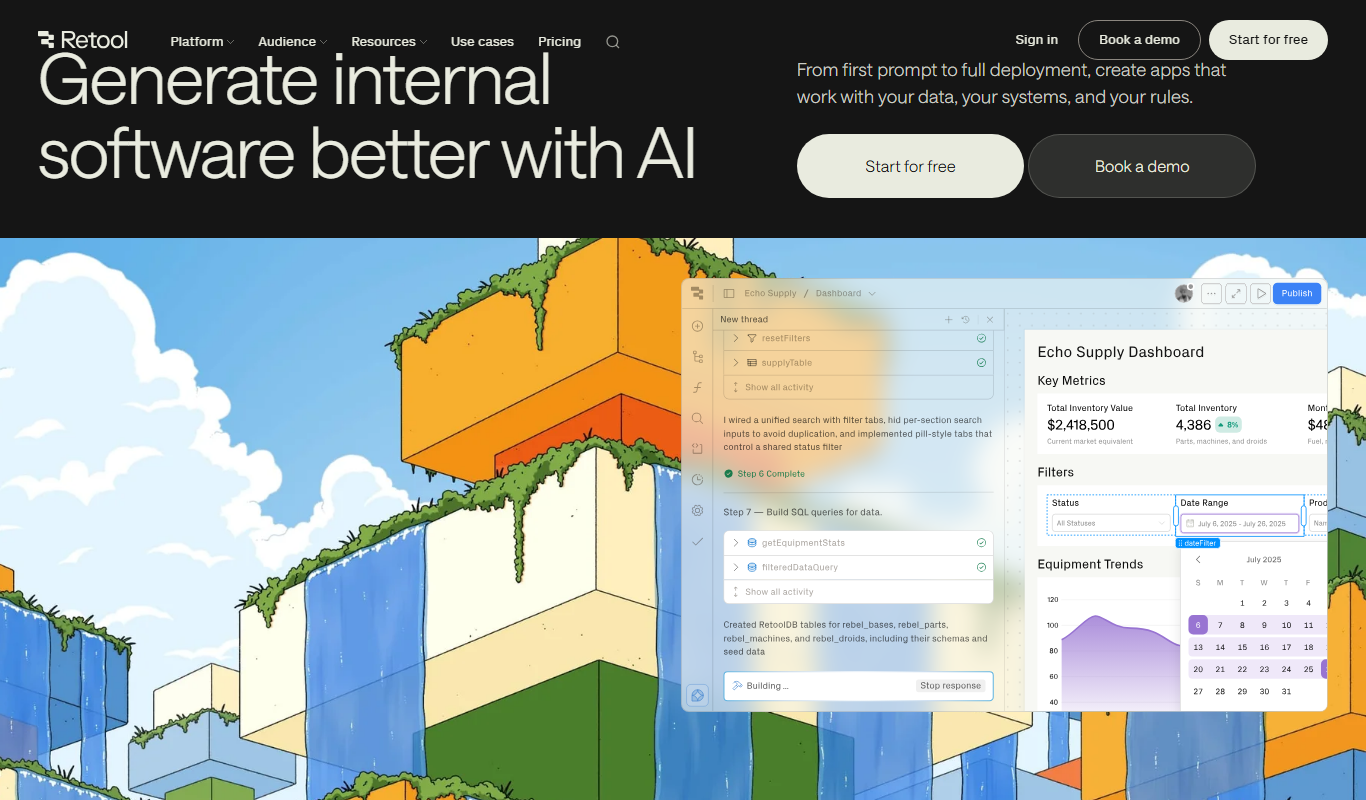
Retool is a low-code platform that helps developers and businesses quickly build internal tools by connecting to databases and APIs using a drag-and-drop interface combined with custom JavaScript.

Free
Budibase
Budibase is an open-source low-code platform that enables rapid development of internal tools and web applications through a visual builder, database integrations, and automation workflows.

Enterprise
Appsmith
Appsmith is an open-source low-code platform that enables developers and businesses to build custom internal applications quickly using drag-and-drop UI components and integrations with databases and APIs.
More AI Background Remover tools
Other tools in the same category, for when this one is not quite the fit.
Freemium
StyleMyHair AI
StyleMyHair AI is a web-based virtual hairstyle simulator that uses AI to let users try on different hairstyles and hair colors on their photos, helping them preview new looks realistically before making changes.

Free
TheHairStyler.com
TheHairStyler.com is an online platform that lets you upload your photo and try on various hairstyles and hair colors virtually to preview new looks before making changes.

Free
Hover
Hover is an AI-powered online tool that automatically removes backgrounds from images, offering batch processing and high-resolution downloads for professional use.

One-time purchase
ProCam 8
ProCam 8 is a professional iOS camera app that provides manual controls, RAW photo capture, AI-powered portrait and night modes, and in-app editing for high-quality mobile photography.

Free
Postimages
Postimages is a free online image hosting service that allows users to upload images quickly without registration, providing multiple link formats for sharing and embedding images on forums, websites, and social media.

Freemium
LetsEnhance
LetsEnhance is an AI-powered web platform that upscales images, removes backgrounds, restores photos, and enhances colors to improve photo quality efficiently.

Freemium
Clipping Magic
Clipping Magic is an AI-based online tool that automatically removes backgrounds from images with options for manual refinement, ideal for e-commerce, design, and social media content creation.

Paid
Camera+ 2
Camera+ 2 is an iOS photography app that combines manual camera controls with AI-powered editing features like background removal and portrait enhancements, designed for professional and enthusiast iPhone photographers.