

Qwilr Proposal Software for Interactive Business Documents and Sales
Qwilr is a cloud-based platform that helps businesses create interactive, branded proposals, quotes, and presentations with e-signatures and real-time analytics to improve client engagement and sales efficiency.
- Best for
- Sales Proposals
- Key capability
- Interactive Document Editor
Save Qwilr, follow its updates and vote on it — everything stays in your account.
Sign in or create a free account
What is Qwilr?
Qwilr is a cloud-based platform that transforms traditional business documents like proposals, quotes, and presentations into interactive, mobile-friendly web pages. It enables users to create visually rich, branded documents that can include videos, images, pricing tables, and e-signatures, enhancing client engagement and streamlining sales workflows.
Key features of Qwilr
Qwilr offers an intuitive drag-and-drop editor, customizable templates, real-time analytics on document views and interactions, seamless e-signature integration, and collaboration tools to help teams create and manage professional business documents efficiently.
Interactive Document Editor
Create dynamic, mobile-responsive documents with multimedia and interactive elements.
Customizable Templates
Access a library of templates designed for various business needs and easily tailor them.
Real-Time Analytics
Track when and how recipients interact with your documents to optimize follow-ups.
E-Signature Integration
Collect legally binding electronic signatures directly within documents.
Collaboration Tools
Work with team members simultaneously on document creation and editing.
Pros and cons of Qwilr
Pros
- Creates visually engaging, interactive documents
- Easy-to-use drag-and-drop editor
- Built-in e-signature and analytics
- Mobile-friendly and responsive designs
- Supports team collaboration
Cons
- No permanent free plan after trial ends
- Limited offline access as documents are web-based
- Pricing may be high for small businesses
Key use cases for Qwilr
Sales Proposals
Create interactive, visually appealing sales proposals that engage clients and track their interactions.
Marketing Collateral
Design and share branded marketing documents such as brochures, case studies, and one-pagers.
Client Quotes and Contracts
Generate digital quotes and contracts with e-signature capabilities to streamline closing deals.
Internal Presentations
Build professional internal presentations and reports with multimedia integration.
Team Collaboration
Collaborate with team members on document creation and editing in real-time.
How Qwilr works
- 1
Sign Up
Register for an account on Qwilr’s website to access the platform.
- 2
Choose a Template
Select from a variety of professionally designed templates tailored for proposals, quotes, and presentations.
- 3
Customize Your Document
Use the drag-and-drop editor to add text, images, videos, pricing tables, and branding elements.
- 4
Share and Track
Publish your document as a web page and share the link with clients. Monitor engagement through real-time analytics.
- 5
Close Deals
Enable clients to approve and sign documents electronically to finalize agreements quickly.
Who is using Qwilr
Qwilr pricing
Free Trial
$0 for 14 days
Access to all features for two weeks to evaluate the platform.
Starter
$35 per user per month, billed annually
Full access to templates, analytics, e-signatures, and team collaboration.
Growth
$275 per month for 5 users
Includes 5 users and everything in Starter plus a dedicated Customer Success Manager, Microsoft Dynamics integration, automations, custom branding and identity verification. Aimed at growing teams; annual billing only.
Scale
$750 per month for 10 users
Includes 10 users and everything in Growth plus Salesforce integration, conditional content, Smart Proposal Engine, AI Prefill and premium design services. Aimed at enterprise teams with complex workflows. Annual billing only.
Plans and prices are as published by the vendor and can change. Check the official site before you buy. Open the pricing page (opens in a new tab)
Frequently asked questions about Qwilr
Yes, Qwilr documents are mobile-responsive and can be created and viewed on smartphones and tablets.
Yes, Qwilr includes built-in e-signature functionality to streamline approvals.
Qwilr offers a free 14-day trial but does not have a permanent free plan.
Yes, Qwilr provides real-time analytics showing when and how recipients interact with your documents.
This tool is designed to help users accomplish its core tasks more efficiently. It is typically used by individuals or teams looking to improve productivity and workflow.
It depends on your specific needs and how you plan to use the tool. The official website and documentation are the best sources for the latest details.
Yes, it can help with that use case depending on how you configure it and what features are available. You’ll get the best results with clear inputs and a defined goal.
It depends on your specific needs and how you plan to use the tool. The official website and documentation are the best sources for the latest details.
Conclusion
Proposals and quotes begin from templates, and a drag-and-drop editor adds images, videos, pricing tables and branding elements. Each document is published as a mobile-friendly web page and shared with clients by link. Real-time analytics show when and how recipients interact, and clients can approve and sign electronically inside the document.
It is aimed at sales teams, marketing agencies and customer success teams. There is no permanent free plan. Starter costs $35 per user per month on annual billing, Growth $275 per month for 5 users and Scale $750 per month for 10 users.
Sources
Sign in to review this tool.
Sign In to ReviewNo reviews yet
Be the first to share how this tool worked for you.
Ask about pricing, limits, or how it compares — or answer someone else.
Sign In to AskNo questions yet
Have a question about using or paying for this tool? Be the first to ask.
Featured on TiorAI



Alternative Tools
Explore similar AI tools that might fit your needs
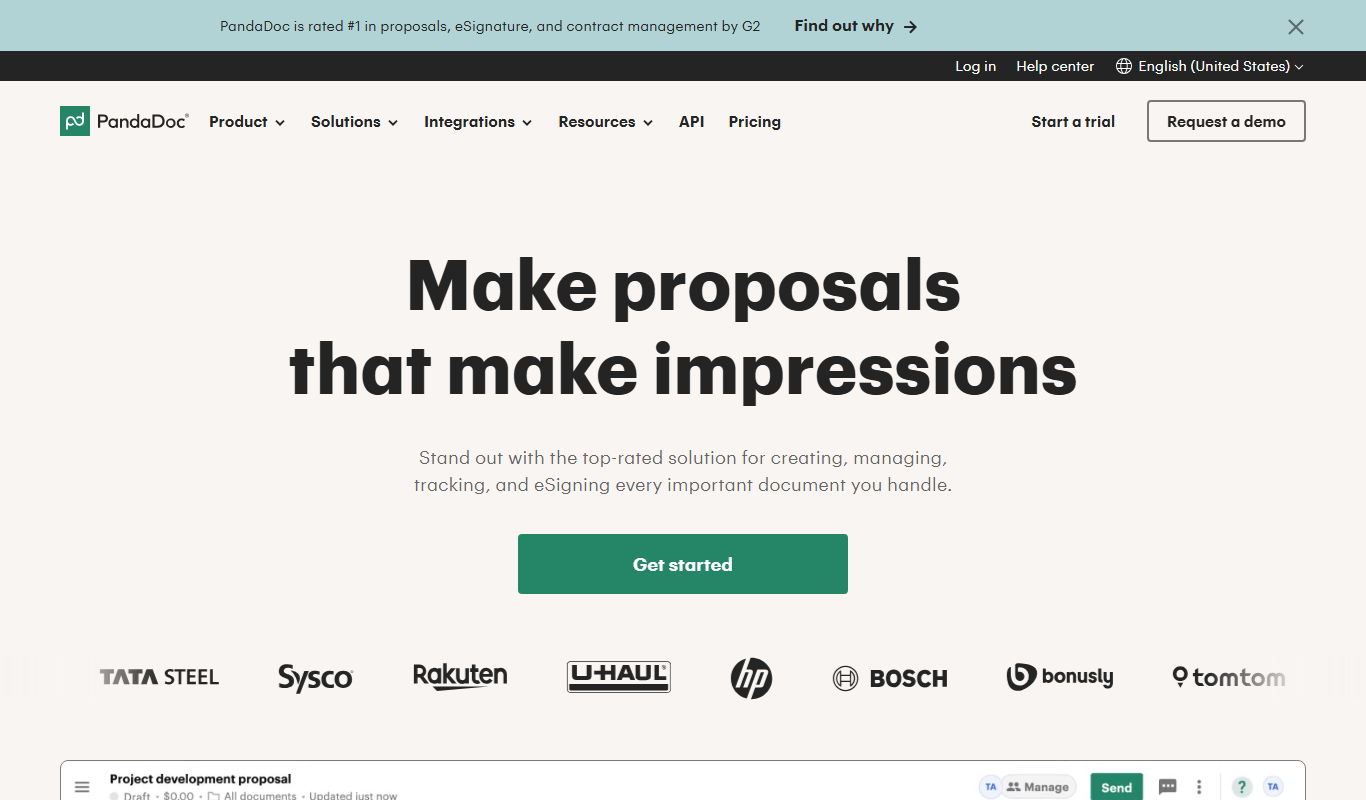
PandaDoc
PandaDoc is a cloud-based platform that automates document creation, approval workflows, and electronic signatures to help businesses streamline proposals, contracts, and payments.
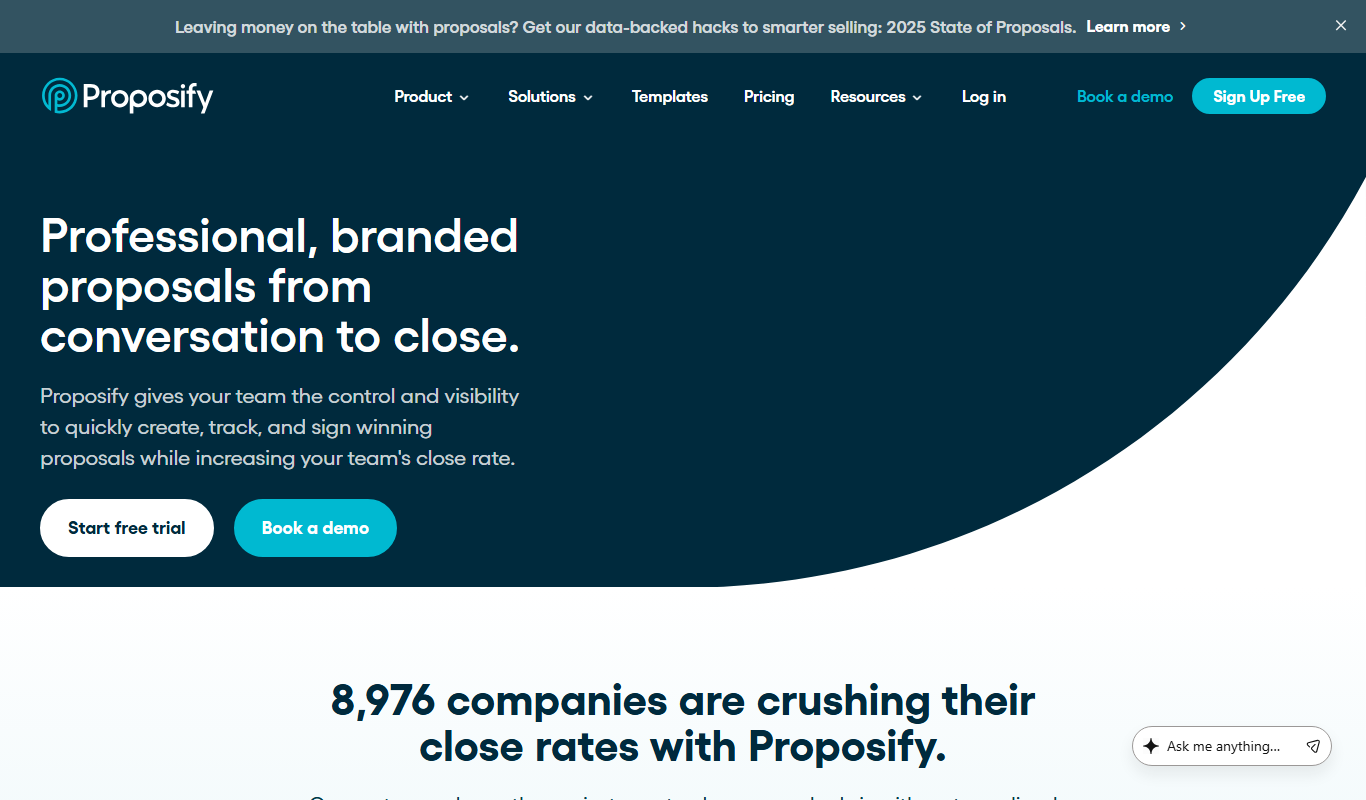
Proposify
Proposify is a cloud-based proposal software that enables businesses to create, customize, send, and track professional proposals with features like e-signatures and analytics to close deals faster.
More Business Management tools
Other tools in the same category, for when this one is not quite the fit.

Pogo Travel
Pogo Travel is an AI-driven platform that generates personalized travel itineraries based on your preferences, travel dates, and interests, offering collaborative planning and offline access.
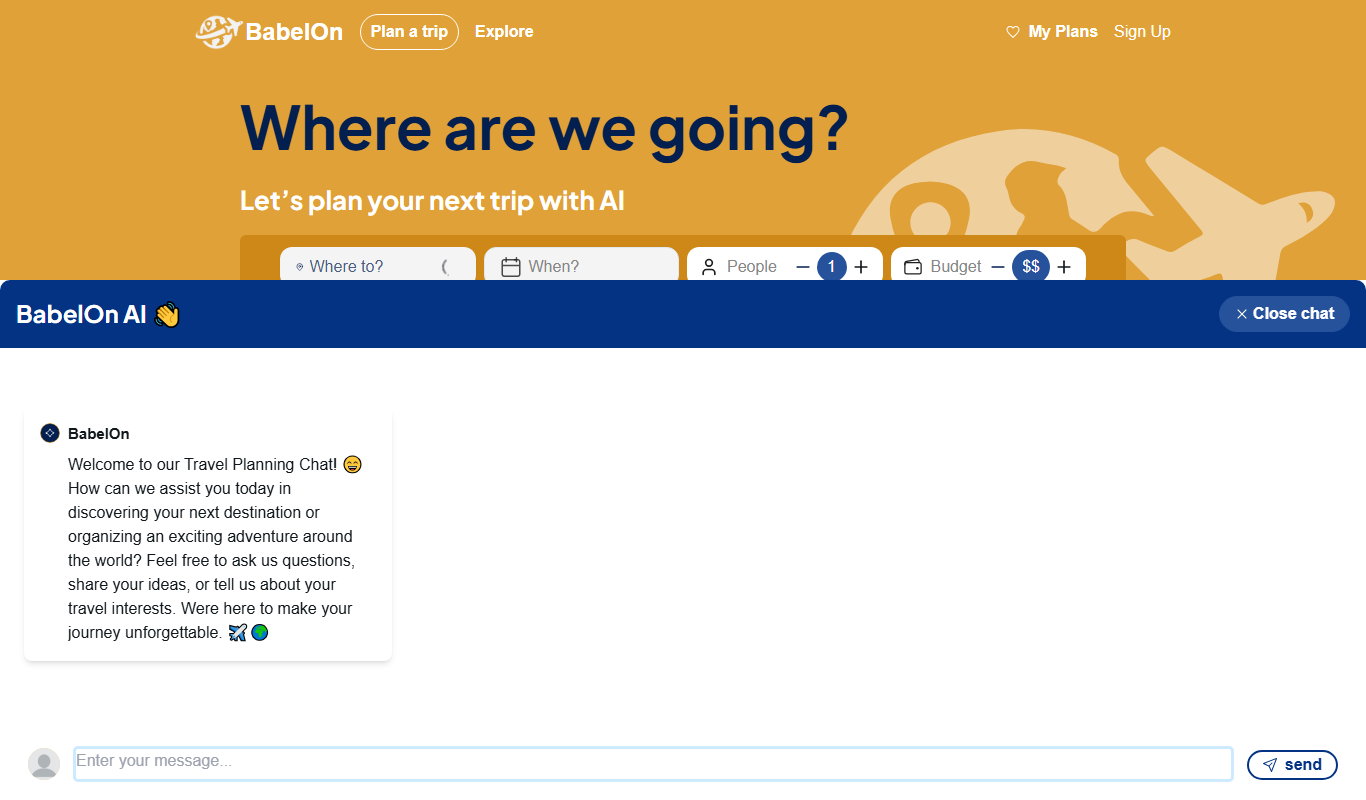
BabelOn
BabelOn is an AI-driven travel planning tool that generates personalized itineraries and helps organize all aspects of your trip in one place.

Furkot
Furkot is a web-based trip planner that helps users create multi-stop routes, optimize travel paths, schedule accommodations and activities, and share itineraries for efficient road trip planning.

Road Trip Navigator
Road Trip Navigator is a web-based tool that helps travelers plan multi-stop road trips by optimizing routes, managing itineraries, and visualizing trips on interactive maps.

Wanderlog
Wanderlog is a travel planning app that helps users create detailed itineraries, optimize travel routes, collaborate with others, and manage travel budgets via web and mobile platforms.

Veraset
Veraset provides privacy-compliant, high-quality location data via API and web platform to support marketing, retail, and urban planning analytics.

Zebra Technologies
Zebra Technologies offers enterprise-grade hardware and software solutions for barcode scanning, RFID, mobile computing, and real-time asset tracking to optimize industrial and supply chain operations.

Cambridge Mobile Telematics
Cambridge Mobile Telematics provides a mobile telematics platform that uses smartphone sensors and AI to analyze driver behavior, enabling insurers and fleet managers to assess risk, improve safety, and reduce accidents.