

From my experience with Quidget, I found it excels at simplifying complex SaaS pricing structures into an easy-to-understand, interactive calculator. Its no-signup, free access makes it incredibly accessible for startups and small businesses looking to experiment with pricing tiers and billing cycles. However, it lacks advanced analytics and integrations that larger companies might require. Overall, if you need a straightforward tool to build and share subscription pricing models quickly, Quidget delivers solid, practical results without any cost.
Quidget Pricing Tool for SaaS and Subscription Businesses
Quidget is a free online pricing calculator tool designed for SaaS and subscription businesses to create customizable pricing models, forecast revenue, and share interactive pricing pages with customers.
- Best for
- SaaS Pricing Strategy
- Key capability
- Multi-Tier Pricing Support
Your actions
Do you recommend this tool?
What is Quidget?
Quidget is a free, web-based pricing calculator designed primarily for SaaS and subscription businesses. It allows companies to create customizable pricing models that reflect their product tiers, billing cycles, and customer segments. The tool helps visualize pricing structures and forecast revenue, making it easier to communicate pricing to customers and internally analyze financial outcomes.
Key features of Quidget
Quidget offers an intuitive interface to build pricing calculators with multiple tiers and options. It supports different billing frequencies, discounts, and add-ons. The tool generates sharable links for customer-facing pricing pages and provides real-time revenue projections based on input variables.
Multi-Tier Pricing Support
Create multiple subscription levels with distinct pricing and features.
Billing Cycle Options
Set monthly, yearly, or custom billing periods with prorated calculations.
Revenue Forecasting
Visualize expected revenue based on customer counts and pricing selections.
Sharable Pricing Calculator
Easily share an interactive pricing page with prospects or internal teams.
Pros and cons of Quidget
Pros
- Easy to use with no signup required
- Supports complex pricing tiers and billing cycles
- Free with no limitations
- Generates shareable pricing calculators
Cons
- Limited to English language
- No mobile app version
- No advanced analytics or integrations
Key use cases for Quidget
SaaS Pricing Strategy
Helps SaaS companies design and optimize their subscription pricing models.
Subscription Revenue Forecasting
Enables businesses to forecast revenue based on different pricing tiers and customer volumes.
Customer Pricing Presentation
Provides a clear, interactive pricing calculator to share with potential customers.
How Quidget works
- 1
Access the Tool
Visit the Quidget website to start building your pricing calculator without needing an account.
- 2
Configure Pricing Tiers
Define subscription plans, pricing per tier, billing cycles, and any discounts or add-ons.
- 3
Customize Calculator
Adjust variables such as number of users or usage to see dynamic pricing changes.
- 4
Share Pricing Page
Generate a link to share the interactive pricing calculator with customers or stakeholders.
Who is using Quidget
SaaS startups
Subscription-based businesses
Product managers
Sales teams
Financial analysts
Quidget pricing
Free
$0
Full access to Quidget's pricing calculator features with no cost.
Plans and prices are as published by the vendor and can change. Check the official site before you buy. Open the pricing page (opens in a new tab)
Frequently asked questions about Quidget
Yes, Quidget is completely free with no hidden fees.
No account is required; you can start building pricing calculators immediately.
Yes, you can set monthly, yearly, or custom billing cycles.
Yes, you can generate a link to share the interactive calculator with others.
It depends on your specific needs and how you plan to use the tool. The official website and documentation are the best sources for the latest details.
Pricing depends on the plan and included features. For the most accurate and up-to-date details, check the official pricing page.
Sign in to review this tool.
Sign In to ReviewNo reviews yet
Be the first to share how this tool worked for you.
Ask about pricing, limits, or how it compares — or answer someone else.
Sign In to AskNo questions yet
Have a question about using or paying for this tool? Be the first to ask.
Featured on TiorAI



Alternative Tools
Explore similar AI tools that might fit your needs
Free
Baremetrics Pricing Calculator
Baremetrics Pricing Calculator is a free web tool that helps SaaS businesses calculate and forecast key subscription metrics like MRR, ARR, churn rate, and customer lifetime value based on customizable pricing and customer inputs.
More AI Quiz Generator Lite tools
Other tools in the same category, for when this one is not quite the fit.

Freemium
QWiser
QWiser is an AI chatbot platform that enables businesses to build and deploy intelligent chatbots for customer support, lead generation, and engagement without coding.

Free
Cognito
Cognito is an online educational platform that enables educators to build interactive assessments, quizzes, and surveys with real-time analytics and secure data collection.

Free Trial
Clixie AI
Clixie AI is an AI-driven sales assistant that automates lead generation and outreach via email and LinkedIn, integrating with CRM platforms to streamline sales workflows.
Free
SendBridge
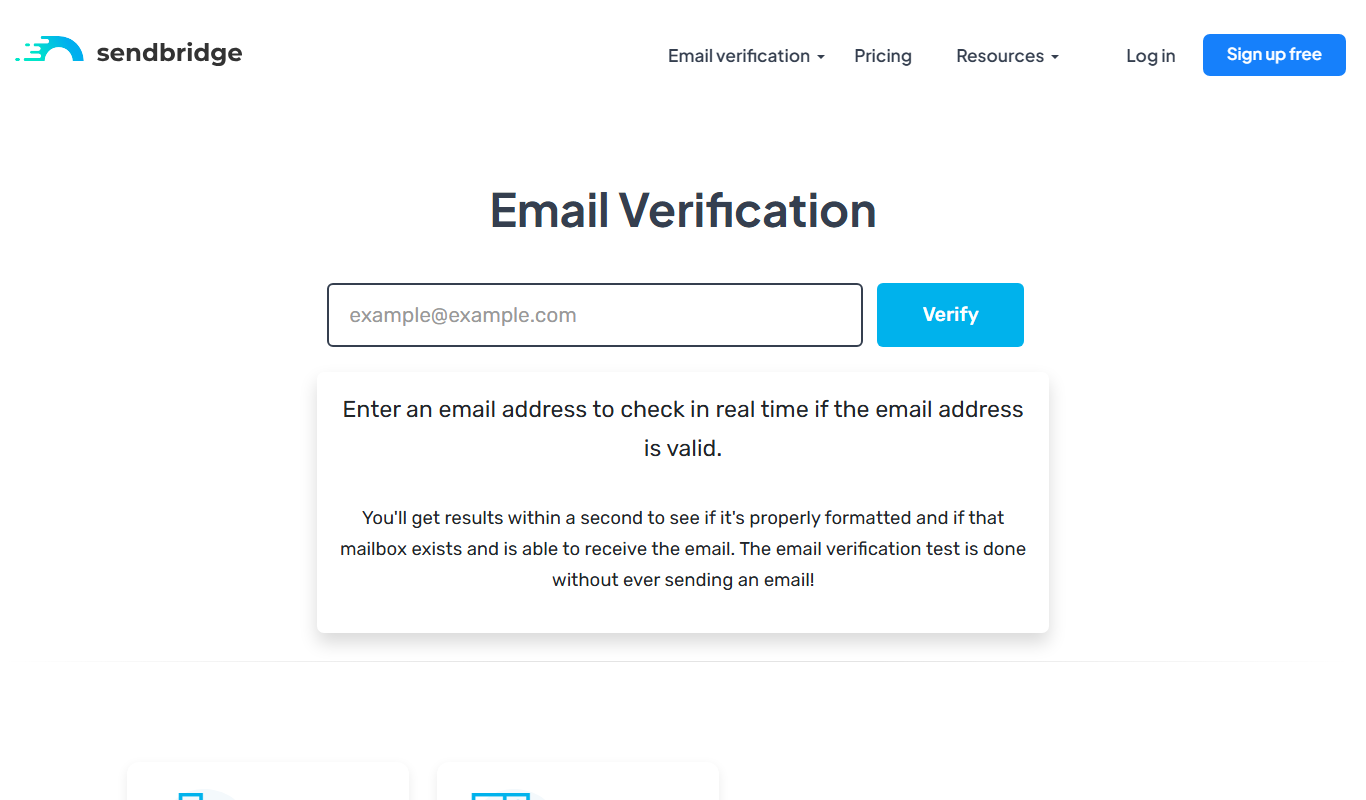
SendBridge is a web-based email marketing platform that enables businesses to create, automate, and analyze email campaigns with features like drag-and-drop builders, automation workflows, SMTP relay, and detailed reporting.

Free Trial
QA Sphere
QA Sphere is an AI-powered test automation platform that enables agile teams to create, execute, and manage automated tests with minimal coding, supporting cross-browser testing and CI/CD integration.
Free Trial
GetZingAI
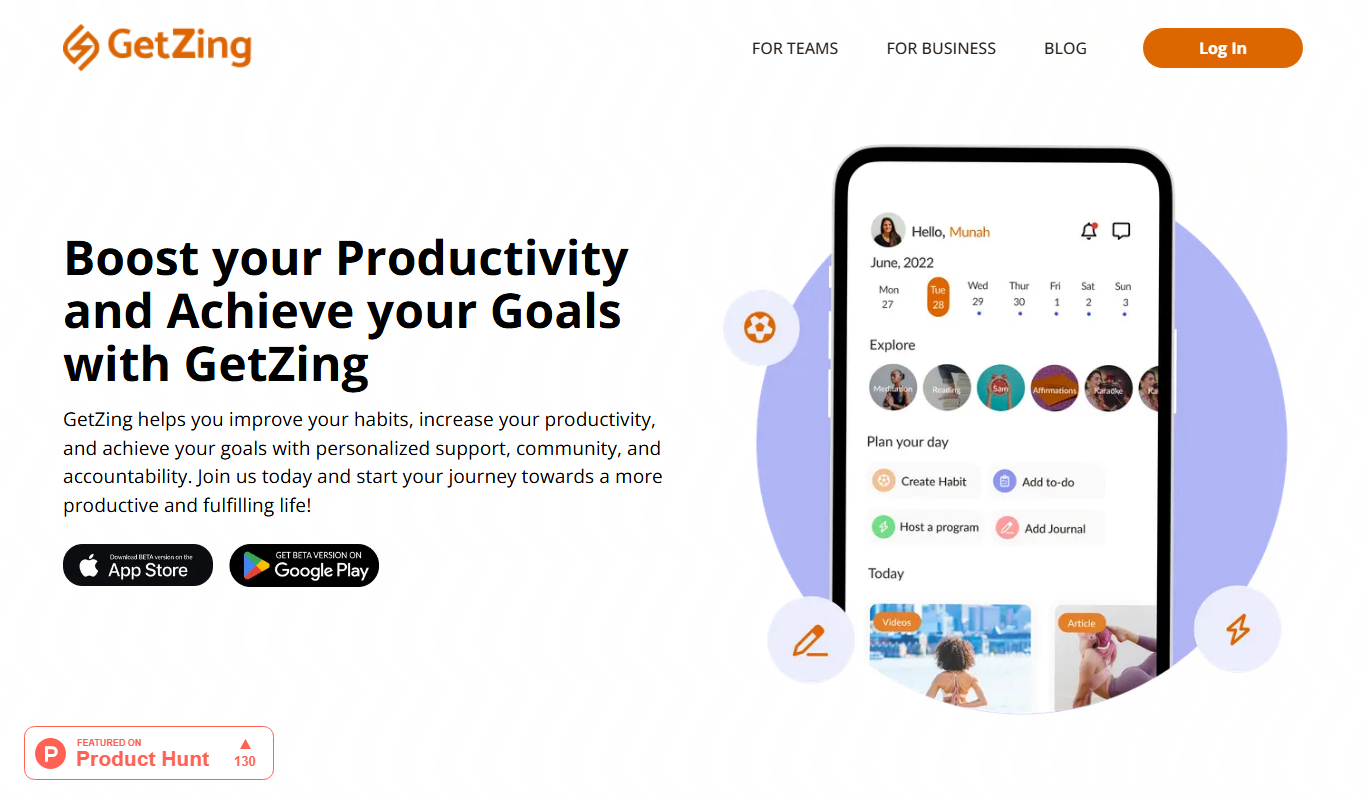
GetZingAI is an AI writing assistant designed to help create SEO-friendly marketing content efficiently, including blogs, ads, and social media posts.

Freemium
QuestionAI.ai
QuestionAI.ai is an AI platform that generates relevant questions and answers from user content to support education, marketing, and customer service needs.

Free
AI Math Solver Powered by Math GPT Free Online
AI Math Solver Powered by Math GPT is a free online tool that instantly solves math problems across various topics with detailed step-by-step explanations, accessible via web browser without registration.