

From my experience with Cognito, I found it excels at providing educators with an intuitive platform to create interactive assessments without needing technical skills. The drag-and-drop builder and variety of question types make it easy to engage students effectively. After spending time with the platform, I can say it’s particularly well-suited for K-12 and higher education instructors who want to gather meaningful data and feedback. However, the lack of a dedicated mobile app and the need to contact sales for advanced features may limit some users. Overall, if you need a straightforward, web-based tool for educational assessments, Cognito delivers solid results.
Cognito Educational Platform for Interactive Learning and Assessment Tools
Cognito is an online educational platform that enables educators to build interactive assessments, quizzes, and surveys with real-time analytics and secure data collection.
- Best for
- Creating Interactive Assessments
- Key capability
- Drag-and-Drop Form Builder
Your actions


Do you recommend this tool?
What is Cognito?
Cognito is an online educational platform designed to help educators create interactive assessments, quizzes, and surveys. It provides a user-friendly interface for building engaging learning activities and collecting data to support teaching and learning processes.
Key features of Cognito
Cognito offers a drag-and-drop form builder, a variety of question types, multimedia support, real-time analytics, and reporting tools to enhance educational assessments and data collection.
Drag-and-Drop Form Builder
Easily create assessments with a visual interface without coding.
Multiple Question Types
Supports multiple choice, short answer, rating scales, and multimedia questions.
Real-Time Analytics
Track responses as they come in and monitor learner progress.
Customizable Templates
Use pre-built templates or customize forms to suit specific educational needs.
Secure Data Collection
Ensures student data privacy and compliance with data protection standards.
Pros and cons of Cognito
Pros
- User-friendly drag-and-drop interface
- Supports a wide range of question types
- Real-time analytics and reporting
- Free plan available for basic use
Cons
- No dedicated mobile app
- Advanced features require contacting sales for pricing
Key use cases for Cognito
Creating Interactive Assessments
Teachers and educators can design quizzes, tests, and surveys with interactive elements to assess student knowledge effectively.
Form and Survey Building
Users can build custom forms and surveys for data collection, feedback, and research purposes within educational contexts.
Student Engagement and Learning
The platform supports engaging learning experiences through multimedia content and interactive question types.
Data Analysis and Reporting
Educators can analyze student responses and generate reports to track progress and identify learning gaps.
How Cognito works
- 1
Sign Up
Create a free account on the Cognito platform to access basic features.
- 2
Build Your Assessment
Use the drag-and-drop builder to create quizzes, surveys, or forms with various question types.
- 3
Distribute to Learners
Share the assessment via link or embed it into websites or learning management systems.
- 4
Collect Responses
Students or participants complete the assessments online, and data is collected securely.
- 5
Analyze Results
Review analytics and generate reports to evaluate learner performance and feedback.
Who is using Cognito
K-12 educators
Higher education instructors
Training coordinators
Educational researchers
Non-profit educational organizations
Cognito pricing
Free
$0/month
Access to basic form building and limited submissions.
Pro
Contact for pricing
Advanced features, higher submission limits, and priority support.
Plans and prices are as published by the vendor and can change. Check the official site before you buy. Open the pricing page (opens in a new tab)
Frequently asked questions about Cognito
Yes, Cognito offers a free plan with basic features and limited submissions.
Cognito is primarily an online platform and requires internet access to complete assessments.
Yes, you can include images, audio, and video in your assessments.
Cognito complies with data protection regulations and uses secure servers to protect data privacy.
This tool is designed to help users accomplish its core tasks more efficiently. It is typically used by individuals or teams looking to improve productivity and workflow.
Some tools offer a free plan or trial with limited features. Availability can vary, so confirm on the official website.
Data handling and security practices vary by provider. Review the official privacy policy to understand how your data is stored and used.
Sign in to review this tool.
Sign In to ReviewNo reviews yet
Be the first to share how this tool worked for you.
Ask about pricing, limits, or how it compares — or answer someone else.
Sign In to AskNo questions yet
Have a question about using or paying for this tool? Be the first to ask.
Featured on TiorAI



Alternative Tools
Explore similar AI tools that might fit your needs
Free
Typeform
Typeform is an online platform that enables users to create interactive, conversational forms and surveys to collect data, feedback, and leads with customizable templates and logic jumps.
Free
SurveyMonkey
SurveyMonkey is an online survey platform that helps users create, distribute, and analyze surveys for collecting feedback, conducting market research, and measuring engagement.
More AI Quiz Generator Lite tools
Other tools in the same category, for when this one is not quite the fit.

Freemium
QWiser
QWiser is an AI chatbot platform that enables businesses to build and deploy intelligent chatbots for customer support, lead generation, and engagement without coding.

Free Trial
Clixie AI
Clixie AI is an AI-driven sales assistant that automates lead generation and outreach via email and LinkedIn, integrating with CRM platforms to streamline sales workflows.
Free
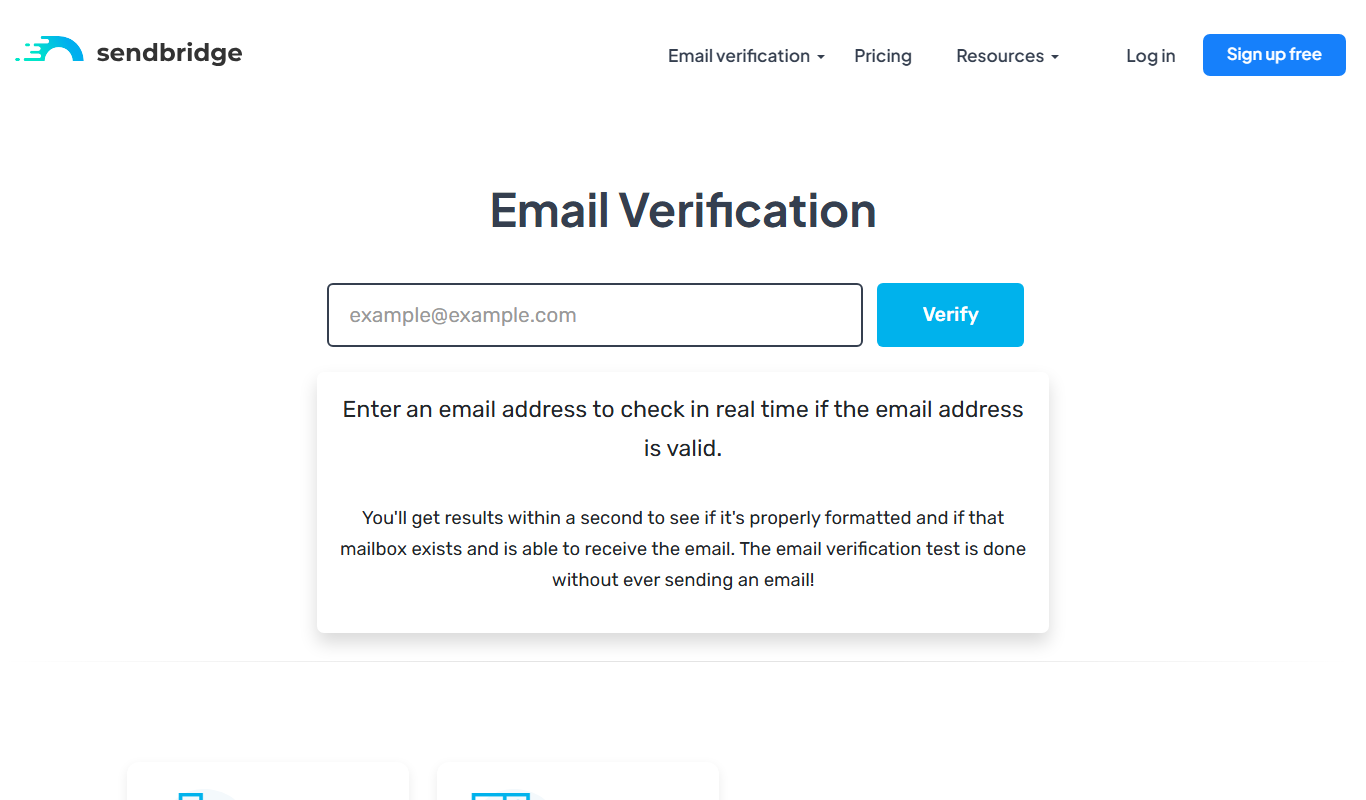
SendBridge
SendBridge is a web-based email marketing platform that enables businesses to create, automate, and analyze email campaigns with features like drag-and-drop builders, automation workflows, SMTP relay, and detailed reporting.

Free Trial
QA Sphere
QA Sphere is an AI-powered test automation platform that enables agile teams to create, execute, and manage automated tests with minimal coding, supporting cross-browser testing and CI/CD integration.
Free Trial
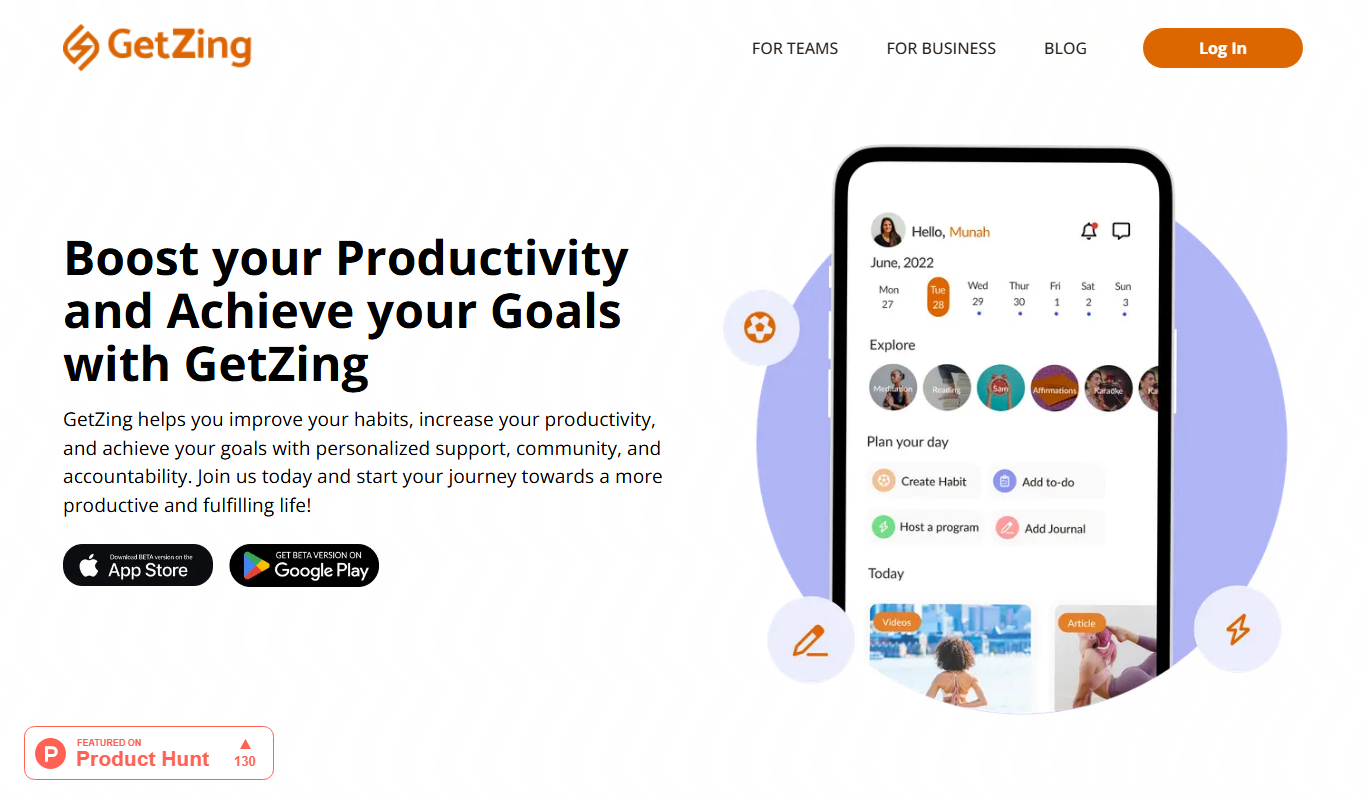
GetZingAI
GetZingAI is an AI writing assistant designed to help create SEO-friendly marketing content efficiently, including blogs, ads, and social media posts.

Freemium
QuestionAI.ai
QuestionAI.ai is an AI platform that generates relevant questions and answers from user content to support education, marketing, and customer service needs.

Free
AI Math Solver Powered by Math GPT Free Online
AI Math Solver Powered by Math GPT is a free online tool that instantly solves math problems across various topics with detailed step-by-step explanations, accessible via web browser without registration.

Free Trial
Priz Guru
Priz Guru is an AI-driven platform that enables marketers to create and manage prize giveaways easily, enhancing lead generation and social media engagement through customizable contests and automated winner selection.