

From my experience with QuantConnect, I found it excels at providing a powerful and flexible environment for developing and backtesting algorithmic trading strategies. The cloud-based IDE and extensive data access make it convenient for quants and developers to iterate quickly without local setup. It is particularly well-suited for users with programming skills in C# or Python who want to explore quantitative finance and automated trading. However, beginners without coding experience may face a steep learning curve, and the free tier has some limitations on data and compute resources. Overall, if you need a robust platform for quantitative research and live algorithmic trading, QuantConnect delivers solid capabilities.
QuantConnect Algorithmic Trading Platform for Quantitative Finance and Backtesting
QuantConnect is a cloud platform that enables users to develop, backtest, and deploy algorithmic trading strategies using C# and Python with access to extensive financial data and brokerage integrations.
- Best for
- Algorithmic Trading Development
- Key capability
- Cloud-Based IDE
Your actions
Save QuantConnect, follow its updates and vote on it — everything stays in your account.
Sign in or create a free account
What is QuantConnect?
QuantConnect is a cloud-based algorithmic trading platform that enables quants, developers, and financial professionals to design, test, and deploy trading strategies across multiple asset classes. It provides a powerful integrated development environment (IDE) with access to extensive historical and real-time market data, supporting multiple programming languages such as C# and Python. The platform facilitates quantitative research, backtesting, and live trading execution through brokerage integrations.
Key features of QuantConnect
QuantConnect offers a comprehensive suite of features including a cloud IDE, multi-asset data feeds, advanced backtesting engine, live trading integrations, collaborative research environment, and access to a large community of quants. It supports algorithm development in C# and Python, with tools for risk management, portfolio optimization, and performance analytics.
Cloud-Based IDE
Develop and manage trading algorithms directly in the browser without local setup.
Extensive Market Data
Access equities, forex, futures, options, and crypto historical and real-time data.
Advanced Backtesting Engine
Simulate strategies with realistic market conditions and detailed performance metrics.
Multi-Language Support
Write algorithms in C# or Python, popular languages in quantitative finance.
Brokerage Integrations
Deploy live trading strategies with supported brokers like Interactive Brokers and others.
Community and Open Source
Collaborate with a global community and access open-source algorithm libraries.
Pros and cons of QuantConnect
Pros
- Robust cloud IDE with no local setup required
- Supports multiple asset classes and data types
- Strong community and open-source algorithm sharing
- Flexible pricing with free tier for beginners
- Integration with popular brokerages for live trading
Cons
- Steep learning curve for beginners without programming background
- Limited free tier data and compute resources
- Primarily focused on C# and Python, less support for other languages
Key use cases for QuantConnect
Algorithmic Trading Development
Develop, test, and deploy algorithmic trading strategies using historical and live market data.
Quantitative Research
Perform quantitative analysis and research on financial markets with access to extensive datasets.
Backtesting Trading Strategies
Simulate and backtest trading algorithms against historical data to evaluate performance before live deployment.
Portfolio Management
Manage and optimize investment portfolios using automated strategies and risk management tools.
Education and Learning
Learn quantitative finance and algorithmic trading concepts through tutorials, community projects, and open-source code.
How QuantConnect works
- 1
Create an Account
Sign up on the QuantConnect website to access the cloud-based IDE and platform features.
- 2
Develop Trading Algorithms
Use the integrated coding environment to write trading strategies in C# or Python.
- 3
Backtest Strategies
Run simulations of your algorithms against historical market data to evaluate performance.
- 4
Deploy Live Trading
Connect to supported brokerages to execute your strategies in live markets.
- 5
Monitor and Optimize
Track live performance and refine your algorithms using analytics and risk management tools.
Who is using QuantConnect
Quantitative analysts and researchers
Algorithmic traders and developers
Financial institutions and hedge funds
Individual investors interested in automated trading
Students and educators in quantitative finance
QuantConnect pricing
Free
$0/month
Access to the cloud IDE, backtesting, and community resources with limited data and compute.
Researcher
$8/month
Enhanced data access, faster backtests, and additional compute resources for active developers.
Professional
$40/month
Full platform access including live trading, priority support, and advanced features.
Plans and prices are as published by the vendor and can change. Check the official site before you buy. Open the pricing page (opens in a new tab)
Frequently asked questions about QuantConnect
QuantConnect supports algorithm development primarily in C# and Python.
Yes, QuantConnect integrates with multiple brokerages to enable live algorithmic trading.
Yes, the free plan provides access to the cloud IDE, backtesting, and community features with some limitations.
QuantConnect offers equities, forex, futures, options, and cryptocurrency historical and real-time data.
It depends on your specific needs and how you plan to use the tool. The official website and documentation are the best sources for the latest details.
Yes, it can help with that use case depending on how you configure it and what features are available. You’ll get the best results with clear inputs and a defined goal.
Some tools offer a free plan or trial with limited features. Availability can vary, so confirm on the official website.
Sign in to review this tool.
Sign In to ReviewNo reviews yet
Be the first to share how this tool worked for you.
Ask about pricing, limits, or how it compares — or answer someone else.
Sign In to AskNo questions yet
Have a question about using or paying for this tool? Be the first to ask.
Featured on TiorAI



Alternative Tools
Explore similar AI tools that might fit your needs

Free
MetaTrader
MetaTrader 4 is a free electronic trading platform widely used for forex and CFD trading, offering advanced charting, technical analysis, and automated trading through Expert Advisors.

Commission-based
TradeStation
TradeStation is a comprehensive trading platform for stocks, options, futures, and cryptocurrencies, featuring advanced charting, a proprietary scripting language for automated strategies, and multi-platform access.
More AI Analytics Assistant tools
Other tools in the same category, for when this one is not quite the fit.

Custom Pricing
Community Sift
Community Sift is an AI-driven content moderation platform, now offered by Microsoft Game Dev, that detects and filters harmful online content in 22 languages.
Free
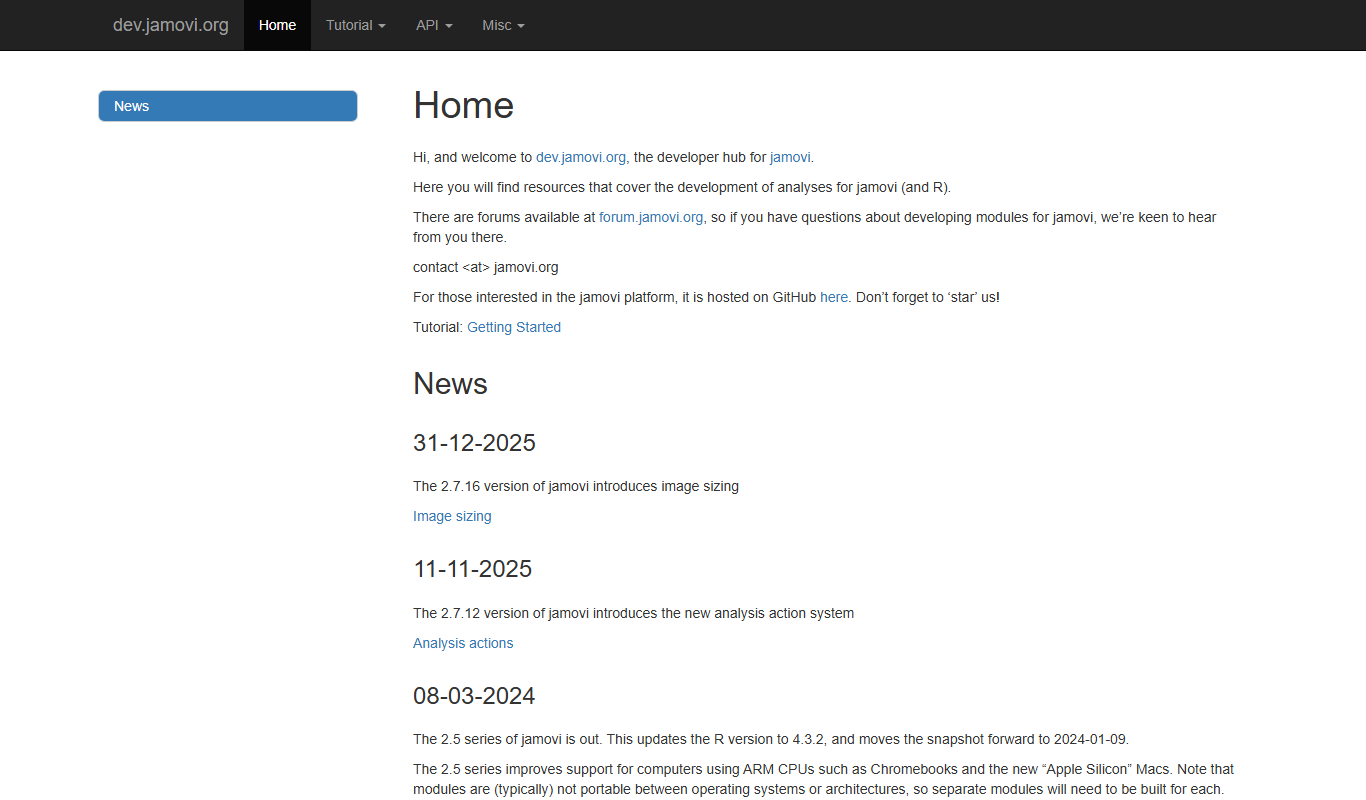
Jamovi
Jamovi is a free, open-source statistical software designed for easy and reproducible data analysis with a user-friendly interface built on R.

Enterprise Licensing
SPSS
IBM SPSS Statistics is a powerful software suite for statistical analysis, data management, and predictive analytics used by researchers and analysts worldwide.

Enterprise
Qualtrics
Qualtrics is an experience management platform that enables organizations to design surveys, collect feedback, and analyze data using AI-powered tools to improve customer, employee, product, and brand experiences.

Custom Pricing
Medallia
Medallia is a customer experience management platform that collects and analyzes feedback across multiple channels using AI to provide actionable insights for businesses.

Custom Pricing
STATSports
STATSports is a sports performance analytics platform that uses wearable GPS and biometric sensors combined with advanced data analytics to monitor athlete workload, optimize training, and reduce injury risk.

Custom Pricing
Catapult Sports
Catapult Sports provides wearable technology and analytics software to track athlete performance, optimize training, and reduce injury risk across multiple sports.

Contact Sales
Cloudability
Cloudability is a cloud cost management platform by Apptio that helps organizations monitor, analyze, and optimize their cloud spending across multiple providers with budgeting, forecasting, and cost allocation features.