

From my experience with QRX Codes, I found it excels at providing a balance between customization and security for QR code generation. The platform’s intuitive interface makes it easy to create branded QR codes quickly, while its security features add an important layer of protection for sensitive data. After spending time with the tool, I can say it’s particularly well-suited for marketing professionals and businesses that need both design flexibility and secure data sharing. However, the free plan has limited features, and the lack of a mobile app means you must use it via web browser. Overall, if you need secure, customizable QR codes with analytics, QRX Codes delivers solid results.
QRX Codes - Secure and Customizable QR Code Generator for Business Use
QRX Codes is a web platform that enables users to create customizable and secure QR codes with analytics and enhanced security features, suitable for marketing and business applications.
- Best for
- Marketing Campaigns
- Key capability
- Customizable Design
Your actions
Save QRX Codes, follow its updates and vote on it — everything stays in your account.
Sign in or create a free account
What is QRX Codes?
QRX Codes is a web-based platform that allows users to generate customizable and secure QR codes for various business and marketing applications. It focuses on providing enhanced security features and flexible design options to create QR codes that fit branding needs while ensuring safe data sharing.
Key features of QRX Codes
The tool offers features such as customizable QR code design, security enhancements to protect data, analytics to track scans, and easy integration for marketing and operational use cases.
Customizable Design
Modify colors, shapes, and logos within QR codes to align with brand identity.
Security Enhancements
Implement features like encrypted data and access controls to protect QR code content.
Analytics Dashboard
Track scan metrics including location, time, and device type for marketing insights.
Multiple QR Code Types
Generate various QR code types such as URL, text, contact info, and more.
Pros and cons of QRX Codes
Pros
- Easy-to-use interface for quick QR code creation
- Customizable designs to match branding
- Security features to protect QR code content
- Analytics for tracking scan performance
Cons
- Limited features on the free plan
- No mobile app available, web-only platform
Key use cases for QRX Codes
Marketing Campaigns
Create custom QR codes to engage customers and track marketing efforts.
Secure Information Sharing
Generate QR codes with enhanced security features for safe data transmission.
Event Management
Use QR codes for ticketing, check-ins, and event promotions.
Product Packaging
Add QR codes to packaging to provide customers with product details and offers.
How QRX Codes works
- 1
Access the Platform
Visit the QRX Codes website and create an account to start generating QR codes.
- 2
Customize Your QR Code
Choose the type of QR code, customize its design, and add security settings as needed.
- 3
Generate and Download
Generate the QR code and download it in various formats for use in marketing or operations.
- 4
Track and Analyze
Use built-in analytics to monitor QR code scans and gather insights.
Who is using QRX Codes
Marketing professionals
Event organizers
Small to medium businesses
Product managers
Security-conscious users
QRX Codes pricing
Free
$0/month
Basic QR code generation with limited customization and scan tracking.
Pro
$15/month
Advanced customization, enhanced security features, and detailed analytics.
Enterprise
Custom pricing
Tailored solutions with priority support, API access, and bulk generation.
Plans and prices are as published by the vendor and can change. Check the official site before you buy. Open the pricing page (opens in a new tab)
Frequently asked questions about QRX Codes
Yes, QRX Codes offers a free plan with basic features suitable for simple QR code generation.
QRX Codes provides security features such as encryption and access controls to protect your QR code data.
You can create URL, text, contact information, Wi-Fi access, and other types of QR codes.
Yes, paid plans include an analytics dashboard to track scan data and user engagement.
Data handling and security practices vary by provider. Review the official privacy policy to understand how your data is stored and used.
It depends on your specific needs and how you plan to use the tool. The official website and documentation are the best sources for the latest details.
Some tools offer a free plan or trial with limited features. Availability can vary, so confirm on the official website.
Sign in to review this tool.
Sign In to ReviewNo reviews yet
Be the first to share how this tool worked for you.
Ask about pricing, limits, or how it compares — or answer someone else.
Sign In to AskNo questions yet
Have a question about using or paying for this tool? Be the first to ask.
Featured on TiorAI



Alternative Tools
Explore similar AI tools that might fit your needs

Subscription
Scanova
Scanova is a web-based QR code generator and management platform that enables businesses to create customizable dynamic QR codes, track scan analytics, and integrate QR code generation via API.

Free
QR Code Monkey
QR Code Monkey is a free online tool that lets you create customizable QR codes with logos and colors, suitable for marketing, business branding, and event management.
More Image To Image tools
Other tools in the same category, for when this one is not quite the fit.

Free
Remove.bg
Remove.bg is an AI tool that automatically removes backgrounds from images, offering fast, high-quality transparent cutouts for various uses including e-commerce and design.

Freemium
Bria
Bria is an AI-powered writing assistant that helps users generate, edit, and improve written content through real-time suggestions and content generation tools.
Free Trial
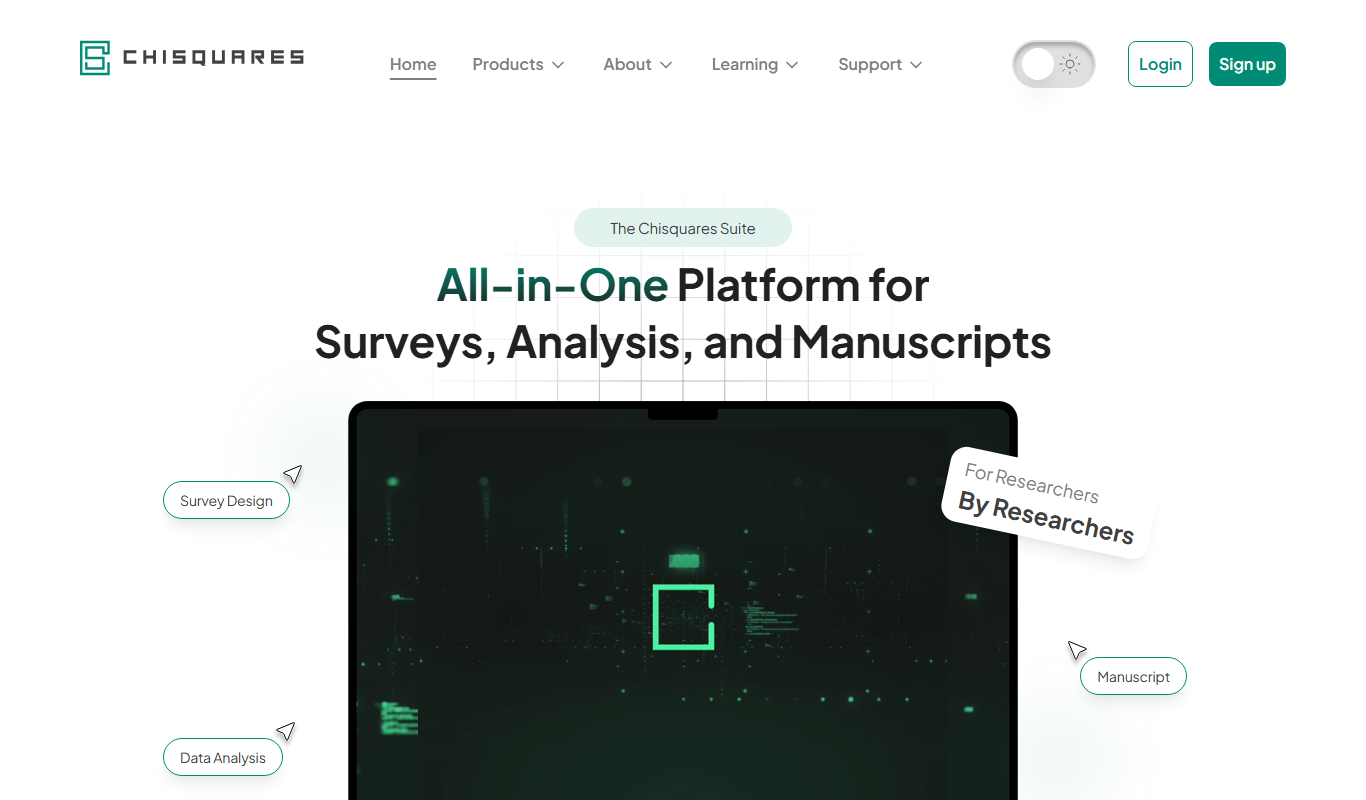
Chisquares
Chisquares is an AI-powered writing assistant that helps users create SEO-friendly content such as blog posts and marketing copy efficiently through an intuitive web platform.

Free
Pinokio
Pinokio is a free web-based AI assistant designed to help creative writers and content creators generate ideas and draft text efficiently.
Free
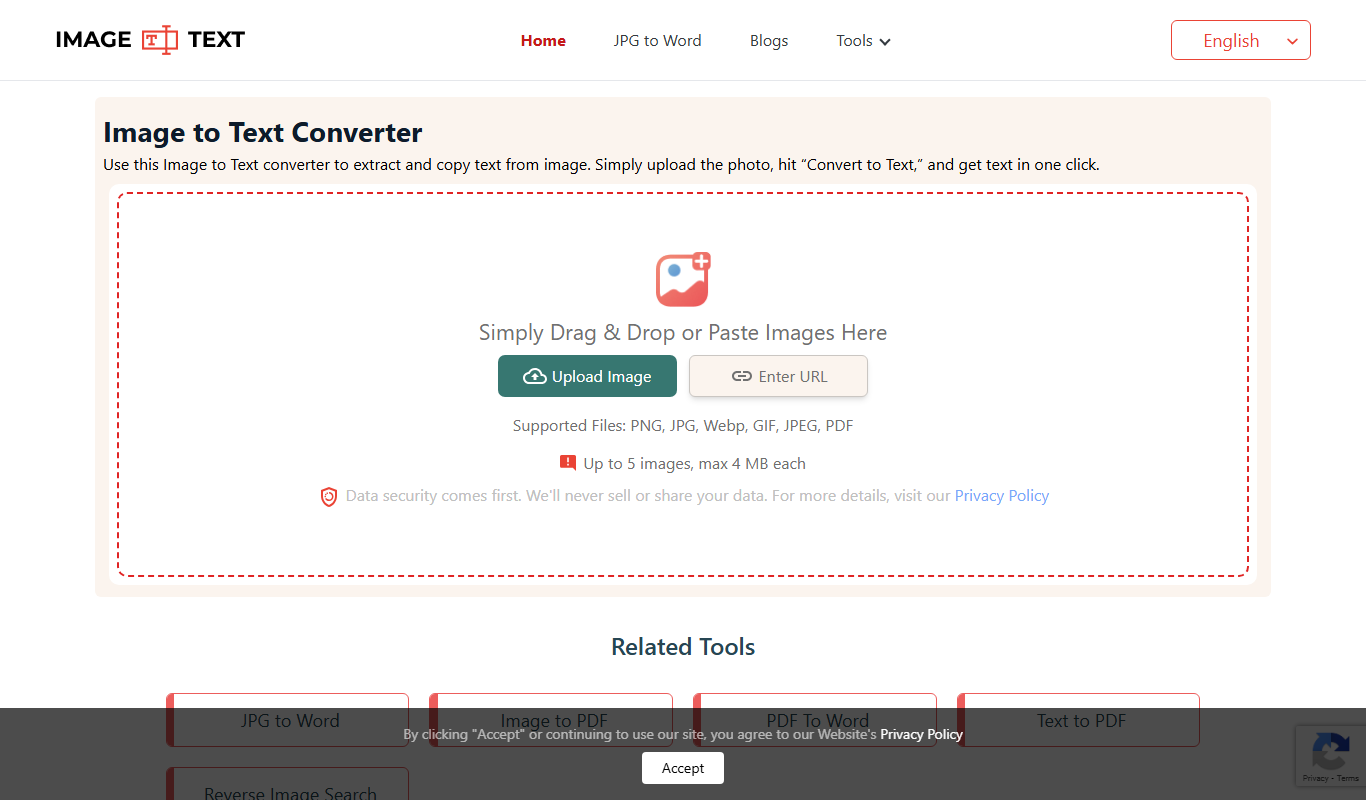
@imagetotext.me
ImageToText.me is a free web-based OCR tool that extracts text from images quickly and without registration, supporting common image formats like JPG and PNG.

Freemium
Imagine Me
Imagine Me is an AI-based avatar generator that transforms your photos into personalized digital avatars using various artistic styles, ideal for social media and virtual worlds.

Free
HD Photo Converter
HD Photo Converter is a free online tool that allows users to convert images between popular formats like JPG, PNG, BMP, and TIFF while maintaining high quality. It supports batch conversion and requires no installation.
Free
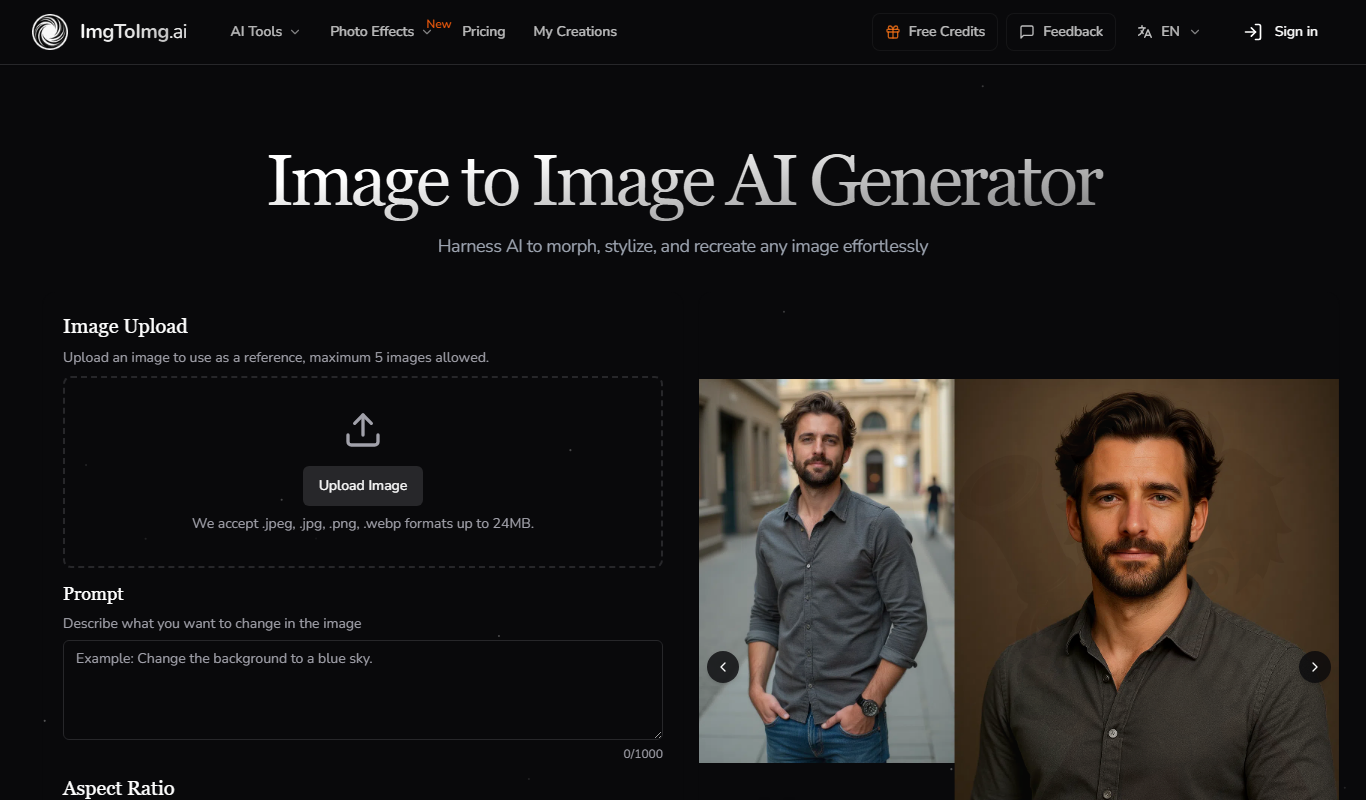
Image To Image AI
Image To Image AI is an online platform that uses AI to transform input images into creatively altered outputs with various styles and effects.