

From my experience with QRCode1s, I found it excels at providing a straightforward and completely free way to generate QR codes without any registration or software installation. The tool is particularly well-suited for small businesses, event organizers, and individuals who need quick QR codes with basic customization options. However, it lacks advanced features like analytics or extensive design customization, which might be a limitation for users seeking more control or tracking capabilities. Overall, if you need a simple, no-frills QR code generator that works instantly, QRCode1s delivers solid results.
QRCode1s - Free Online QR Code Generator with Customization Options
QRCode1s is a free online tool that allows users to create customizable QR codes for URLs, text, emails, and other data types without registration.
- Best for
- Marketing Campaigns
- Key capability
- Multiple QR Code Types
Your actions
Save QRCode1s, follow its updates and vote on it — everything stays in your account.
Sign in or create a free account
What is QRCode1s?
QRCode1s is a free online QR code generator that allows users to create customizable QR codes quickly and easily. It supports various QR code types including URLs, text, emails, phone numbers, and more. The tool offers options to customize the design, such as colors and shapes, enabling users to create QR codes that fit their branding or personal style without requiring any software installation.
Key features of QRCode1s
QRCode1s provides a straightforward interface to generate QR codes with multiple data types, customization options for colors and shapes, and instant download in popular image formats. It is entirely web-based and free to use, making it accessible for individuals and businesses looking to integrate QR codes into their marketing or communication strategies.
Multiple QR Code Types
Supports URLs, text, email, phone numbers, and other data formats.
Customization Options
Change colors and shapes to create visually appealing QR codes.
Instant Generation
Generate QR codes instantly without any wait time.
Free to Use
No cost or registration required to create QR codes.
Downloadable Formats
Download QR codes as PNG images for easy integration.
Pros and cons of QRCode1s
Pros
- Completely free with no registration required
- Simple and intuitive user interface
- Supports multiple QR code data types
- Allows basic customization of QR code design
- Instant QR code generation and download
Cons
- Limited advanced customization features
- No mobile app or offline version available
- No analytics or tracking features
Key use cases for QRCode1s
Marketing Campaigns
Create QR codes to link customers directly to websites, promotions, or product pages to enhance engagement.
Event Management
Generate QR codes for event tickets, registrations, or information sharing to streamline attendee experience.
Business Cards
Design QR codes that embed contact details, allowing easy sharing of professional information.
Product Packaging
Add QR codes to packaging to provide customers with quick access to product details or instructions.
Wi-Fi Access Sharing
Create QR codes that allow guests to connect to Wi-Fi networks without typing passwords.
How QRCode1s works
- 1
Select QR Code Type
Choose the type of content you want to encode, such as URL, text, email, or phone number.
- 2
Enter Content
Input the relevant information that the QR code will represent.
- 3
Customize Design
Adjust colors, shapes, and styles to personalize the QR code appearance.
- 4
Generate QR Code
Click the generate button to create the QR code instantly.
- 5
Download and Use
Download the QR code image in your preferred format and use it in your materials.
Who is using QRCode1s
Small business owners
Event organizers
Marketing professionals
Educators
Individuals needing quick QR codes
QRCode1s pricing
Free
$0
Unlimited QR code generation with basic customization and download options.
Plans and prices are as published by the vendor and can change. Check the official site before you buy. Open the pricing page (opens in a new tab)
Frequently asked questions about QRCode1s
Yes, QRCode1s offers free QR code generation without any charges.
No, you can generate QR codes instantly without signing up.
You can create QR codes for URLs, text, emails, phone numbers, and more.
Yes, QRCode1s allows you to change colors and shapes to personalize your QR codes.
QR codes can be downloaded as PNG image files.
Some tools offer a free plan or trial with limited features. Availability can vary, so confirm on the official website.
Yes, it can help with that use case depending on how you configure it and what features are available. You’ll get the best results with clear inputs and a defined goal.
It depends on your specific needs and how you plan to use the tool. The official website and documentation are the best sources for the latest details.
Yes, it can help with that use case depending on how you configure it and what features are available. You’ll get the best results with clear inputs and a defined goal.
Sign in to review this tool.
Sign In to ReviewNo reviews yet
Be the first to share how this tool worked for you.
Ask about pricing, limits, or how it compares — or answer someone else.
Sign In to AskNo questions yet
Have a question about using or paying for this tool? Be the first to ask.
Featured on TiorAI



Alternative Tools
Explore similar AI tools that might fit your needs

Free
QR Code Monkey
QR Code Monkey is a free online tool that lets you create customizable QR codes with logos and colors, suitable for marketing, business branding, and event management.

Subscription
Unitag QR Code Generator
Unitag QR Code Generator is a web-based tool that allows users to create customizable QR codes with options for colors, logos, and shapes, supporting multiple QR code types and offering scan analytics in paid plans.
Free
GoQR.me
GoQR.me is a free online tool to generate QR codes for URLs, text, contacts, and more, offering downloadable formats and API access.
More AI Design & Creative Tools tools
Other tools in the same category, for when this one is not quite the fit.
Free
PUMPG – Midjourney Prompt Generator
PUMPG is a free web tool that helps users generate creative and detailed prompts specifically for Midjourney AI image generation, enhancing the quality and uniqueness of AI-generated artwork.

Free
aimusic.one
aimusic.one is an AI-driven online platform that generates original, royalty-free music tracks customized by style, mood, and tempo, suitable for content creators and hobbyists.

Free
DiffRhythm
DiffRhythm is an AI music generation platform that creates custom soundtracks and beats tailored to your project’s style and mood.

Free
Snon Lyric
Snon Lyric is an AI-based web tool that generates original song lyrics based on user-provided themes and keywords, helping musicians and creators overcome writer's block.
Free
LogoCreatorAI
LogoCreatorAI is an AI-powered online tool that generates customizable logo designs based on your business details and style preferences, allowing quick creation of professional branding assets.

Free
AI Logo Generator
AI Logo Generator is an online tool that uses artificial intelligence to create custom logos quickly, offering multiple design options and customization features with pay-per-download pricing.
Free
Slea.ai: Free AI Logo Generator
Slea.ai is a free AI logo generator that creates custom logos based on your brand name and preferences, offering easy customization and high-resolution downloads without any cost.
Free
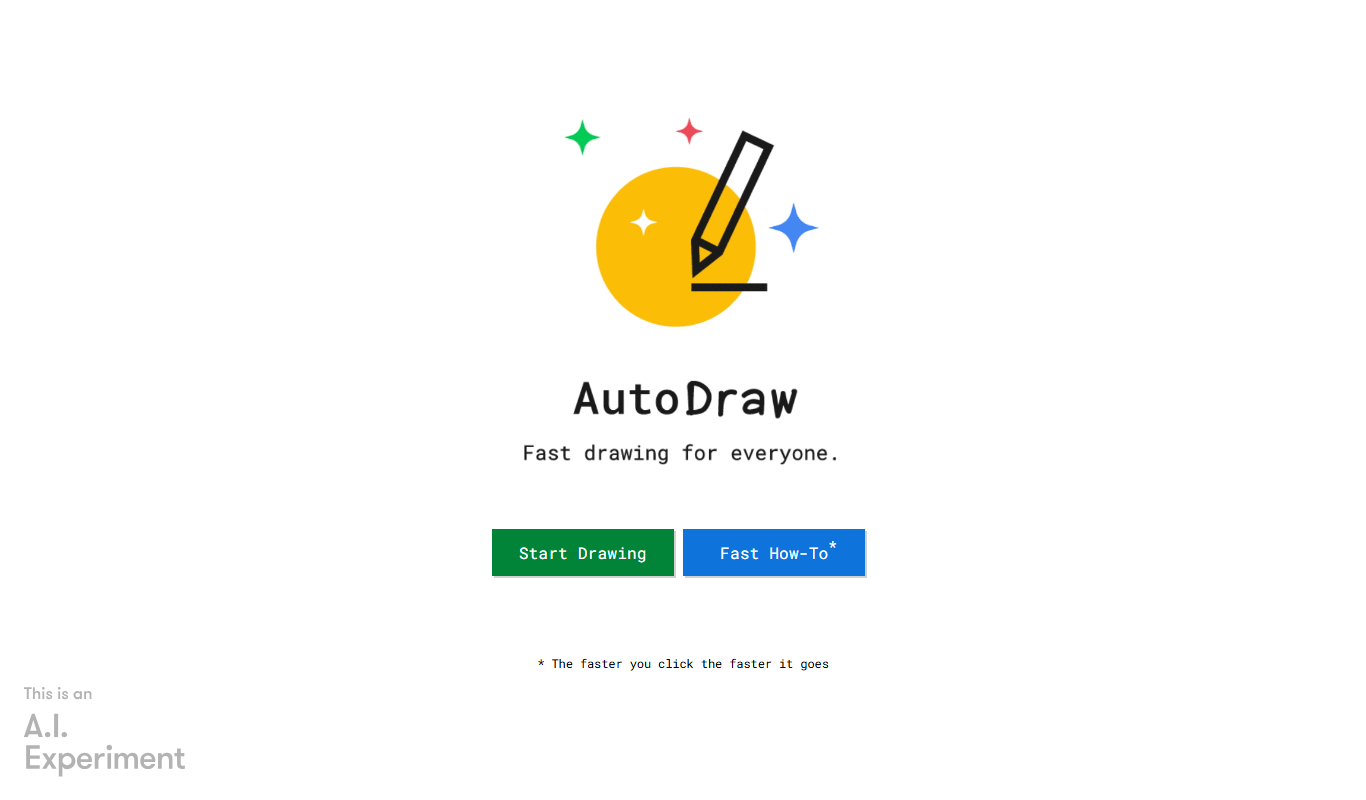
Autodraw
Autodraw is a free AI drawing tool by Google Creative Lab that helps users create polished drawings quickly by suggesting icons based on rough sketches.