

From my experience with ProofUp, I found it excels at providing straightforward, real-time grammar and spelling corrections through a clean web interface. It’s particularly well-suited for students, professionals, and content creators who need quick proofreading without a steep learning curve. However, the tool currently supports only English and lacks a dedicated mobile app, which might limit flexibility for some users. Overall, if you want an easy-to-use online editor with basic to advanced proofreading features including plagiarism detection, ProofUp delivers solid results at a competitive price.
ProofUp Online Proofreading and Editing Tool for Clear Writing
ProofUp is an online proofreading tool that checks grammar, spelling, style, and plagiarism to help users improve their writing quality.
- Best for
- Academic Writing
- Key capability
- Grammar and Spell Check
Do you recommend this tool?
What is ProofUp?
ProofUp is an online proofreading and editing tool designed to help users improve their writing by detecting grammar, spelling, punctuation, and style errors. It provides real-time suggestions to enhance clarity, correctness, and overall quality of text, making it suitable for academic, professional, and creative writing tasks.
Key features of ProofUp
ProofUp offers automated grammar and spell checking, style and readability suggestions, plagiarism detection, and an intuitive user interface for easy text editing. It supports quick corrections and detailed explanations to help users learn from their mistakes.
Grammar and Spell Check
Detects and corrects common and complex grammatical and spelling errors.
Style and Readability Suggestions
Provides recommendations to improve sentence structure, tone, and clarity.
Plagiarism Detection
Checks text against online sources to identify potential plagiarism.
User-Friendly Interface
Clean and intuitive editor that makes proofreading straightforward and efficient.
Real-Time Feedback
Instantly highlights issues as users type or paste text.
Pros and cons of ProofUp
Pros
- Easy-to-use interface suitable for beginners
- Real-time grammar and spelling corrections
- Includes plagiarism detection in premium plan
Cons
- Supports only English language
- No dedicated mobile app available
- Limited free plan usage
Key use cases for ProofUp
Academic Writing
Helps students and researchers proofread essays, papers, and theses to ensure clarity and correctness.
Professional Communication
Assists professionals in refining emails, reports, and presentations for error-free communication.
Content Creation
Supports bloggers, marketers, and authors in polishing articles and creative content for publication.
Business Documentation
Ensures business documents like proposals and contracts are grammatically accurate and well-structured.
How ProofUp works
- 1
Input Text
Users paste or upload their text into the ProofUp editor on the web platform.
- 2
Automated Analysis
The tool scans the text for grammar, spelling, punctuation, and style issues.
- 3
Review Suggestions
ProofUp highlights errors and offers correction suggestions with explanations.
- 4
Apply Corrections
Users accept or reject suggested edits to refine their writing.
- 5
Download or Export
Finalized text can be downloaded or copied for use in other applications.
Who is using ProofUp
Students and academics
Professional writers and editors
Business professionals
Content creators and marketers
ProofUp pricing
Free
$0/month
Basic grammar and spell checking with limited daily usage.
Premium
$9.99/month
Unlimited checks, advanced style suggestions, and plagiarism detection.
Plans and prices are as published by the vendor and can change. Check the official site before you buy. Open the pricing page (opens in a new tab)
Frequently asked questions about ProofUp
Yes, ProofUp offers a free plan with basic proofreading features and usage limits.
Yes, plagiarism detection is available in the Premium subscription plan.
Currently, ProofUp supports English language proofreading only.
ProofUp is primarily a web-based tool optimized for desktop browsers.
It depends on your specific needs and how you plan to use the tool. The official website and documentation are the best sources for the latest details.
It depends on your specific needs and how you plan to use the tool. The official website and documentation are the best sources for the latest details.
It depends on your specific needs and how you plan to use the tool. The official website and documentation are the best sources for the latest details.
Sign in to review this tool.
Sign In to ReviewNo reviews yet
Be the first to share how this tool worked for you.
Ask about pricing, limits, or how it compares — or answer someone else.
Sign In to AskNo questions yet
Have a question about using or paying for this tool? Be the first to ask.
Featured on TiorAI



More AI Art Detector tools
Other tools in the same category, for when this one is not quite the fit.

N/A
Recogni
Recogni is a company that develops specialized AI vision processors designed to deliver ultra-low latency and energy-efficient perception for autonomous vehicles and edge AI systems.
Freemium
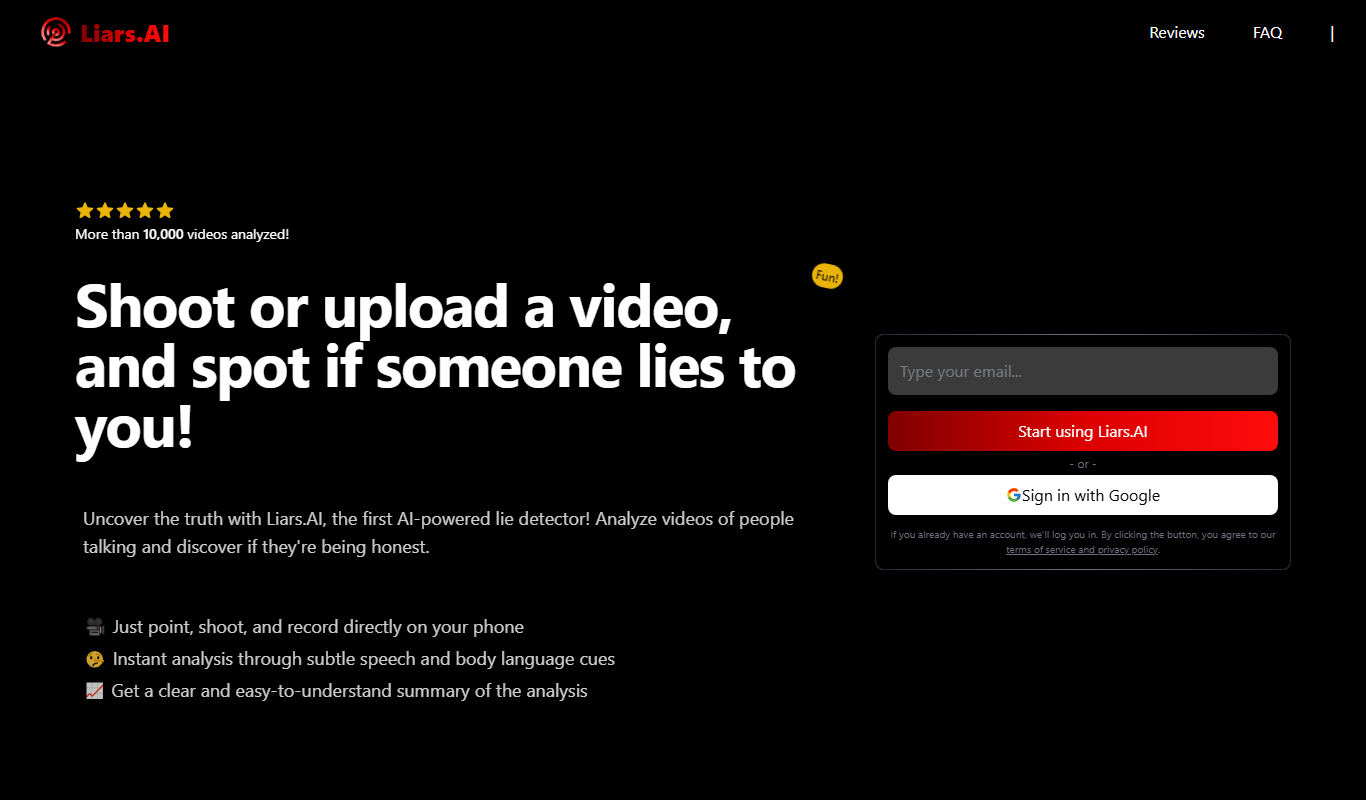
Liars.AI
Liars.AI is an AI-powered platform that detects deepfake videos by analyzing digital manipulations, helping users verify video authenticity and combat misinformation.

Free
artiphoria AI
Artiphoria AI is a web platform that uses artificial intelligence to generate unique digital artworks in various styles, suitable for artists and content creators.

Freemium
Layly – AI
Layly AI is an AI-powered platform that generates SEO-optimized blog posts, social media content, and marketing copy, featuring a content calendar for scheduling and planning.

Free
Pl@ntNet
PlantNet is a free AI-powered app and website that identifies plants from photos by comparing them to a large collaborative database, helping users recognize plant species worldwide.