

From my experience with Layly AI, I found it excels at simplifying the content creation process for marketers by combining AI-generated SEO-friendly writing with a practical content calendar. The platform’s intuitive interface makes it accessible even for users without technical expertise, which is a big plus. However, its limitation to English content and lack of mobile apps may restrict some users. Overall, if you need a streamlined way to produce and schedule marketing content efficiently, Layly AI offers solid value, especially for small businesses and marketing teams.
Layly AI Review: AI-Powered Content Creation and Marketing Platform
Layly AI is an AI-powered platform that generates SEO-optimized blog posts, social media content, and marketing copy, featuring a content calendar for scheduling and planning.
- Best for
- Content Marketing
- Key capability
- AI Content Generation

Do you recommend this tool?
What is Layly – AI?
Layly AI is a web-based AI-powered content creation and marketing platform designed to help businesses and marketers generate high-quality written content quickly. It leverages advanced natural language processing to produce SEO-friendly blog posts, social media updates, and marketing copy, enabling users to streamline their content workflows and improve online visibility.
Key features of Layly – AI
Layly AI offers features such as AI-generated blog and social media content, content calendar planning, SEO optimization tools, and easy-to-use editing interfaces. It integrates content creation with marketing automation to help users maintain consistent and effective digital campaigns.
AI Content Generation
Automatically create SEO-optimized blog posts, social media content, and marketing copy.
Content Calendar
Plan and schedule content publishing to maintain consistent marketing efforts.
SEO Optimization
Incorporate keywords and SEO best practices into generated content to boost search rankings.
User-Friendly Editor
Edit AI-generated content easily with a clean and intuitive interface.
Pros and cons of Layly – AI
Pros
- Easy-to-use AI content generation
- Integrated content calendar for planning
- SEO-focused content creation
- Free plan available for testing
Cons
- Limited language support (English only)
- No mobile app available
Key use cases for Layly – AI
Content Marketing
Generate SEO-optimized blog posts, social media posts, and marketing copy to streamline content marketing efforts.
Social Media Management
Create and schedule engaging social media content to maintain consistent brand presence.
SEO Content Creation
Produce keyword-rich articles and landing page content to improve search engine rankings.
Content Planning
Use AI-powered content calendar features to plan and organize publishing schedules efficiently.
How Layly – AI works
- 1
Sign Up
Create an account on Layly AI’s website to access the platform.
- 2
Select Content Type
Choose the type of content you want to generate, such as blog posts or social media updates.
- 3
Input Keywords and Preferences
Provide keywords, topics, or guidelines to tailor the AI-generated content.
- 4
Generate and Edit
Let the AI create content, then review and customize it as needed.
- 5
Plan and Schedule
Use the content calendar to organize publishing dates and automate posting.
Who is using Layly – AI
Content marketers
Small business owners
Social media managers
SEO specialists
Digital marketing agencies
Layly – AI pricing
Free
$0/month
Access to basic AI content generation with limited monthly credits.
Pro
$29/month
Unlimited content generation, advanced SEO tools, and content calendar features.
Plans and prices are as published by the vendor and can change. Check the official site before you buy. Open the pricing page (opens in a new tab)
Frequently asked questions about Layly – AI
Yes, Layly AI supports generating and scheduling social media posts.
Layly AI offers a free plan with limited usage to try out the platform.
Currently, Layly AI supports content generation in English only.
This tool is designed to help users accomplish its core tasks more efficiently. It is typically used by individuals or teams looking to improve productivity and workflow.
Some tools offer a free plan or trial with limited features. Availability can vary, so confirm on the official website.
Yes, it can help with that use case depending on how you configure it and what features are available. You’ll get the best results with clear inputs and a defined goal.
Sign in to review this tool.
Sign In to ReviewNo reviews yet
Be the first to share how this tool worked for you.
Ask about pricing, limits, or how it compares — or answer someone else.
Sign In to AskNo questions yet
Have a question about using or paying for this tool? Be the first to ask.
Featured on TiorAI



More AI Art Detector tools
Other tools in the same category, for when this one is not quite the fit.
Free
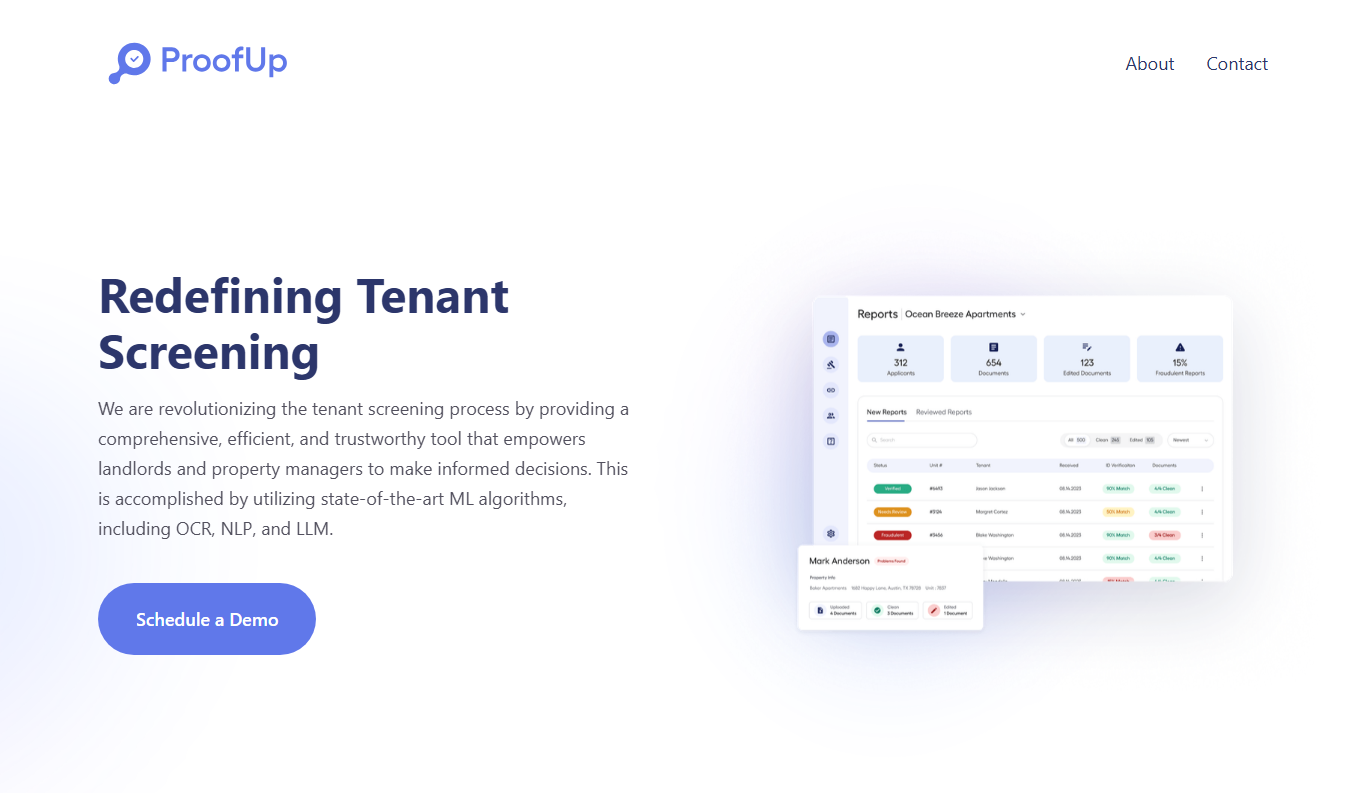
ProofUp
ProofUp is an online proofreading tool that checks grammar, spelling, style, and plagiarism to help users improve their writing quality.

N/A
Recogni
Recogni is a company that develops specialized AI vision processors designed to deliver ultra-low latency and energy-efficient perception for autonomous vehicles and edge AI systems.
Freemium
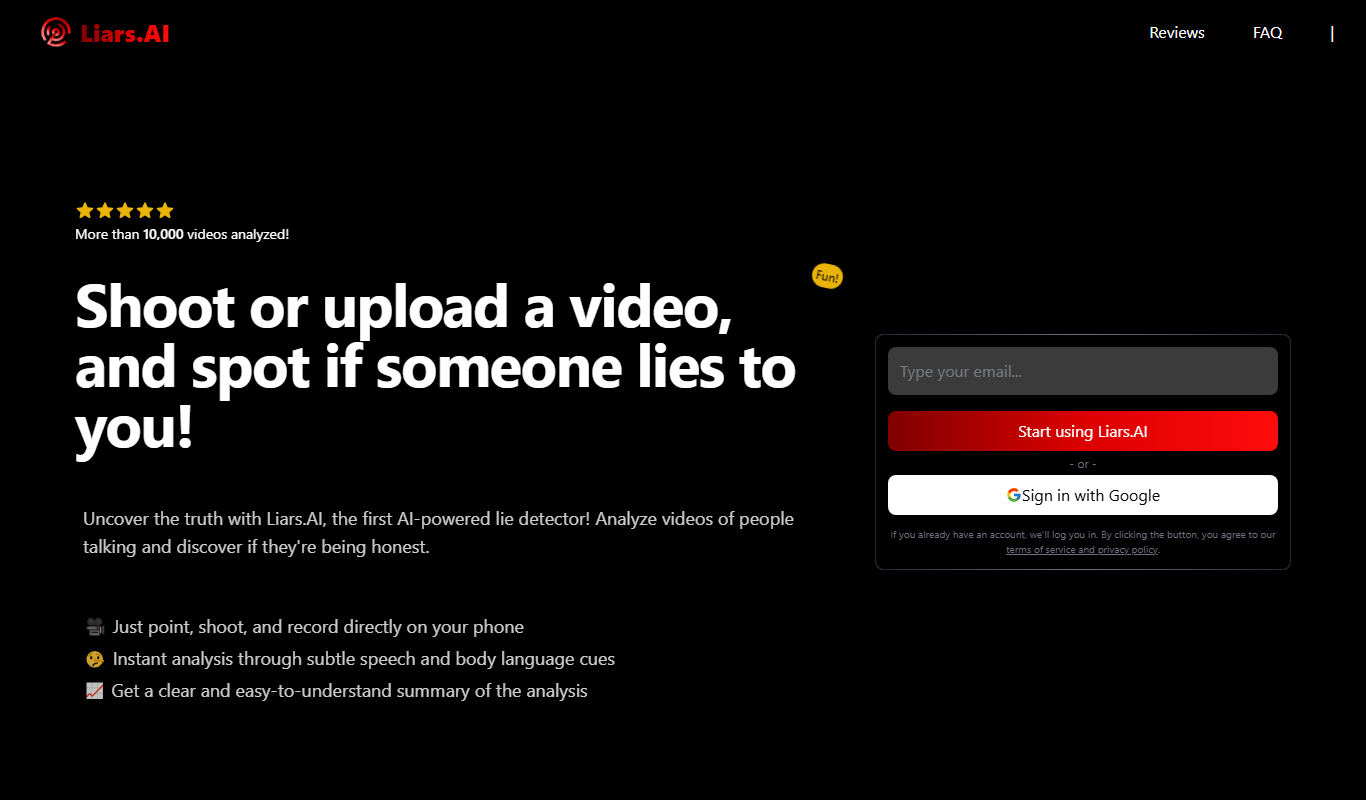
Liars.AI
Liars.AI is an AI-powered platform that detects deepfake videos by analyzing digital manipulations, helping users verify video authenticity and combat misinformation.

Free
artiphoria AI
Artiphoria AI is a web platform that uses artificial intelligence to generate unique digital artworks in various styles, suitable for artists and content creators.

Free
Pl@ntNet
PlantNet is a free AI-powered app and website that identifies plants from photos by comparing them to a large collaborative database, helping users recognize plant species worldwide.