

From my experience with Artiphoria AI, I found it excels at making AI-generated digital art accessible to users without any artistic background. The platform’s straightforward interface and variety of art styles make it a practical choice for content creators and marketers seeking quick, unique visuals. However, it lacks some advanced customization features found in professional design software, and it is limited to web use without mobile apps. Overall, if you want to experiment with AI art generation for creative projects or social media content, Artiphoria AI offers a solid and affordable solution.
Artiphoria AI Review: AI-Powered Art Generation and Creative Design Tool
Artiphoria AI is a web platform that uses artificial intelligence to generate unique digital artworks in various styles, suitable for artists and content creators.
- Best for
- Digital Art Creation
- Key capability
- AI-Powered Art Generation
Your actions
Save artiphoria AI, follow its updates and vote on it — everything stays in your account.
Sign in or create a free account

What is artiphoria AI?
Artiphoria AI is a web-based AI-powered art generation platform that enables users to create unique digital artworks by leveraging artificial intelligence. It offers a variety of creative tools designed to assist artists, designers, and content creators in producing visually compelling images without requiring advanced artistic skills.
Key features of artiphoria AI
The platform provides an intuitive interface for generating art through AI algorithms, customizable style options, and tools to refine and enhance the generated images. It supports multiple art styles and allows users to experiment with different visual effects to produce original artwork efficiently.
AI-Powered Art Generation
Create unique digital artworks using advanced AI algorithms that simulate artistic styles.
Multiple Art Styles
Choose from a range of artistic styles to customize the look and feel of your creations.
User-Friendly Interface
An intuitive platform that requires no prior art or design experience.
Image Refinement Tools
Options to tweak and enhance AI-generated images for better results.
Pros and cons of artiphoria AI
Pros
- Easy to use with no artistic background required
- Variety of art styles to choose from
- Affordable pricing with a free tier
- Quick generation of unique digital art
Cons
- Limited customization options compared to professional design software
- No mobile app available, web-only platform
Key use cases for artiphoria AI
Digital Art Creation
Generate unique digital artworks using AI-powered tools for personal or professional projects.
Creative Design Inspiration
Use AI-generated art to spark creativity and develop new design concepts.
Marketing and Social Media Content
Create visually appealing images for marketing campaigns, social media posts, and branding.
Artistic Experimentation
Explore different artistic styles and techniques through AI-assisted art generation.
How artiphoria AI works
- 1
Access the Platform
Visit the Artiphoria AI website and create a free account to start using the tool.
- 2
Choose Art Style and Settings
Select from various AI art styles and customize parameters to guide the art generation process.
- 3
Generate Artwork
Initiate the AI to create digital art based on your inputs and preferences.
- 4
Refine and Download
Edit or enhance the generated image if needed, then download it for your projects.
Who is using artiphoria AI
Digital artists
Graphic designers
Content creators
Marketing professionals
Social media managers
artiphoria AI pricing
Free
$0/month
Basic access with limited art generations and standard resolution downloads.
Pro
$15/month
Unlimited art generations, high-resolution downloads, and priority support.
Plans and prices are as published by the vendor and can change. Check the official site before you buy. Open the pricing page (opens in a new tab)
Frequently asked questions about artiphoria AI
No, the platform is designed to be user-friendly and does not require any prior art skills.
Yes, depending on your subscription plan, you can use the images for commercial purposes.
The free plan has a limit on the number of generations, while the Pro plan offers unlimited usage.
It depends on your specific needs and how you plan to use the tool. The official website and documentation are the best sources for the latest details.
Some tools offer a free plan or trial with limited features. Availability can vary, so confirm on the official website.
Yes, it can help with that use case depending on how you configure it and what features are available. You’ll get the best results with clear inputs and a defined goal.
Sign in to review this tool.
Sign In to ReviewNo reviews yet
Be the first to share how this tool worked for you.
Ask about pricing, limits, or how it compares — or answer someone else.
Sign In to AskNo questions yet
Have a question about using or paying for this tool? Be the first to ask.
Featured on TiorAI



More AI Art Detector tools
Other tools in the same category, for when this one is not quite the fit.

Free
Pl@ntNet
PlantNet is a free AI-powered app and website that identifies plants from photos by comparing them to a large collaborative database, helping users recognize plant species worldwide.
Free
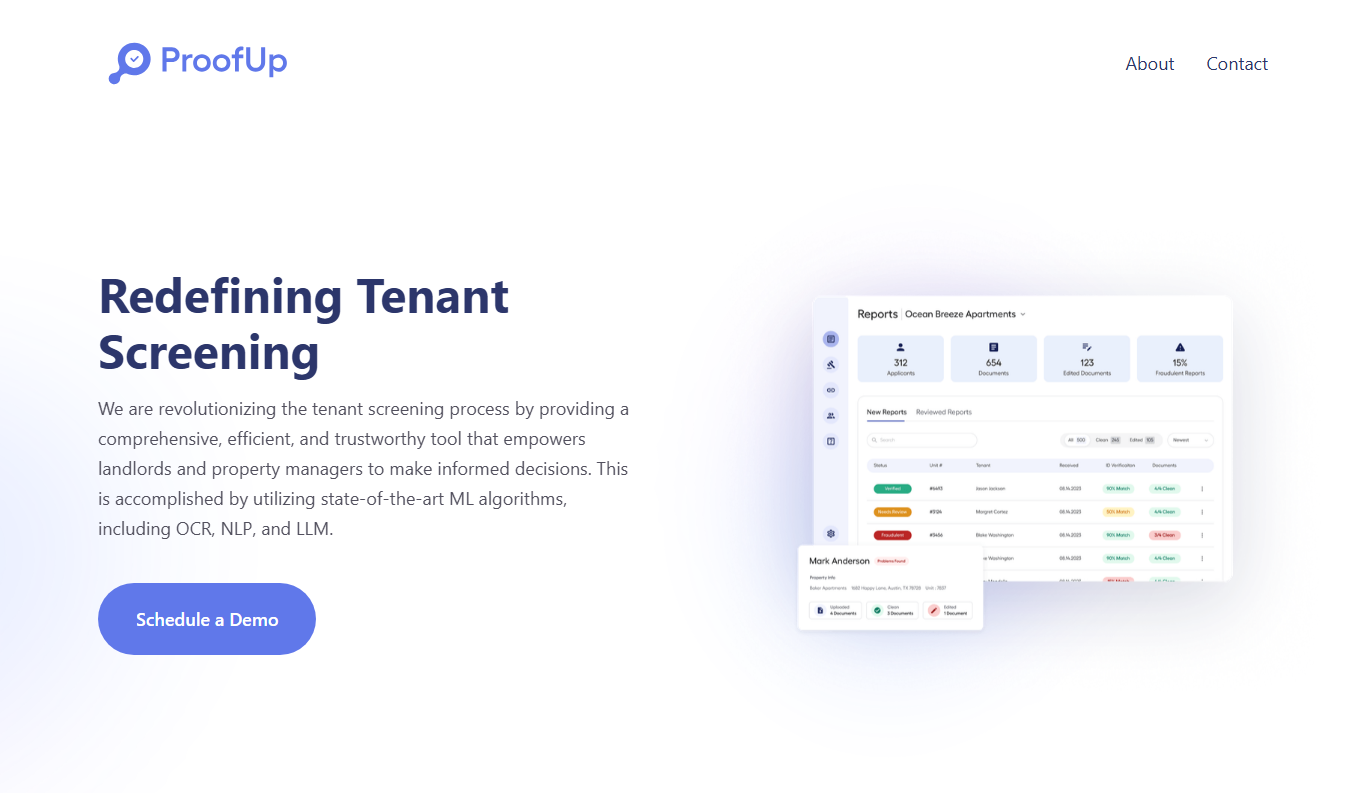
ProofUp
ProofUp is an online proofreading tool that checks grammar, spelling, style, and plagiarism to help users improve their writing quality.
Freemium
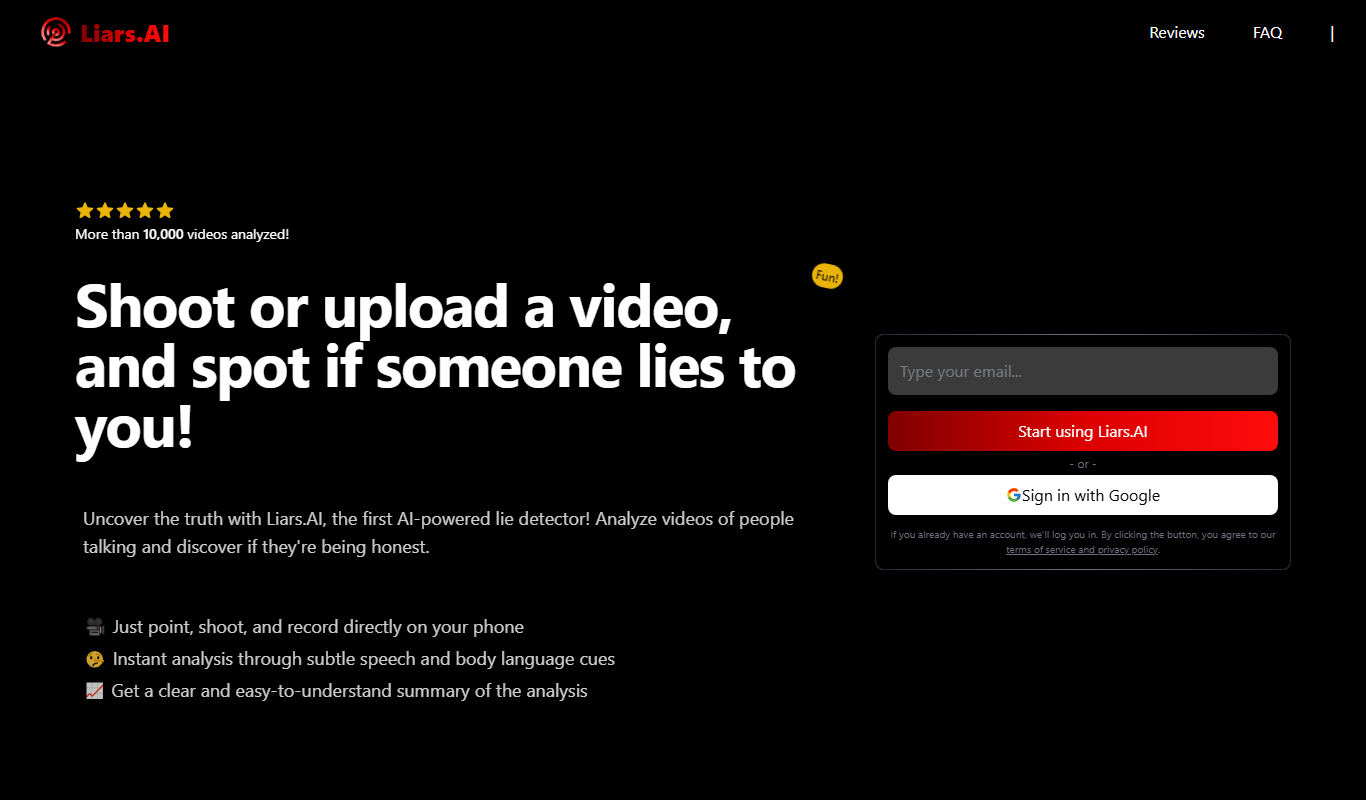
Liars.AI
Liars.AI is an AI-powered platform that detects deepfake videos by analyzing digital manipulations, helping users verify video authenticity and combat misinformation.