

PrivacyDoc AI tool to analyze and query PDF files and ebooks
PrivacyDoc lets you analyze and query your PDF files and ebooks with AI: upload a document, ask questions and get answers, free of charge.
- Best for
- Research papers
- Key capability
- Upload documents
Save PrivacyDoc, follow its updates and vote on it — everything stays in your account.
Sign in or create a free account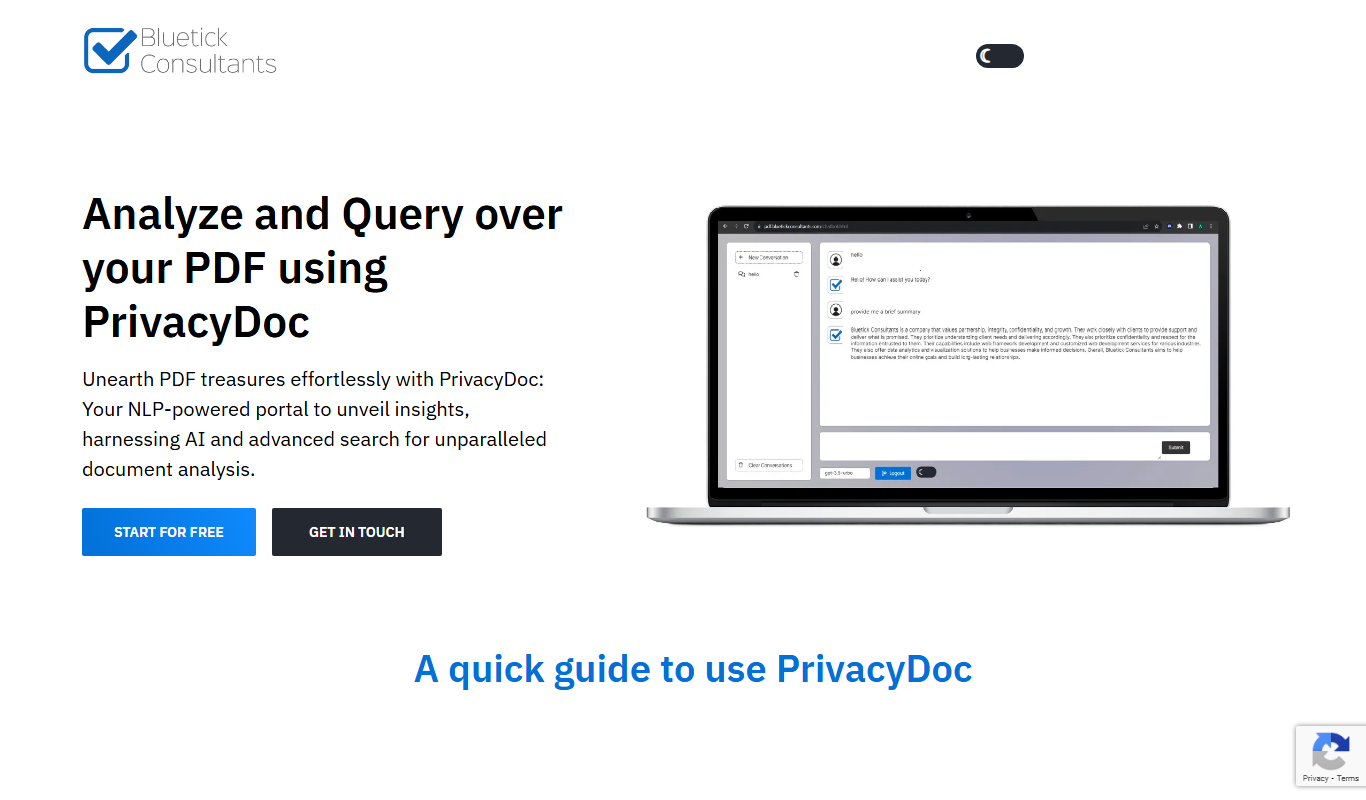
What is PrivacyDoc?
PrivacyDoc is an AI tool from Bluetick Consultants to analyze and query your PDF files and ebooks. You log in with your Google account, upload PDF, ebook, txt, csv or json files, and submit queries that the AI answers, with text summaries and data extraction.
Key features of PrivacyDoc
PrivacyDoc offers PDF analysis and query capabilities with AI, text summaries and data extraction for uploaded PDF, ebook, txt, csv and json files, with Google account login and files that are not stored.
Upload documents
Drag and drop PDF, ebook, txt, csv or json files such as papers, books and manuals.
Query your files
Submit queries about your PDF and get AI responses, with text summaries and data extraction.
Google account login
Log in using your Google account, with no separate account creation or password.
Files not stored
Files are not stored anywhere, and all data is deleted once you log out.
Pros and cons of PrivacyDoc
Pros
- Free of charge
- Log in with a Google account, no account creation
- Supports PDF, ebook, txt, csv and json files
- Files are not stored and data is deleted at logout
Cons
- One PDF or ebook per query, maximum 10MB
- Requires a Google account to log in
- Only available in English
Key use cases for PrivacyDoc
Research papers
Ask questions about scientific papers and academic articles.
Books and manuals
Query books, manuals or training materials uploaded as PDF or ebooks.
Summaries and data extraction
Get text summaries and extract data from a document.
How PrivacyDoc works
- 1
Log in
Log in using your Google account.
- 2
Upload your files
Drag and drop your PDF, ebook, txt, csv or json files.
- 3
Submit queries
Submit your PDF queries and the AI returns its responses.
- 4
Download and Implement
Download the PDF and add it to your website or app to inform users and comply with legal requirements.
Who is using PrivacyDoc
PrivacyDoc pricing
Free
$0/month
Query 1 PDF or ebook of maximum 10MB, with PDF analysis, text summaries and data extraction.
Plans and prices are as published by the vendor and can change. Check the official site before you buy. Open the pricing page (opens in a new tab)
Frequently asked questions about PrivacyDoc
Yes, PrivacyDoc allows you to generate and download privacy policy PDFs completely free of charge.
Yes, the tool lets you input your business details and data practices to tailor the policy accordingly.
PrivacyDoc includes clauses to help comply with major privacy regulations such as GDPR and CCPA.
No account or registration is required; you can generate and download policies instantly.
Data handling and security practices vary by provider. Review the official privacy policy to understand how your data is stored and used.
Some tools offer a free plan or trial with limited features. Availability can vary, so confirm on the official website.
Data handling and security practices vary by provider. Review the official privacy policy to understand how your data is stored and used.
Data handling and security practices vary by provider. Review the official privacy policy to understand how your data is stored and used.
Conclusion
Questions about uploaded documents are what PrivacyDoc answers, from scientific papers and academic articles to books and manuals. Files go in by drag and drop as PDF, ebook, txt, csv or json, after a sign-in with a Google account instead of a separate registration.
Queries return AI responses, and the listed capabilities also cover text summaries and data extraction. According to the site, files are not stored and all data is deleted at logout. The service is offered free of charge, with each query limited to 1 PDF or ebook of at most 10MB.
Sources
Sign in to review this tool.
Sign In to ReviewNo reviews yet
Be the first to share how this tool worked for you.
Ask about pricing, limits, or how it compares — or answer someone else.
Sign In to AskNo questions yet
Have a question about using or paying for this tool? Be the first to ask.
Featured on TiorAI



Alternative Tools
Explore similar AI tools that might fit your needs
Termly
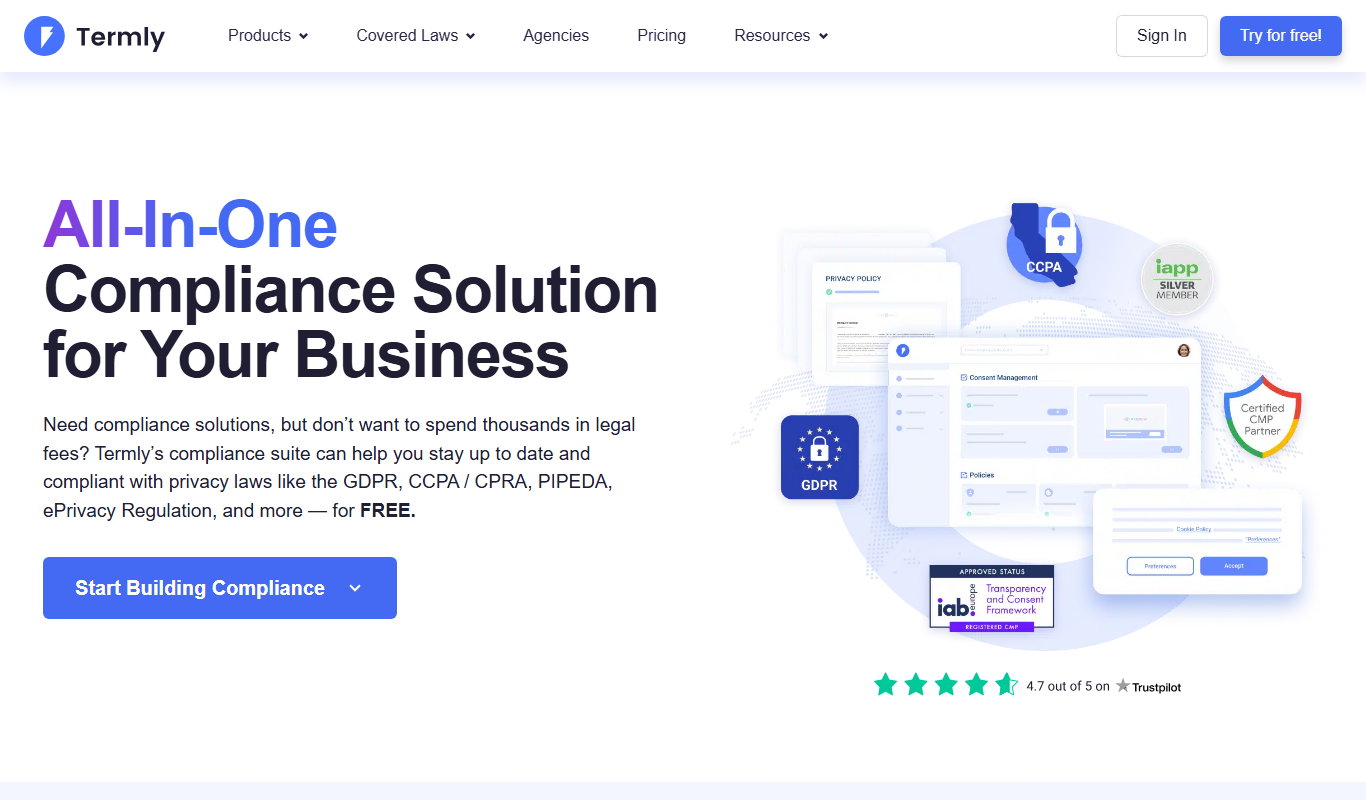
Termly is a compliance software platform that automates the creation of privacy policies, cookie consent banners, and terms and conditions to help businesses comply with data privacy laws like GDPR and CCPA.

Iubenda
Iubenda is a platform that automates the creation of privacy policies and cookie consent banners to help websites and apps comply with data protection laws like GDPR and CCPA.
More AI Productivity Tools tools
Other tools in the same category, for when this one is not quite the fit.
AIScriptReader
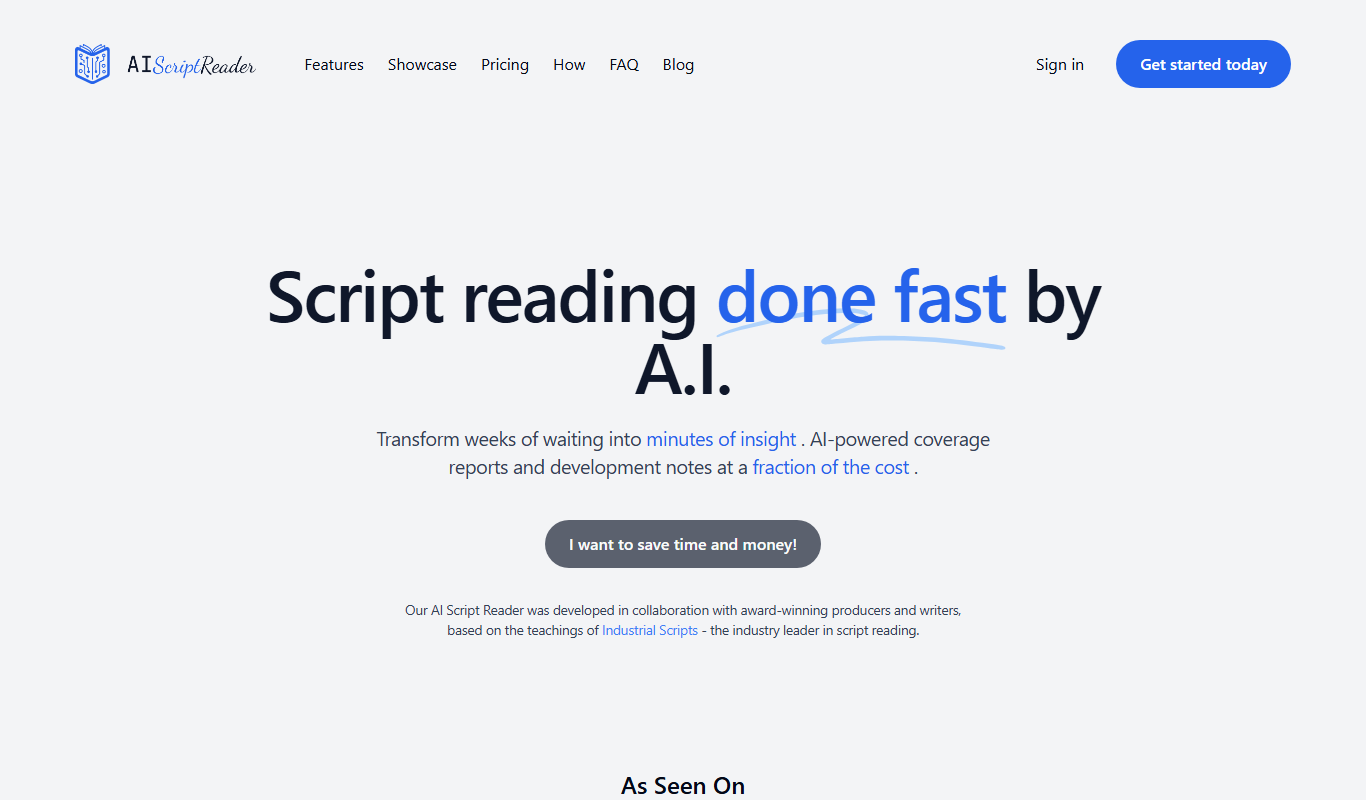
AIScriptReader is an AI script reader for screenplay coverage, with coverage reports, development notes, dialogue and character analysis, and rewrite guidance from an uploaded PDF.

AutoBiz
AutoBiz AI is a practical AI implementation partner for Australian SMEs whose AutoBiz AI Operating System runs daily follow-ups, tasks and reporting.

Mind Your Now
Mind Your Now is a task app for work and home that you buy once; it puts what matters today up front, and Kaia, the AI planning assistant, is optional.

Ninja in Brazil
Ninja in Brazil is a free personal development ecosystem for developers: track your skill development and showcase your growth with a public profile.

Iris
Iris is an intelligent assistant that works across all your apps on the Mac: tell it what you need, and it handles the rest.

Priz Guru
PRIZ Guru is engineering problem-solving software for root cause analysis, process improvement and systematic innovation.

Macky AI
Macky sells AI-executed, senior-consultant-certified consulting engagements for SMEs at a fixed price, with a rework guarantee and measured outcomes.
BiRead
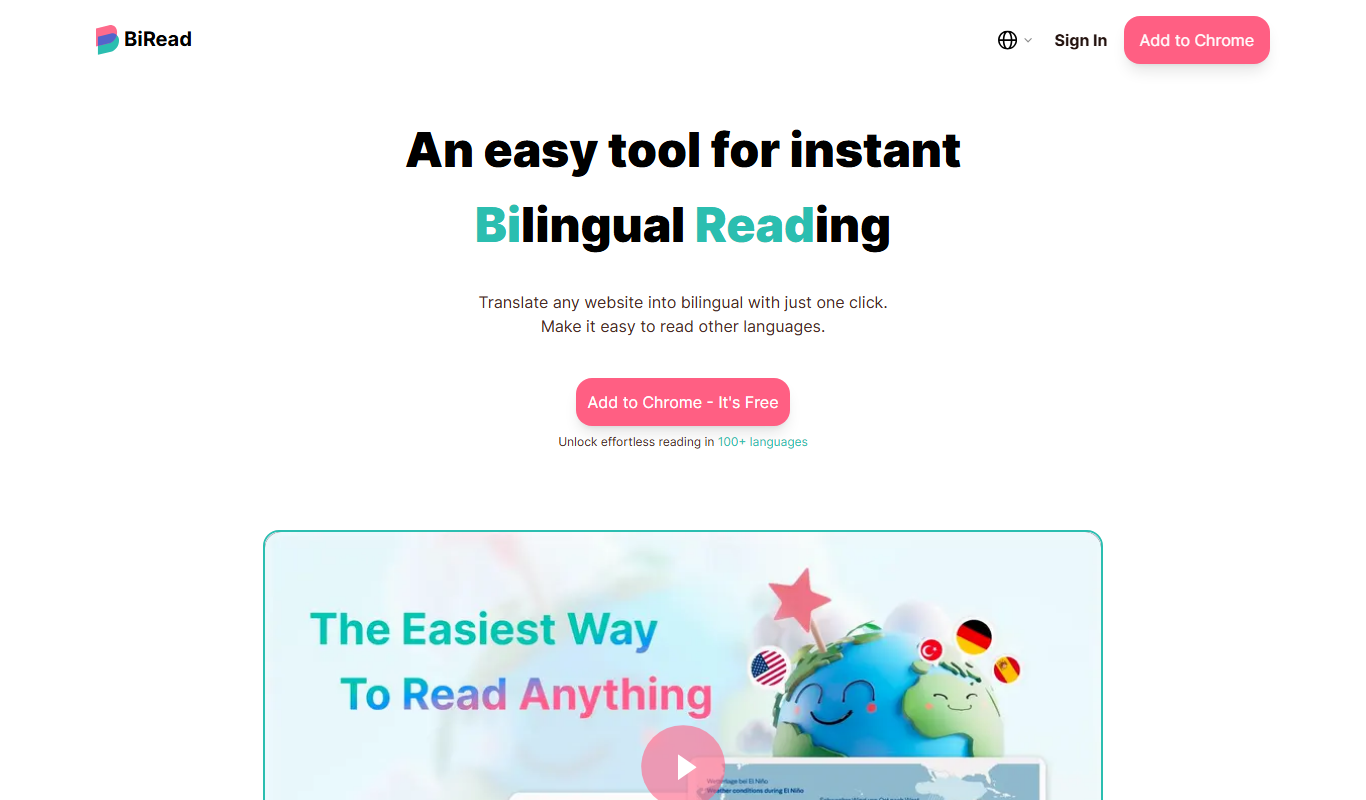
BiRead is a Chrome extension that translates any website into bilingual text with one click, for reading and learning in 100+ languages.