

From my experience with Pristina.ai, its AI-accelerated rendering significantly cuts down the time needed to produce photorealistic 3D visuals, which is a game-changer for architects and designers working under tight deadlines. The web-based platform removes the need for expensive hardware, making high-quality rendering accessible from any device. However, the reliance on cloud processing means offline use is not possible, and subscription costs might be a consideration for occasional users. Overall, if you require fast, realistic 3D renderings without investing in powerful local machines, Pristina.ai offers a practical and efficient solution.
Pristina.ai Realistic 3D Rendering Software for Fast Visualizations
Pristina.ai is a web-based AI-powered 3D rendering platform that produces photorealistic images quickly, ideal for architects, designers, and marketers.
- Best for
- Architectural Visualization
- Key capability
- AI-Accelerated Rendering
Your actions
Save Pristina.ai – Render Realism Fast, follow its updates and vote on it — everything stays in your account.
Sign in or create a free account

What is Pristina.ai – Render Realism Fast?
Pristina.ai is an AI-powered 3D rendering platform designed to deliver photorealistic images rapidly. It leverages artificial intelligence to accelerate the rendering process, enabling designers, architects, and marketers to produce high-quality visuals without the traditional long wait times associated with rendering software.
Key features of Pristina.ai – Render Realism Fast
Pristina.ai offers fast, realistic rendering capabilities powered by AI, an intuitive web-based interface, support for various 3D model formats, and tools to customize lighting and materials. It streamlines the visualization workflow for professionals needing quick, high-fidelity images.
AI-Accelerated Rendering
Utilizes artificial intelligence to significantly reduce rendering times while maintaining high visual fidelity.
Web-Based Platform
Accessible through a browser without the need for powerful local hardware or software installations.
Material and Lighting Customization
Offers tools to fine-tune materials and lighting settings to achieve desired visual effects.
Supports Multiple 3D Formats
Compatible with common 3D model file types, facilitating easy integration into existing workflows.
Pros and cons of Pristina.ai – Render Realism Fast
Pros
- Significantly faster rendering times using AI
- No need for high-end local hardware
- User-friendly web interface
- Supports multiple 3D model formats
Cons
- Limited offline capabilities
- Pricing may be high for casual users
Key use cases for Pristina.ai – Render Realism Fast
Architectural Visualization
Create photorealistic 3D renderings of architectural designs quickly to aid client presentations and design decisions.
Product Design Rendering
Generate realistic images of product prototypes to visualize materials, lighting, and textures before manufacturing.
Marketing and Advertising
Produce high-quality visuals for marketing campaigns and advertisements without the need for expensive photoshoots.
Interior Design
Visualize interior spaces with accurate lighting and materials to help clients understand design concepts.
How Pristina.ai – Render Realism Fast works
- 1
Upload 3D Model
Users upload their 3D models in supported formats directly to the Pristina.ai platform.
- 2
Configure Scene
Adjust lighting, materials, and camera angles using the intuitive interface to set up the desired visualization.
- 3
Render with AI
The AI engine processes the scene to generate photorealistic renderings rapidly.
- 4
Download and Share
Once rendering is complete, users can download the images or share them directly with clients and collaborators.
Who is using Pristina.ai – Render Realism Fast
Architects
Product designers
Marketing professionals
Interior designers
3D artists
Pristina.ai – Render Realism Fast pricing
Free Trial
$0
Limited access to rendering features for evaluation purposes.
Pro
$49/month
Full access to all features with higher rendering limits and priority processing.
Plans and prices are as published by the vendor and can change. Check the official site before you buy. Open the pricing page (opens in a new tab)
Frequently asked questions about Pristina.ai – Render Realism Fast
Pristina.ai supports common 3D formats such as OBJ, FBX, and GLTF.
The free trial has limited renders, while the Pro plan offers higher or unlimited rendering capacity depending on the subscription.
No, since rendering is done on the cloud using AI, you only need a device with internet access and a web browser.
It depends on your specific needs and how you plan to use the tool. The official website and documentation are the best sources for the latest details.
Yes, it can help with that use case depending on how you configure it and what features are available. You’ll get the best results with clear inputs and a defined goal.
Yes, it can help with that use case depending on how you configure it and what features are available. You’ll get the best results with clear inputs and a defined goal.
Sign in to review this tool.
Sign In to ReviewNo reviews yet
Be the first to share how this tool worked for you.
Ask about pricing, limits, or how it compares — or answer someone else.
Sign In to AskNo questions yet
Have a question about using or paying for this tool? Be the first to ask.
Featured on TiorAI



Alternative Tools
Explore similar AI tools that might fit your needs
Subscription
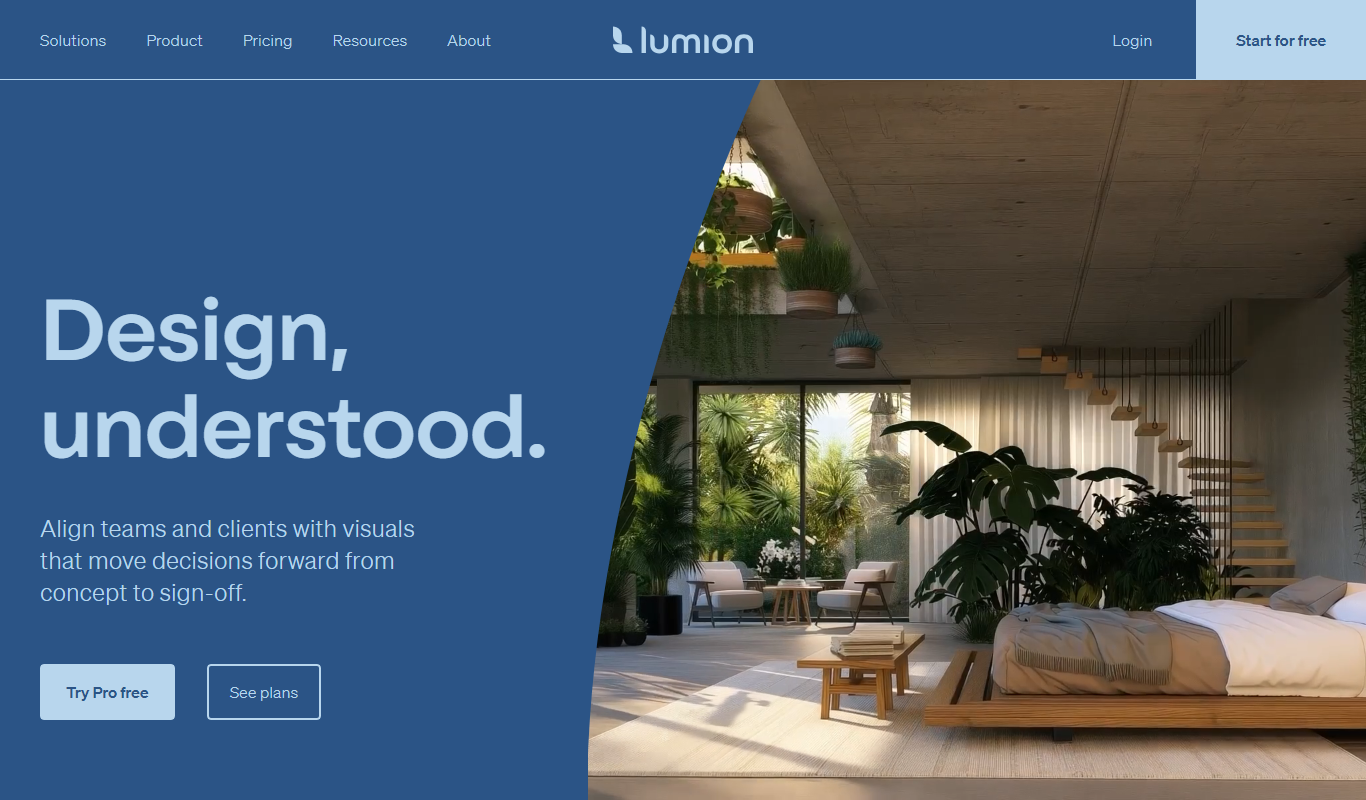
Lumion
Lumion is a Windows-based real-time 3D rendering software designed for architects and designers to create photorealistic images, videos, and panoramas from 3D models quickly and intuitively.
More AI 3D Rendering Tools tools
Other tools in the same category, for when this one is not quite the fit.

Free Trial
Interior Render AI
Interior Render AI is a web-based tool that uses artificial intelligence to convert sketches and floor plans into photorealistic 3D interior renderings, helping designers and real estate professionals visualize spaces quickly and easily.

Free Trial
Industrial Render AI
Industrial Render AI is a web-based platform that uses artificial intelligence to create photorealistic 3D renderings of industrial products quickly and easily without requiring powerful local hardware.

Free Trial
Render a House
Render a House is an online platform that enables architects to upload 3D models and create photorealistic renderings and walkthroughs without installing software, using cloud-based rendering technology.