

From my experience with Poll Gen, it stands out for its simplicity and speed in creating online polls without any technical barriers. The intuitive drag-and-drop interface makes it accessible even for beginners, while real-time analytics provide immediate insights. It’s particularly well-suited for small businesses, event organizers, and marketers who need quick feedback tools without complex setups. However, it lacks some advanced features found in larger survey platforms and does not offer a mobile app, which might limit on-the-go usage. Overall, if you want a straightforward, affordable poll maker for engaging your audience or gathering feedback, Poll Gen delivers effectively.
Poll Gen - Easy Online Poll Maker for Surveys and Feedback
Poll Gen is an online tool that allows users to create customizable polls and surveys quickly, share them easily, and analyze responses in real-time.
- Best for
- Customer Feedback Collection
- Key capability
- User-Friendly Poll Builder

Do you recommend this tool?
What is Poll Gen?
Poll Gen is an easy-to-use online poll maker designed to help individuals and businesses create engaging polls and surveys quickly. It enables users to design custom polls without coding, share them across multiple channels, and analyze responses in real-time.
Key features of Poll Gen
Poll Gen offers a simple interface for creating customizable polls, supports multiple question types, provides real-time analytics, and allows easy sharing via links or embedding. It is suitable for gathering feedback, conducting market research, and boosting audience engagement.
User-Friendly Poll Builder
Drag-and-drop interface to create polls quickly without technical skills.
Multiple Question Types
Supports single choice, multiple choice, rating scales, and open-ended questions.
Real-Time Analytics
Instantly view poll results and response trends as they come in.
Customizable Design
Adjust colors, fonts, and layouts to match your brand or event theme.
Easy Sharing Options
Share polls via URL, social media, or embed directly on websites.
Pros and cons of Poll Gen
Pros
- Intuitive and easy-to-use poll creation interface
- Supports multiple question types for versatile polls
- Real-time response tracking and analytics
- Customizable poll appearance to fit branding
- Affordable pricing with a free tier
Cons
- Limited advanced features compared to larger survey platforms
- No mobile app; web-only platform
Key use cases for Poll Gen
Customer Feedback Collection
Create quick polls to gather customer opinions and improve products or services.
Market Research
Conduct market research by creating targeted polls to understand audience preferences.
Event Engagement
Use polls during events or webinars to engage participants and collect live feedback.
Team Decision Making
Facilitate internal team decisions by polling members on various options.
Social Media Interaction
Create polls to share on social media platforms to increase engagement and gather opinions.
How Poll Gen works
- 1
Create an Account
Sign up on Poll Gen’s website to start creating polls.
- 2
Design Your Poll
Use the intuitive editor to add questions, customize options, and set poll settings.
- 3
Share Your Poll
Distribute your poll via direct links, social media, or embed it on your website.
- 4
Collect Responses
Respondents participate in your poll, and data is collected in real-time.
- 5
Analyze Results
Review detailed analytics and export data for further insights.
Who is using Poll Gen
Small businesses
Event organizers
Marketing teams
Educators
Social media managers
Poll Gen pricing
Free
$0/month
Basic poll creation with limited questions and responses.
Pro
$15/month
Unlimited polls, advanced customization, and detailed analytics.
Plans and prices are as published by the vendor and can change. Check the official site before you buy. Open the pricing page (opens in a new tab)
Frequently asked questions about Poll Gen
No, you need to sign up to create and manage polls on Poll Gen.
Poll Gen supports single choice, multiple choice, rating scales, and open-ended questions.
The free plan has response limits; the Pro plan offers unlimited responses.
Yes, you can export data in CSV format for further analysis.
It depends on your specific needs and how you plan to use the tool. The official website and documentation are the best sources for the latest details.
Some tools offer a free plan or trial with limited features. Availability can vary, so confirm on the official website.
Yes, it can help with that use case depending on how you configure it and what features are available. You’ll get the best results with clear inputs and a defined goal.
Sign in to review this tool.
Sign In to ReviewNo reviews yet
Be the first to share how this tool worked for you.
Ask about pricing, limits, or how it compares — or answer someone else.
Sign In to AskNo questions yet
Have a question about using or paying for this tool? Be the first to ask.
Featured on TiorAI



Alternative Tools
Explore similar AI tools that might fit your needs
Free
Typeform
Typeform is an online platform that enables users to create interactive, conversational forms and surveys to collect data, feedback, and leads with customizable templates and logic jumps.
Free
SurveyMonkey
SurveyMonkey is an online survey platform that helps users create, distribute, and analyze surveys for collecting feedback, conducting market research, and measuring engagement.
More AI Forms Surveys tools
Other tools in the same category, for when this one is not quite the fit.

Free Trial
CAPTR Video Forms
CAPTR Video Forms is a web platform that lets you embed interactive forms and CTAs inside videos to engage viewers and capture leads without leaving the video player.
Free
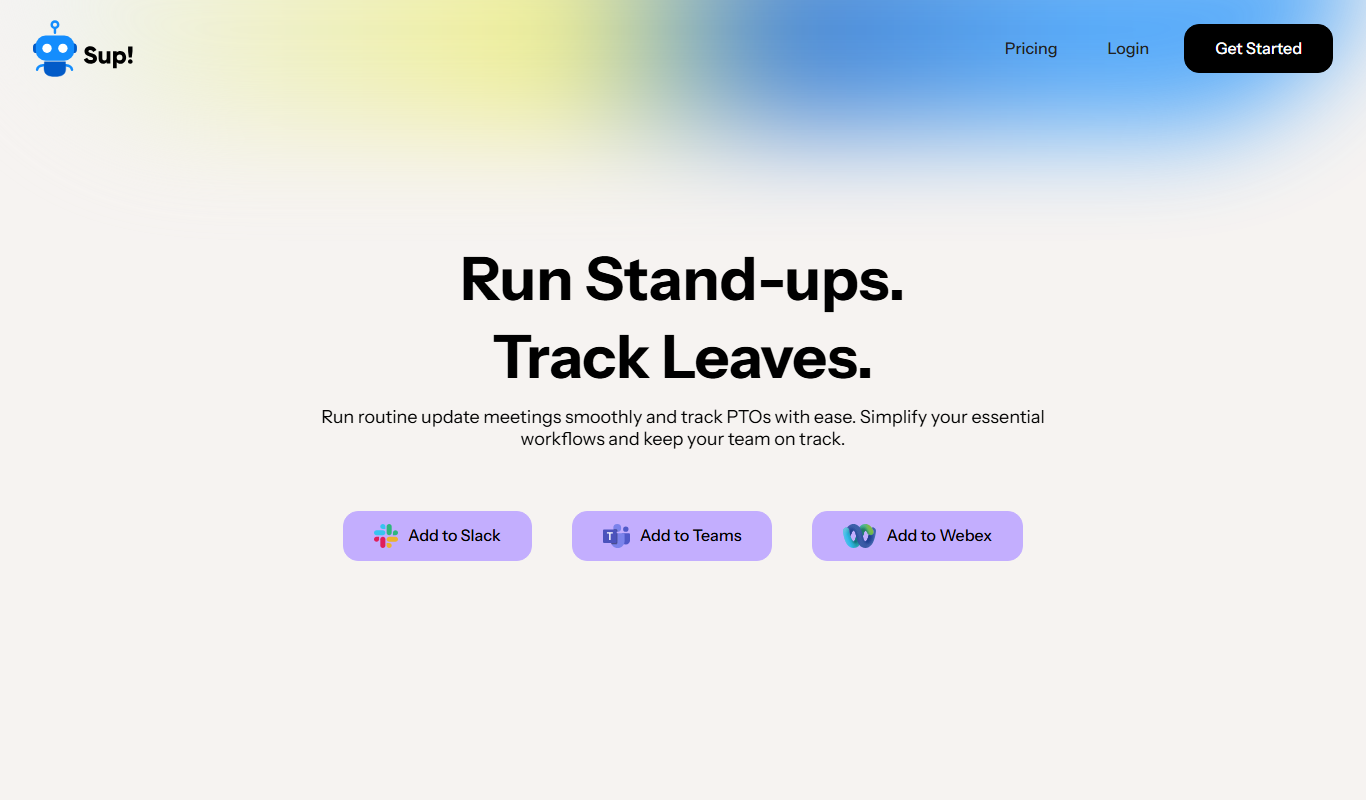
Sup! Standup Bot
Sup! Standup Bot automates daily standup meetings by collecting asynchronous team updates through Slack and Microsoft Teams, generating summaries to improve communication and save time.
Contact for pricing
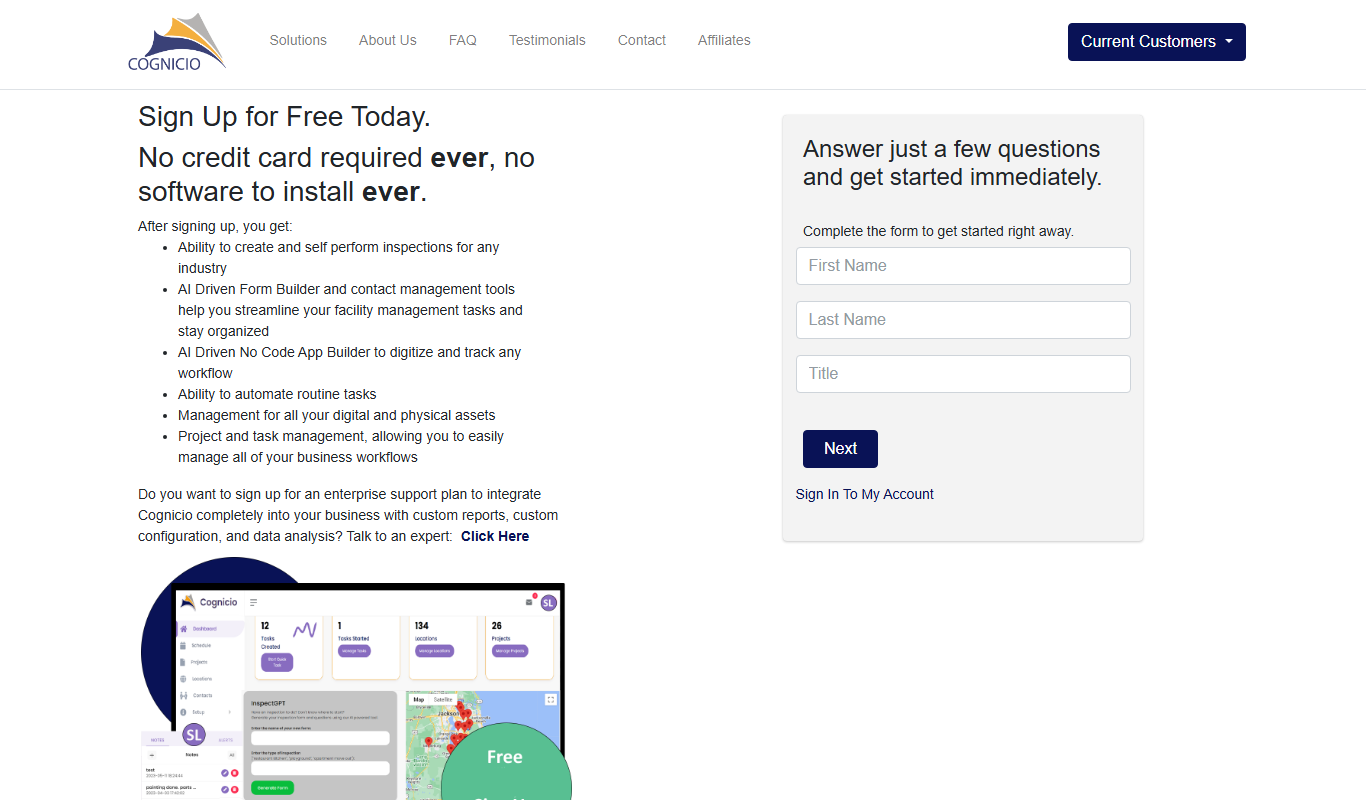
Cognicio
Cognicio is an AI-powered data analytics platform that automates complex data analysis, providing natural language insights and predictive analytics to help businesses make informed decisions.
Free
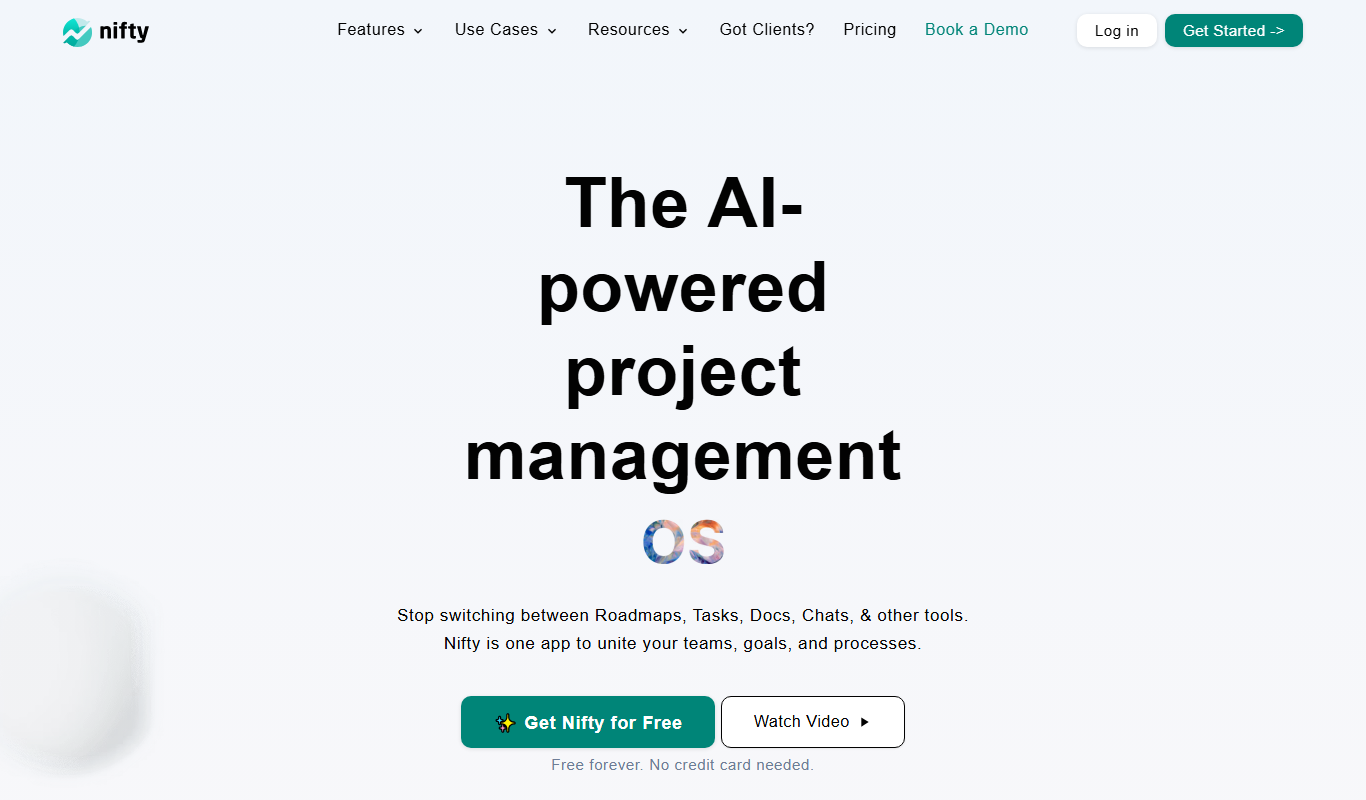
Nifty
Nifty is a project management platform that helps teams organize tasks, track milestones, communicate via built-in chat, and monitor time spent, all in one centralized workspace.

Free Trial
UserCue
UserCue is a web-based tool that enables businesses to collect real-time user feedback through customizable surveys on their websites, helping improve customer experience and product development.

Freemium
dStudio
dStudio is an AI-driven video editing platform that automates video production tasks, enabling users to create professional videos quickly using features like smart scene detection and text-to-video conversion.

Free
Standuply: Poll & Survey Scrum Bot
Standuply is an automated Scrum bot that runs asynchronous standup meetings, polls, and surveys inside Slack and Microsoft Teams, helping Agile teams improve communication and productivity without synchronous meetings.

Freemium
CrowdSnap
CrowdSnap is an AI image generation platform that creates realistic photos from text prompts, ideal for marketers and content creators needing custom visuals quickly.