

From my experience with Pixmaker, I found it excels at quickly turning simple text prompts into visually appealing images, making it a practical tool for creatives who need fast concept visuals. The platform’s ease of use and style customization options make it accessible even for those without design expertise. However, the free plan limits usage, and the lack of a mobile app may restrict flexibility for some users. Overall, if you want to generate unique AI-driven images for marketing, social media, or design projects, Pixmaker delivers solid and straightforward results.
Pixmaker AI Image Generator for Creative Visual Content and Design
Pixmaker is an AI-based tool that generates creative images from text prompts, helping users create unique visuals quickly and easily.
- Best for
- Creative Visual Content Generation
- Key capability
- AI-Powered Text-to-Image Generation
Your actions
Save Pixmaker, follow its updates and vote on it — everything stays in your account.
Sign in or create a free account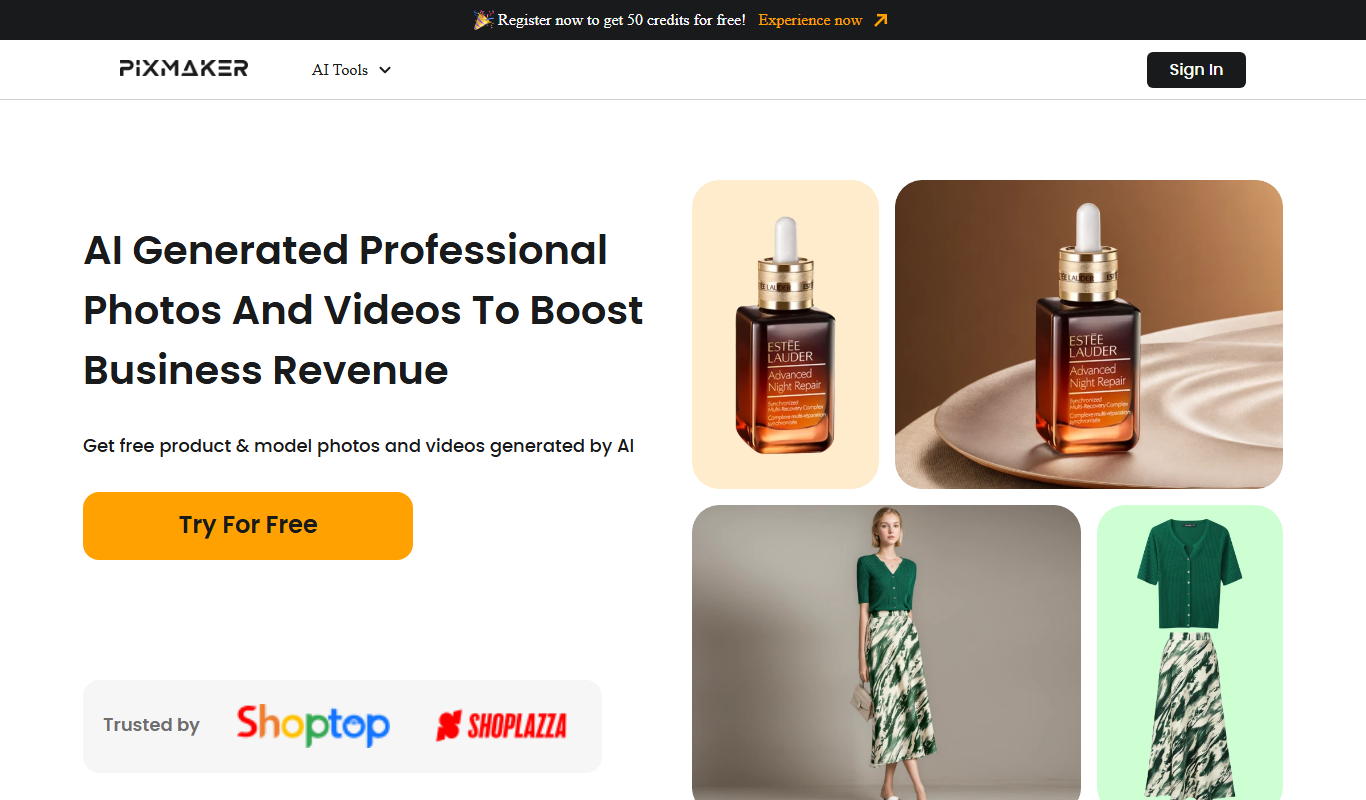
What is Pixmaker?
Pixmaker is an AI-powered image generation platform that allows users to create unique and creative visuals from text prompts. It leverages artificial intelligence to transform ideas into artistic images, supporting creative professionals and enthusiasts in generating high-quality graphics quickly and efficiently.
Key features of Pixmaker
Pixmaker offers features such as text-to-image generation, style customization, and easy-to-use web interface, enabling users to produce diverse and visually appealing images for various creative needs.
AI-Powered Text-to-Image Generation
Create images from simple text descriptions using advanced AI models.
Style Customization
Choose from various artistic styles to influence the look and feel of generated images.
User-Friendly Web Interface
Access the tool easily through a web browser without installation.
High-Resolution Outputs
Generate images suitable for professional use with high quality.
Pros and cons of Pixmaker
Pros
- Easy to use with minimal learning curve
- Generates high-quality, unique images
- Offers style customization for creative flexibility
- Accessible via web without installation
Cons
- Limited free plan usage
- No mobile app available
- Country of origin not clearly stated
Key use cases for Pixmaker
Creative Visual Content Generation
Generate unique and artistic images for marketing, social media, and personal projects using AI-powered tools.
Graphic Design Assistance
Assist designers by providing AI-generated images and concepts to speed up the creative process.
Idea Visualization
Visualize concepts and ideas quickly by generating images based on text prompts.
Content Enhancement
Enhance blogs, presentations, and websites with custom AI-generated visuals.
How Pixmaker works
- 1
Enter Text Prompt
Users input descriptive text to guide the AI in generating images.
- 2
Customize Settings
Adjust style, resolution, and other parameters to tailor the output.
- 3
Generate Image
The AI processes the input and creates unique images based on the prompt.
- 4
Download or Edit
Users can download the generated images or make further edits if needed.
Who is using Pixmaker
Graphic designers
Content creators
Marketing professionals
Social media managers
Small business owners
Pixmaker pricing
Free
$0/month
Limited number of image generations with basic features.
Pro
$19/month
Unlimited image generations, higher resolution, and priority support.
Plans and prices are as published by the vendor and can change. Check the official site before you buy. Open the pricing page (opens in a new tab)
Frequently asked questions about Pixmaker
Pixmaker is used to generate creative images from text prompts using AI technology.
No, Pixmaker is designed for users of all skill levels with an easy-to-use interface.
Yes, depending on the subscription plan, generated images can be used for commercial purposes.
Yes, Pixmaker offers a free plan with limited features to try the service.
It depends on your specific needs and how you plan to use the tool. The official website and documentation are the best sources for the latest details.
Some tools offer a free plan or trial with limited features. Availability can vary, so confirm on the official website.
Yes, it can help with that use case depending on how you configure it and what features are available. You’ll get the best results with clear inputs and a defined goal.
Sign in to review this tool.
Sign In to ReviewNo reviews yet
Be the first to share how this tool worked for you.
Ask about pricing, limits, or how it compares — or answer someone else.
Sign In to AskNo questions yet
Have a question about using or paying for this tool? Be the first to ask.
Featured on TiorAI


More AI Background Remover tools
Other tools in the same category, for when this one is not quite the fit.

Free Trial
Pixbim
Pixbim sells separate one-time-purchase AI programs such as Color Surprise AI for colorizing photos and Object Remover AI for restoring old photos and removing objects.

One-time purchase
ProCam 8
ProCam - Pro Camera, formerly ProCam 8, is a camera app from Tinkerworks Apps sold for $9.99 as a one-time purchase, with paid in-app add-ons.
Free
Postimages
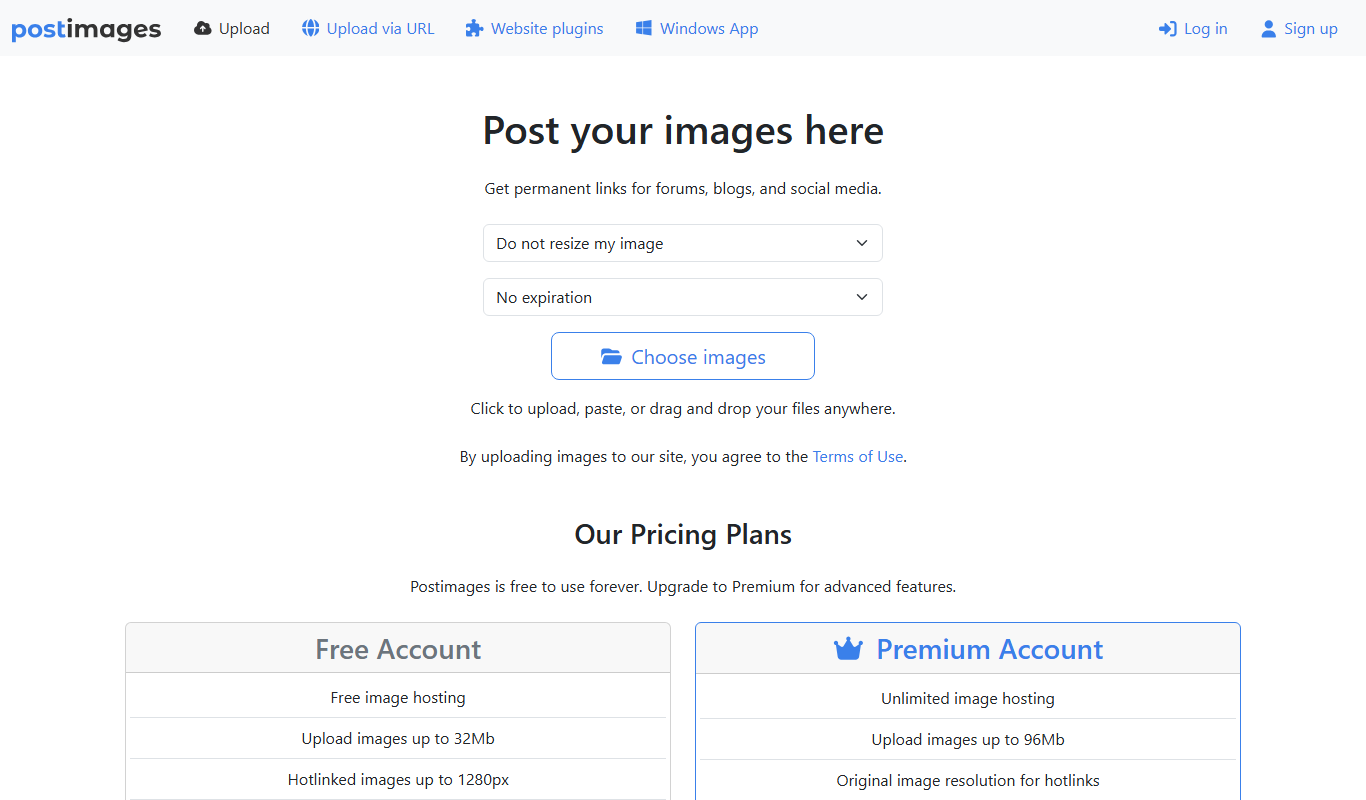
Postimages is a free online image hosting service that allows users to upload images quickly without registration, providing multiple link formats for sharing and embedding images on forums, websites, and social media.

Freemium
LetsEnhance
LetsEnhance is an AI-powered web platform that upscales images, removes backgrounds, restores photos, and enhances colors to improve photo quality efficiently.

Freemium
Clipping Magic
Clipping Magic is an AI-based online tool that automatically removes backgrounds from images with options for manual refinement, ideal for e-commerce, design, and social media content creation.

Freemium
Camera+ 2
Camera+ 2 is an iOS photography app that combines manual camera controls with AI-powered editing features like background removal and portrait enhancements, designed for professional and enthusiast iPhone photographers.

Free Trial
PhotoWorks
PhotoWorks is an AI-driven photo editing software for Windows and macOS that automates background removal, portrait retouching, and photo restoration.

Custom Pricing
FittingBox
FittingBox is an augmented reality platform that enables virtual try-on of eyewear using 3D modeling and face detection technology, enhancing online and in-store shopping experiences.