

Pitcherific Pitch Builder Tool for Effective Business Presentations
Pitcherific is an online tool that helps users create, practice, and refine business pitches using customizable templates and guided prompts.
- Best for
- Startup Pitch Preparation
- Key capability
- Customizable Pitch Templates
Save Pitcherific, follow its updates and vote on it — everything stays in your account.
Sign in or create a free account
What is Pitcherific?
Pitcherific is an online pitch builder designed to help users create, practice, and perfect business pitches and presentations. It offers structured templates and guidance to craft clear, persuasive messages tailored to various audiences such as investors, clients, or partners.
Key features of Pitcherific
Pitcherific provides customizable pitch templates, step-by-step guidance, practice tools, and feedback mechanisms to improve pitch clarity and effectiveness. It focuses on helping users organize their ideas logically and deliver them confidently.
Customizable Pitch Templates
Templates designed for various pitch types including investor, sales, and elevator pitches.
Step-by-Step Guidance
Prompts and tips to help users structure their pitch logically and persuasively.
Practice Mode
Tools to rehearse pitches and improve delivery confidence.
Export Options
Ability to download pitches in multiple formats for presentations or sharing.
User-Friendly Interface
Clean, intuitive design that simplifies pitch creation for users of all experience levels.
Pros and cons of Pitcherific
Pros
- Easy to use with clear templates
- Helps structure pitches logically
- Supports various pitch types
- Practice tools improve confidence
- Affordable subscription pricing
Cons
- Limited feedback options
- No mobile app available
- No free plan; a 7-day trial precedes the paid membership
Key use cases for Pitcherific
Startup Pitch Preparation
Helps entrepreneurs craft clear and compelling startup pitches to attract investors.
Sales Presentation Building
Assists sales professionals in structuring persuasive presentations to close deals.
Public Speaking Practice
Provides a framework for speakers to organize their ideas and practice delivery.
Business Proposal Development
Enables business professionals to create structured proposals for clients or partners.
Investor Communication
Supports founders in preparing concise and impactful communication for potential investors.
How Pitcherific works
- 1
Select a Template
Choose from a variety of pitch templates tailored to different business scenarios.
- 2
Fill in Your Content
Input your pitch details guided by prompts and structured sections.
- 3
Practice Your Pitch
Use the platform’s practice tools to rehearse and refine your delivery.
- 4
Get Feedback
Receive tips and suggestions to improve clarity and impact.
- 5
Download or Share
Export your pitch or share it directly with stakeholders.
Who is using Pitcherific
Pitcherific pricing
Membership
$19/month, discount on yearly
For entrepreneurs and project makers: pitch templates, custom pitches, time checker, guides and helpful hints, teleprompter practice, pitch recording and question and objection cards; 7-days free trial included, cancel anytime.
Incubator, Education & Business
From $5 per month per user
Flexible setup for all your peers: custom training setup with branding, customizable templates including objections and questions, time checker, Training Mode teleprompter practice, recorded pitches with feedback and peer management.
Plans and prices are as published by the vendor and can change. Check the official site before you buy. Open the pricing page (opens in a new tab)
Frequently asked questions about Pitcherific
No, there is no free plan. The 7-day trial gives access to the same features as a membership, for 7 days only.
You can create investor pitches, sales presentations, elevator pitches, and more.
Yes. In the organization setup, coaches can record pitches, watch the presentations and give feedback to improve the pitch process.
Yes, exporting is available on the Pro plan in formats suitable for presentations.
Yes, it can help with that use case depending on how you configure it and what features are available. You’ll get the best results with clear inputs and a defined goal.
It depends on your specific needs and how you plan to use the tool. The official website and documentation are the best sources for the latest details.
Pricing depends on the plan and included features. For the most accurate and up-to-date details, check the official pricing page.
Conclusion
Preparing a pitch begins with a template for cases like investor, sales or elevator pitches, followed by guidance on content and time management. Practice takes place in Training Mode with a teleprompter, and users can record themselves to adjust body language and tone of voice. A time checker keeps the pitch within its slot, while question and objection cards prepare speakers for what the audience may ask. Access works through a login on a computer, tablet or smartphone.
Entrepreneurs and startups are the main focus, and incubators can let Pitcherific handle pitch training for their startups. There is no free plan: individuals pay for a monthly membership after a 7-day free trial, with a discount on yearly billing. Organizations are charged per user and receive a custom, branded training setup.
Sources
Sign in to review this tool.
Sign In to ReviewNo reviews yet
Be the first to share how this tool worked for you.
Ask about pricing, limits, or how it compares — or answer someone else.
Sign In to AskNo questions yet
Have a question about using or paying for this tool? Be the first to ask.
Featured on TiorAI



Alternative Tools
Explore similar AI tools that might fit your needs
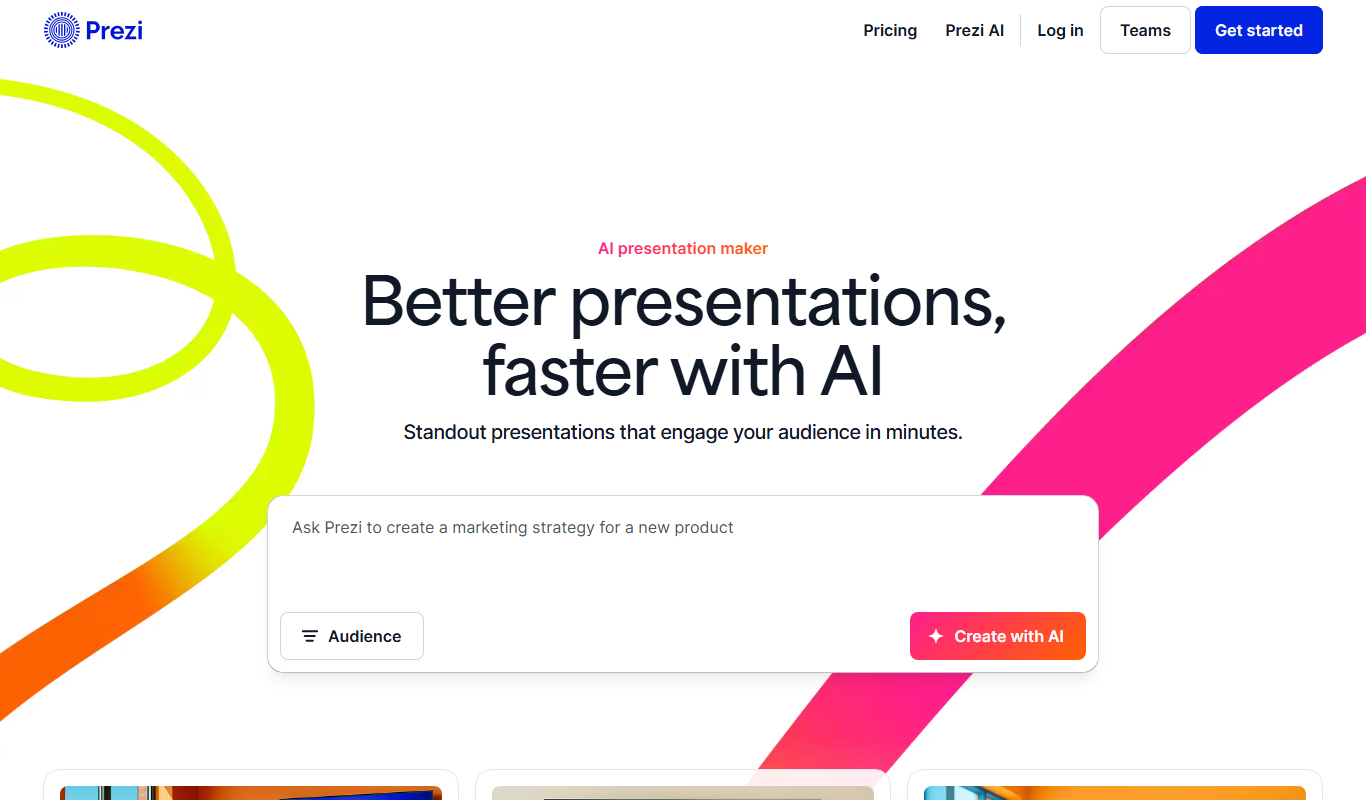
Prezi
Prezi is a cloud-based presentation tool that uses a zoomable canvas to create engaging, non-linear presentations with real-time collaboration and multimedia support.
More Business Management tools
Other tools in the same category, for when this one is not quite the fit.

Chatterlytics
Chatterlytics is an AI data analytics and BI copilot that connects to your databases and answers business questions in plain English with charts, dashboards and explainable reports.

Formisoft AI
Formisoft helps independent practices get patient paperwork completed before the appointment, with intake forms, signatures, booking, payments and follow-up in one place.

Jobotrak
Jobotrak is a job application tracker for applications, interviews and contacts, with AI resume tailoring and interview prep and a free plan for up to 20 job applications.

Influs
Influs is a talent operations workspace where creator agencies run their roster, campaigns, deliverables, approvals, payments and margin.

BIK
BIK is an agentic AI CRM and marketing automation platform for eCommerce brands, with 100+ AI commerce agents across retention, acquisition and support.

Digits — Accounting, reimagined.
Digits is AI-native accounting software with 24/7 automated bookkeeping, real-time financials, AI Bill Pay and invoicing for business owners and accountants.

Linkly AI
Linkly AI is a local document search engine for AI agents that indexes the files on your computer and lets any AI tool search and read them through MCP, a CLI or Skills.

BirdseyePost
BirdseyePost by Birdseye makes personalized direct mail simple: create targeted postcards, reach the right audience and track results with QR code scans.