

PicMonkey Online Photo Editor and Graphic Design Tool for Creators
PicMonkey is an online photo editing and graphic design tool offering AI-powered background removal, retouching, templates, and collaboration features for individuals and teams.
- Best for
- Photo Editing
- Key capability
- Comprehensive Photo Editing Tools
Save PicMonkey, follow its updates and vote on it — everything stays in your account.
Sign in or create a free account
What is PicMonkey?
PicMonkey is an online photo editing and graphic design platform that empowers users to create and enhance images easily. It offers a wide range of editing tools, customizable templates, and collaborative features suitable for individuals, marketers, and creative teams. The platform combines intuitive design capabilities with AI-powered enhancements to simplify complex editing tasks.
Key features of PicMonkey
PicMonkey provides robust photo editing tools, graphic design templates, AI-powered background removal, touch-up features, and team collaboration options. Its user-friendly interface supports both beginners and professionals in producing high-quality visual content.
Comprehensive Photo Editing Tools
Includes cropping, resizing, filters, retouching, and color correction.
Graphic Design Templates
Thousands of customizable templates for social media, marketing, and personal projects.
AI Background Remover
Automatically remove backgrounds from images for easy compositing.
Touch-Up and Retouch Features
Smooth skin, whiten teeth, and enhance portraits with AI-powered tools.
Team Collaboration
Share projects and assets with team members for real-time collaboration.
Pros and cons of PicMonkey
Pros
- User-friendly interface suitable for beginners and pros
- Wide variety of customizable templates
- AI-powered background removal and retouching
- Cross-platform availability including mobile apps
- Collaboration features for teams
Cons
- Limited free usage after trial ends
- Some advanced features require higher-tier plans
- No offline desktop application
Key use cases for PicMonkey
Photo Editing
Edit photos with tools like crop, resize, retouch, and filters to enhance images for personal or professional use.
Graphic Design
Create custom graphics such as social media posts, banners, flyers, and logos using templates and design tools.
Social Media Content Creation
Design engaging social media visuals optimized for platforms like Instagram, Facebook, and Twitter.
Collaborative Design Projects
Work with teams by sharing projects and assets within the platform for streamlined collaboration.
Photo Restoration and Touch-Up
Restore old photos and enhance image quality using AI-powered retouching and background removal features.
How PicMonkey works
- 1
Create an Account
Sign up on PicMonkey’s website or mobile app to start editing and designing.
- 2
Choose a Template or Upload Image
Select from thousands of templates or upload your own photos to begin your project.
- 3
Edit and Customize
Use editing tools and design elements to adjust images, add text, and apply effects.
- 4
Collaborate and Share
Invite team members to collaborate or export your finished design for use.
Who is using PicMonkey
PicMonkey pricing
Free Trial
$0 for 7 days
Access to premium features during trial period.
Basic
$7.99 per month or $72.00 per year
1 GB storage, export as JPG or PNG, a library of fonts, and effects, templates and touch-up tools.
Team
$19.99/month per user billed annually
Collaboration tools and shared assets for teams.
Business
Pro features plus multiple brand kits, searchable tags, real-time co-editing, in-editor commenting, shared folders and seat and permission management for teams of 2+.
Plans and prices are as published by the vendor and can change. Check the official site before you buy. Open the pricing page (opens in a new tab)
Frequently asked questions about PicMonkey
Yes, PicMonkey offers a 7-day free trial with access to premium features, but ongoing use requires a subscription.
Yes, PicMonkey has apps available for both iOS and Android devices.
Yes, PicMonkey includes an AI-powered background remover tool.
Yes, the Business plan adds real-time co-editing, in-editor commenting, folders for sharing work and seat and permission management for teams of 2+.
Some tools offer a free plan or trial with limited features. Availability can vary, so confirm on the official website.
Yes, it can help with that use case depending on how you configure it and what features are available. You’ll get the best results with clear inputs and a defined goal.
Yes, it can help with that use case depending on how you configure it and what features are available. You’ll get the best results with clear inputs and a defined goal.
Yes, it can help with that use case depending on how you configure it and what features are available. You’ll get the best results with clear inputs and a defined goal.
Conclusion
Designs begin either from one of thousands of templates or from an uploaded photo, after which editing tools add text, design elements and effects. Photo tools include Touch Up, a color changer and a background remover, while designs can draw on 9,000+ graphics and stock images from Shutterstock. Much of the template library targets posts, ads and cover images for Facebook, Pinterest, YouTube and Instagram.
The platform is aimed at individuals, marketers and creative teams. Images can be created without paying, but downloading or sharing one requires a subscription, which can begin with a 7-day free trial. Basic covers editing, templates and JPG or PNG export, and Pro adds unlimited storage, Smart Resize and the one-click background remover. Business layers real-time co-editing and in-editor commenting on top for teams of 2+. The mobile app itself is free, with premium features reserved for subscribers.
Sources
Sign in to review this tool.
Sign In to ReviewNo reviews yet
Be the first to share how this tool worked for you.
Ask about pricing, limits, or how it compares — or answer someone else.
Sign In to AskNo questions yet
Have a question about using or paying for this tool? Be the first to ask.
Featured on TiorAI



Alternative Tools
Explore similar AI tools that might fit your needs

Fotor
Fotor is an online photo editing and graphic design tool offering AI-powered enhancements, templates, and batch processing across web and mobile platforms.
More AI Photo Restoration tools
Other tools in the same category, for when this one is not quite the fit.
4K Stogram
4K Stogram is a desktop app that downloads Instagram photos, videos, and stories from public and private accounts for offline use.

Pixbim
Pixbim sells separate one-time-purchase AI programs such as Color Surprise AI for colorizing photos and Object Remover AI for restoring old photos and removing objects.

ProCam 8
ProCam - Pro Camera, formerly ProCam 8, is a camera app from Tinkerworks Apps sold for $9.99 as a one-time purchase, with paid in-app add-ons.

Skylum AirMagic
Skylum AirMagic is an AI-driven photo enhancement tool designed to automatically improve drone photos by removing haze, correcting colors, and enabling batch processing for faster editing.

LetsEnhance
LetsEnhance is an AI-powered web platform that upscales images, removes backgrounds, restores photos, and enhances colors to improve photo quality efficiently.
Dog Scanner
Dog Scanner is a mobile app that uses AI to identify dog breeds from photos, providing detailed breed information and supporting offline use.
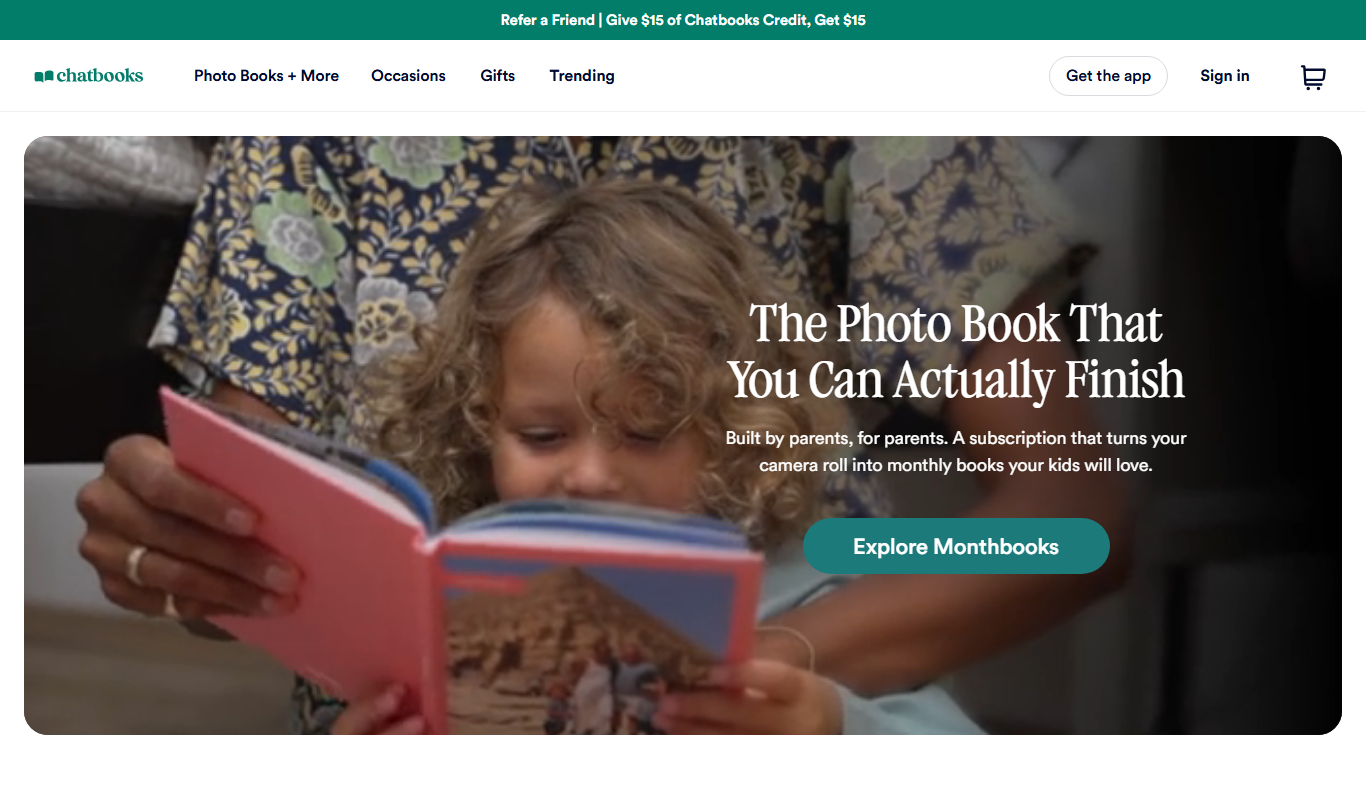
Chatbooks
Chatbooks is a platform and app that simplifies creating personalized photo books by automatically importing photos from your phone or social media, offering subscription and one-time purchase options for printed albums.

Lunapic Sketch Effect
Lunapic Sketch Effect is a free online tool that converts photos into pencil sketches with customizable filters, accessible via any web browser without registration.