

Lunapic Sketch Effect Tool for Easy Online Photo Sketching and Editing
Lunapic Sketch Effect is a free online tool that converts photos into pencil sketches with customizable filters, accessible via any web browser without registration.
- Best for
- Photo Sketch Conversion
- Key capability
- Multiple Sketch Styles
Save Lunapic Sketch Effect, follow its updates and vote on it — everything stays in your account.
Sign in or create a free account
What is Lunapic Sketch Effect?
Lunapic Sketch Effect is a free online photo editing tool that allows users to transform their images into pencil sketches or artistic drawings. It is part of the broader Lunapic platform, which offers a wide range of image editing features accessible through a web browser without the need for software installation.
Key features of Lunapic Sketch Effect
The tool provides an easy-to-use interface to apply sketch effects, along with additional editing options such as filters, animations, and adjustments. It supports various image formats and enables users to save or share their creations instantly.
Multiple Sketch Styles
Offers various sketch filters including pencil, charcoal, and color sketch effects.
No Software Installation
Fully web-based tool accessible from any modern browser without downloads.
Additional Editing Tools
Includes cropping, resizing, color adjustments, and animation features.
Supports Various Image Formats
Works with JPEG, PNG, GIF, BMP, and other common image file types.
Pros and cons of Lunapic Sketch Effect
Pros
- Completely free with no hidden costs
- No installation or registration required
- Wide variety of sketch and editing effects
- Simple and intuitive user interface
Cons
- Interface can feel outdated compared to modern apps
- Limited advanced editing features compared to professional software
- Performance depends on internet connection speed
Key use cases for Lunapic Sketch Effect
Photo Sketch Conversion
Convert regular photos into pencil sketch style images quickly and easily using Lunapic's sketch effect.
Creative Digital Art
Create artistic renditions of photos for social media, presentations, or personal projects with various sketch filters.
Basic Photo Editing
Apply simple edits such as cropping, resizing, and color adjustments alongside sketch effects for enhanced images.
Educational Use
Use the sketch effect tool to demonstrate digital art techniques or photo manipulation in classrooms or tutorials.
How Lunapic Sketch Effect works
- 1
Upload Image
Start by uploading a photo from your device or entering an image URL.
- 2
Apply Sketch Effect
Select the sketch effect filter from the menu to convert your photo into a pencil sketch.
- 3
Customize and Edit
Adjust the intensity, contrast, and other parameters to refine the sketch look.
- 4
Save or Share
Download the edited image or share it directly via social media or email.
Who is using Lunapic Sketch Effect
Lunapic Sketch Effect pricing
Free
$0
Full access to all features with no subscription or payment required.
Plans and prices are as published by the vendor and can change. Check the official site before you buy. Open the pricing page (opens in a new tab)
Frequently asked questions about Lunapic Sketch Effect
Yes, the sketch effect and all other Lunapic features are completely free to use online.
No account or registration is required to access Lunapic’s sketch effect.
Yes, Lunapic is web-based and works on mobile browsers, though the interface is optimized for desktop.
Lunapic supports JPEG, PNG, GIF, BMP, and several other common image formats.
Integration support depends on the tool and its available connectors or API. Check the official documentation or integrations page to confirm what is supported.
Some tools offer a free plan or trial with limited features. Availability can vary, so confirm on the official website.
Integration support depends on the tool and its available connectors or API. Check the official documentation or integrations page to confirm what is supported.
Conclusion
A photo goes in either as an upload from the device or as an image URL, and the sketch effect filter converts it into a pencil sketch. Intensity and contrast can then be adjusted before the image is downloaded or shared via social media or email. Pencil, charcoal and color sketch styles are offered, and JPEG, PNG, GIF and BMP files are supported.
All features are free, and no account or registration is required. It is aimed at casual users wanting quick photo sketches and at students and educators demonstrating digital art techniques in classrooms or tutorials. Its advanced editing features are limited compared to professional software.
Sources
Sign in to review this tool.
Sign In to ReviewNo reviews yet
Be the first to share how this tool worked for you.
Ask about pricing, limits, or how it compares — or answer someone else.
Sign In to AskNo questions yet
Have a question about using or paying for this tool? Be the first to ask.
Featured on TiorAI



Alternative Tools
Explore similar AI tools that might fit your needs

Photopea
Photopea is a free web-based photo editor that supports PSD files and offers advanced editing tools similar to Photoshop, accessible directly in your browser.
More AI Photo Restoration tools
Other tools in the same category, for when this one is not quite the fit.
4K Stogram
4K Stogram is a desktop app that downloads Instagram photos, videos, and stories from public and private accounts for offline use.

Pixbim
Pixbim sells separate one-time-purchase AI programs such as Color Surprise AI for colorizing photos and Object Remover AI for restoring old photos and removing objects.

ProCam 8
ProCam - Pro Camera, formerly ProCam 8, is a camera app from Tinkerworks Apps sold for $9.99 as a one-time purchase, with paid in-app add-ons.

Skylum AirMagic
Skylum AirMagic is an AI-driven photo enhancement tool designed to automatically improve drone photos by removing haze, correcting colors, and enabling batch processing for faster editing.

LetsEnhance
LetsEnhance is an AI-powered web platform that upscales images, removes backgrounds, restores photos, and enhances colors to improve photo quality efficiently.
Dog Scanner
Dog Scanner is a mobile app that uses AI to identify dog breeds from photos, providing detailed breed information and supporting offline use.
Chatbooks
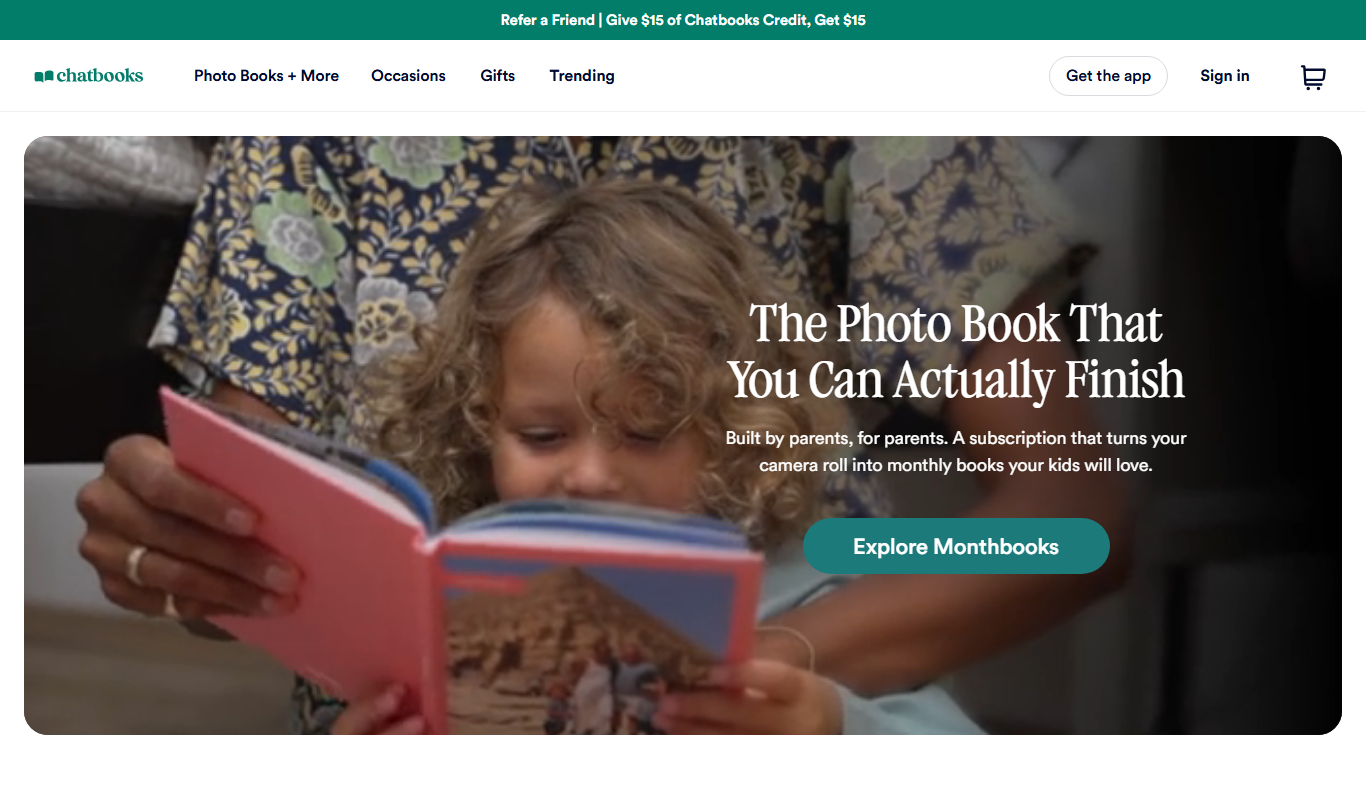
Chatbooks is a platform and app that simplifies creating personalized photo books by automatically importing photos from your phone or social media, offering subscription and one-time purchase options for printed albums.

Pillow
Pillow is a free, open-source Python library that extends the original Python Imaging Library (PIL) to provide extensive image processing capabilities including editing, filtering, and format conversion.