

From my experience with PhotoFairy, I found it excels at simplifying complex photo editing tasks through AI automation. The tool’s background removal and upscaling features deliver professional-quality results quickly, making it a great fit for photographers and e-commerce sellers who need fast, reliable enhancements without deep technical skills. However, the lack of mobile or desktop apps and limited free credits may restrict some users. Overall, if you want straightforward AI-powered photo enhancement accessible via web, PhotoFairy offers a solid, affordable solution.
PhotoFairy AI Photo Enhancement Tool for Professional Image Editing Online
PhotoFairy is an AI-based online photo enhancement tool that automates background removal, retouching, and image upscaling to improve photo quality quickly and easily.
- Best for
- Professional Photo Retouching
- Key capability
- AI Background Removal
Your actions
Save PhotoFairy, follow its updates and vote on it — everything stays in your account.
Sign in or create a free account
What is PhotoFairy?
PhotoFairy is an AI-powered online photo enhancement tool designed to simplify and accelerate professional image editing. It leverages artificial intelligence to perform tasks such as background removal, photo retouching, upscaling, and restoration, enabling users to improve photo quality without advanced editing skills.
Key features of PhotoFairy
PhotoFairy offers automated background removal, AI-based retouching, image upscaling, and photo restoration features through an easy-to-use web interface. It streamlines complex editing tasks, making professional-quality photo enhancement accessible to a broad audience.
AI Background Removal
Automatically detects and removes backgrounds from photos with precision.
Smart Photo Retouching
Enhances facial features, smooths skin, and adjusts lighting for professional results.
High-Quality Image Upscaling
Increases image resolution while preserving details and minimizing artifacts.
Photo Restoration Tools
Repairs old or damaged photos by removing imperfections and restoring colors.
User-Friendly Web Interface
No software installation required; accessible from any modern web browser.
Pros and cons of PhotoFairy
Pros
- Easy-to-use web platform with no installation
- Automated AI tools save time on editing
- Supports multiple photo enhancement features
- Affordable pricing with a free tier
- High-quality output suitable for professional use
Cons
- Limited free credits may restrict heavy users
- No desktop or mobile app versions available
- Country of origin and company details are not clearly disclosed
Key use cases for PhotoFairy
Professional Photo Retouching
Enhance portraits and product photos with AI-powered retouching tools to improve clarity, color, and detail.
Background Removal
Automatically remove or replace backgrounds in images for marketing, e-commerce, or creative projects.
Image Upscaling
Increase photo resolution without losing quality, ideal for printing or high-resolution displays.
Photo Restoration
Restore old or damaged photos by removing blemishes, scratches, and enhancing faded colors.
Social Media Content Creation
Quickly enhance images to create eye-catching visuals for social media posts and ads.
How PhotoFairy works
- 1
Upload Your Photo
Start by uploading the image you want to enhance to the PhotoFairy web platform.
- 2
Select Enhancement Features
Choose from options like background removal, retouching, or upscaling based on your editing needs.
- 3
Apply AI Enhancements
The AI processes your photo automatically, improving quality and applying selected effects.
- 4
Download Enhanced Image
Review the results and download the enhanced photo in high resolution.
Who is using PhotoFairy
Photographers and photo editors
E-commerce sellers needing product photo enhancements
Social media marketers and content creators
Small business owners
Graphic designers seeking quick photo fixes
PhotoFairy pricing
Free
$0/month
Limited daily credits for basic photo enhancements.
Pro
$9.99/month
Increased credits, access to all features, and faster processing.
Business
$29.99/month
Priority support, bulk processing, and team collaboration features.
Plans and prices are as published by the vendor and can change. Check the official site before you buy. Open the pricing page (opens in a new tab)
Frequently asked questions about PhotoFairy
Yes, PhotoFairy is designed for users of all skill levels with an intuitive interface and automated AI features.
Common formats like JPG, PNG, and BMP are supported for upload and download.
PhotoFairy uses secure servers and encryption to protect your images and personal data.
Yes, subscriptions can be canceled at any time without penalties.
It depends on your specific needs and how you plan to use the tool. The official website and documentation are the best sources for the latest details.
Pricing depends on the plan and included features. For the most accurate and up-to-date details, check the official pricing page.
Yes, it can help with that use case depending on how you configure it and what features are available. You’ll get the best results with clear inputs and a defined goal.
It depends on your specific needs and how you plan to use the tool. The official website and documentation are the best sources for the latest details.
Sign in to review this tool.
Sign In to ReviewNo reviews yet
Be the first to share how this tool worked for you.
Ask about pricing, limits, or how it compares — or answer someone else.
Sign In to AskNo questions yet
Have a question about using or paying for this tool? Be the first to ask.
Featured on TiorAI



Alternative Tools
Explore similar AI tools that might fit your needs

Free
Fotor
Fotor is an online photo editing and graphic design tool offering AI-powered enhancements, templates, and batch processing across web and mobile platforms.
More AI Ai Tools tools
Other tools in the same category, for when this one is not quite the fit.

Freemium
PlaninGo
PlaninGo is an AI travel planning tool that generates personalized trip itineraries and guides based on your preferences, helping you plan efficient and enjoyable trips.

Free
Pogo Travel
Pogo Travel is an AI-driven platform that generates personalized travel itineraries based on your preferences, travel dates, and interests, offering collaborative planning and offline access.

Freemium
TravelBot AI Travel Assistant
TravelBot AI Travel Assistant is a web-based platform that uses artificial intelligence to help users create personalized travel itineraries, book flights and hotels, and receive tailored travel recommendations based on preferences and budget.
Freemium
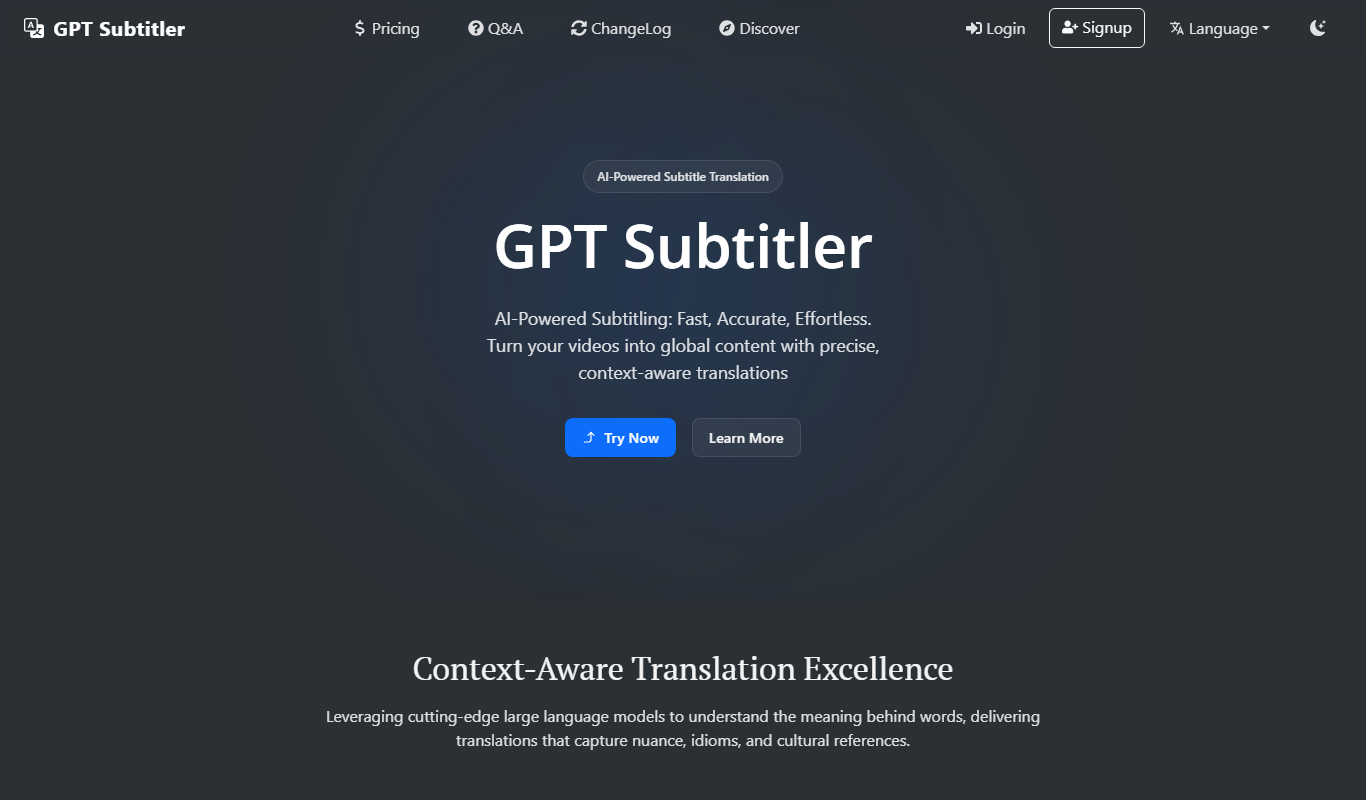
GPT Subtitler
GPT Subtitler translates subtitle files in 100+ languages with context-aware AI, or transcribes audio and video into editable captions.
Free
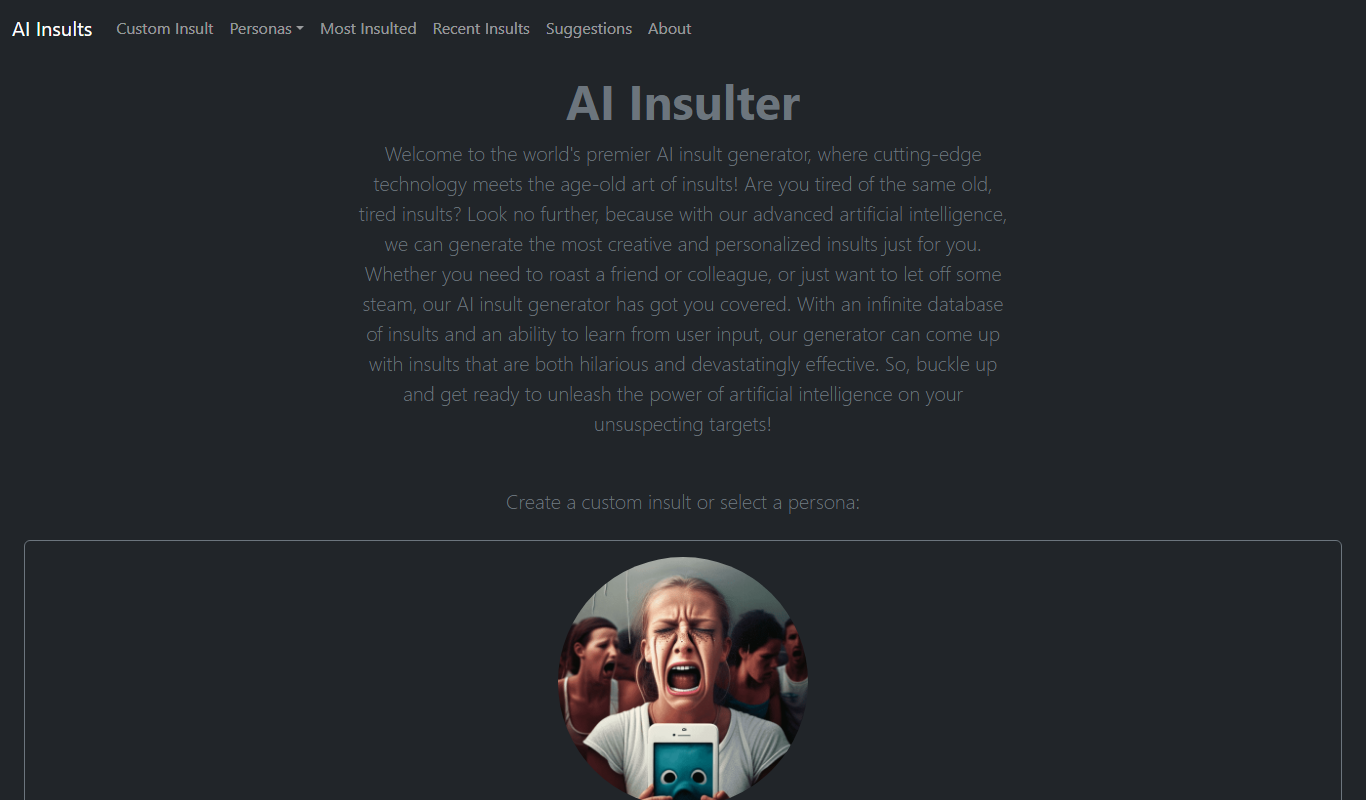
AI Insult Generator
AI Insult Generator is a free web-based tool that creates humorous and creative insults instantly for entertainment and creative use.

Pay As You Go
rotorvideos.com
Rotor Videos is an AI-driven online platform that helps users create professional music videos by automatically syncing visuals to audio tracks and applying customizable visual effects.

Free Trial
Postwise
Postwise is an AI-driven social media scheduler that automates posting, optimizes timing, and provides analytics to enhance social media marketing efforts.

Free
TLDR this
TLDR This is an AI-based tool that summarizes long texts into concise summaries, helping users quickly understand key points from articles, reports, and other documents.