
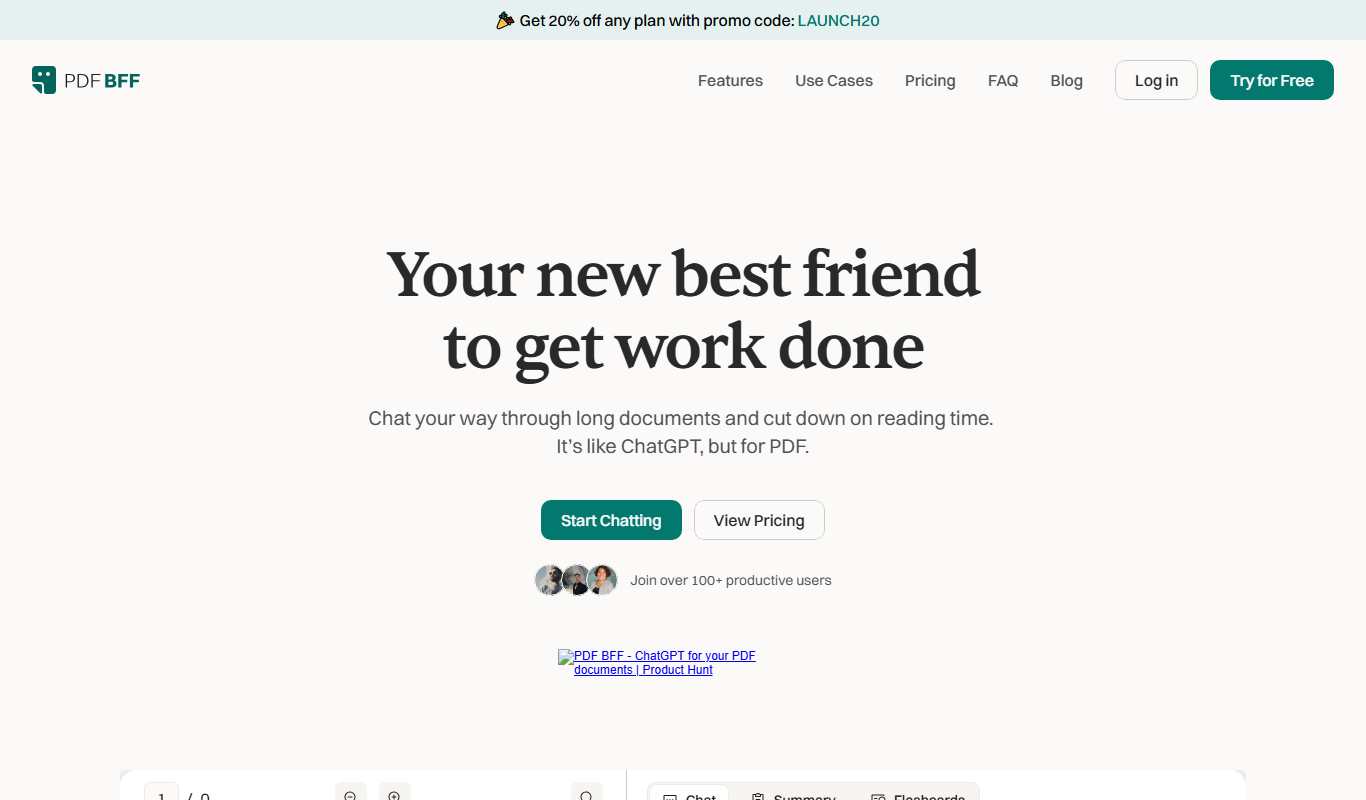
From my experience with PDF BFF, I found it excels at quickly extracting text from both digital and scanned PDFs with impressive accuracy thanks to its AI-powered OCR. The summarization feature is particularly useful for digesting lengthy documents without losing key information. While the tool is web-based and easy to use, it currently supports only English and lacks a mobile app, which might limit flexibility for some users. Overall, PDF BFF is a solid choice for professionals and businesses looking to automate PDF workflows and save time on document processing.
PDF BFF AI Tool for Smart PDF Management and Document Automation
PDF BFF is an AI-driven web tool that extracts text, summarizes, searches, and converts PDFs to improve document handling efficiency.
Tech Stack:
JavaScript
Machine Learning
Python
What is PDF BFF?
PDF BFF is an AI-powered web application designed to simplify and enhance PDF document management. It leverages advanced machine learning and OCR technologies to extract, summarize, search, and convert PDF content efficiently. The tool is ideal for professionals who handle large volumes of PDFs and need to automate repetitive tasks related to document processing.
Key Features of PDF BFF
AI-Powered OCR
Accurately extracts text from scanned and image-based PDFs.
Document Summarization
Creates concise summaries to highlight key points in lengthy documents.
Advanced Search
Enables fast and precise search within PDF content.
PDF Conversion
Converts PDFs into editable formats like Word or plain text.
User-Friendly Interface
Simple drag-and-drop upload and intuitive controls for ease of use.
Pros and Cons of PDF BFF
Pros
- Accurate AI-based text extraction including scanned PDFs
- Time-saving document summarization feature
- Easy-to-use web interface with drag-and-drop support
- Flexible pricing plans including free tier
- Supports multiple PDF-related workflows
Cons
- Limited language support (English only)
- No dedicated mobile app available
- Advanced features require paid subscription
Key Use Cases for PDF BFF
PDF Text Extraction
Extract text content from scanned or digital PDF documents quickly and accurately using AI-powered OCR.
Document Summarization
Generate concise summaries of lengthy PDF files to save time on reading and comprehension.
PDF Content Search
Search through large PDF documents or collections to find relevant information instantly.
Data Extraction for Workflows
Automate extraction of structured data from PDFs to integrate with business processes.
PDF Conversion and Editing
Convert PDFs into editable formats and perform basic edits leveraging AI assistance.
How PDF BFF Works
-
1
Upload PDF
Users upload their PDF files directly through the web interface.
-
2
AI Processing
The AI engine analyzes the document using OCR and natural language processing.
-
3
Choose Action
Select from options like text extraction, summarization, search, or conversion.
-
4
Download or Export
Receive processed output in desired formats or integrate with workflows.
Who's Using PDF BFF
Legal professionals handling contracts and case files
Researchers needing quick document summarization
Small to medium businesses automating document workflows
Students and educators managing academic papers
Administrative staff processing scanned documents
PDF BFF Pricing
Free
$0/month
Limited number of PDF pages processed per month with basic features.
Pro
$19/month
Higher page limits, priority processing, and access to all advanced features.
Enterprise
Custom pricing
Tailored solutions with dedicated support and API access for large organizations.
Frequently Asked Questions About PDF BFF
Yes, PDF BFF uses AI-powered OCR to accurately extract text from scanned PDFs.
The free plan has monthly limits on pages processed; higher limits are available on paid plans.
It supports basic editing and conversion to editable formats but is not a full PDF editor.
Enterprise plans offer API access for integration with business workflows.
Yes, it can help with that use case depending on how you configure it and what features are available. You’ll get the best results with clear inputs and a defined goal.
Pricing depends on the plan and included features. For the most accurate and up-to-date details, check the official pricing page.
Yes, it can help with that use case depending on how you configure it and what features are available. You’ll get the best results with clear inputs and a defined goal.
Share your review
Reviews are limited to one per logged-in user and are published after moderation.
You need an account to review this tool.
0.0
★
★
★
★
★
0 reviews
5 star
0
4 star
0
3 star
0
2 star
0
1 star
0
No reviews yet
Be the first to share how this tool worked for you.
Questions from the community
Read questions and answers about this tool, or ask your own.
No questions yet
Start the conversation by asking the first question about this tool.
Is this tool helpful?
Alternative Tools
Explore similar AI tools that might fit your needs

Free
Smallpdf
Smallpdf is an online platform providing a suite of PDF tools including editing, converting, compressing, and e-signing documents accessible via web and mobile apps.
One-time purchase
PDFpen
PDFpen is a Mac and iOS PDF editor that lets you edit text and images, annotate, fill forms, sign documents, and use OCR to convert scanned PDFs into editable text.
Free Trial
AI PDF bank statement parser
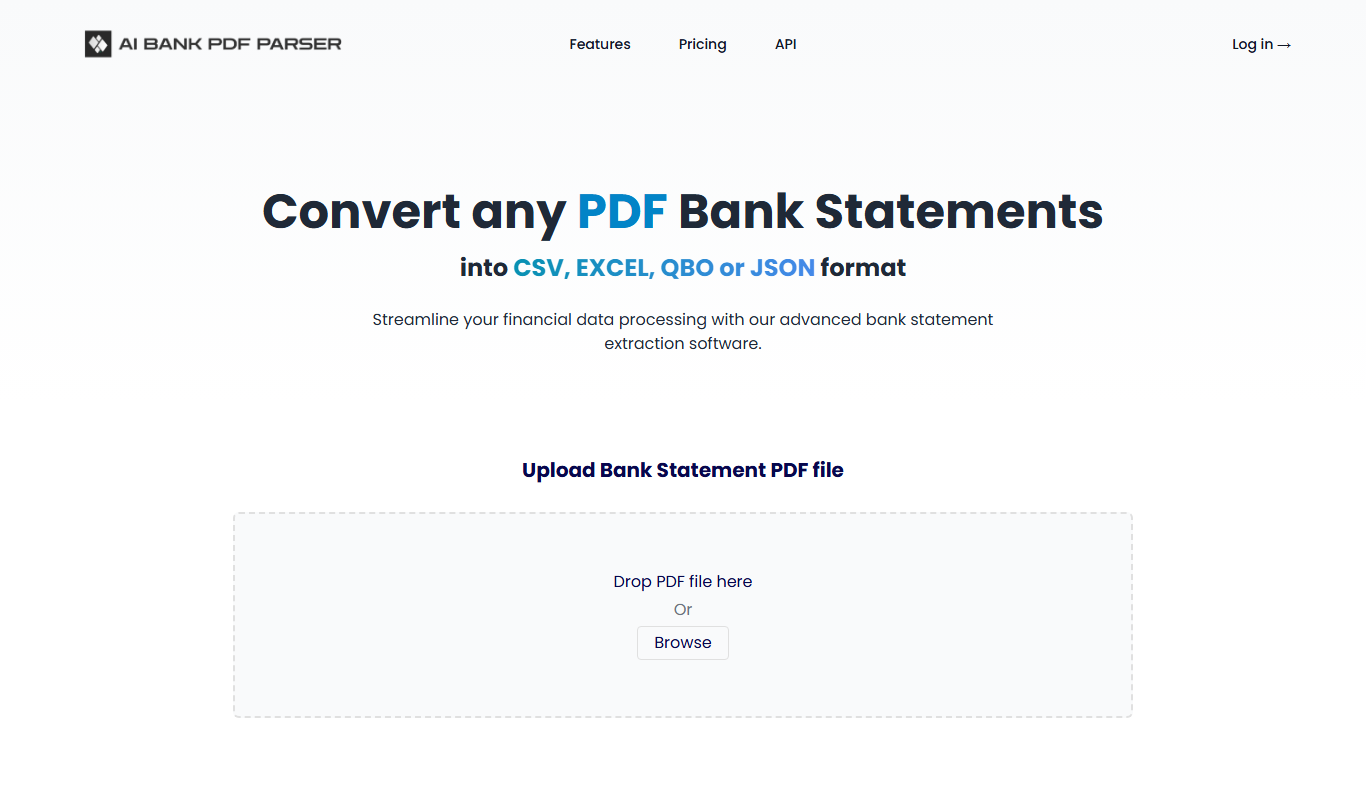
AI PDF Bank Statement Parser is a web-based tool that uses AI and OCR to automatically extract transaction and account data from PDF bank statements, enabling faster financial data processing and integration.
Free
SumsItUp!
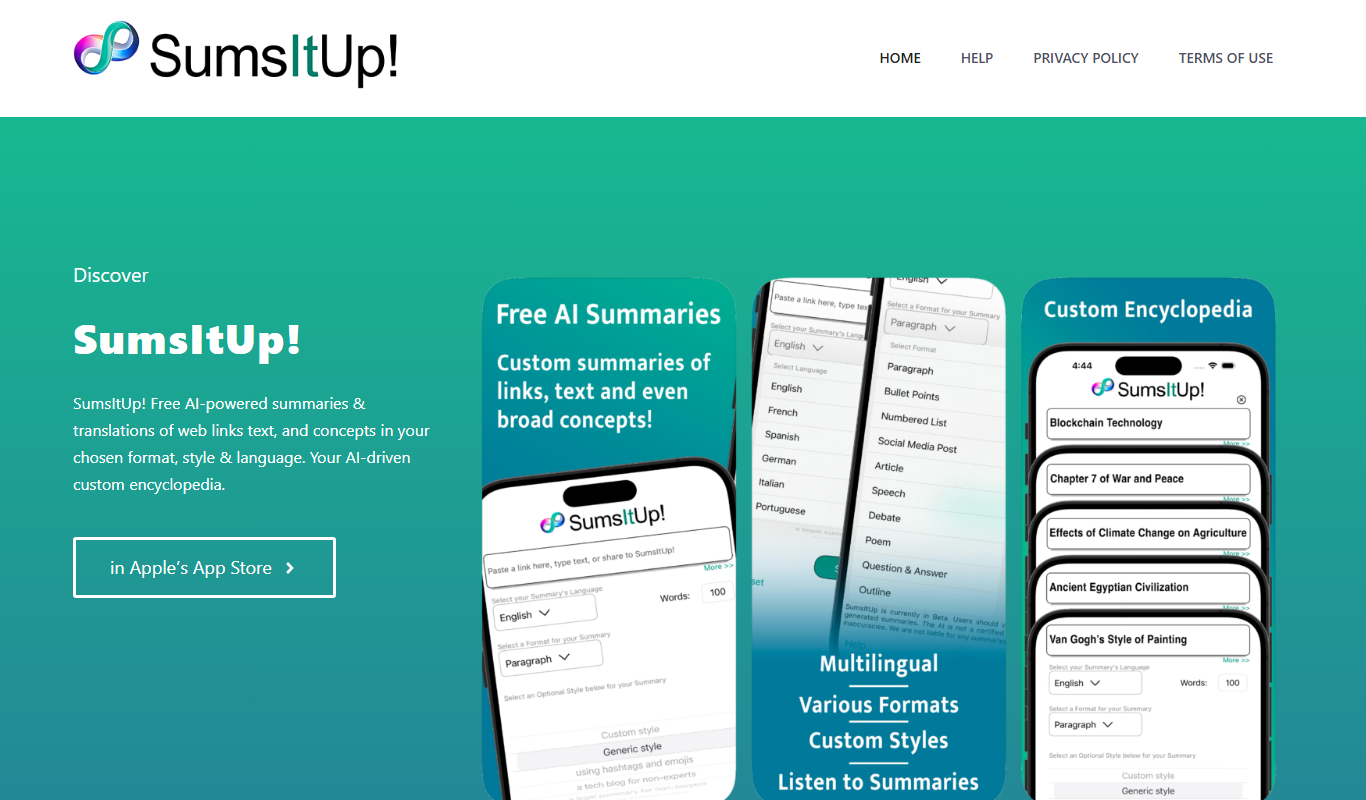
SumsItUp! is an AI-based tool that summarizes lengthy text into concise, easy-to-understand summaries, saving time and improving comprehension.
Freemium
Solace AI
Solace AI is an AI-driven mental health platform that provides emotional support and therapeutic conversations through a chatbot interface, helping users manage stress and anxiety.

Free
PDFChat
PDFChat is an AI chatbot that enables users to upload PDF files and ask questions about their content, providing instant, conversational answers extracted from the document.
Freemium
NuMind
NuMind is an AI platform that simplifies data analysis and predictive modeling through automated machine learning and interactive visualization, designed for both technical and non-technical users.
Free
aiPDF
aiPDF is an AI-driven platform that allows users to upload PDF files and interact with their content through a chatbot interface, enabling quick answers and summaries from documents.

Free
Wholesum Food Calculator
Wholesum Food Calculator is a web-based tool that provides detailed nutritional analysis and meal planning features, helping users track macros and micros accurately.

Free
pdfy
PDFy is an AI-powered web tool that summarizes PDF documents quickly by extracting key points, helping users save time reading lengthy files.