

Patreon Platform for Creators to Monetize Content and Build Communities
Patreon is a membership platform that enables creators to earn recurring revenue by offering exclusive content and perks to their supporters through subscription tiers.
- Best for
- Monetize Creative Content
- Key capability
- Membership Tiers
Save Patreon, follow its updates and vote on it — everything stays in your account.
Sign in or create a free account
What is Patreon?
Patreon is a membership platform that allows creators to earn sustainable income by providing exclusive content and experiences to their fans. It supports artists, writers, podcasters, musicians, and other creators in building a direct financial relationship with their audience through monthly subscriptions.
Key features of Patreon
Patreon offers tools for subscription management, tiered memberships, content hosting, community engagement, analytics, and payment processing, all designed to empower creators to monetize their work effectively.
Membership Tiers
Flexible subscription levels with customizable perks for different supporter segments.
Content Hosting
Host and share exclusive posts, videos, audio, and images directly on Patreon.
Community Engagement Tools
Built-in messaging, polls, and comment features to interact with patrons.
Payment Processing
Secure handling of recurring payments with multiple payout options.
Analytics Dashboard
Insights into patron growth, earnings, and engagement metrics.
Pros and cons of Patreon
Pros
- Enables predictable recurring revenue for creators
- Robust tools for community building and engagement
- Supports diverse content types and membership tiers
- Handles payment processing and compliance
- Integrates with popular social and content platforms
Cons
- Platform fees reduce overall earnings
- Payment processing fees can add up
- Limited customization of creator pages
- Some creators find patron acquisition challenging
Key use cases for Patreon
Monetize Creative Content
Creators can earn recurring revenue by offering exclusive content and perks to subscribers.
Build and Engage Fan Communities
Patreon enables creators to foster closer relationships with their audience through membership tiers and direct communication.
Offer Tiered Memberships
Creators can design multiple subscription levels with varying benefits to suit different supporter preferences.
Manage Payments and Payouts
Patreon handles payment processing, subscription management, and timely payouts to creators.
Integrate with Other Platforms
Creators can connect Patreon with social media and content platforms to streamline promotion and content delivery.
How Patreon works
- 1
Create a Creator Page
Sign up and set up a personalized page showcasing your work and membership options.
- 2
Define Membership Tiers
Design subscription levels with specific rewards and pricing to attract supporters.
- 3
Publish Exclusive Content
Share posts, videos, podcasts, or other media exclusively with your patrons.
- 4
Engage Your Community
Interact with patrons through messages, polls, and updates to build loyalty.
- 5
Receive Payments
Patreon processes payments and transfers earnings to your bank account regularly.
Who is using Patreon
Patreon pricing
Standard platform fee
10% platform fee
New creators pay one 10% platform fee with all features.
Legacy plans
Lite 5%, Pro 8%, Premium 12%
Lite, Pro and Premium are legacy plans only for creators who joined before August 2025.
Plans and prices are as published by the vendor and can change. Check the official site before you buy. Open the pricing page (opens in a new tab)
Frequently asked questions about Patreon
New creators pay one 10% platform fee with all features; Lite, Pro and Premium remain only as legacy plans.
Yes, Patreon allows creators to set up multiple subscription levels with different benefits.
Creators can share videos, audio, images, text posts, and other digital content exclusively with patrons.
Patrons pay monthly or per creation via credit card or PayPal, depending on availability.
It depends on your specific needs and how you plan to use the tool. The official website and documentation are the best sources for the latest details.
It depends on your specific needs and how you plan to use the tool. The official website and documentation are the best sources for the latest details.
Yes, it can help with that use case depending on how you configure it and what features are available. You’ll get the best results with clear inputs and a defined goal.
It depends on your specific needs and how you plan to use the tool. The official website and documentation are the best sources for the latest details.
Conclusion
A creator starts with a personalized page, then designs membership tiers with specific rewards and pricing. Posts, videos, podcasts and other media can be shared exclusively with patrons, while messages, polls and updates keep the community engaged. Patrons pay monthly or per creation via credit card or PayPal, depending on availability.
It is designed for independent artists and musicians, podcasters and video creators, and writers and journalists. New creators pay a single 10% platform fee that includes all features, while the Lite, Pro and Premium plans at 5%, 8% and 12% remain only as legacy options for creators who joined before August 2025. Payment processing fees can add up on top of that.
Sources
Sign in to review this tool.
Sign In to ReviewNo reviews yet
Be the first to share how this tool worked for you.
Ask about pricing, limits, or how it compares — or answer someone else.
Sign In to AskNo questions yet
Have a question about using or paying for this tool? Be the first to ask.
Featured on TiorAI



Alternative Tools
Explore similar AI tools that might fit your needs

Substack
Substack is a platform that helps writers and creators publish email newsletters and monetize them through paid subscriptions, providing tools for audience management and analytics.
More Business Management tools
Other tools in the same category, for when this one is not quite the fit.

Percepto Autonomous Inspection
Percepto Autonomous Inspection is an AI-powered autonomous drone platform that automates industrial site inspections, providing real-time anomaly detection, 3D mapping, and remote asset monitoring to enhance safety and operational efficiency.

Intuit ProConnect
Intuit ProConnect is a cloud-based tax software designed for professional accountants and tax firms to prepare, review, and electronically file federal and state tax returns efficiently.

Visier People Analytics
Visier People Analytics is a cloud-based platform that helps organizations analyze workforce data to improve talent management, predict turnover, and support strategic HR decisions.

LogicManager
LogicManager is a cloud-based governance, risk, and compliance software platform designed to help organizations identify, assess, and mitigate risks while ensuring regulatory compliance through audit, policy, and incident management tools.
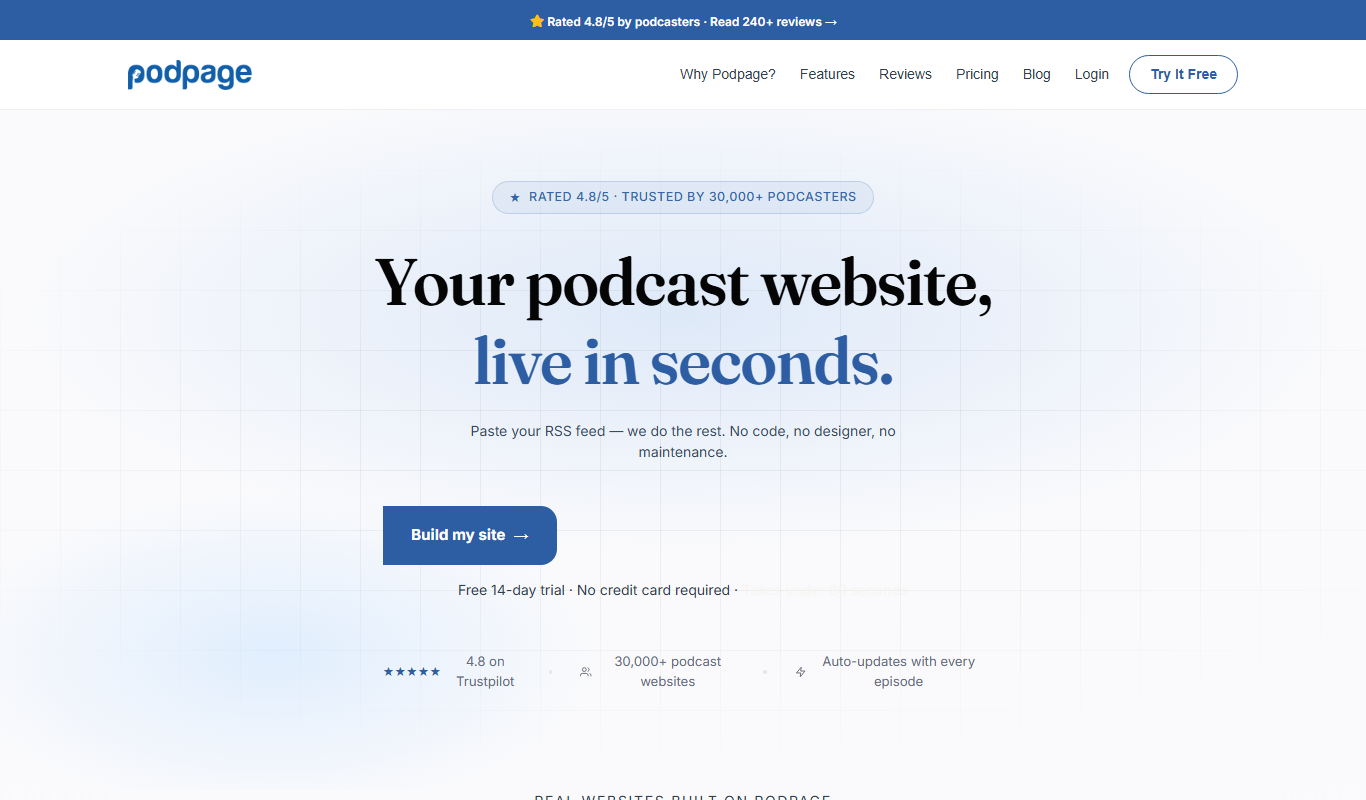
Podpage
Podpage is a web platform that automatically creates and manages podcast websites by importing episodes from your RSS feed, offering SEO optimization and customization without coding.
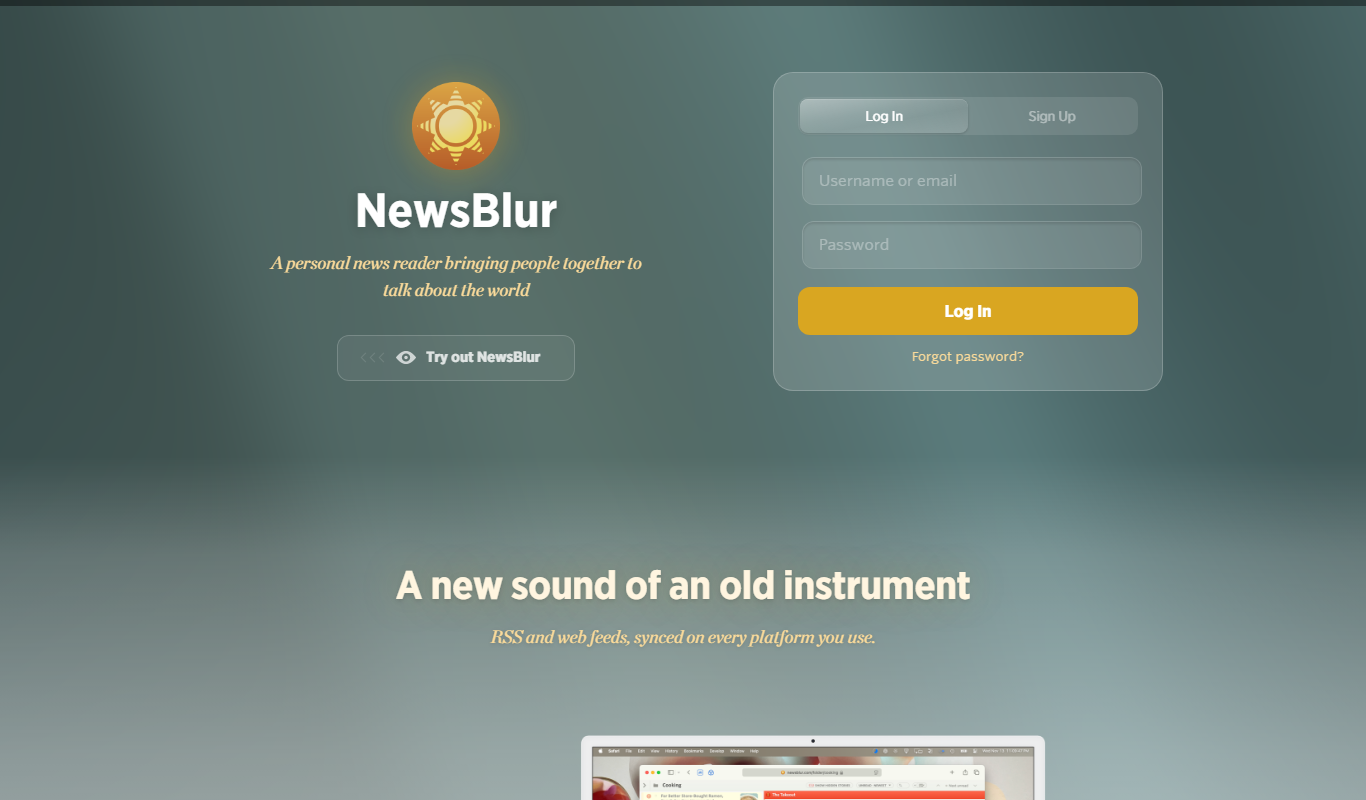
NewsBlur
NewsBlur is a personal RSS reader and news aggregator that collects and filters news from multiple sources, allowing users to customize their news feed and read across web and mobile platforms.
Clinked
Clinked is a secure client portal platform that enables businesses to collaborate with clients and teams through file sharing, task management, messaging, and workflow automation in a branded environment.
VinSolutions CRM
VinSolutions CRM is a specialized customer relationship management platform designed for automotive dealerships to manage leads, automate sales processes, and run targeted marketing campaigns.